
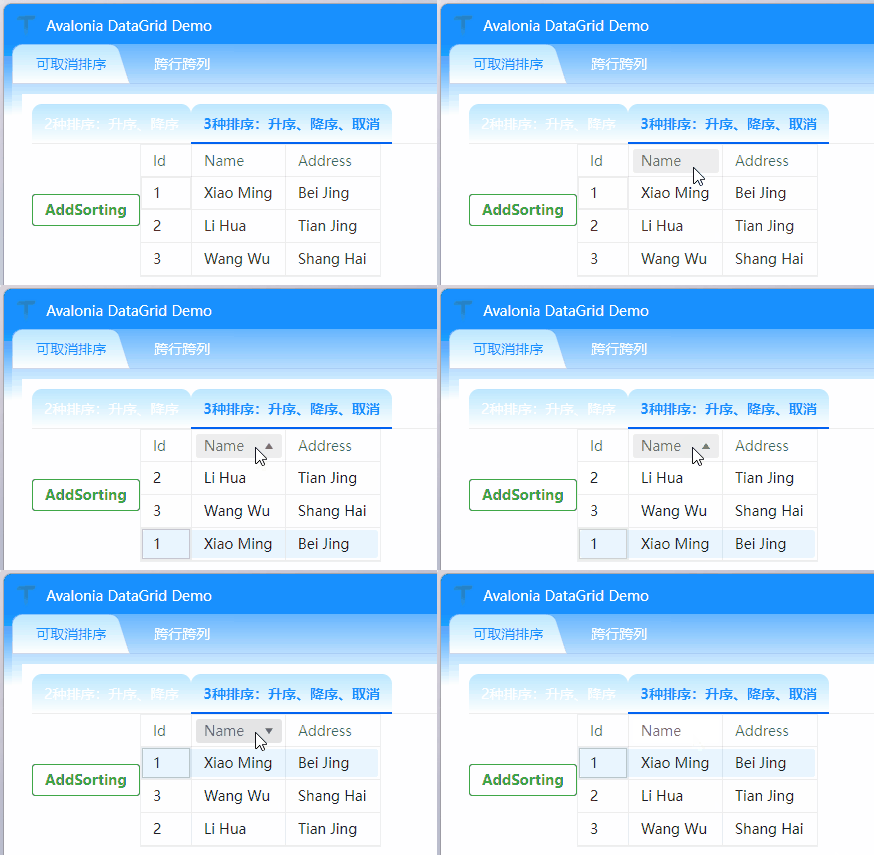
需求背景
默认DataGrid点击列头只能在升序(↑)、降序(↓)两种状态间切换:
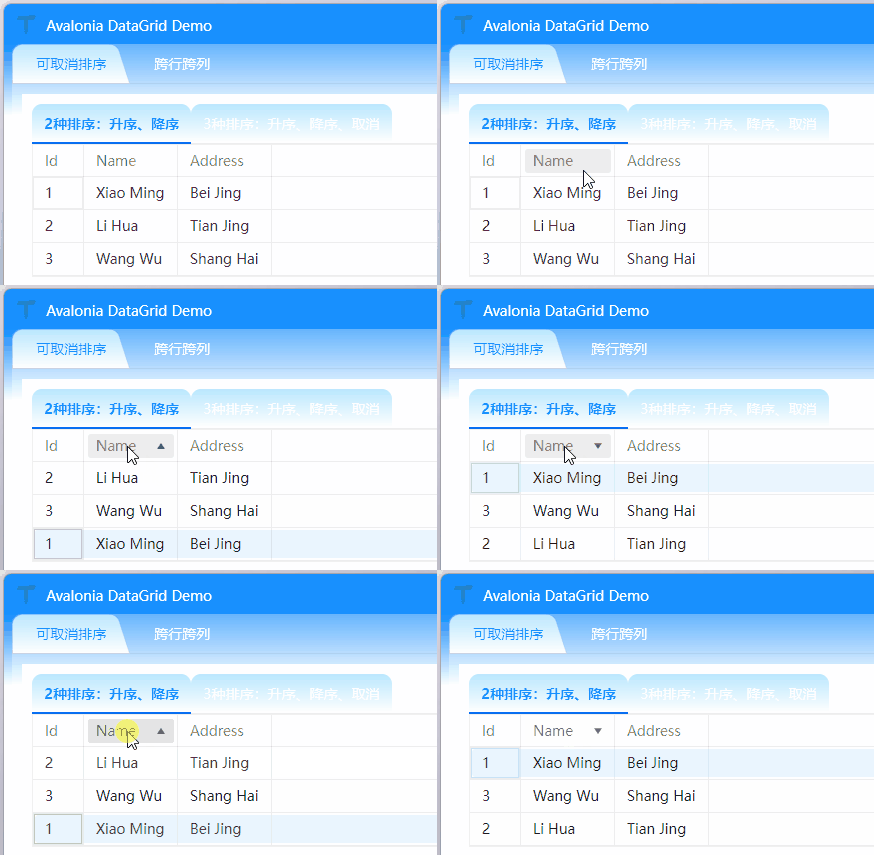
但在实际业务场景中,用户可能需要快速恢复默认数据排序。
实现方案
可爱的同事提供的方法,有更好的实现方式欢迎留言:
public static class DataGridExtension
{
    public static void AddSorting(this Avalonia.Controls.DataGrid dataGrid)
    {
        var view = new DataGridCollectionView(dataGrid.ItemsSource);
        dataGrid.Sorting += (s, e) =>
        {
            if (s is not Avalonia.Controls.DataGrid) return;

            var memberPath = e.Column.SortMemberPath;
            var sortDescription = view.SortDescriptions.FirstOrDefault(d => d.PropertyPath == memberPath);
            if (sortDescription is not null && sortDescription.Direction == ListSortDirection.Descending)
            {
                view.SortDescriptions.Clear();
                e.Handled = true;
            }

            dataGrid.ItemsSource = view;
            view.Refresh();
        };
    }
}
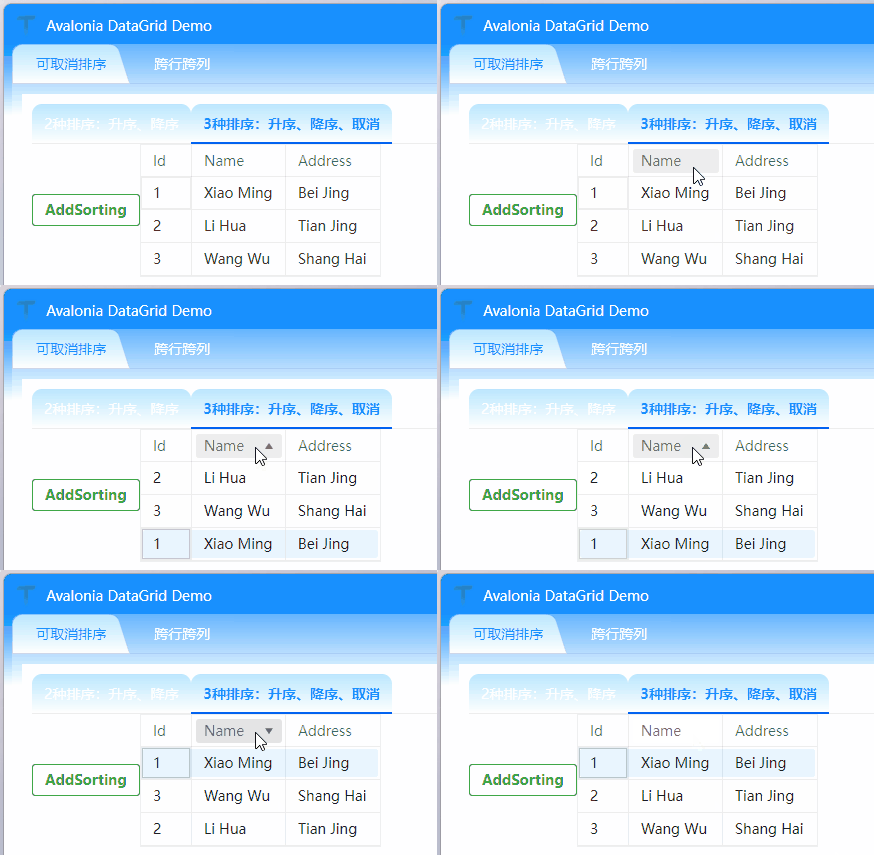
效果演示
本号持续分享Avalonia实战技巧,欢迎关注,保持交流,共同进步。