
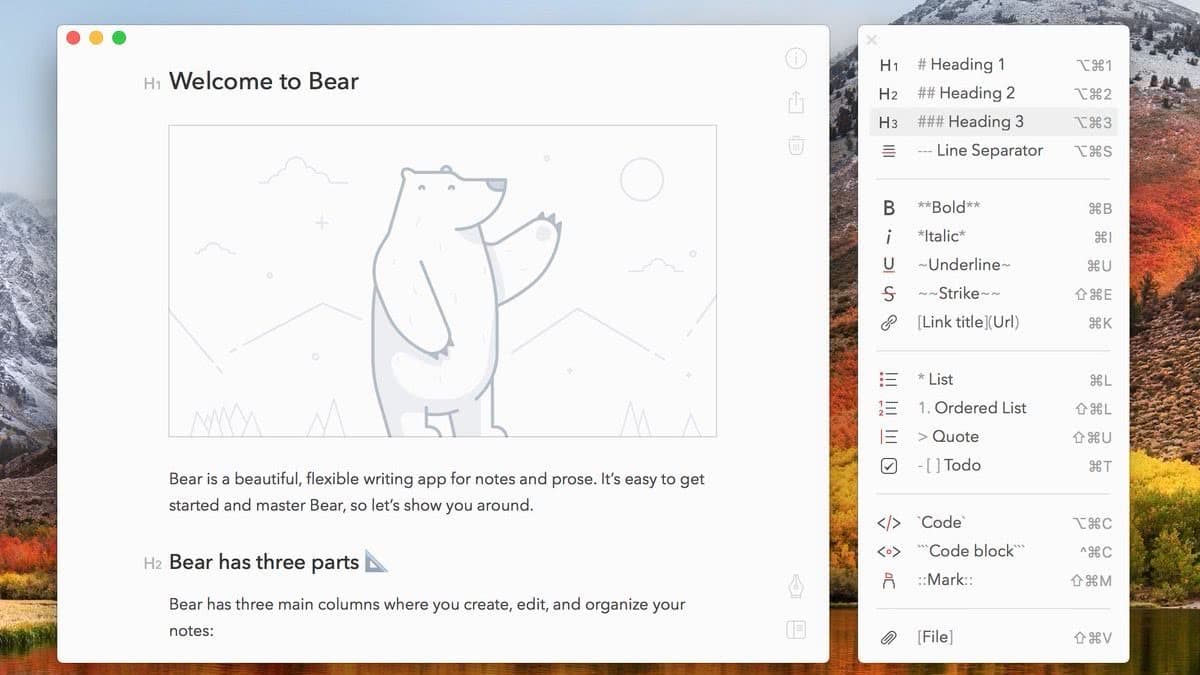
研究如何使用 Markdown 你们可能要花好几天才能搞定,但是看我的文章或者下载了源码,你搞定一般在 10 分钟之内。我先给各位介绍下它:
Markdown 是一种轻量级标记语言,它允许人们使用易读易写的纯文本格式编写文档。Markdown 语言在 2004 由约翰·格鲁伯(英语:John Gruber)创建。Markdown 编写的文档可以导出 HTML 、Word、图像、PDF、Epub 等多种格式的文档。随着它的越来越流行我们的网站自然不能落后,那么我来教大家怎么配置使用吧!
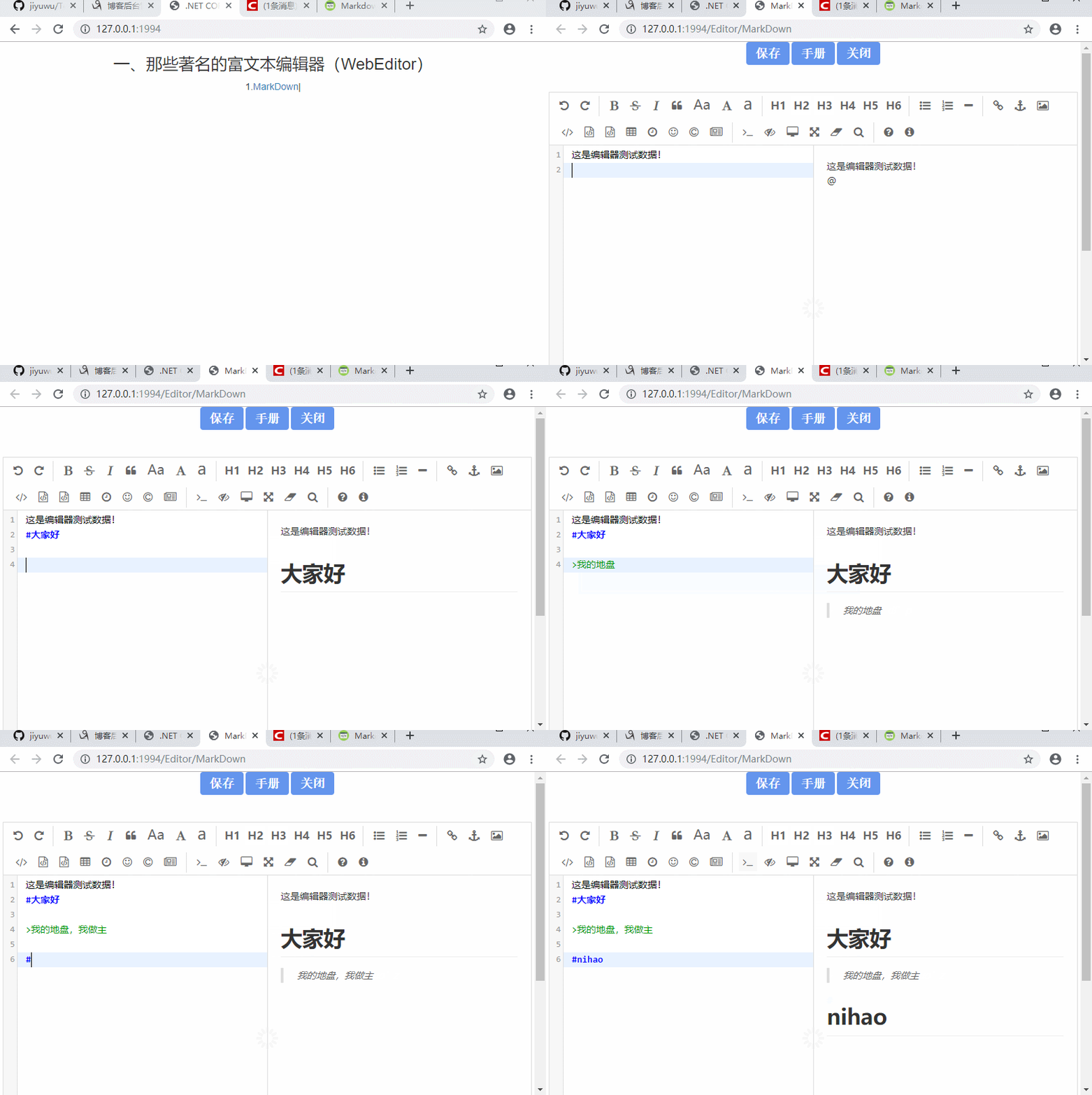
实现效果如图:
1.首先你要引用 markdown 相关文件库(开源项目地址)

<link href="~/Lib/MarkDown/css/editormd.css" rel="stylesheet" />
<link href="~/Lib/MarkDown/css/editormd.preview.css" rel="stylesheet" />
<script src="~/Lib/MarkDown/js/editormd.js"></script>
2.html 中添加编辑器(加载数据只需要放在 textarea 标签内即可加载到编辑器)
<div id="test-editormd">
  <textarea id="articleContent" style="display: none;">
@Html.Raw(Model.Context)</textarea
  >
</div>
3.设置初始化(此时暂不教大家上传图片,想了解请看我后面的博客介绍)
$(function () {
  testEditor = editormd("test-editormd", {
    width: "99%",
    height: 640,
    syncScrolling: "single",
    path: "/Lib/MarkDown/lib/",
    saveHTMLToTextarea: true,
    emoji: true,
  });
});
4.获取数据保存
function btnSave() {
  alert("html数据:" + testEditor.getHTML());
  alert("markdown数据:" + testEditor.getMarkdown());
  //保存大家根据需要保存文本就好。
}
相关推荐:
在 ASP.NET Core 中配置使用 MarkDown 富文本编辑器实现图片上传和截图上传(开源代码.net core3.0)
MarkDown 富文本编辑器怎么加载模板文件:链接
开源地址 动动小手,点个推荐吧!
注意:我们机遇屋该项目将长期为大家提供 asp.net core 各种好用 demo,旨在帮助.net 开发者提升竞争力和开发速度,建议尽早收藏该模板集合项目。