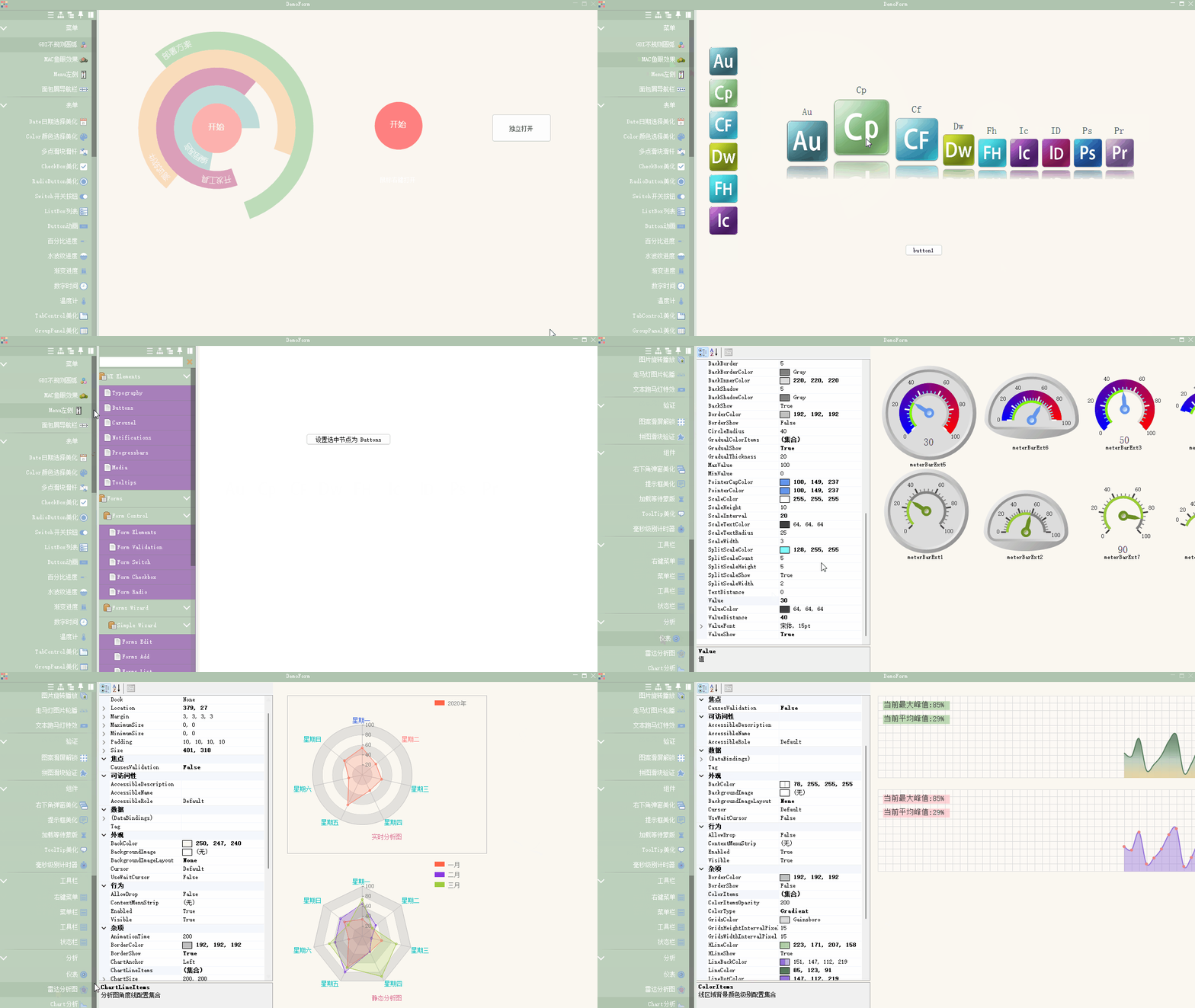
Recommended by WeChat friends, it's a pretty good Winfrom control library. Let's take a look.

introduced
Winform control library developed based on ** C#(language) 4.0**, VS2019, Net Framework 4.0(excluding Net Framework 4.0 Client Profile). C#(language) version 4.0 is adopted for compatibility, and lower version VS can also compile the project. Except for the animation functions extracted from Silverlight and the ColorEditorExt.cs Color Panel View Designer extension modified from online examples, the entire control was written on the basis of native controls by myself and did not use any third-party libraries, so use it with confidence. There is no problem of infringing on the copyright of others.
This control library was originally released as a single control on the blog, but this time it was released as a whole on gitee. Since the original controls were all independently developed, a large number of controls used the sliding effect, resulting in excessive consumption of timers. Therefore, most of the controls were modified before the overall release, and there were still bugs. Therefore, this control library is suitable for people with basic basic control development. The control itself is not complex. For example, window messages are relatively small, and are mainly implemented by overriding the Paint method. Also, all controls are currently drawn using an overall refresh method, so you can continue to optimize the controls. I usually write these controls out of curiosity and have never used them on real projects. If you use them in your own project, it's best to test whether the controls have bugs first. Why do you say this? Because when I was developing these controls, I have encountered a bug in the controls, which caused the VS to collapse and automatically close when operating the View Designer. Developing controls for a programmable view designer is still quite troublesome. You must understand the process principles of VS view designer.
on authorizing
There are the following **3 ** methods regarding authorization issues: (The following do not provide BUG resolution services, and I did not deliberately leave bugs)
**30 yuan ** (RMB) permanent license (applicable to all future versions), the control library can be integrated into your commercial system for use, but the control library cannot be used for secondary sales and authorization to others. For secondary development, see the following 2 situations.
** Free ** Permanent license (applicable to all future versions), which you can use for learning but prohibits any commercial use. But if you conduct secondary development based on these controls, when the functions of your control library are twice as powerful as the source code I licensed for free, and the code similarity is less than half, you can independently publish and sell your source code, but add a description to your source code copyright,"This control library is developed based on the Hua Mulan control library." If your secondary development results in a 90% non-similarity between your control library source code and the source code I licensed for free, you don't have to add the description just now, because I admit that a successful reference is original.
** Free ** Permanent license (applicable to all future versions), you can integrate the control library into your commercial system for free, but the control library cannot be used for secondary sales or authorization to others. Also, all files in your system that use this control library must be added with my copyright description, especially Mulan's poem cannot be deleted. Don't ask why.
Warehouse introduction
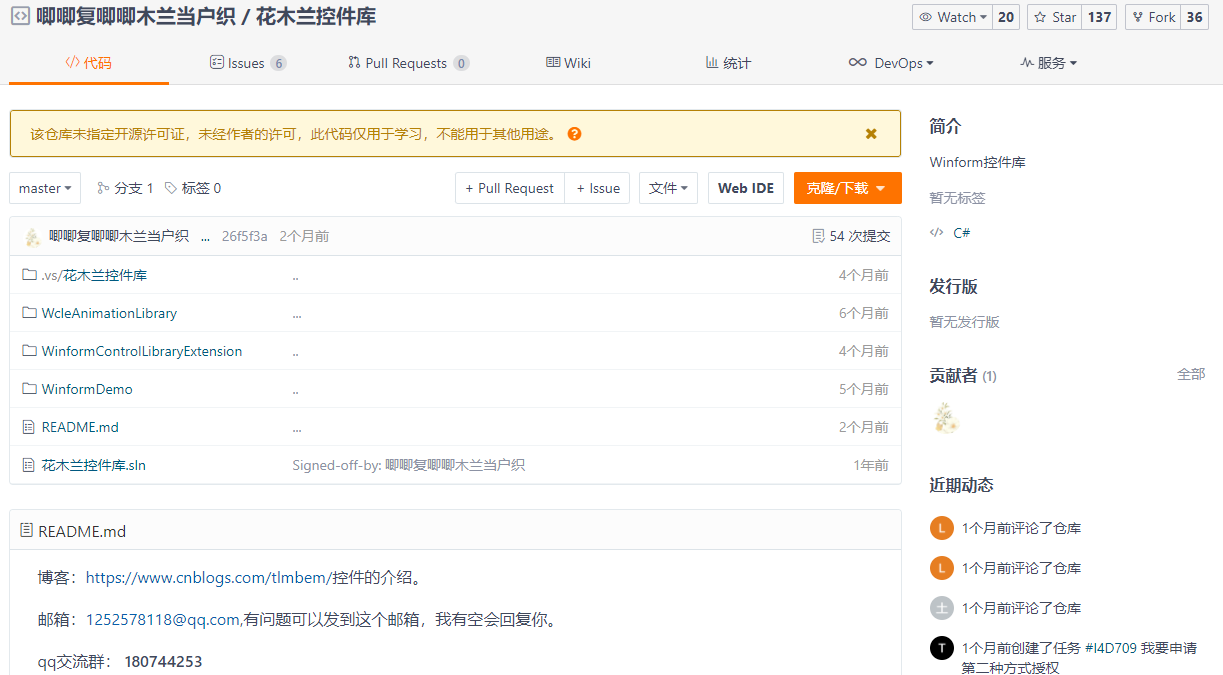
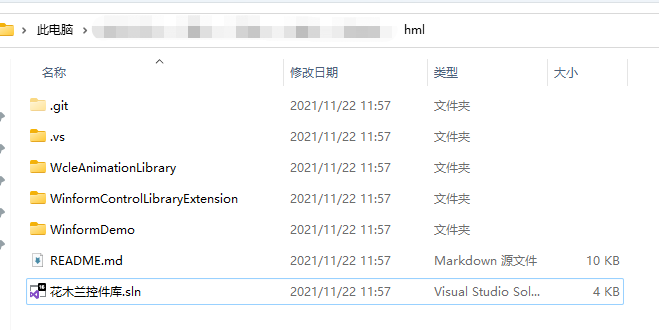
从 Gitee 仓库花木兰控件库克隆下来后,下面是仓库总体目录结构:

The author's solution uses Chinese, um, there is nothing wrong with it.
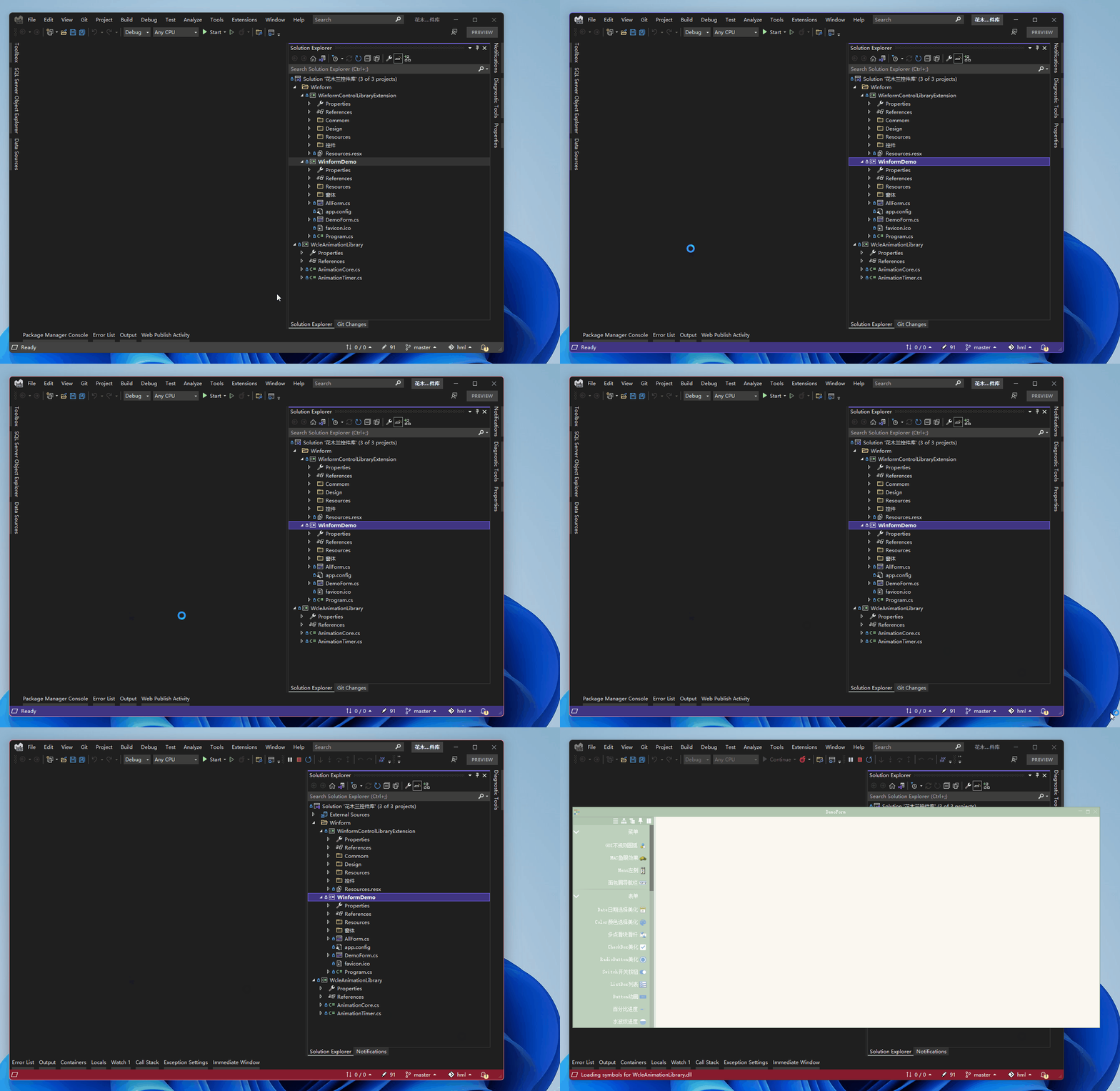
The solution is opened using [Microsoft Visual Studio Enterprise 2022 (64-bit) - Preview]. Why use the VS 2022 preview version? Isn't the official version already out? (...)
Solution structure:

我们不看源码,你有兴趣可以研究,选择WinfromDemo工程作为启动项目,F5 运行,来介绍几个效果(注:作者在仓库 readme 里已经介绍,控件运行过程中会有异常,使用请自行负责解决哟):
Run the WinformDemo project:

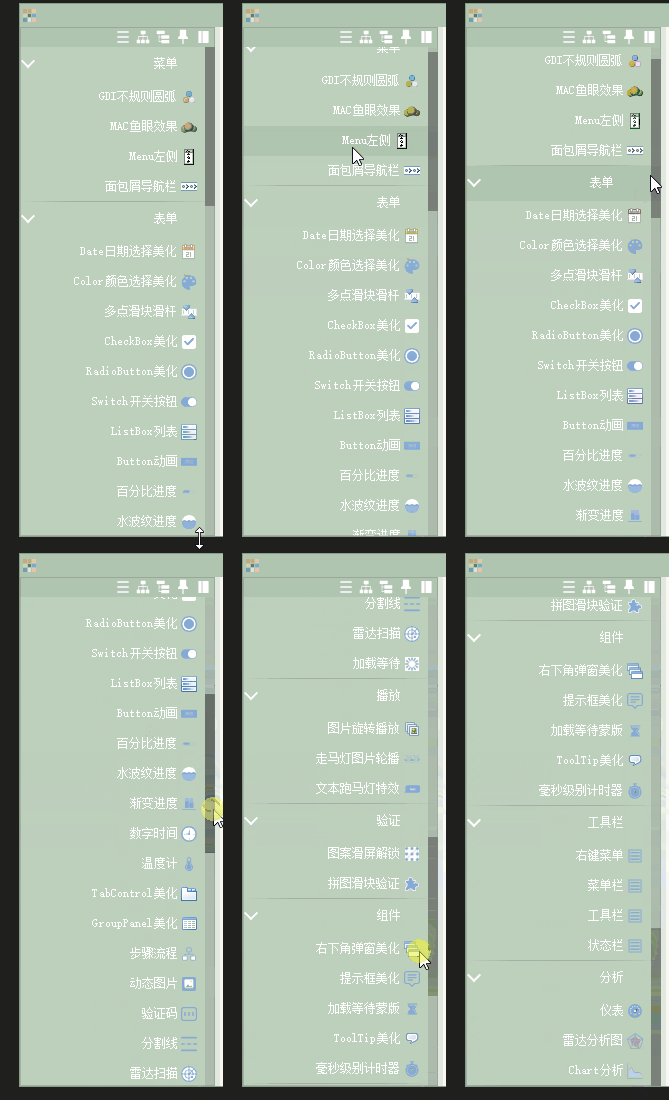
Let's first look at which controls there are. The following is the control catalog:

- menu
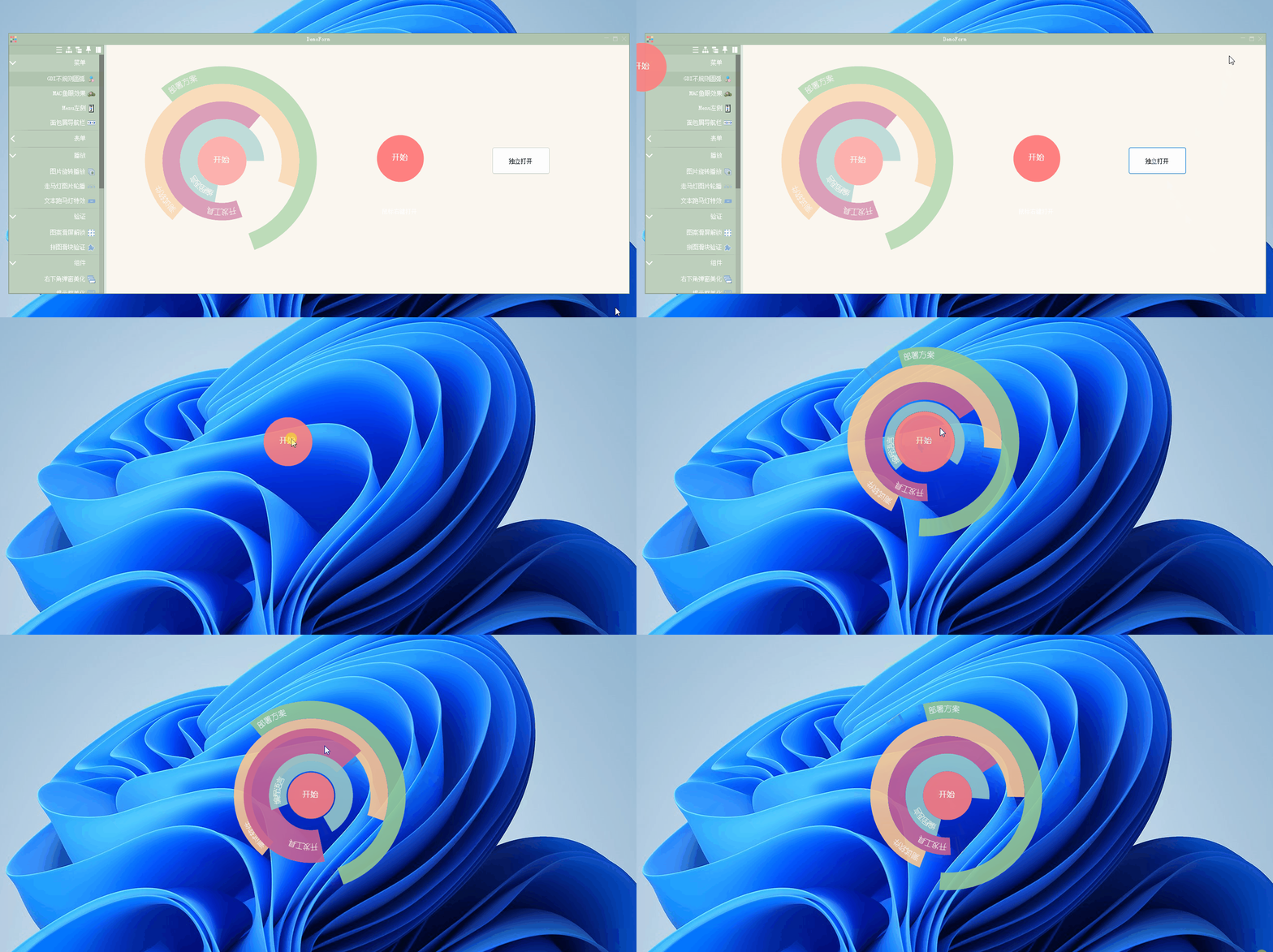
GDI irregular arcs:
Right-click to expand| closed

See the button next to it "Open Independent"? Click and try it:

You can move it, and use your imagination to use it specifically.
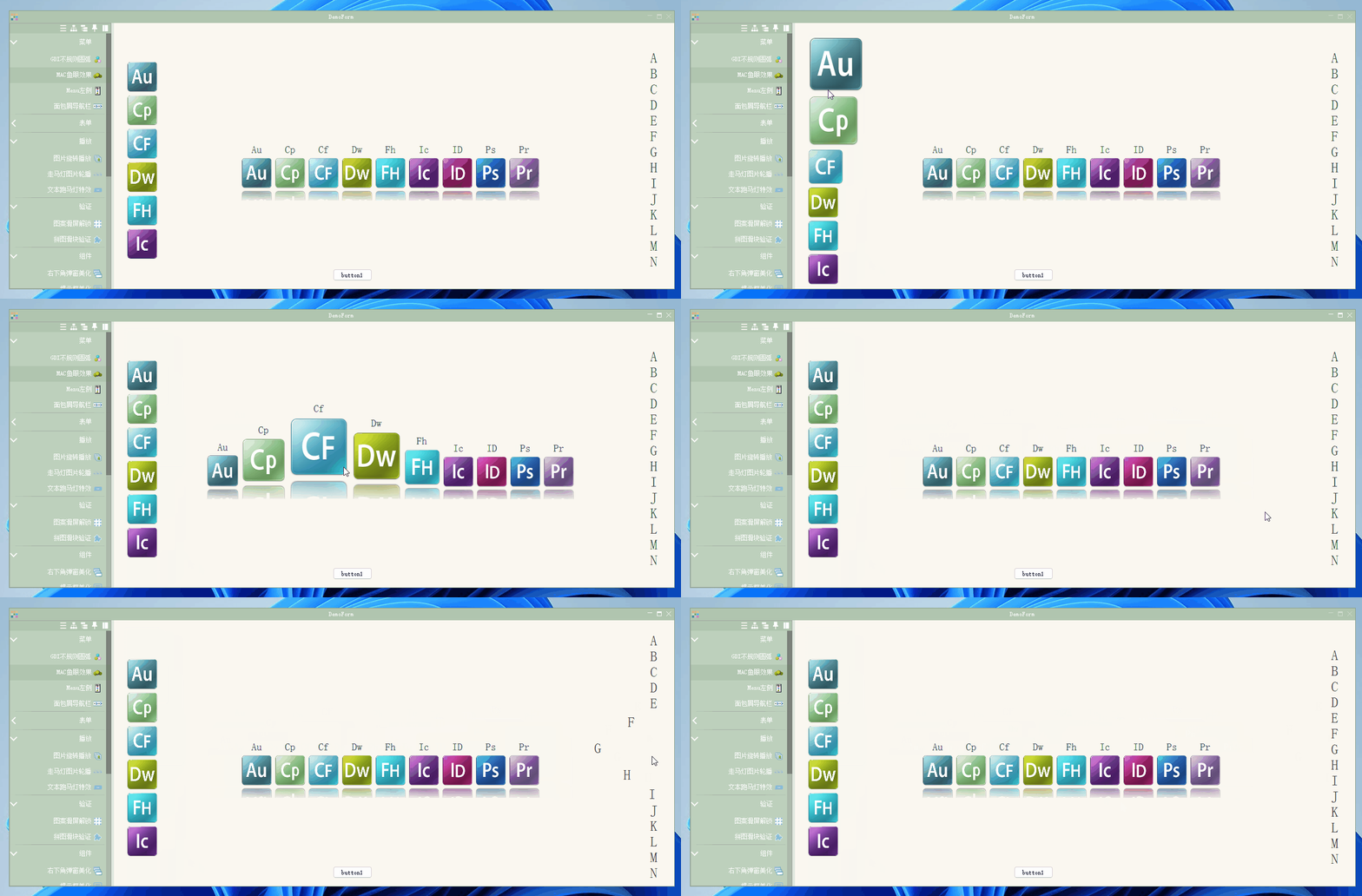
MAC fisheye effect:
Cooler MAC fisheye effect menu:

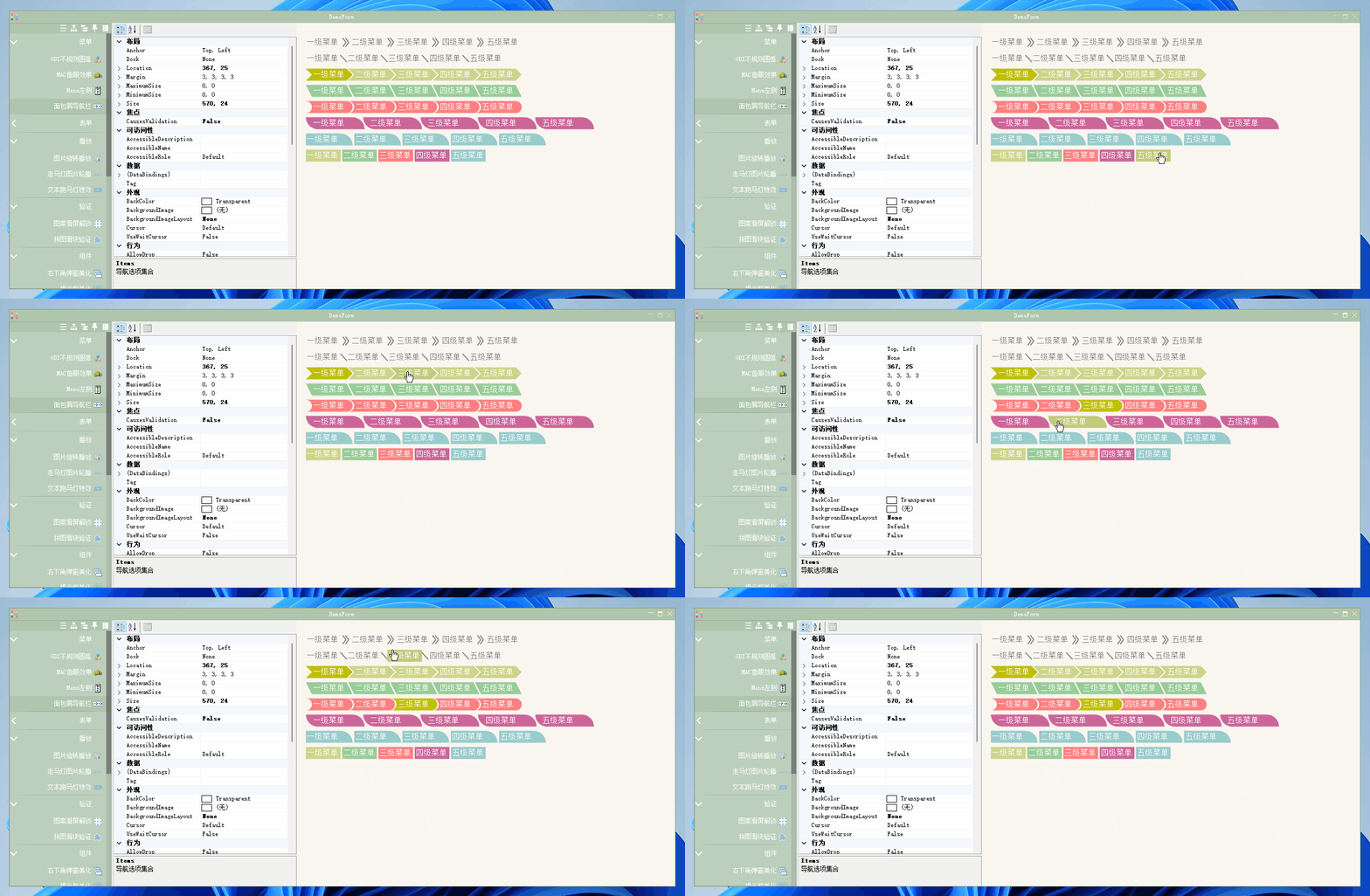
Bread crumb navigation bar:

- form
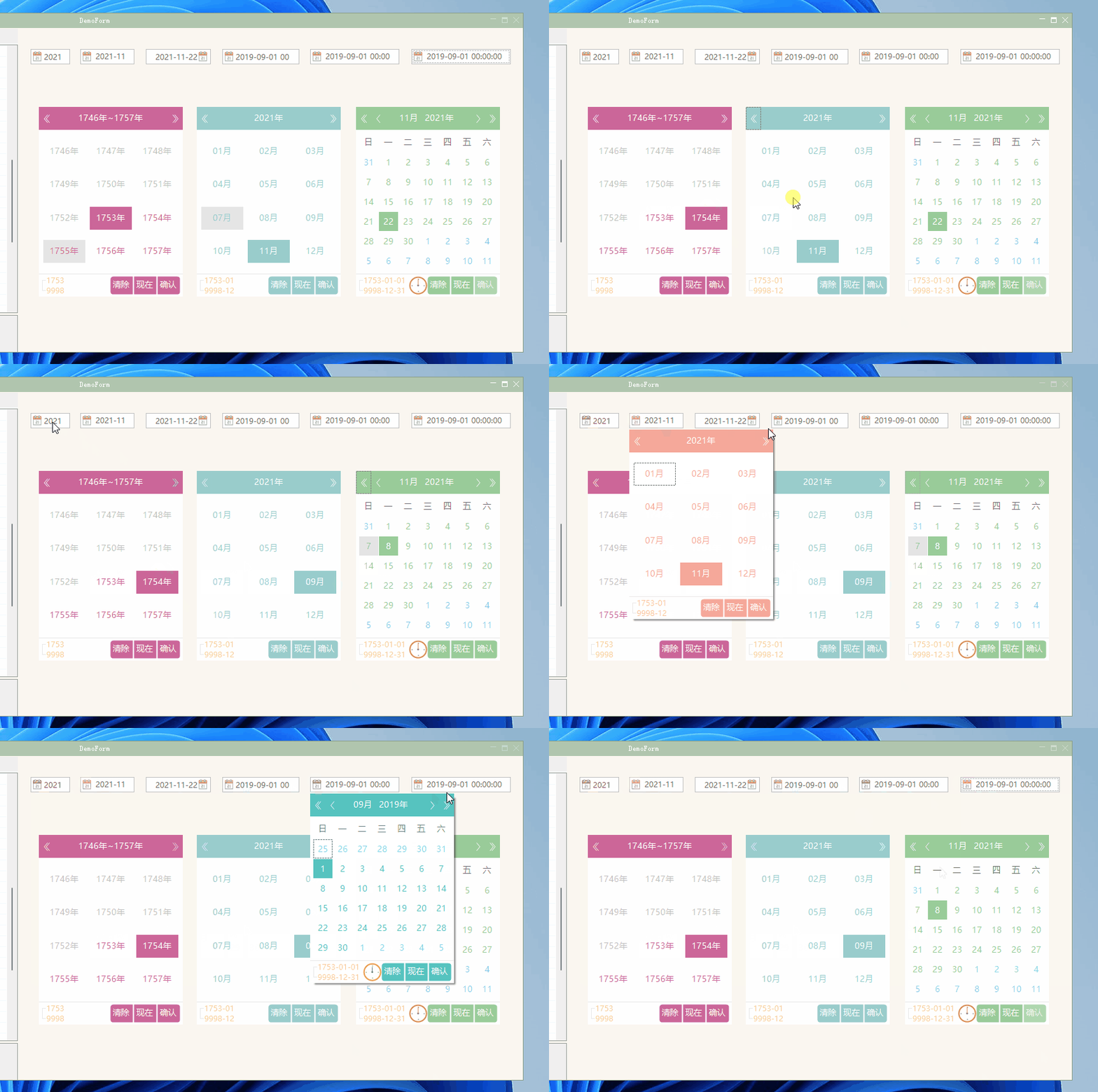
Date Date selection beautification:

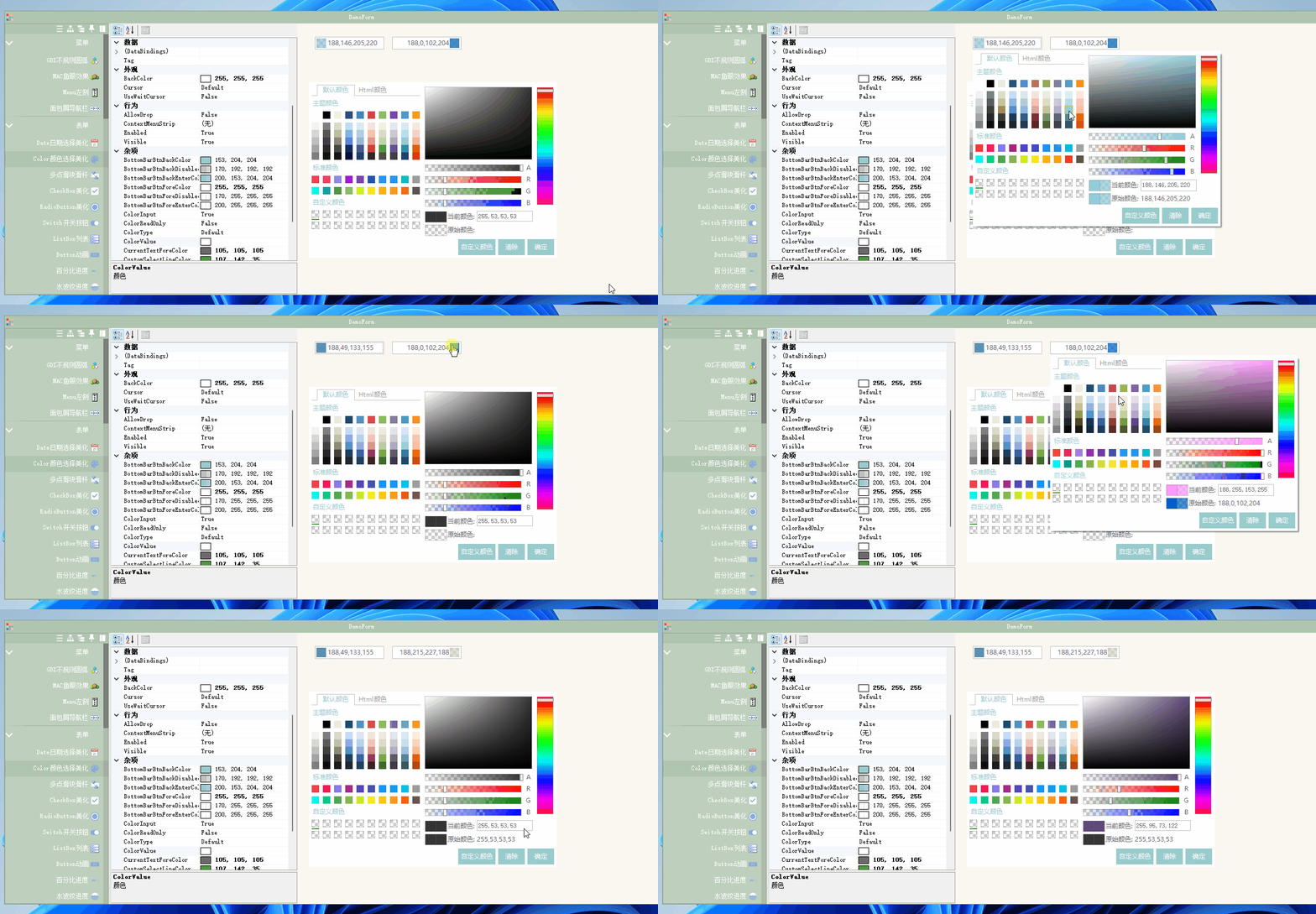
Color Color selection beautification:

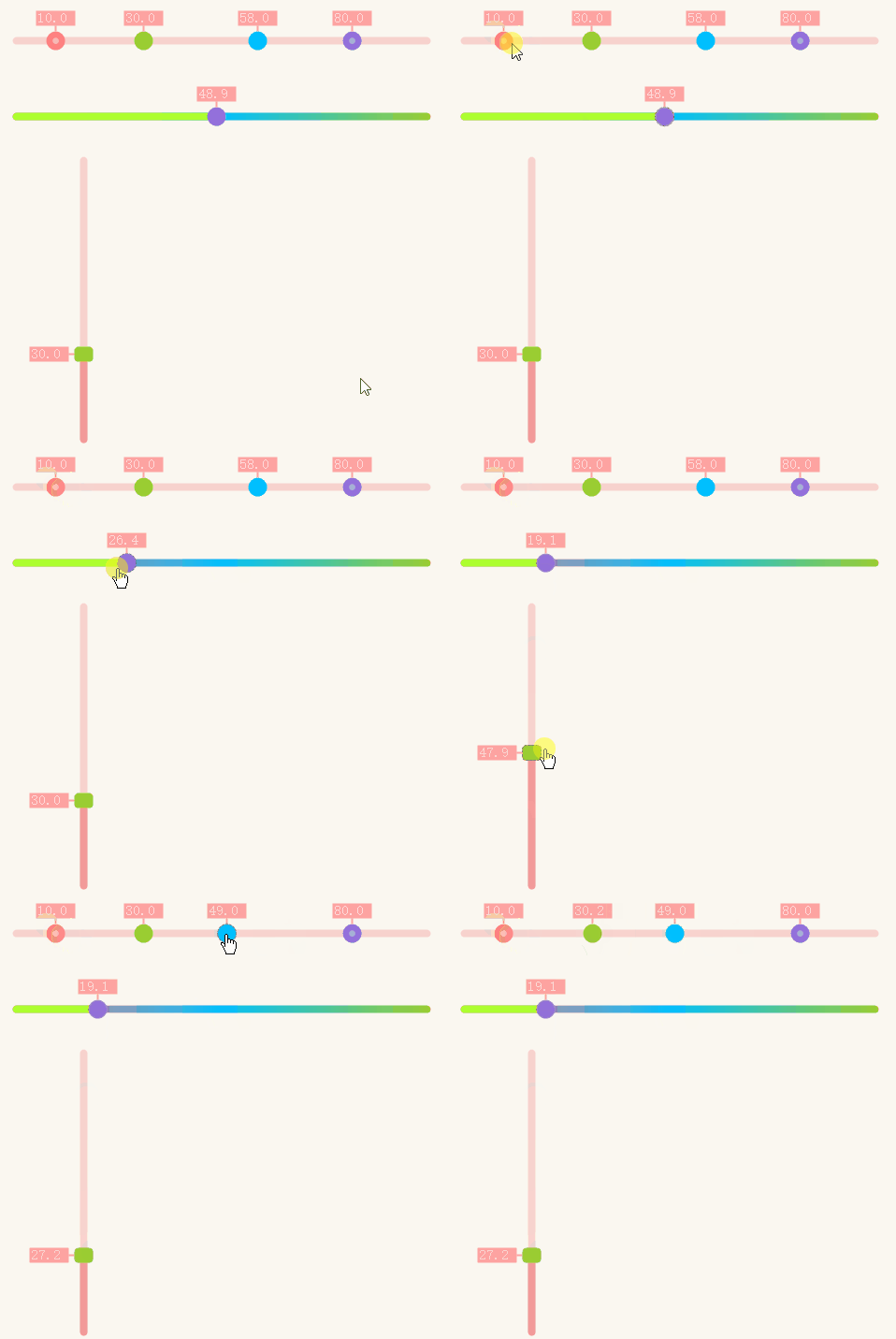
Multi-point slider slide bar:

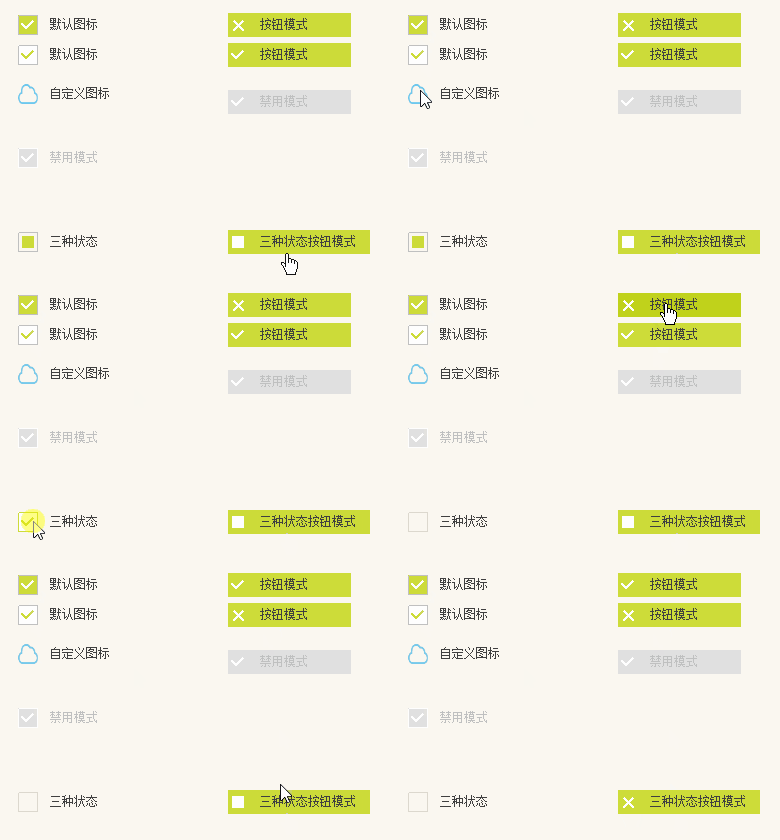
CheckBox check box:

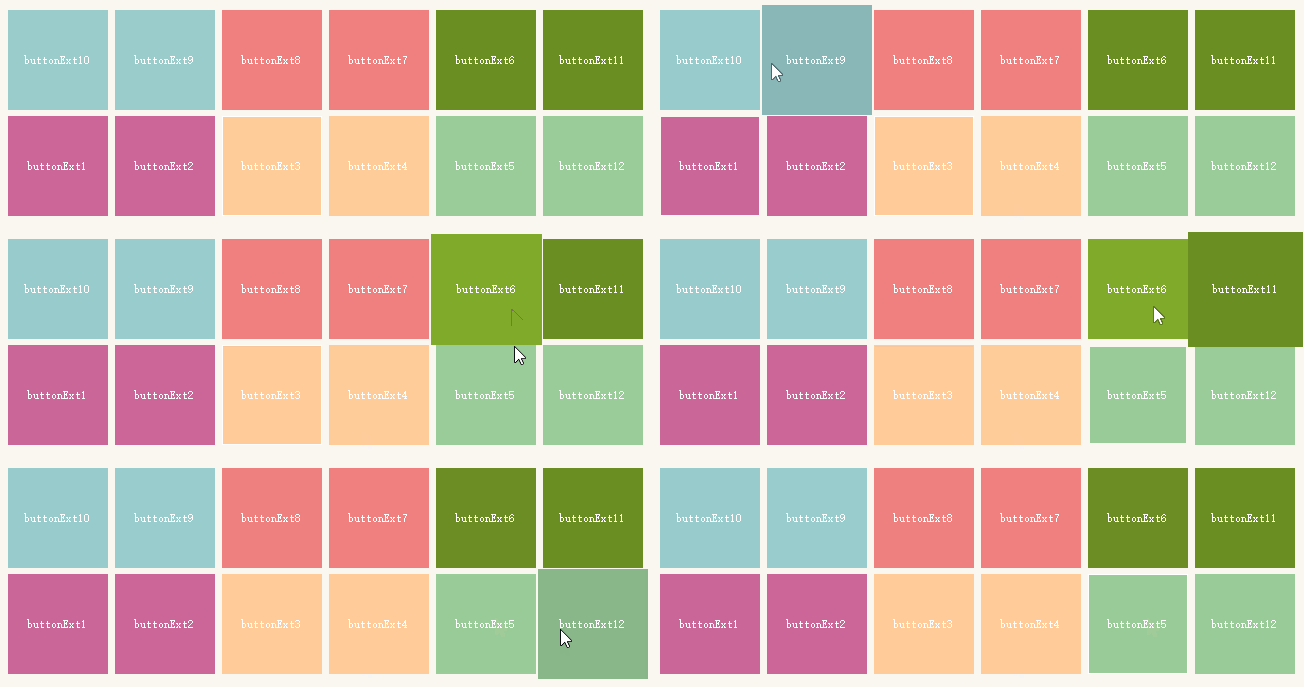
Button animation:

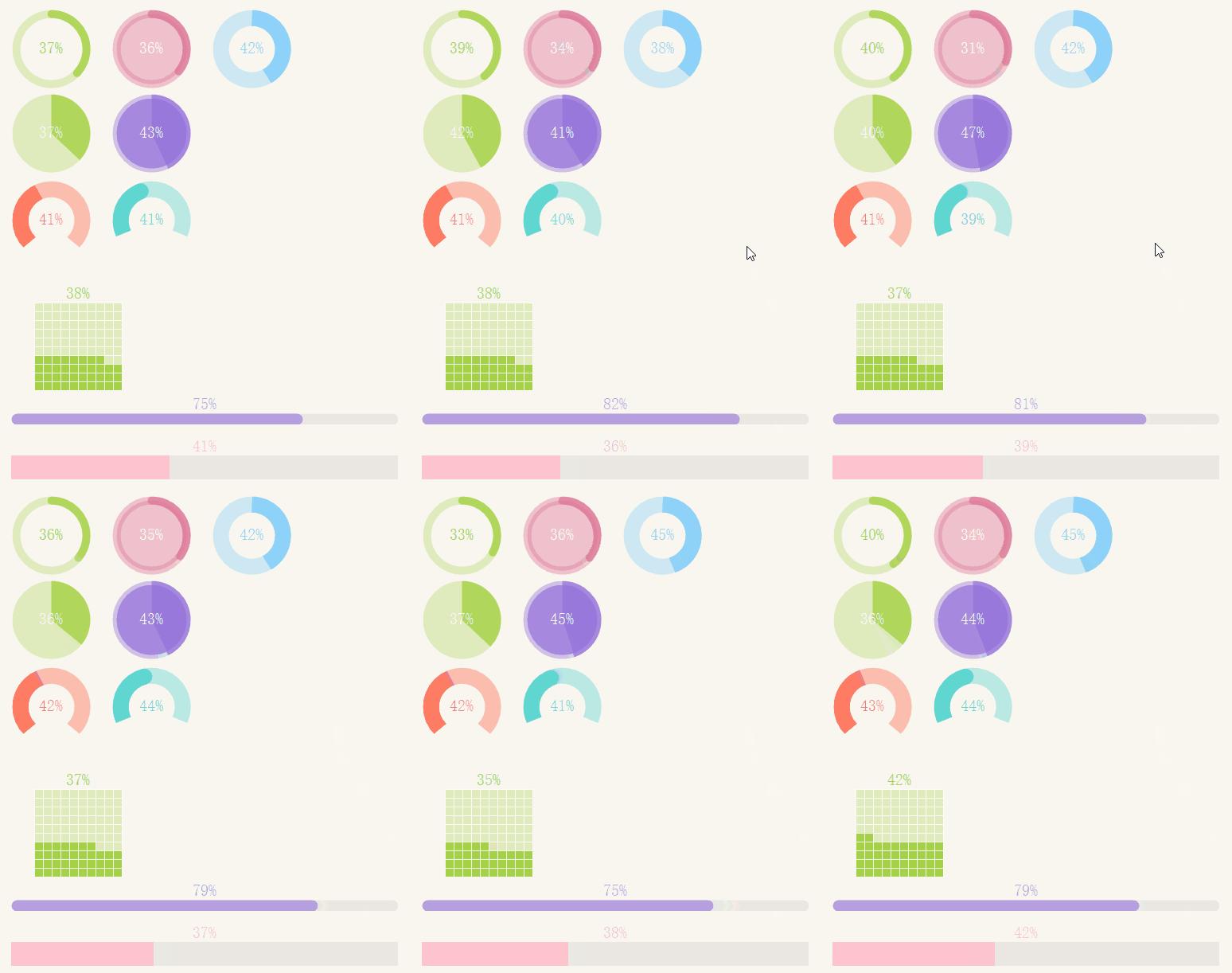
Percentage progress:

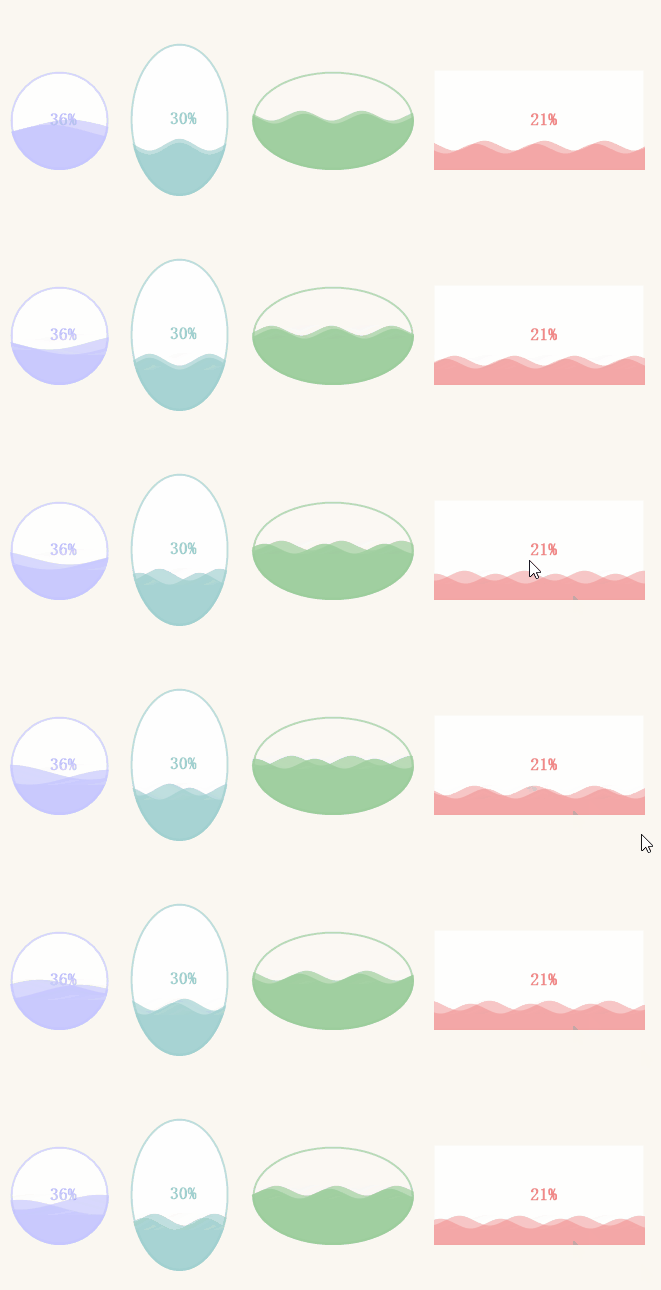
Water ripple progress:

Gradient progress:
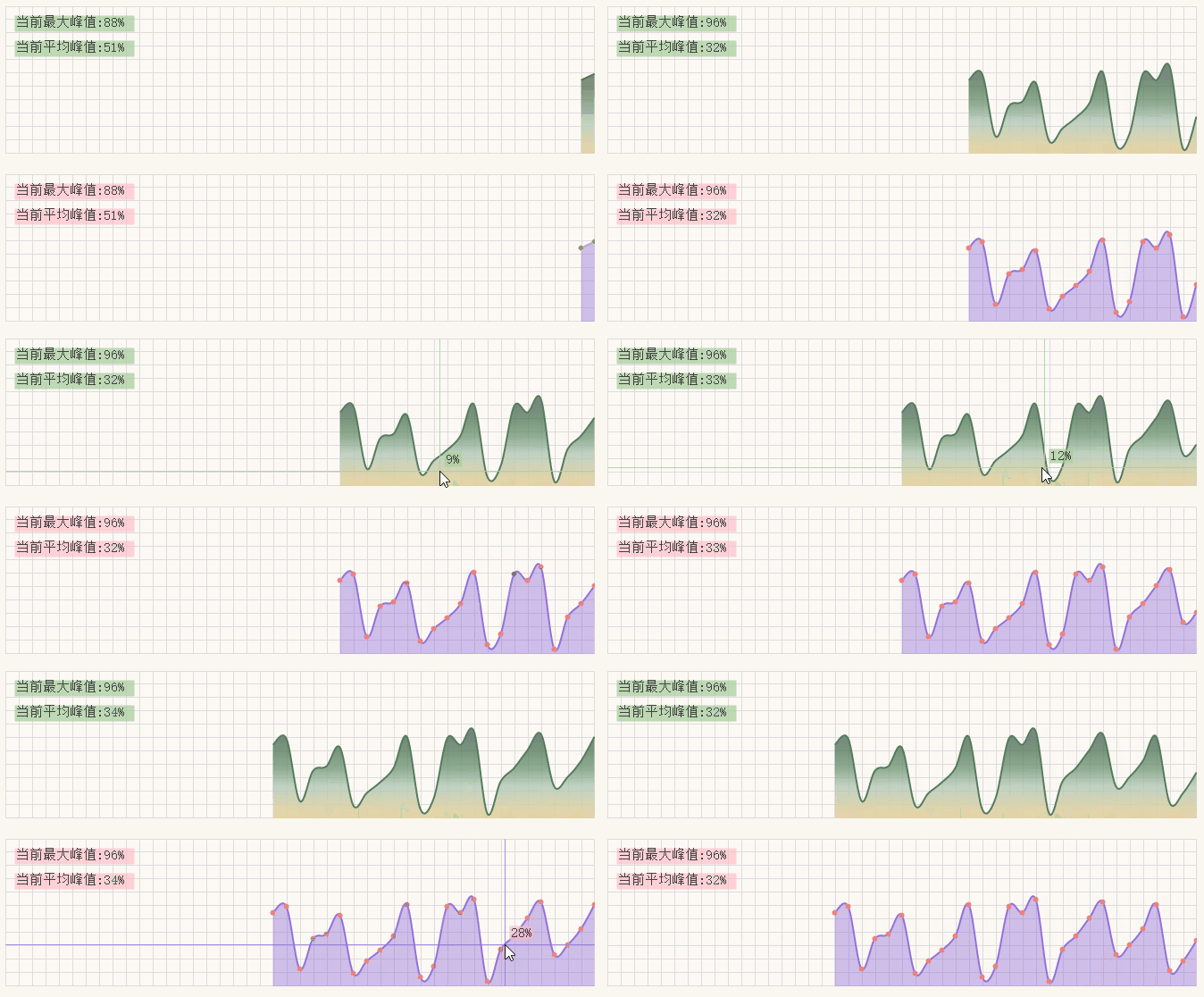
This is not bad for real-time data monitoring.

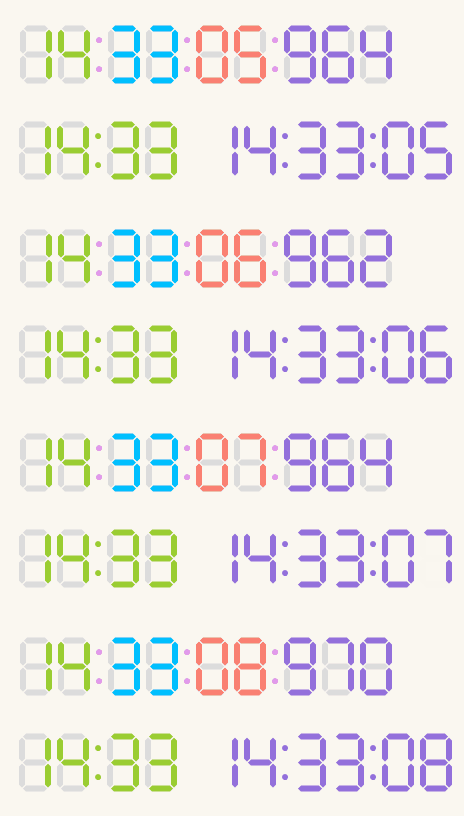
Digital Time:

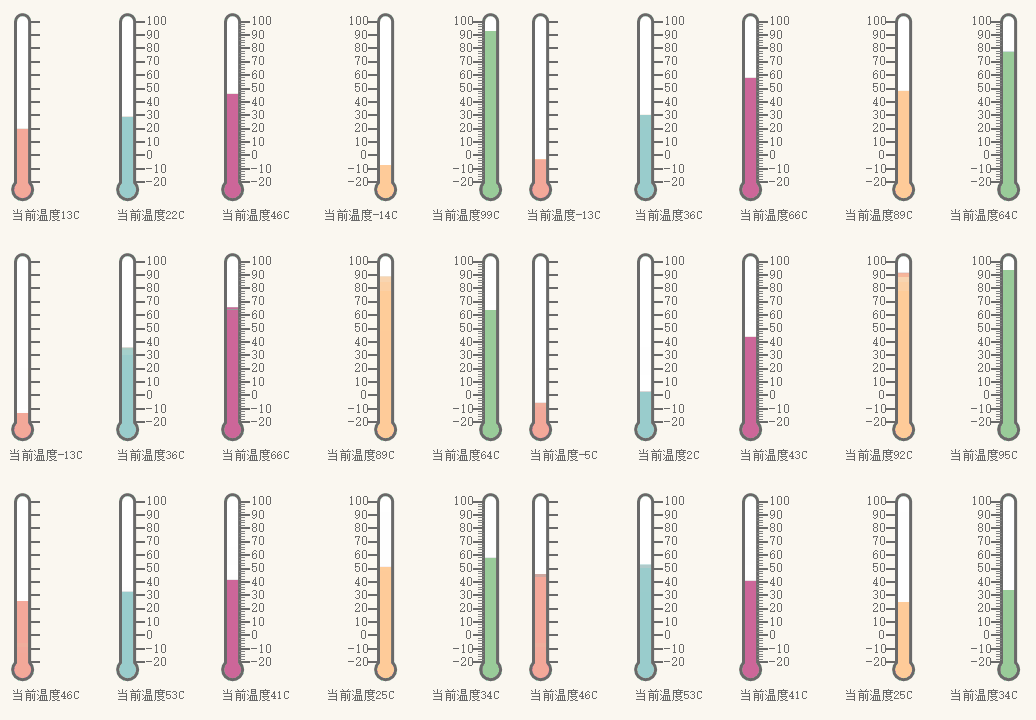
Thermometer:

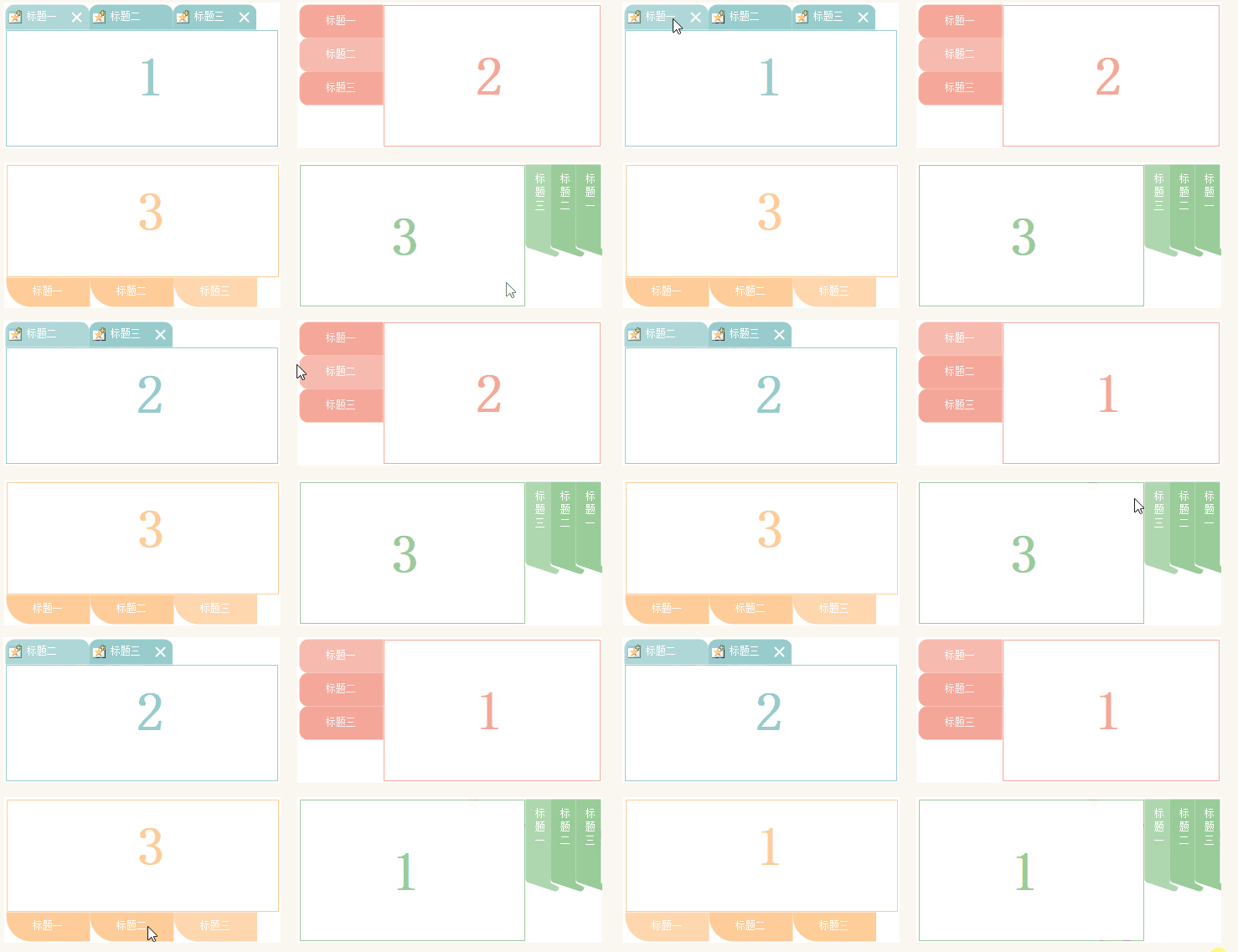
TabControl beautification:

Captcha:

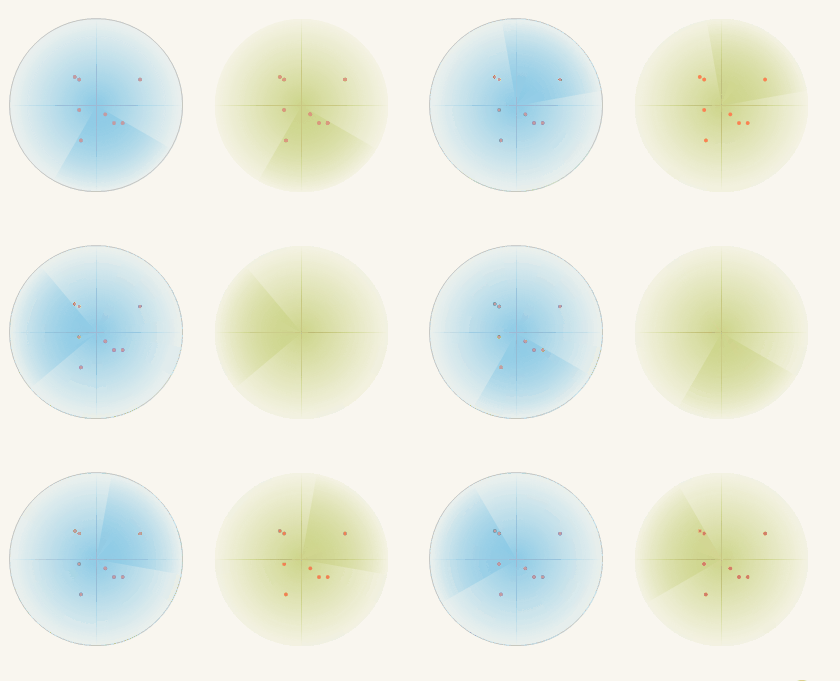
Radar scanning:

Loading waiting:

- play
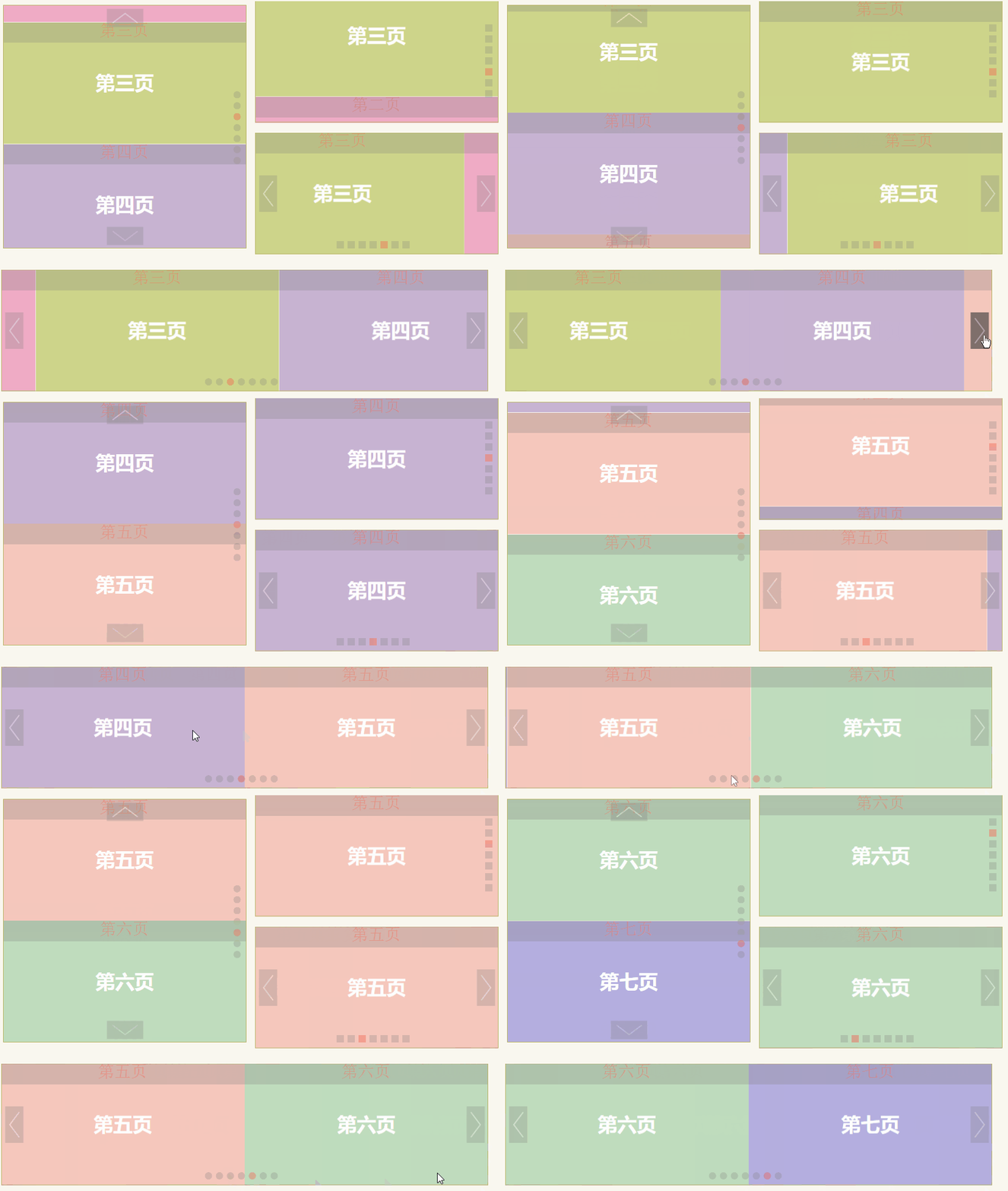
Picture rotation playback:

Picture carousel:

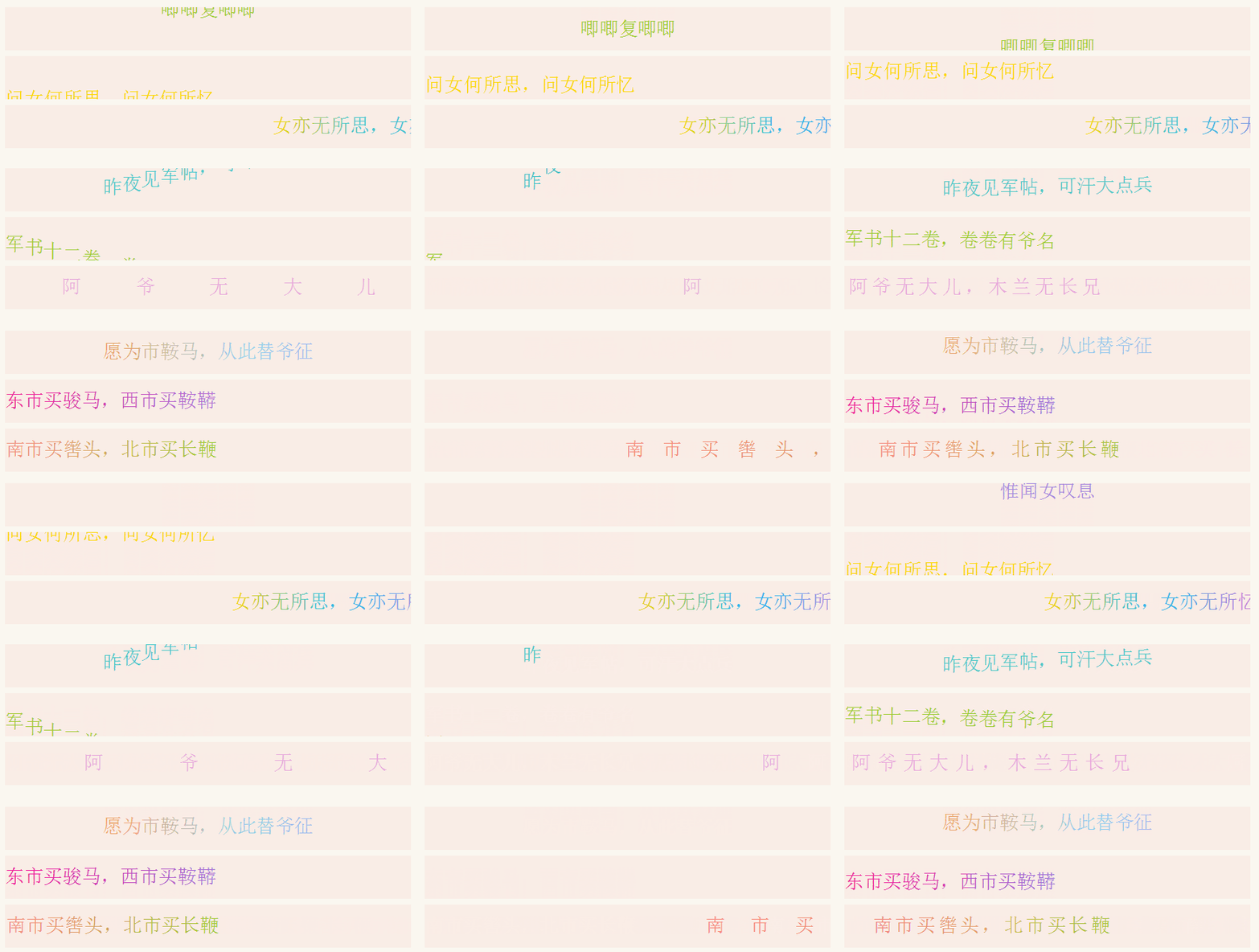
Text ticker effects:

- verification
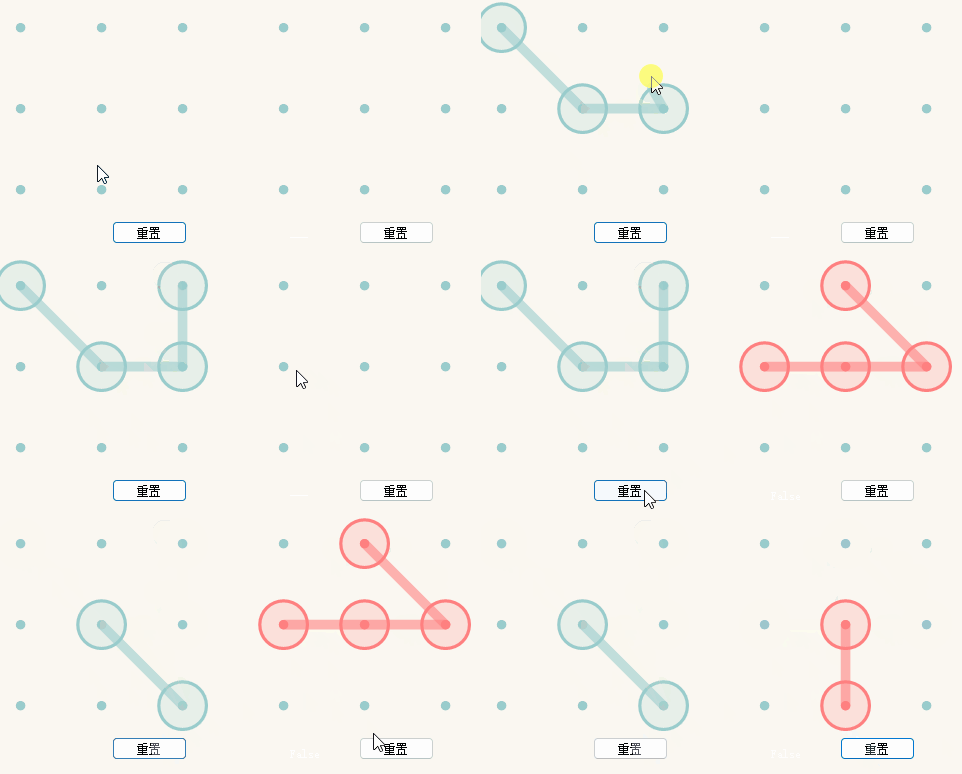
Pattern sliding screen to unlock:

Jigsaw slider verification:
This is interesting. You can choose multiple sliders to increase the complexity of verification.

- toolbar
This is relatively common, so I won't record gifs...
- assembly
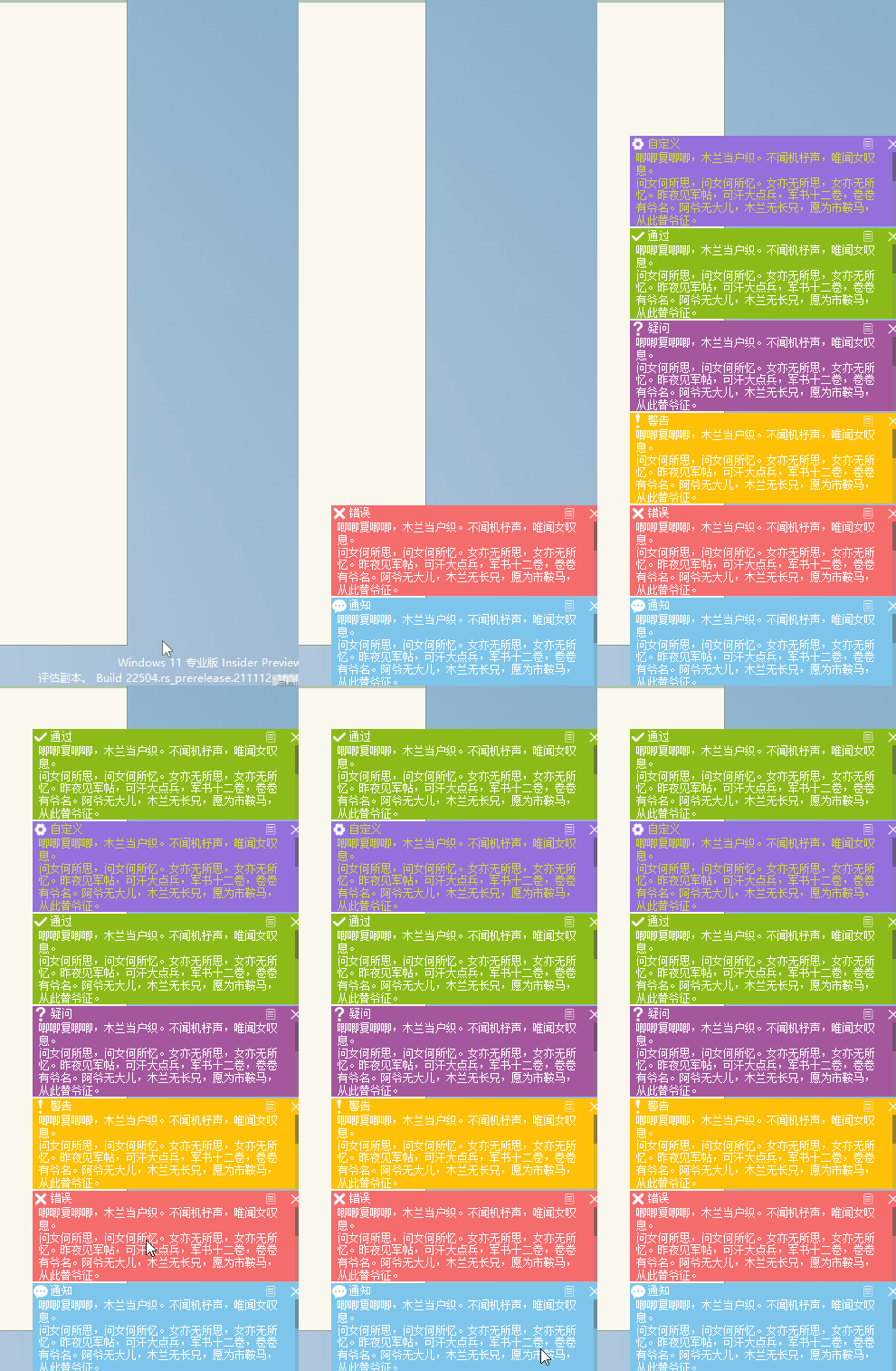
A pop-up window in the lower right corner prompts:

Other components need you to take a look.
- analysis
For the last major category, we have already recorded nearly 30 gifs...
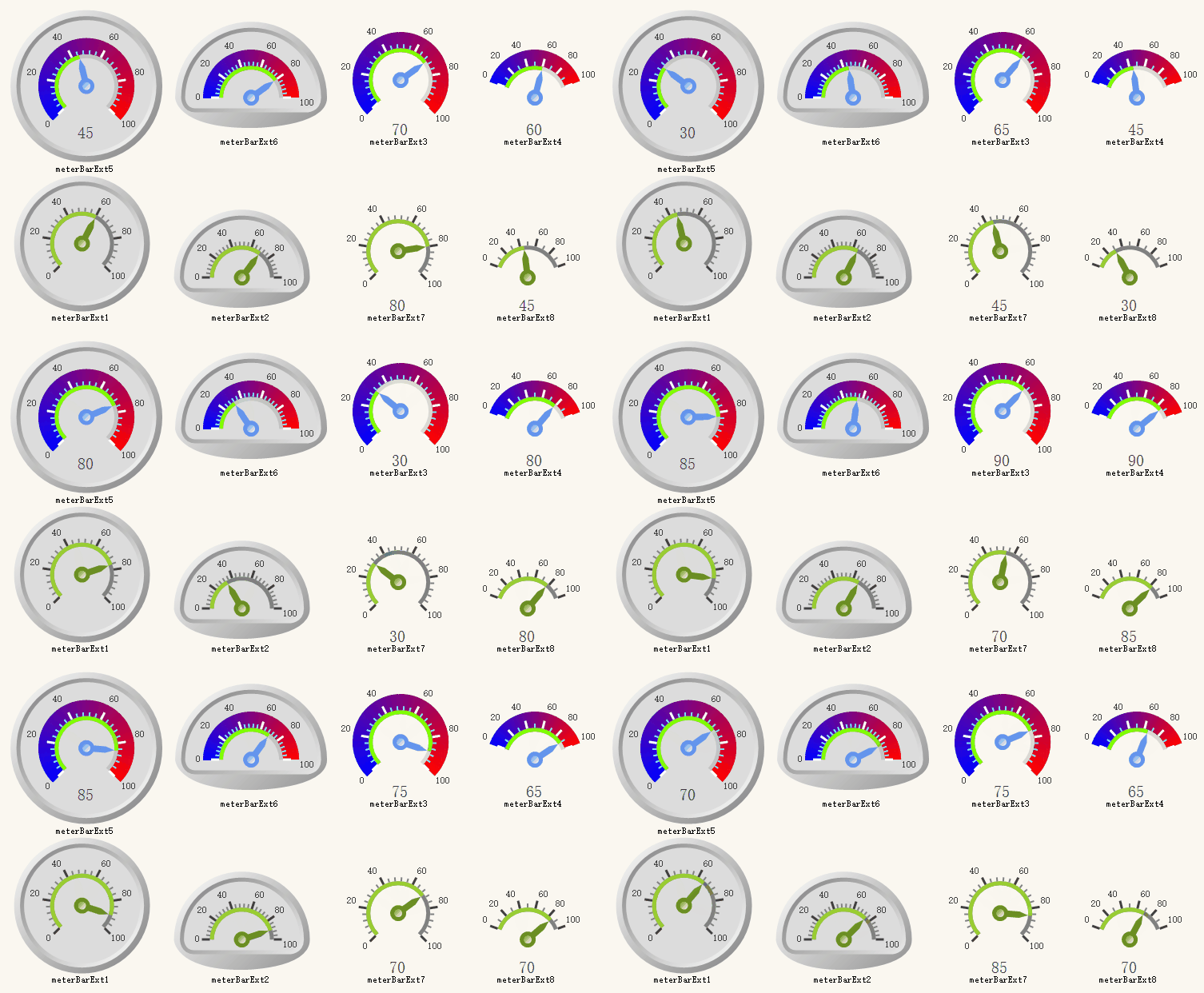
Instrument:

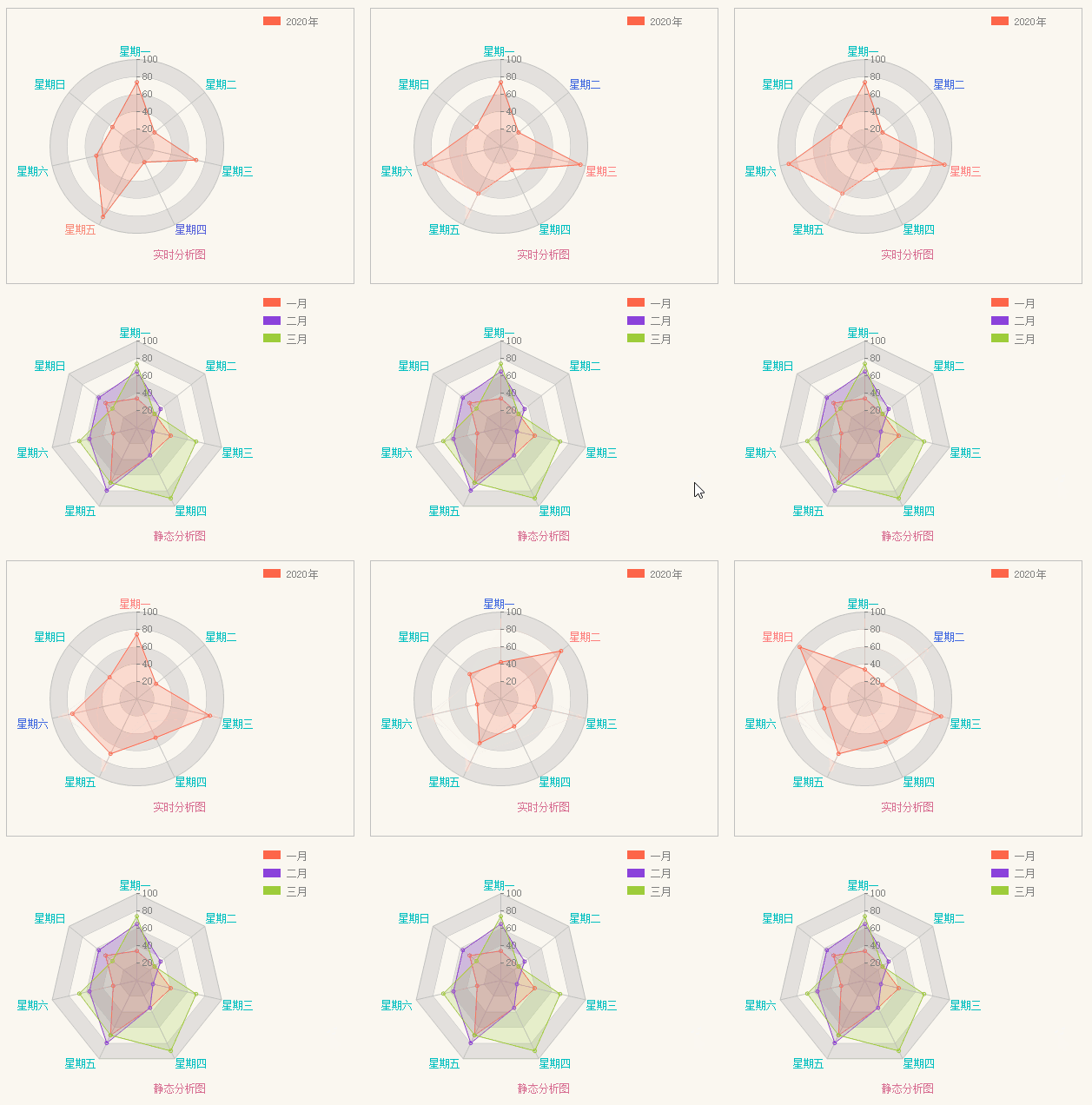
Radar analysis chart:

Chart analysis:

The introduction is over, and the gif recording is sour.
about the author
- Gitee 仓库:花木兰控件库
- 博客:https://www.cnblogs.com/tlmbem/控件的介绍。
- Email: 1252578118 @ qq.com. If you have any questions, you can send them to this email. I will reply to you when I have time.
- Qq exchange group: 180744253