
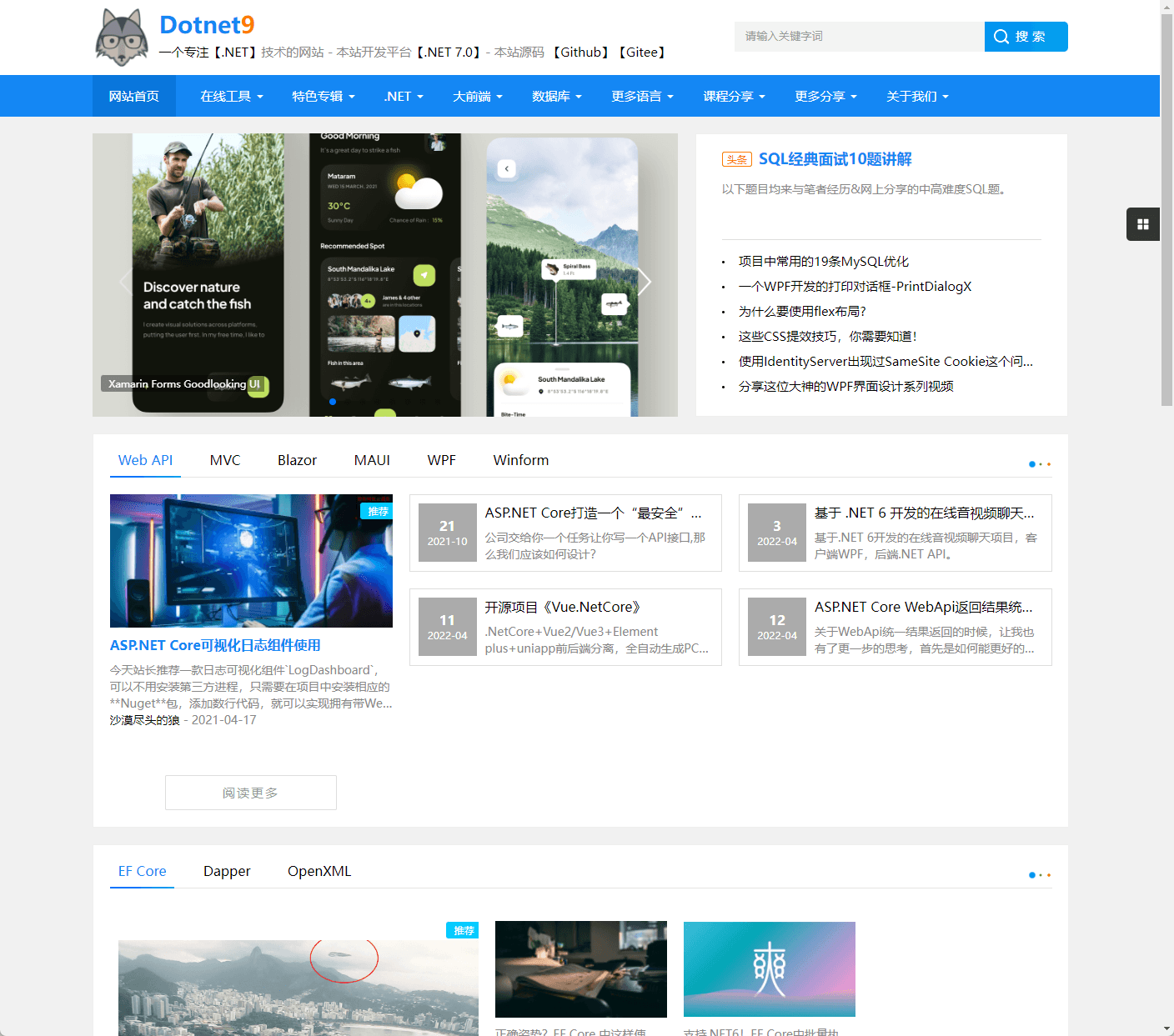
从 2019 年使用WordPress搭建Dotnet9 网站,到现在手撸代码开发,介绍中间使用的一些资源,绝无保留,希望对大家有用。
1. 申请域名、搭建 WordPress 网站
时间点:2019 年 11 月
申请Dotnet9域名,讲个实话,站长是从 Dotnet1 试到 Dotnet9 的,前面 8 个都被注册了,哈哈。
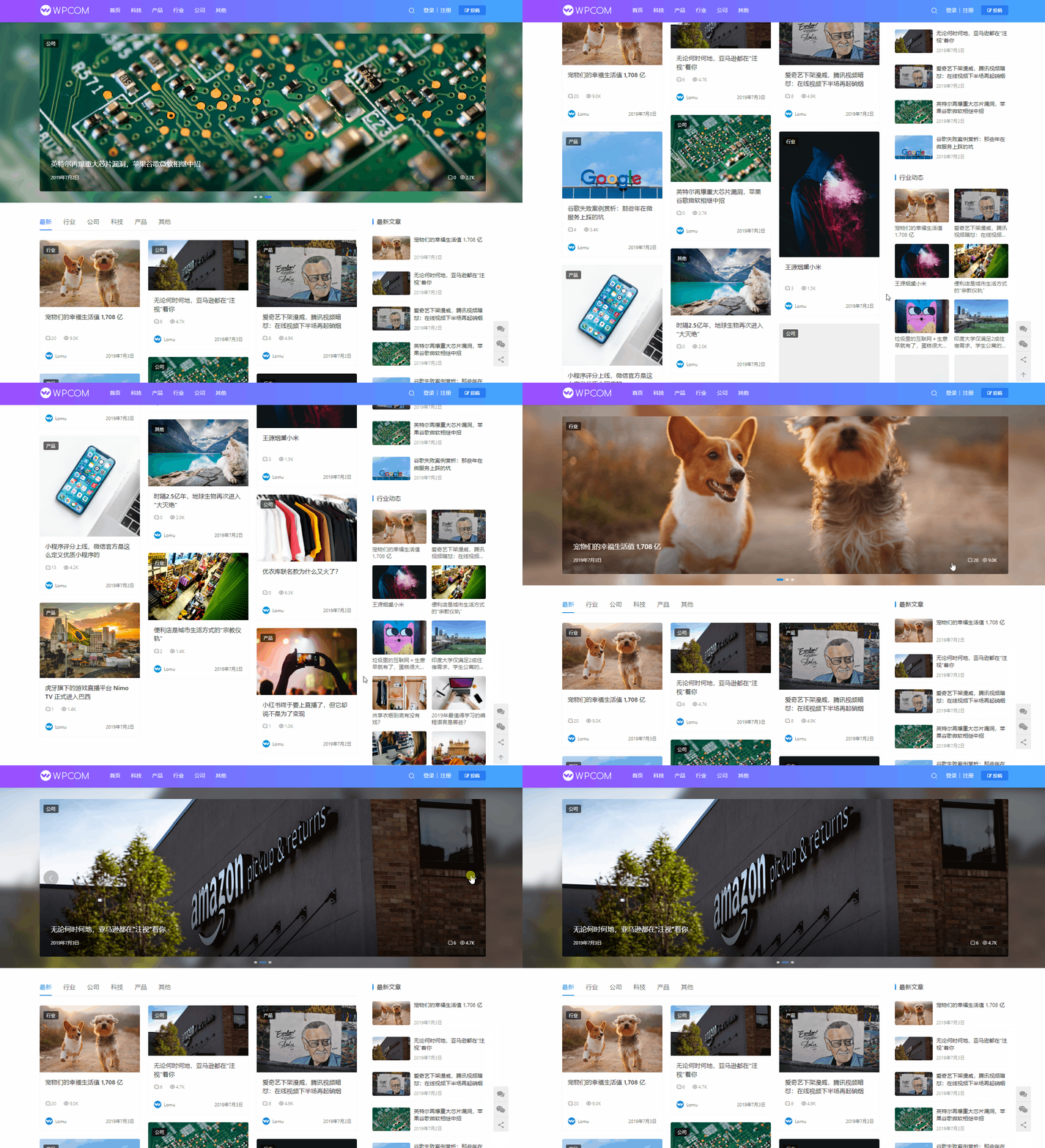
网站使用WordPress的第三方收费主题JustNews 主题搭建:
JustNews 主题专为博客、自媒体、资讯类的网站设计开发,自适应兼容手机、平板设备,支持前端用户中心,可以前端发布/投稿文章,同时主题支持专题功能,可以添加文章专题。
1.1 经典风格
- 演示地址:http://demo.wpcom.cn/justnews/
这种风格挺适合技术类网站,内容比较紧凑,一眼展示内容较多。

1.2 风格二
- 演示地址:http://demo.wpcom.cn/justnews2/
这种风格是站长去年之前一直选用的风格,用了将近 2 年,看着比较大气,貌似没有保留网站最后的截图,还是上演示截图吧。
2. 开始调研网站开发技术栈
时间点:2021 年 10 月
这是一个重要时间点,前面两年站长基本就是在维护上面的WordPress搭建的网站。
关注Dotnet9 网站的网友也经常问我,这个网站是用什么语言开发的,是否开源,想学习一下怎么开发网站。
陆陆续续站长也有自己开发网站的想法,但一直未付诸行动,毕竟自己技术栈主要在 C/S,B/S 也只是偶尔客串。
所以这个时候就开始调研网站开发技术栈,这首先就选择了Flutter Web,并参考油管一些视频做了个首页展示:
- 源码:https://github.com/dotnet9/lequ/tree/main/src/flutter_blog
选择 Flutter Web,因为站长在公司也在调研 Flutter 开发 Mac 项目,另一个就是为了它的跨平台特性,为了后面做桌面和 App 铺路,但目前 Flutter Web 是还不太成熟的:
目前最不适合选用的技术,首次加载 2MB 左右的 Flutter js 库,2、30 秒加载白屏等待,有做 SEO 的第三方插件,但不成熟,就和选 Flutter 做桌面一样,需要再等等...
3. 使用 ASP.NET Core MVC + Bootstrap 开发网站
时间点:2021 年 12 月
源码:https://github.com/dotnet9/lequ/tree/main/src/dotnet_blog
这应该是最适宜做需要 SEO 类型的网站选用的技术栈,个人感觉单体就好。
站长以前做 B/S,要么只做ASP.NET Core Web API,或者加上前端 Vue(vue-element-admin),React(Ant Design Prop),ASP.NET Core MVC是还没有接触过的,所以全网找视频学习。
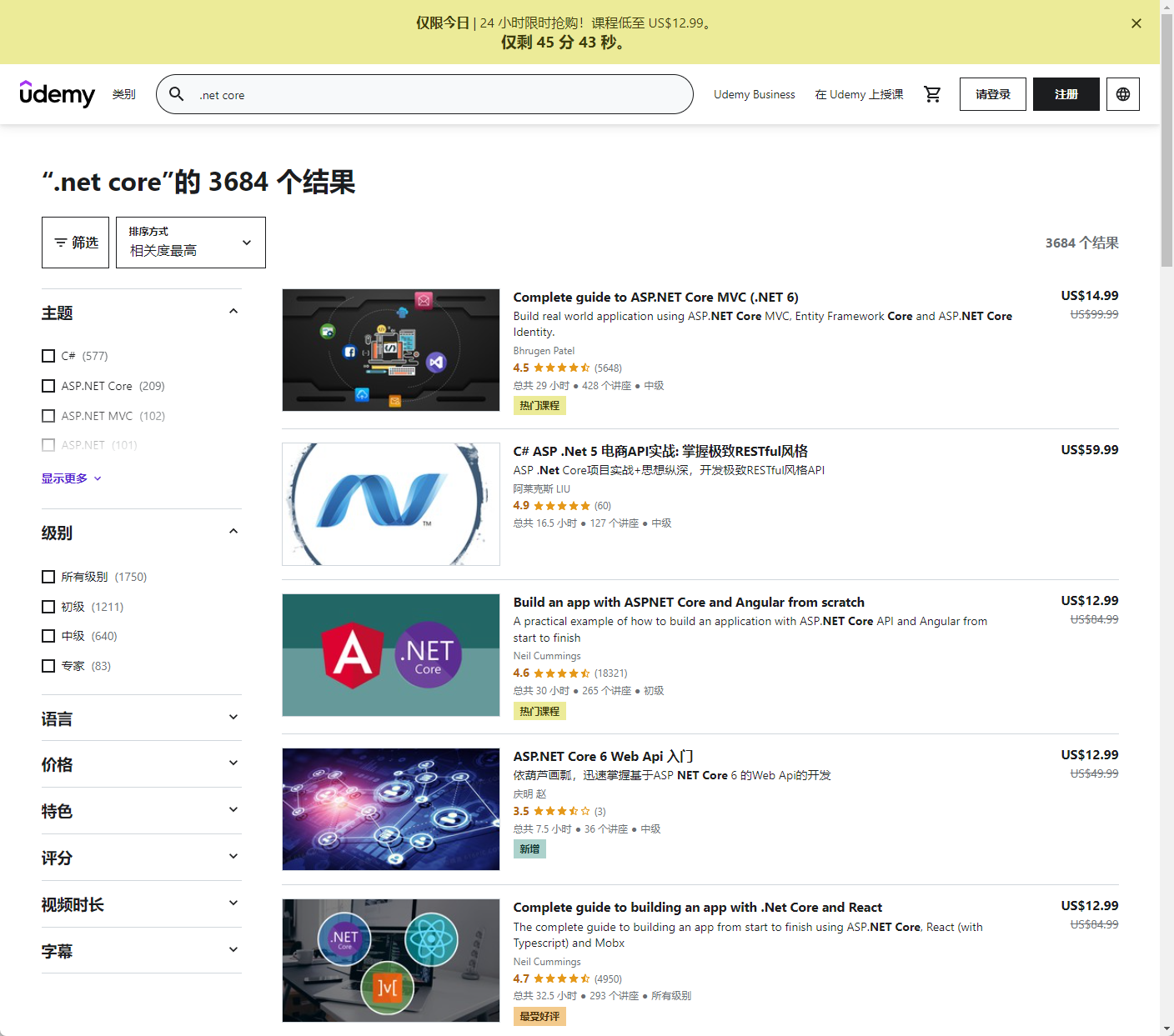
怀着找有现成博客代码的教学视频目标,在百度、谷歌找了个遍,终于找到了一个视频网址:udemy.com,这个网址有不少同学在上面学习过吧,全球的教学视频都有,中文、英文、其他语言:
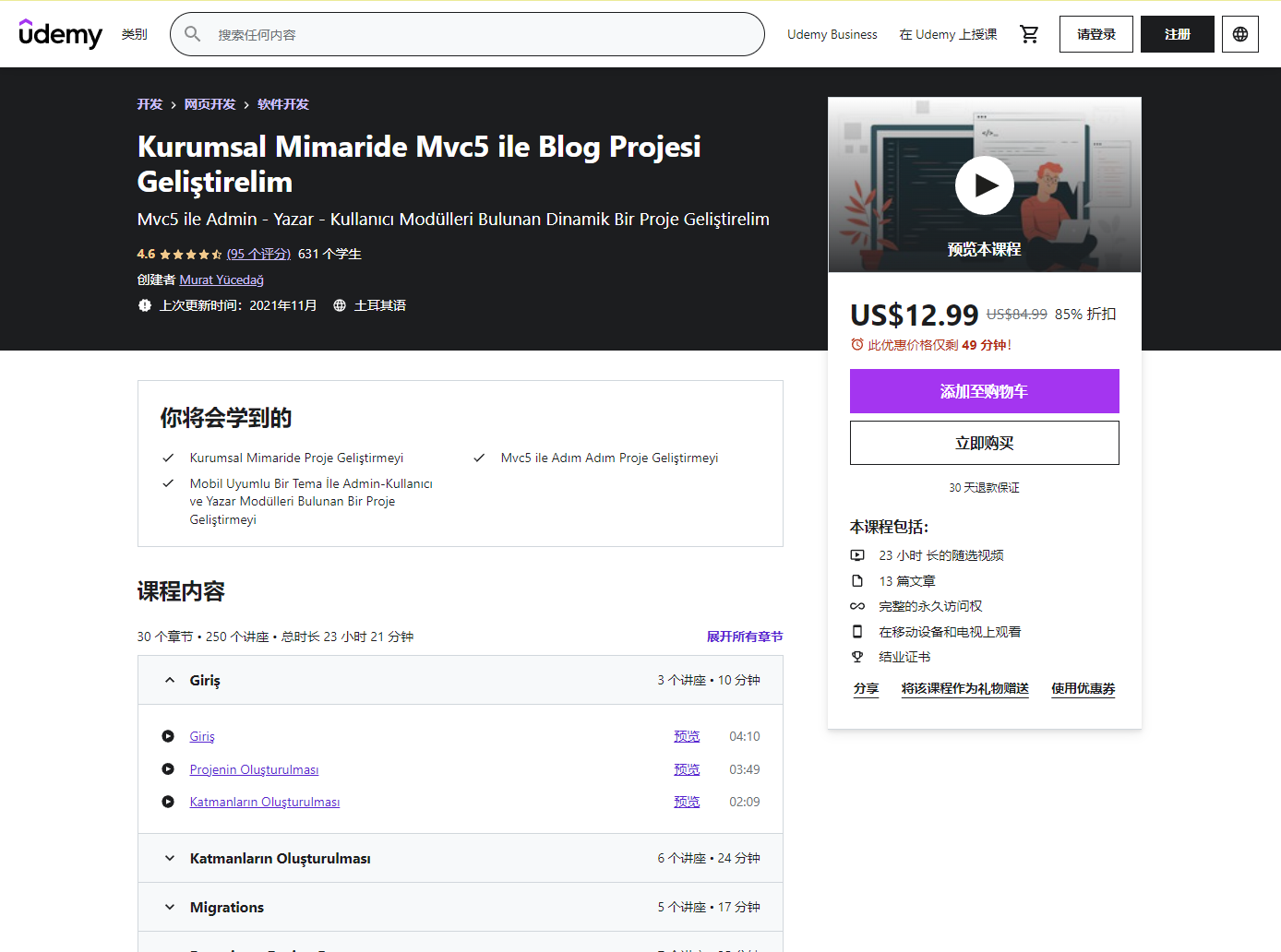
我找到了一个土耳其老师的视频,正好是使用ASP.NET Core MVC 5教授博客网站开发,正好对我路子,当时花了 19.9$来着,还是有点小贵,不过学到了真东西,他基本使用的三层架构开发的,建议初学 MVC 的同学可以看看,这里发截图和链接不是推荐买哈,后面我接着讲。
- 视频链接:https://www.udemy.com/course/kurumsal-mimaride-mvc5-ile-blog-projesi-gelistirelim/
当然站长不全是按他的教学视频做,有些代码也参考了老张的Blog.Core开发的,建议收藏老张的博客园,有兴趣的同学可以看看他的博客,站长 18 年底开始看的老张博客入门的 B/S 开发,这应该是全网最全的 B/S 入门系列教程了:.NET CORE Web API + Vue:
- 博客园 [老张的哲学]: https://www.cnblogs.com/laozhang-is-phi/
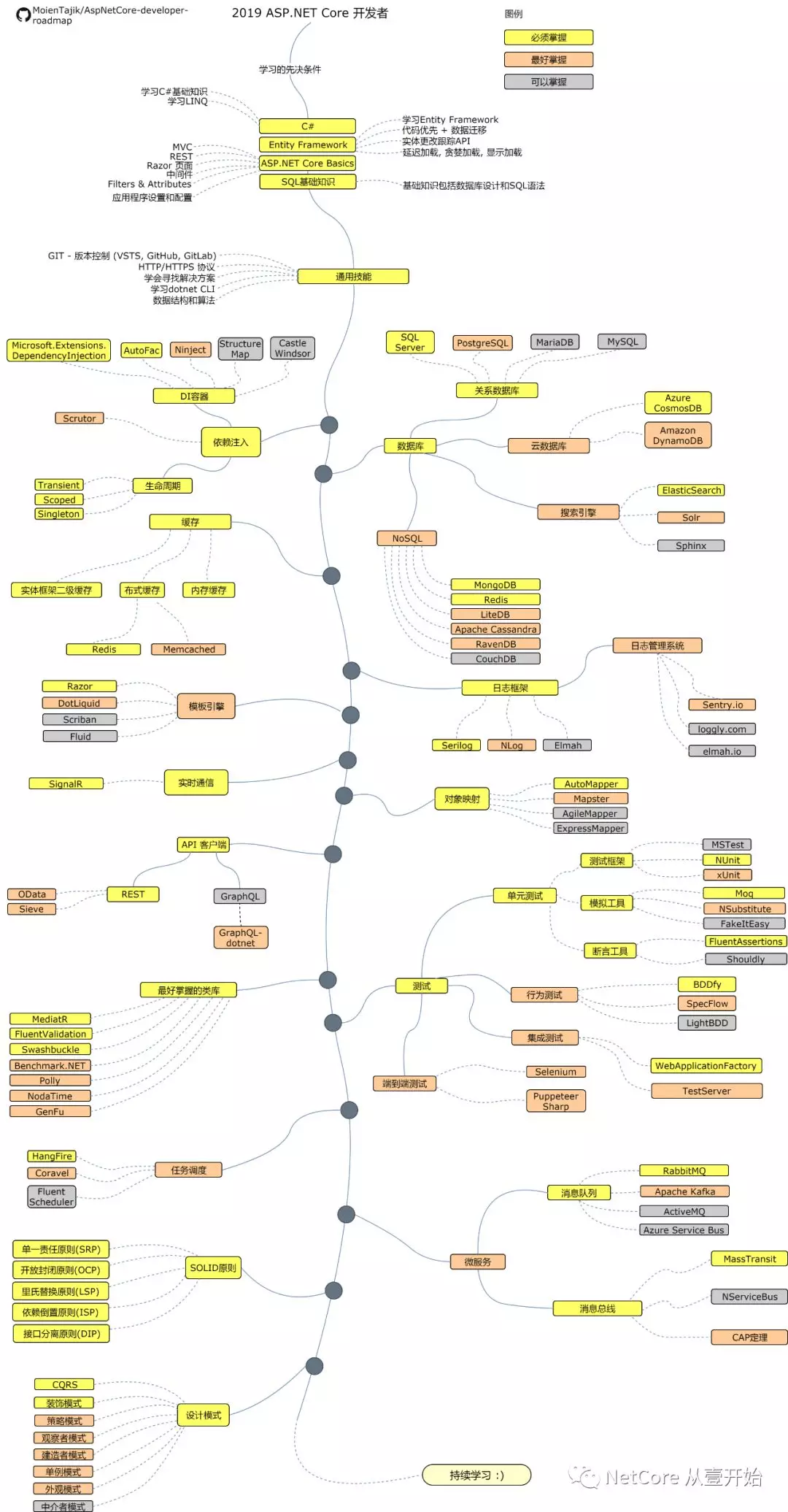
站长在看土耳其老师的视频和参考老张的Blog.Core做了一个版本的博客前台展示后,在油管发现了土耳其老师的账号,他新开了一个视频系列,也是讲解 ASP.NET CORE MVC 5.0 开发博客系统,只是主题不同,使用的技术可能更新了,有 150 集,站长追了 80 几集,后面没看了,和前面收费的类似,有需求的朋友可不用买收费视频(当然支持是可以的),直接看他最新的博客开发视频学习吧。
- 视频地址:https://www.youtube.com/watch?v=HXKnDUb06iw&list=PLKnjBHu2xXNNkinaVhPqPZG0ubaLN63ci
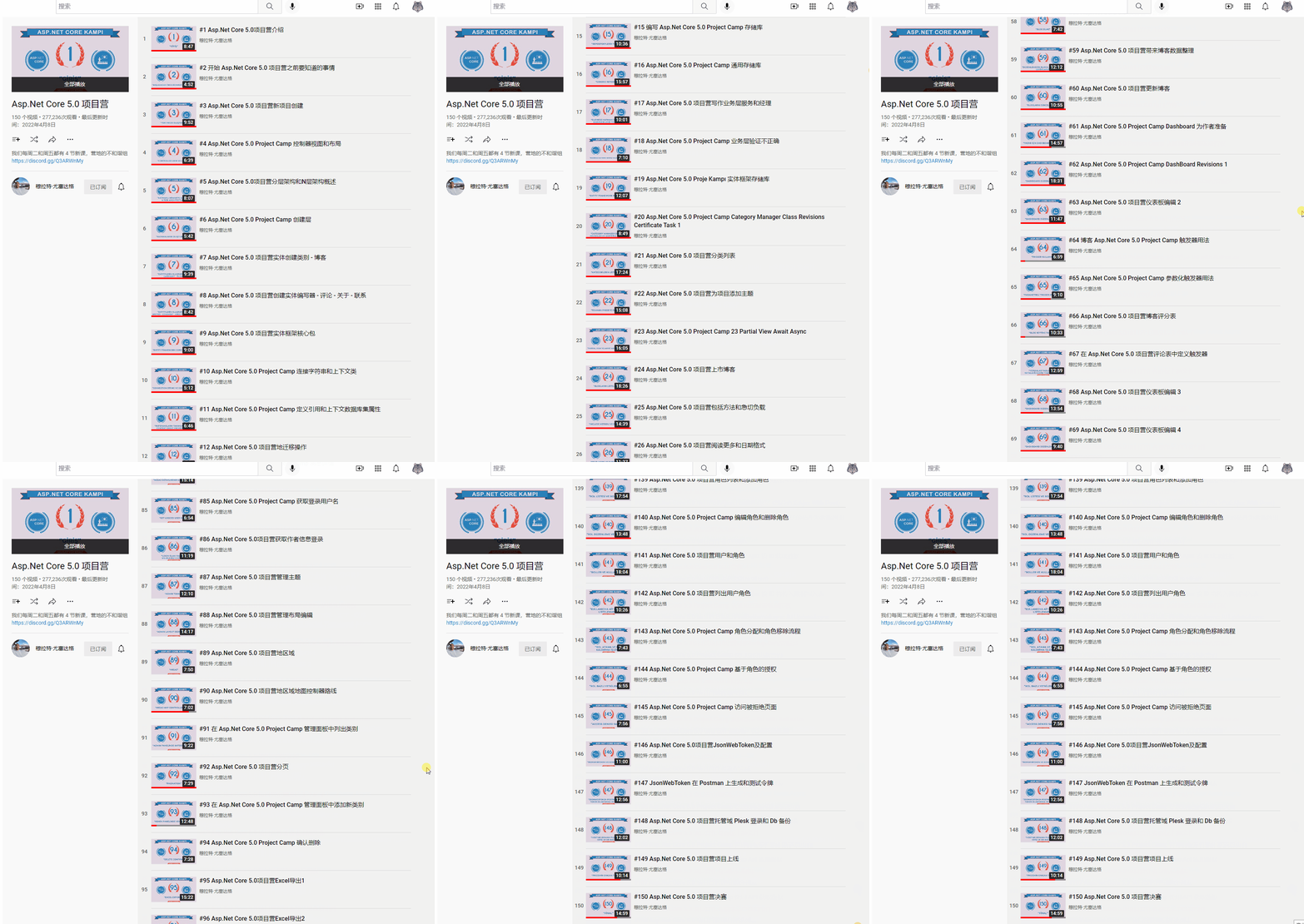
语言不是障碍哈,油管可以做语言翻译,站长有时是 2 倍速观看,边看边敲代码学习,食用效果更佳。
4. Abp vNext + Blazor Server 开发
时间点:2022 年 01 月
站长在前面学习 MVC 的过程中,已经把前台做了个大概了,有主题切换、多语言切换。
在 2022 年 01 月,站长公司有个项目,有使用 Abp vNext + Blazor Server 开发项目的需求,遂在公司学习技术,晚上加班加点用新学的技术练手做Dotnet9网站前台,
源码:https://github.com/dotnet9/Dotnet9/tree/abp-blazor-server
学习地址:https://docs.abp.io/en/abp/latest/Tutorials/Part-1?UI=BlazorServer&DB=EF
总结:
Abp vNext 太重了,Hello World运行内存 400MB 左右,个人手撸 CRUD 比较费时,即使有代码生成器,也不应该选用这种方式做博客网站。
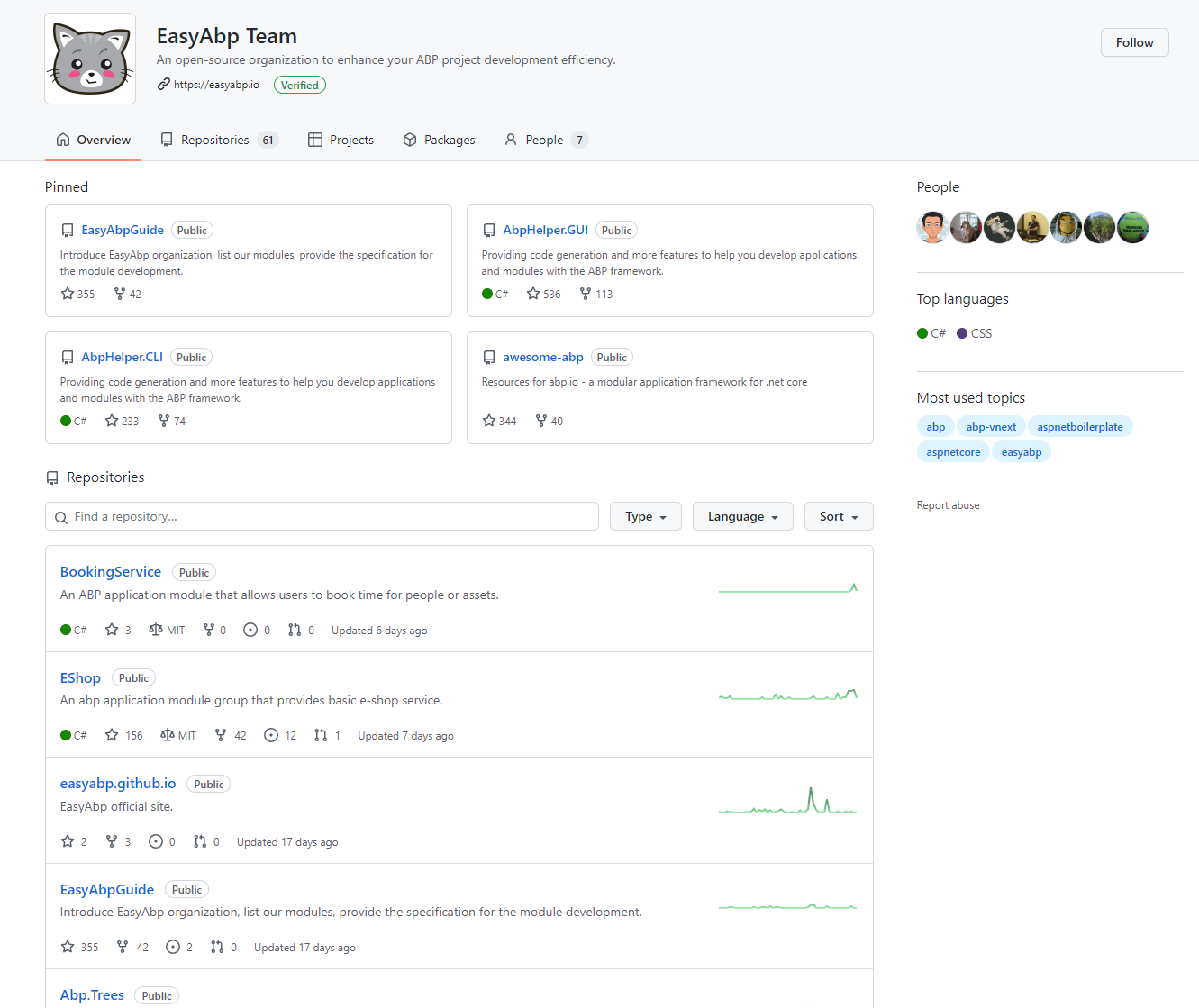
但不妨碍大家使用 Abp vNext 开发企业级项目哈,社区有不少 Abp vNext 的开源项目,大家可关注这个 GitHub 账号: EasyAbp Team
- EasyAbp Team:https://github.com/EasyAbp
5. 纯用 Blazor Server 开发网站
时间点:1 月~2 月
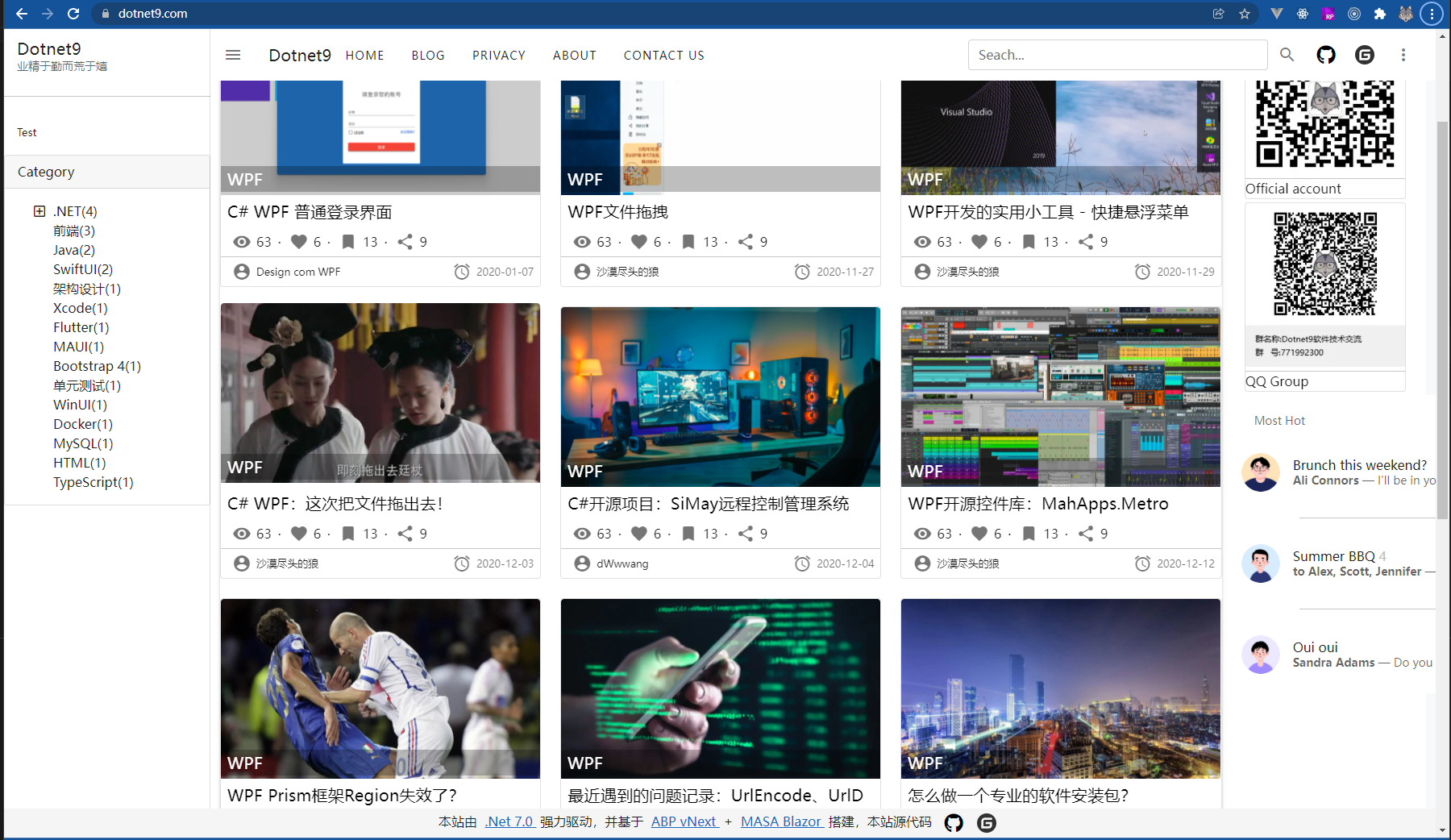
上面未再用 Abp vNext 做个人项目的原因已经提了个人观点,所以从 Blazor Server Hello Word 开始又重新搭建网站了。
Blazor 组件库使用的 Masa Blazor: https://masa-blazor-docs-dev.lonsid.cn/
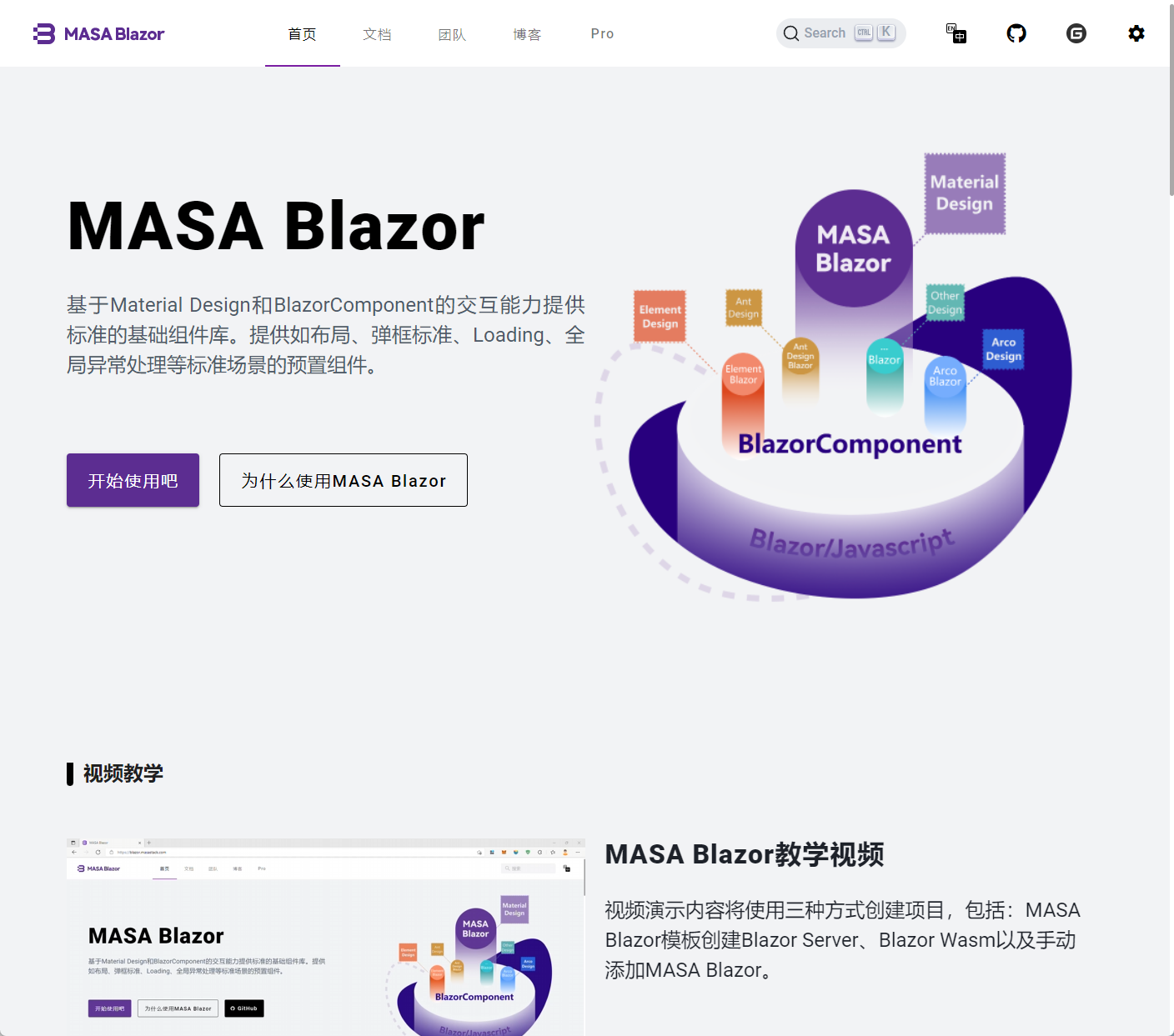
与第 4 版 Abp vNext 集成的 Blazor Server 相比,当时是工作需要练手选择的。这次选原生的 Blazor Server,对做.NET 的我来说,应该是仅次于 MVC 的选择吧。
说实话,找工作靠 Blazor 可能性是很小的,但个人玩是非常爽的,这里学习 Blazor 可看下站长当时翻译的一个台湾小哥的系列文章:学 Blazor,站长用 Blazor 这个版本还写了 2 个在线小工具,上线了一段时间,代码可参考:
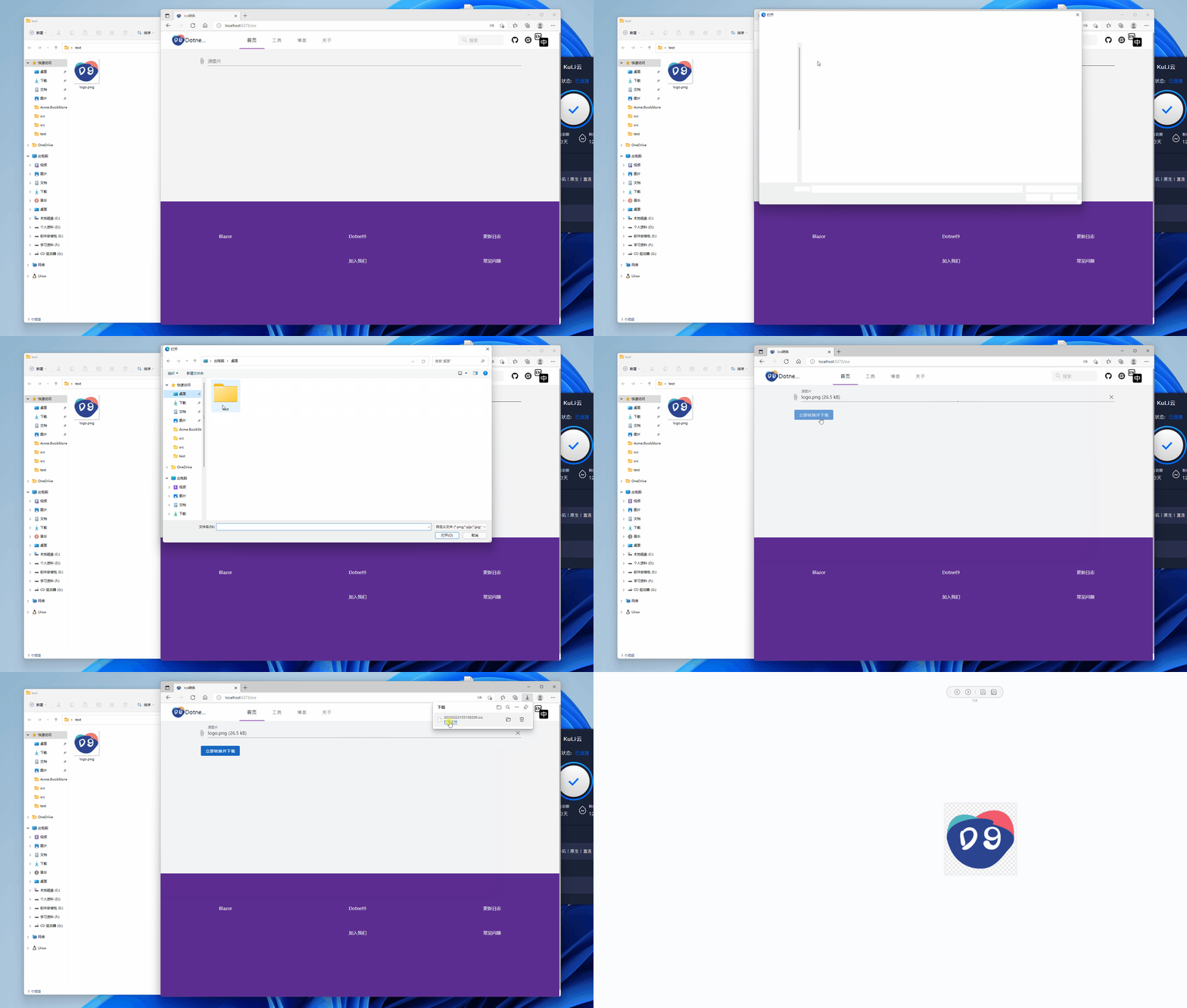
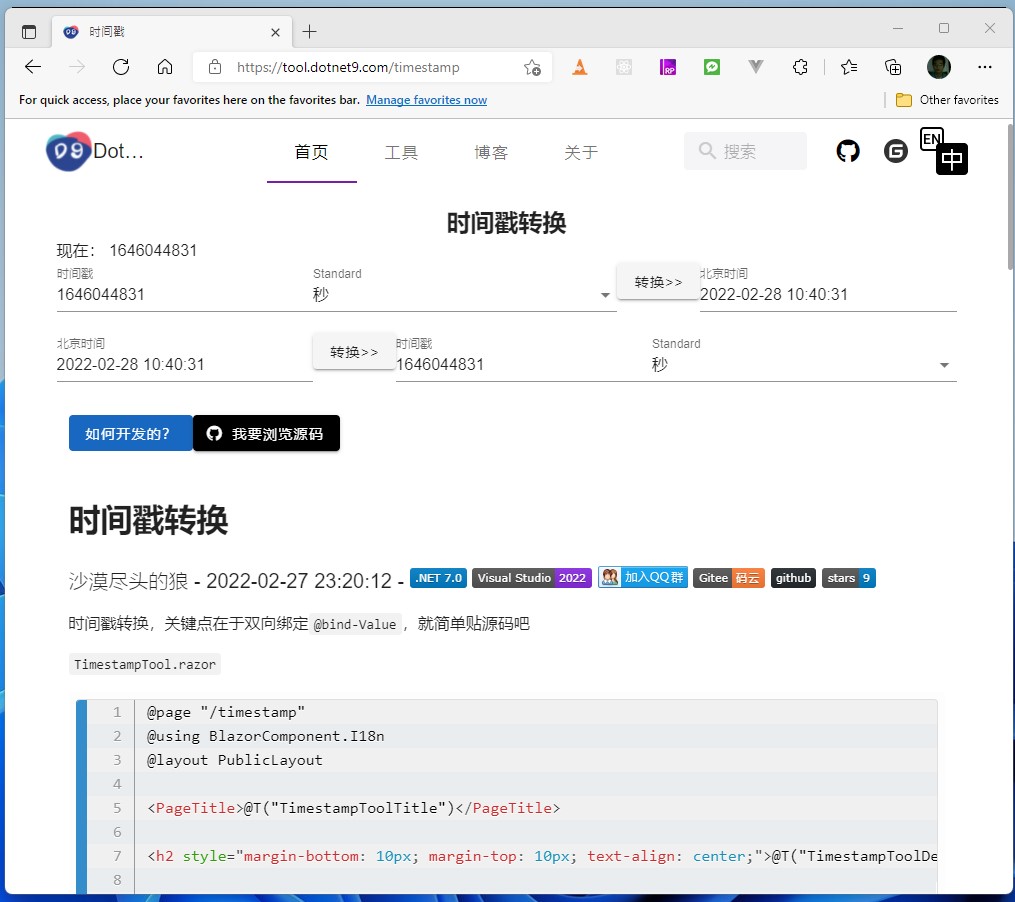
后面也没有继续坚持选择 Blazor Server 开发个人网站,站长主要有这个考量:Blazor 使用的 signalR 做长连接,实时性较好,但对客户端网络要求较高,网络稍差,可能就与服务器断开了连接,对用户使用体验影响较大,站长也不想继续折腾下去,所以后面又选择了 MVC 开发个人网站。
小插曲:当时中间有用 .NET CORE Web API 搭配 Vue 开发网站,因为老张的新书上市了,站长上手买了一本,跟着做了后端和前台首页,尝了个鲜,前后端分离,前端 Vue 比较熟用起来也很爽,稍微有点麻烦,没有 MVC 利索。
6. 现在的开发版本(2022年5月)
时间点:2022 年 03 月至今(2022 年 05 月 03 号)
第一次上线时间:2022 年 04 月 01 号
源码:https://github.com/dotnet9/Dotnet9
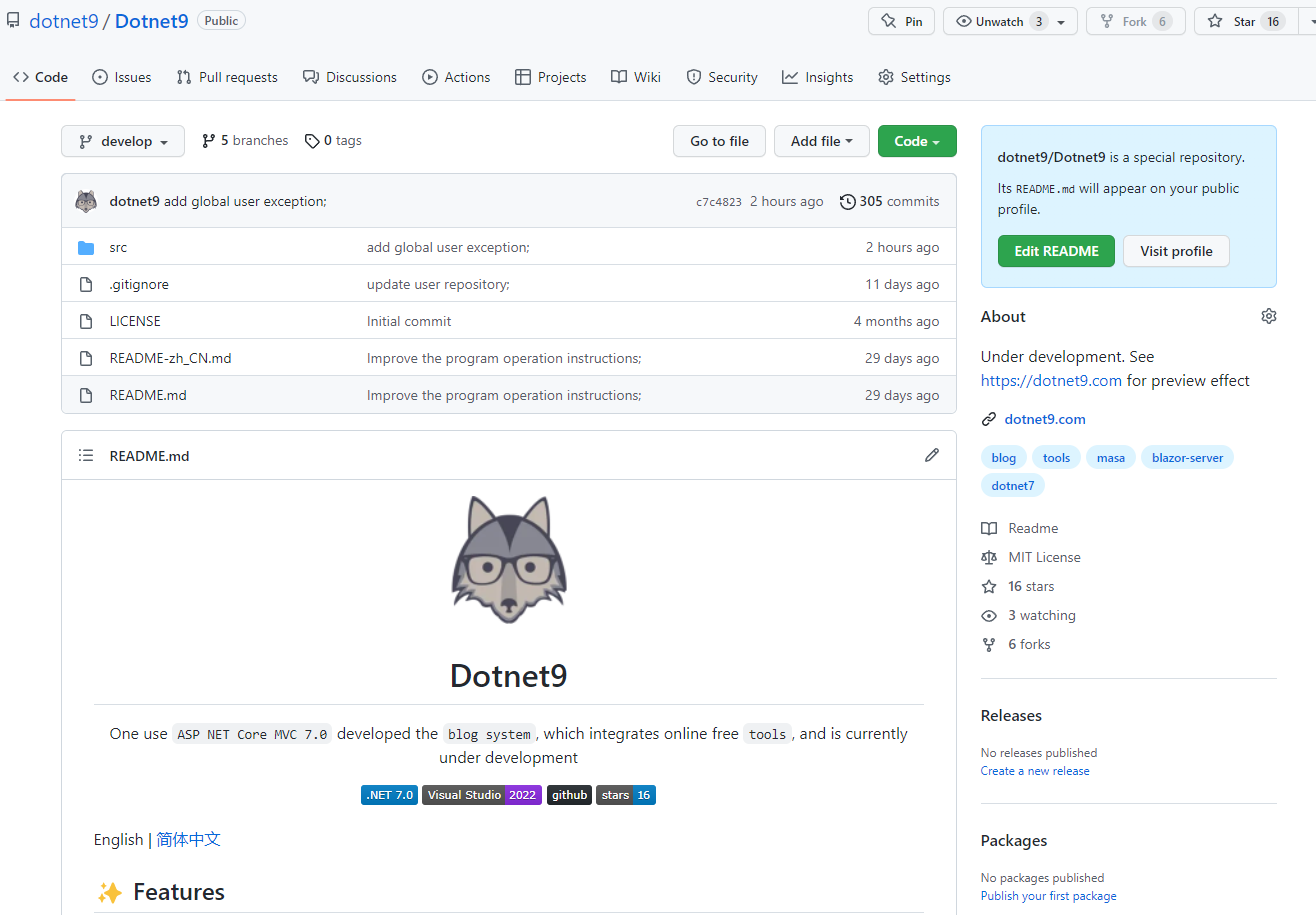
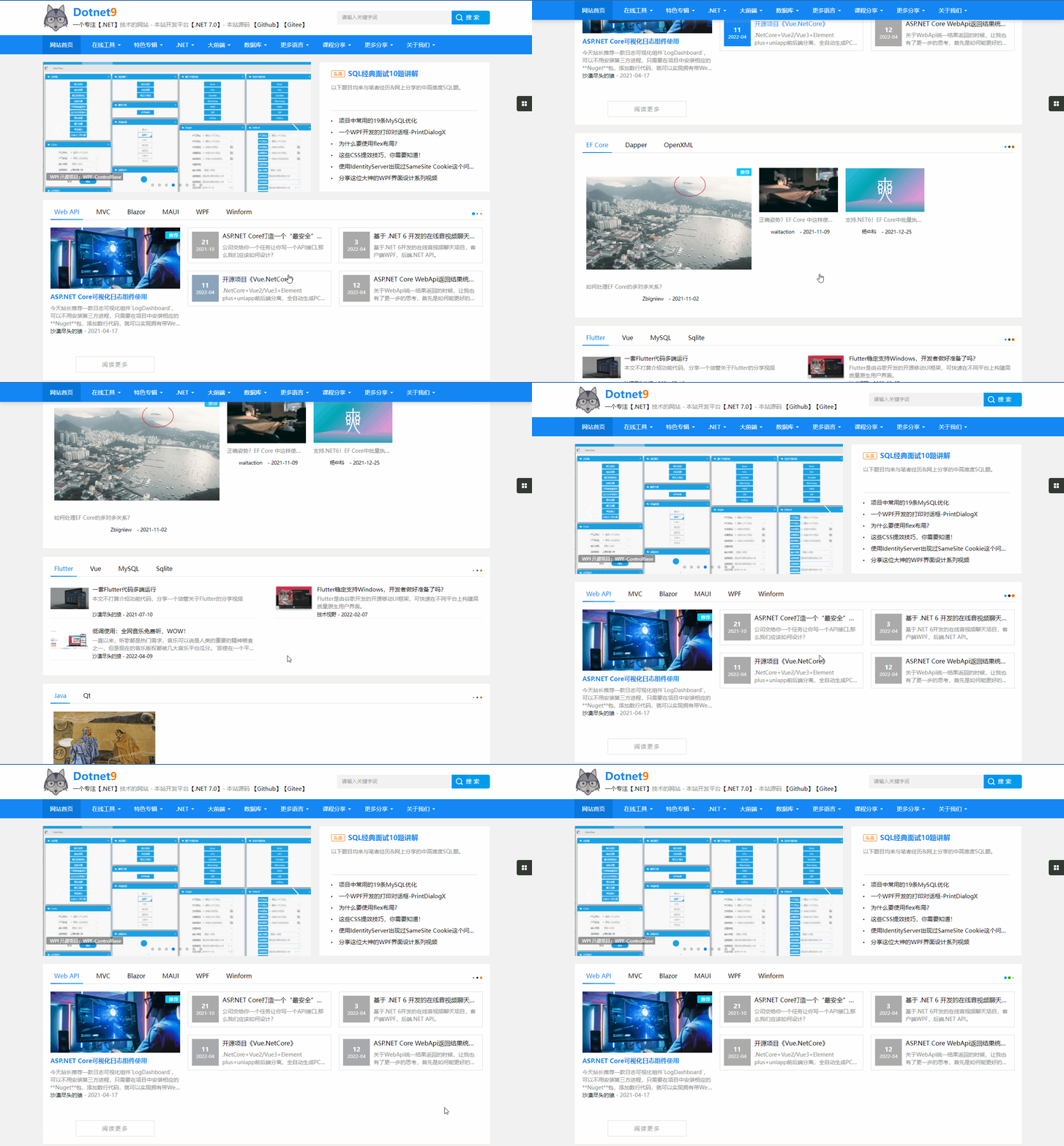
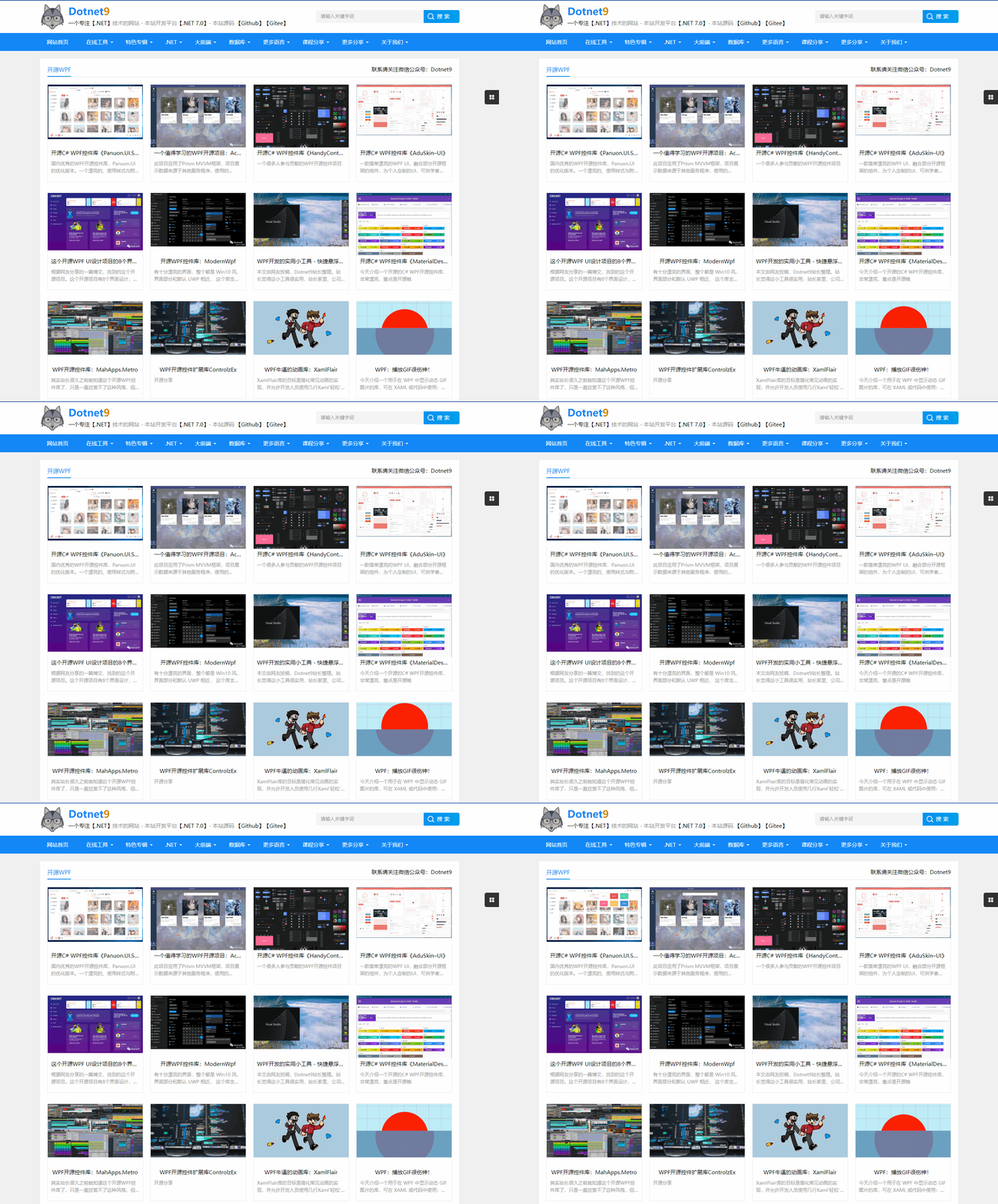
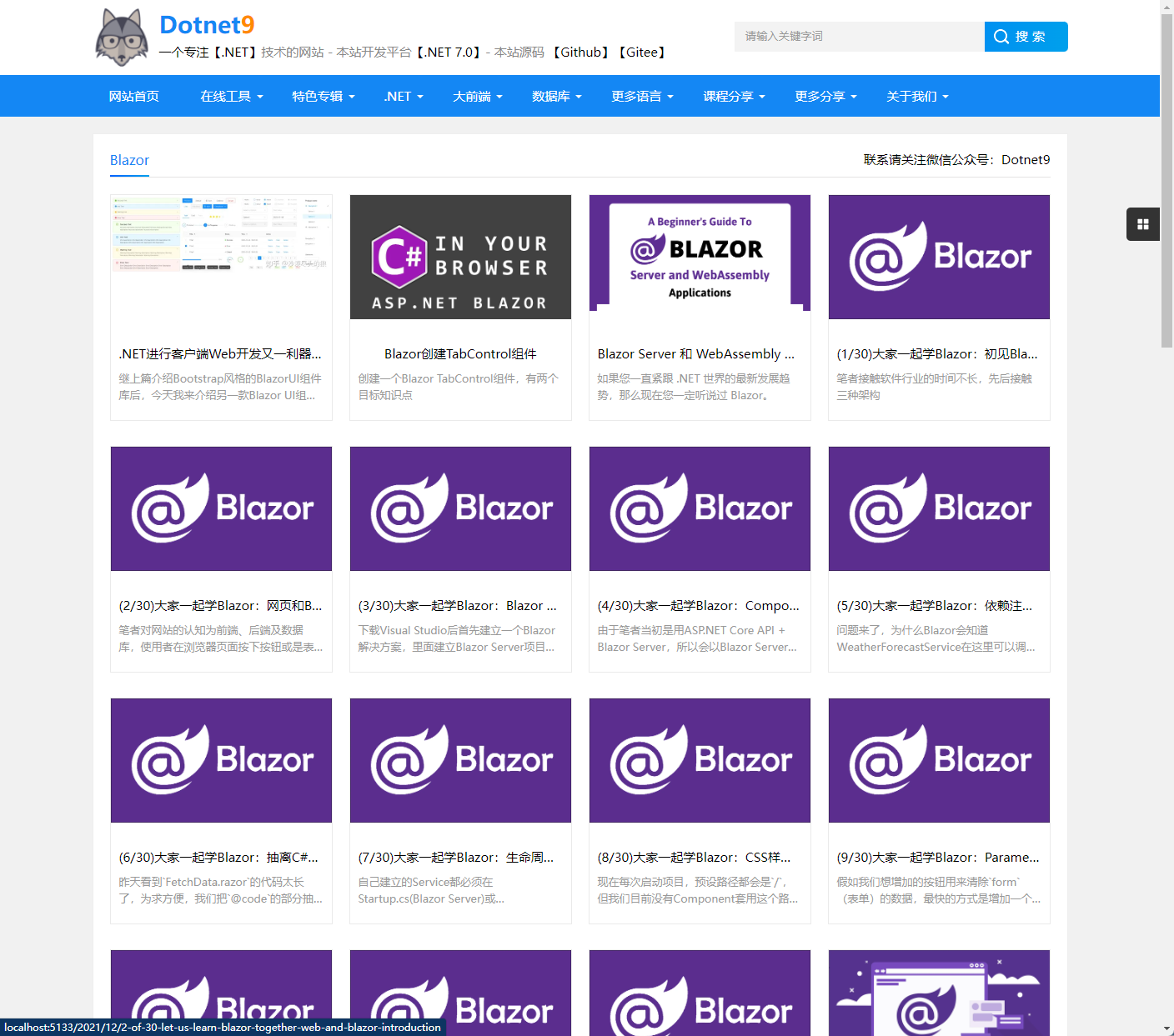
折腾回 MVC 做网站,现在网站前台基本成型了,前台前端在网上扒的一个主题,后面考虑在淘宝付费找个设计师美化一下:
首页:
专辑之一:开源 WPF
分类之一:Blazor
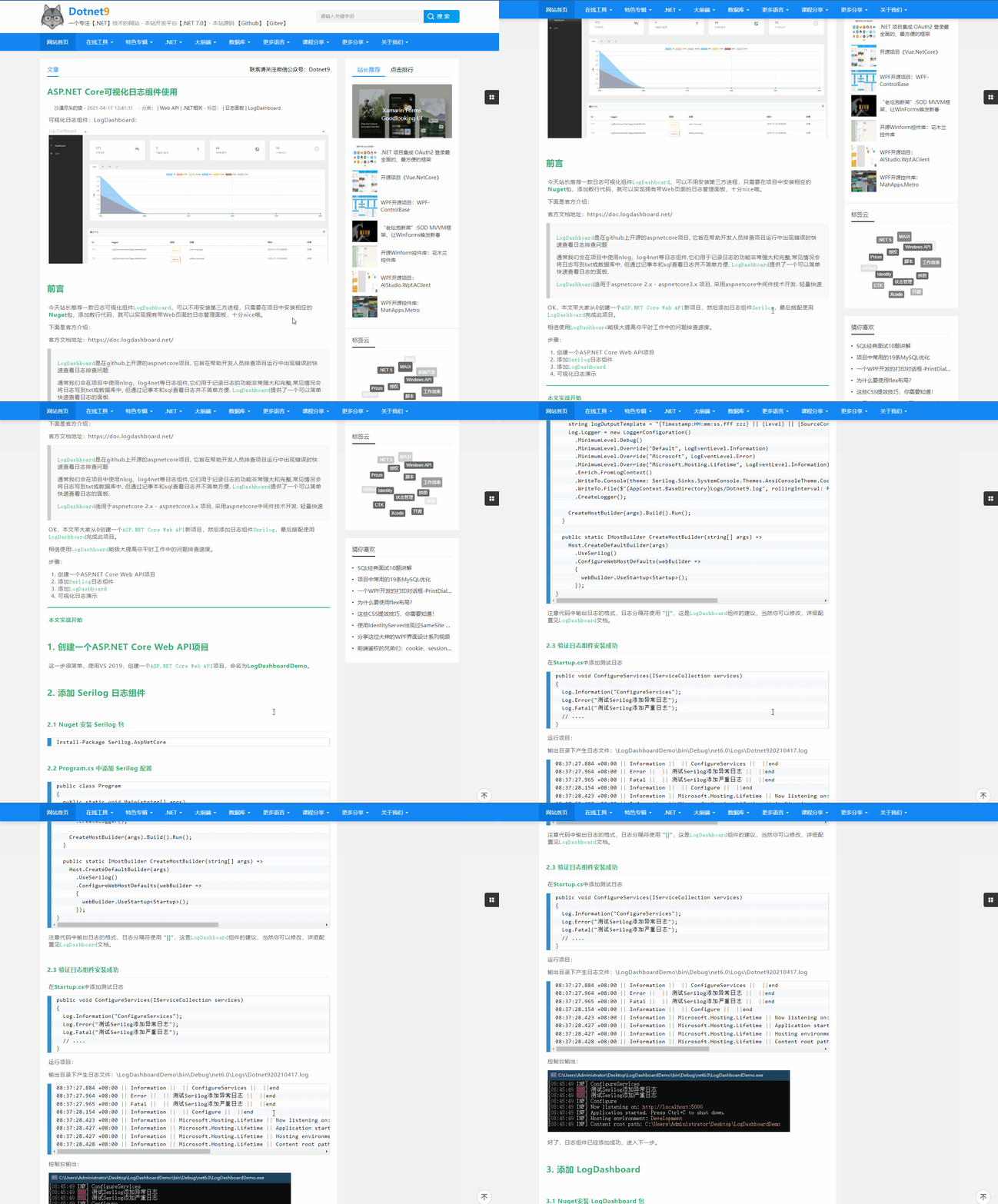
前台使用的ASP.NET Core MVC开发,ORM 使用的 EF Core,MVC 可以得到完美的 SEO 支持,再也不用担心百度、谷歌的收录问题了。
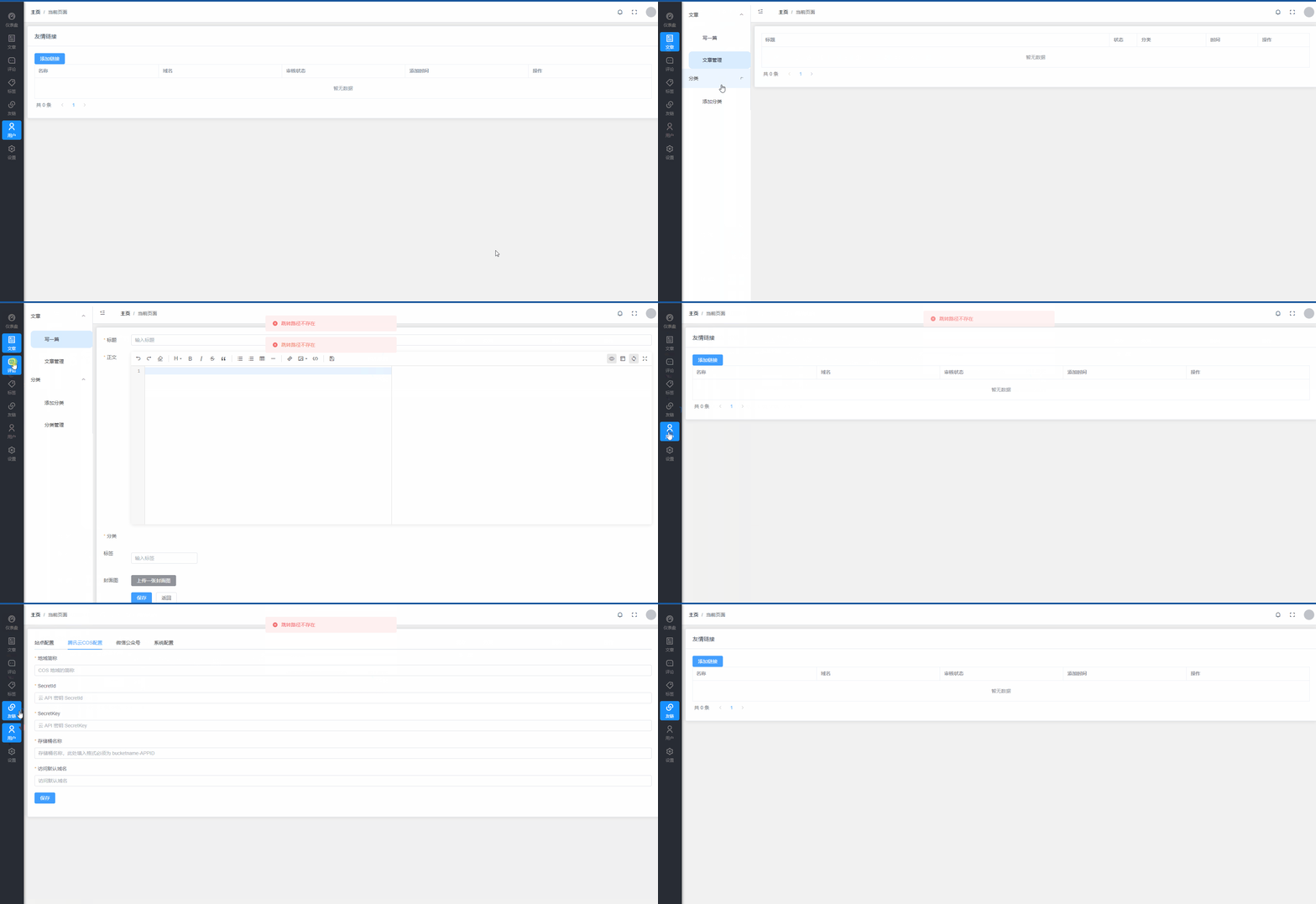
网站数据做了个数据种子,目前每次有更新需要删库、重新初始化,后台正在开发中,参考的Panda这个项目正在做后台,后台前端使用的 Vue 3.0 + Element Plus:
- Panda:https://github.com/coolqingcheng/Panda
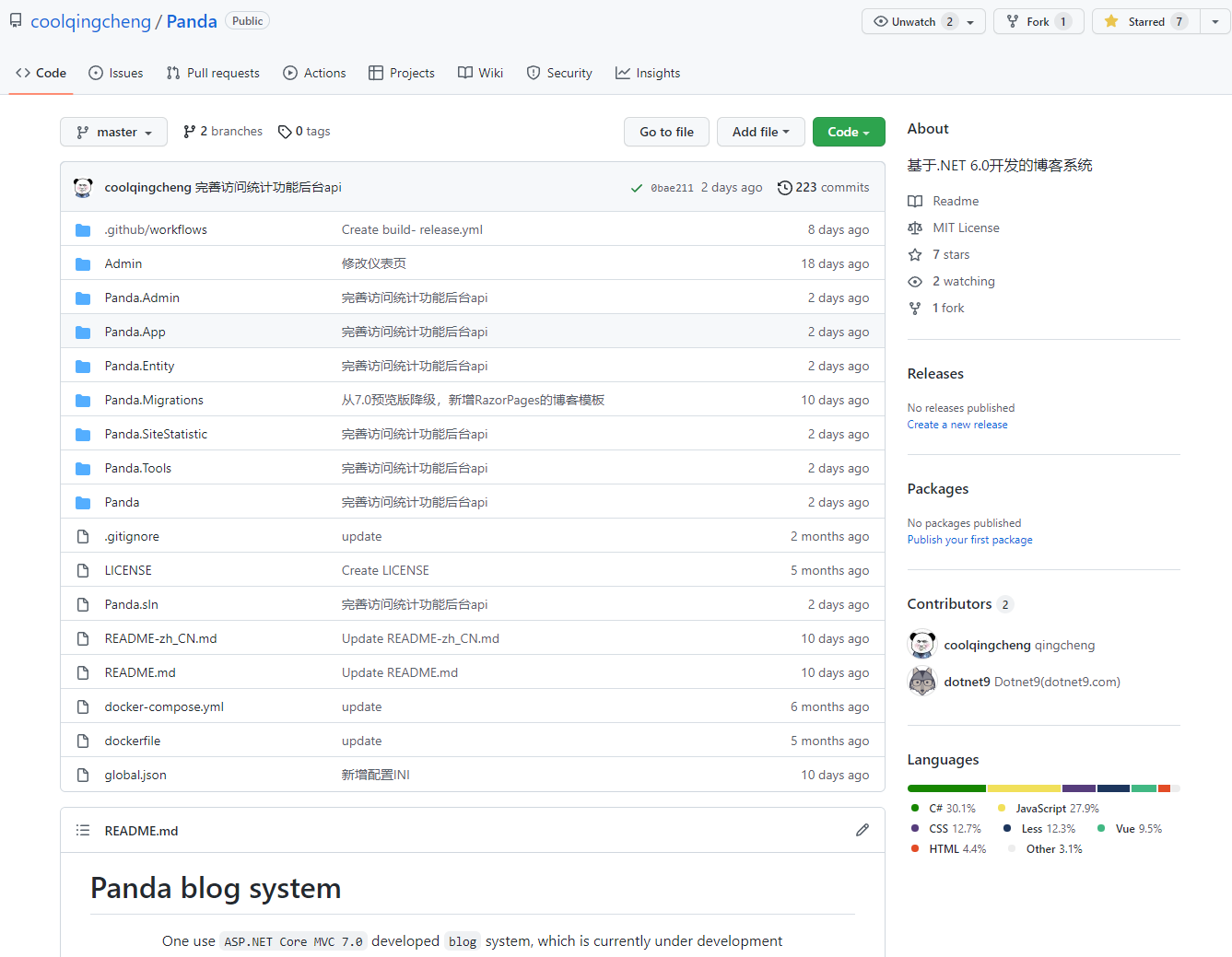
最后来个后台前端动图结束本文:
7. 2023 年 3 月 11 号更新
目前网站正在进行新一轮的重构,前台展示效果如下:
首页:

详情页:
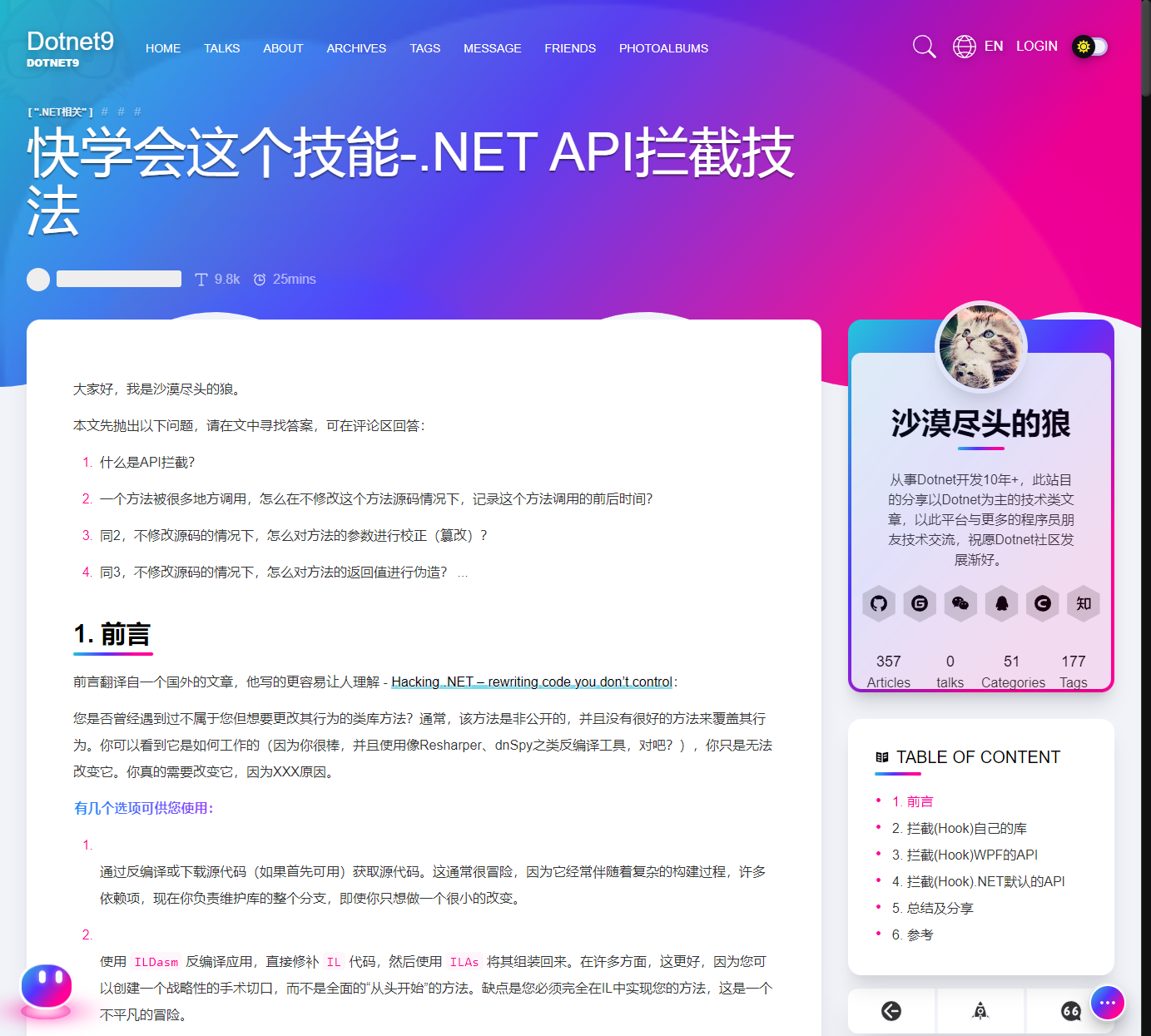
参考项目:
- 前台前端:https://github.com/linhaojun857/aurora/tree/master/aurora-vue/aurora-blog
- 后台前端:https://github.com/linhaojun857/aurora/tree/master/aurora-vue/aurora-admin
- 后端:https://github.com/yangzhongke/NETBookMaterials/tree/main/%E6%9C%80%E5%90%8E%E5%A4%A7%E9%A1%B9%E7%9B%AE%E4%BB%A3%E7%A0%81/YouZack-VNext
Dotnet9 网站项目:
- 前台前端(Vue 3 + Element Plus):https://github.com/dotnet9/Dotnet9/tree/develop/src/dotnet9-web-vue3
- 后台前端(Vue 2 + Element UI):https://github.com/dotnet9/Dotnet9/tree/develop/src/Dotnet9.Admin.Web/dotnet9-adminvue
- 后端(ASP.NET Core 7.0 Web API ):https://github.com/dotnet9/Dotnet9/tree/develop/src/Dotnet9.Admin.WebAPI
8. 2023 年 5 月 3 号更新
前台由 Vue 3 换回ASP.NET Core Razor Pages,风格以简约为主,主打内容为王,放弃花哨,网友称风格类似早期博客园,站长其实买的杨青青个人博客(https://www.yangqq.com/)的静态模板;后端采用MASA Framework 搭建,框架地址是 https://www.masastack.com/framework,后端依然以DDD设计为开发指导,这次加入了CQRS。开发总体规划是:后端框架采用MASA Framework 应该是不变了,并且前后台现在全面拥抱了 .NET 8。
怎么又重构了?
随着技术的不断发展,网站的重构已经成为了一个必然的趋势。为了更好地满足个人学习的需求,提高网站的性能和用户体验,Dotnet9 网站进行了新一轮的重构。本次重构主要包括前台和后台两个方面。
前台重构
技术栈:ASP.NET Core 8.0 Razor Pages
在前台方面,Dotnet9 网站将原来的 Vue 3 换回了 Razor Pages 。这是因为 Vue 3 虽然有很多优点,但是在性能和 SEO 方面还存在一些问题。而 Razor Pages 则更加适合于构建前台网站(服务端渲染),具有更好的性能和 SEO 优化效果。
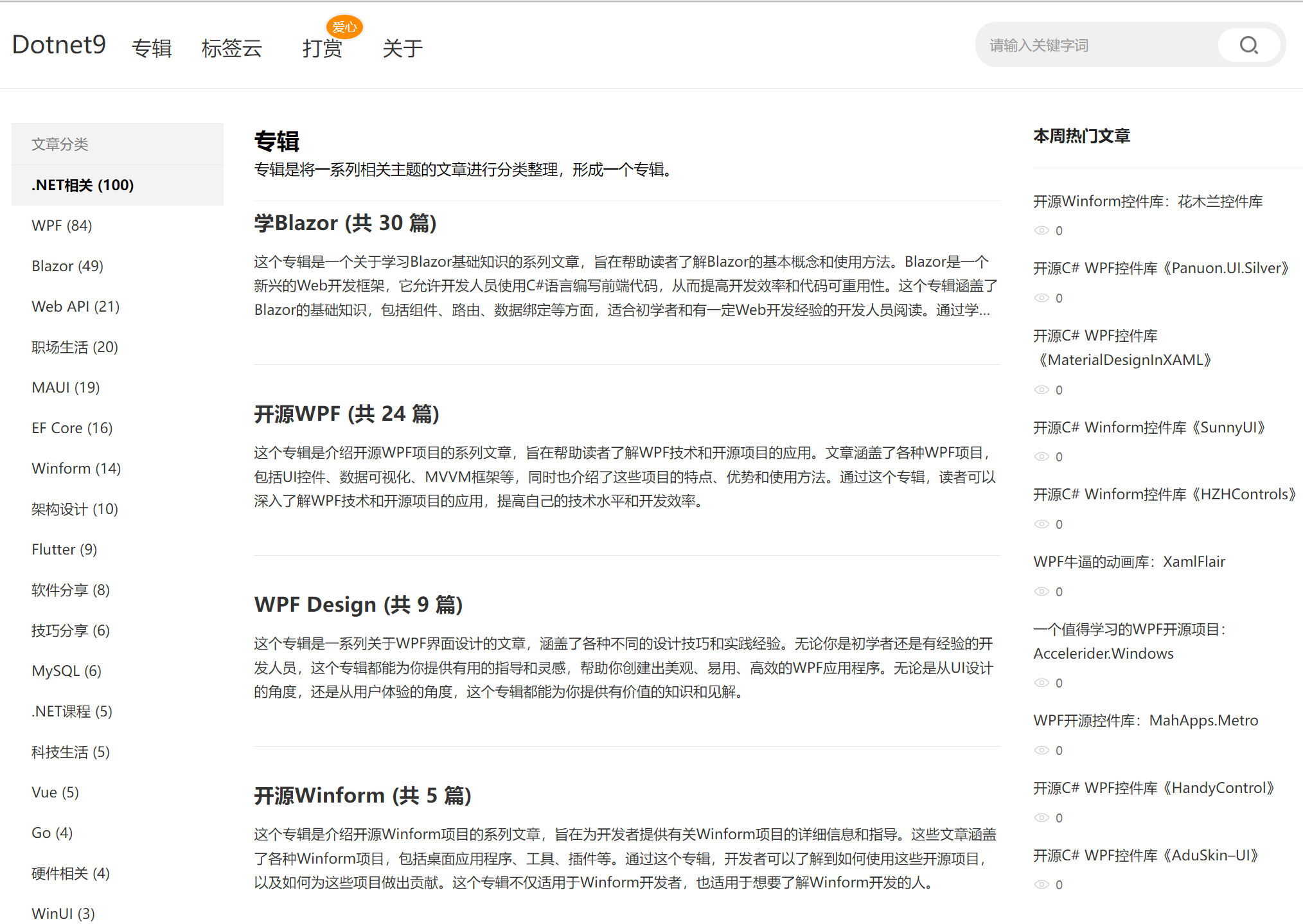
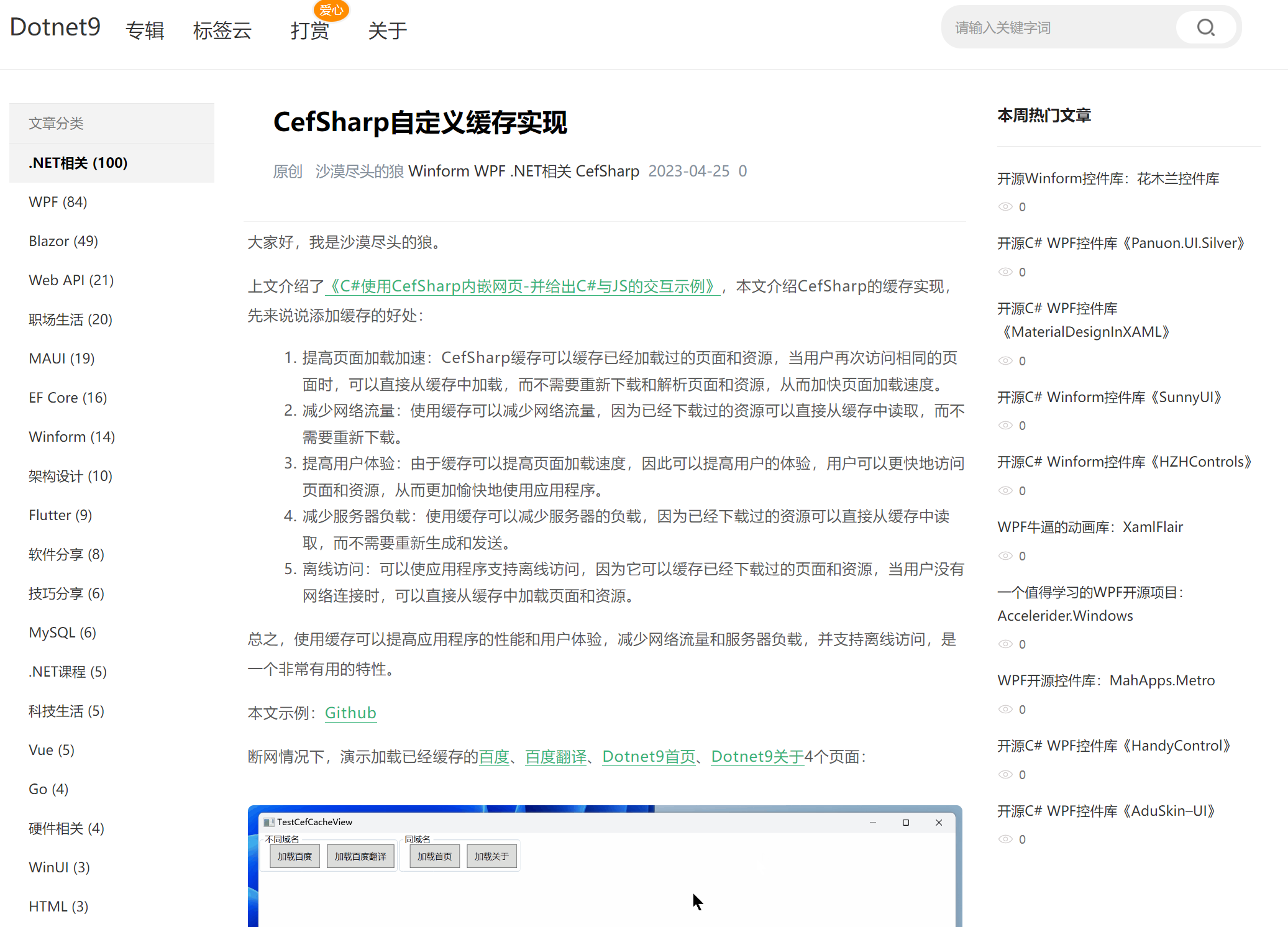
同时,Dotnet9 网站在风格上也进行了一些调整。网站的风格以简约为主,放弃了过多的花哨效果,更加注重内容的呈现。这种风格类似于早期的博客园,让用户更加专注于阅读和学习。
后台重构
技术栈:ASP.NET Core 8.0 Web API ( MASA Framework + EF Core 8.0(PostgreSQL), DDD + CQRS)
在后台后端方面,Dotnet9 网站采用了 MASA Framework 作为开发框架。MASA Framework 是.NET 下一代微服务开发框架, 助力开发者和企业开启全新的现代化应用开发交付体验。
在开发设计上,Dotnet9 网站依然采用了 DDD(领域驱动设计)的思想实践。这种设计思想可以帮助开发者更好地理解业务需求,将业务逻辑和技术实现分离开来,从而提高代码的可维护性和可扩展性。
此外,Dotnet9 网站还加入了 CQRS(命令查询职责分离)的设计模式,由 MASA Framework 提供技术支持。CQRS 是一种与领域驱动设计(DDD)和事件溯源相关的架构模式,它将事件(Event)划分为 命令端(Command)和 查询端(Query),可以提高系统的性能和可扩展性。在 Dotnet9 网站中,博客文章的查询就使用了查询(Query),文章阅读统计(开发中)使用了命令(Command)。
小结
Dotnet9 网站的重构,不仅提高了网站的性能和用户体验,还采用了最新的技术和设计思想,使得网站更加具有可维护性和可扩展性。在未来的发展中,Dotnet9 网站将继续秉承这种理念,不断优化和改进,为用户提供更好的服务,当然主要以个人学习、不断演进为主。
成果展示
首页:
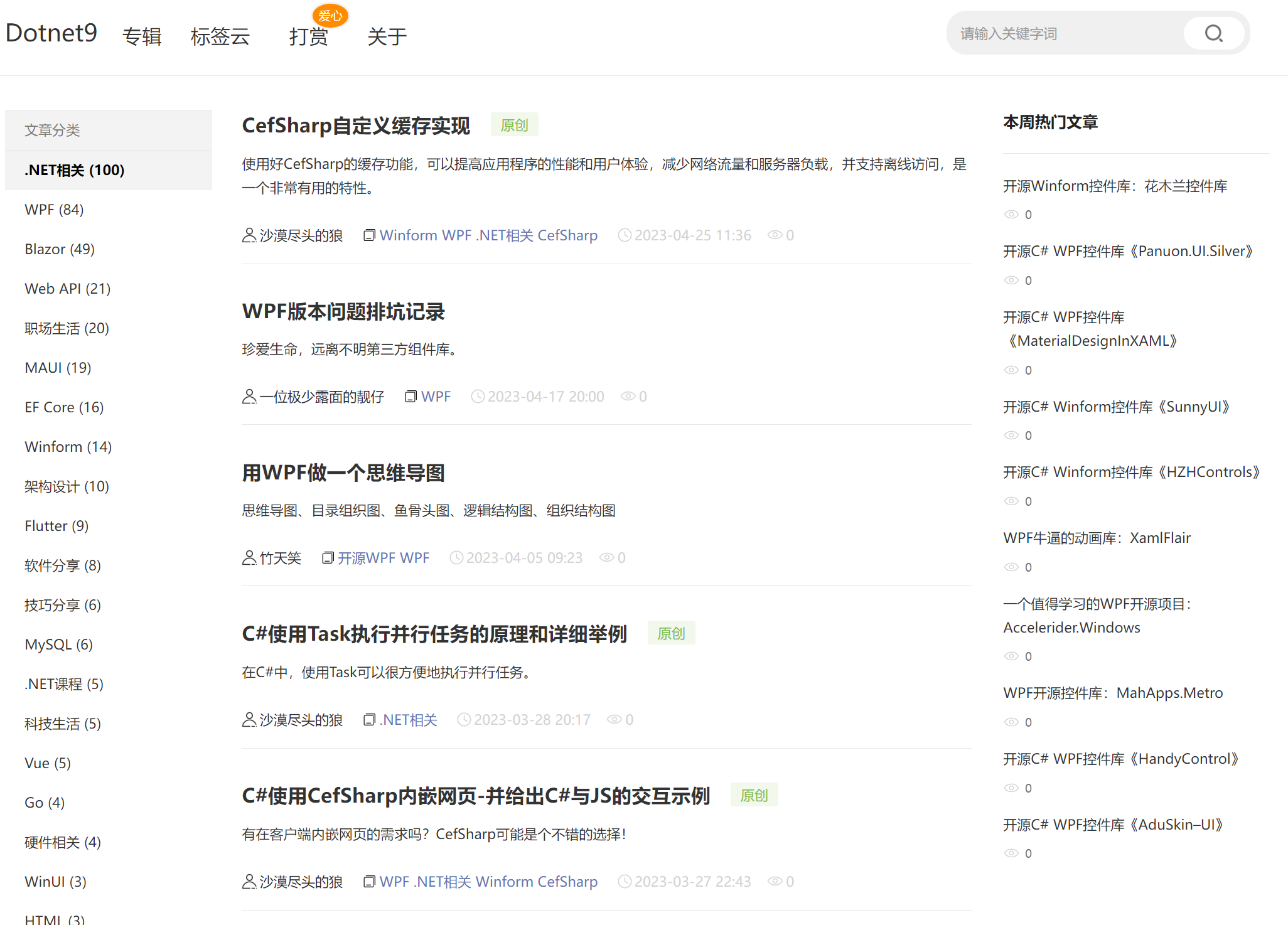
文章专辑:
文章详情:
源码
这次把历史分支也做了清理,只保留 develop 和 main 分支。
仓库:https://github.com/dotnet9/dotnet9
解决方案结构如下:
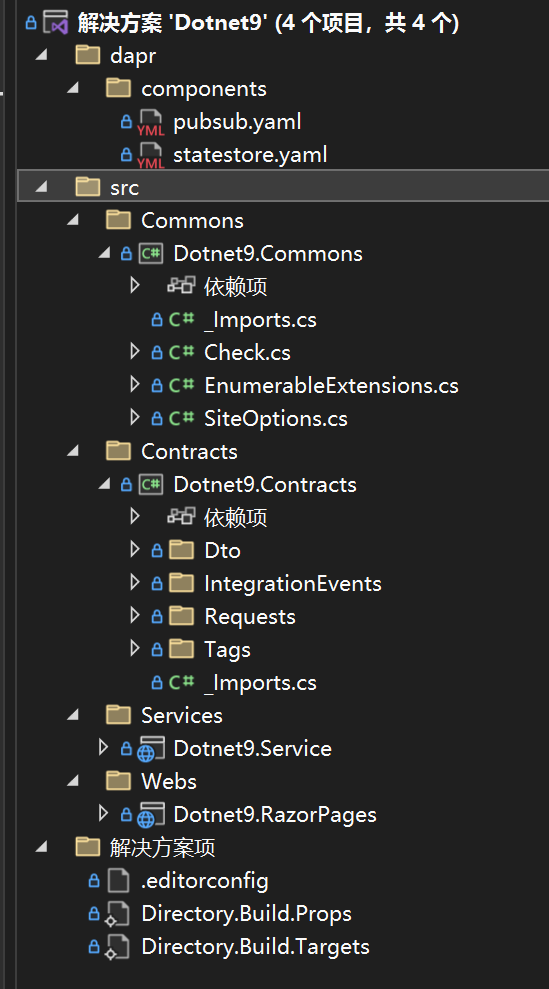
前台主工程:Dotnet9.RazorPages
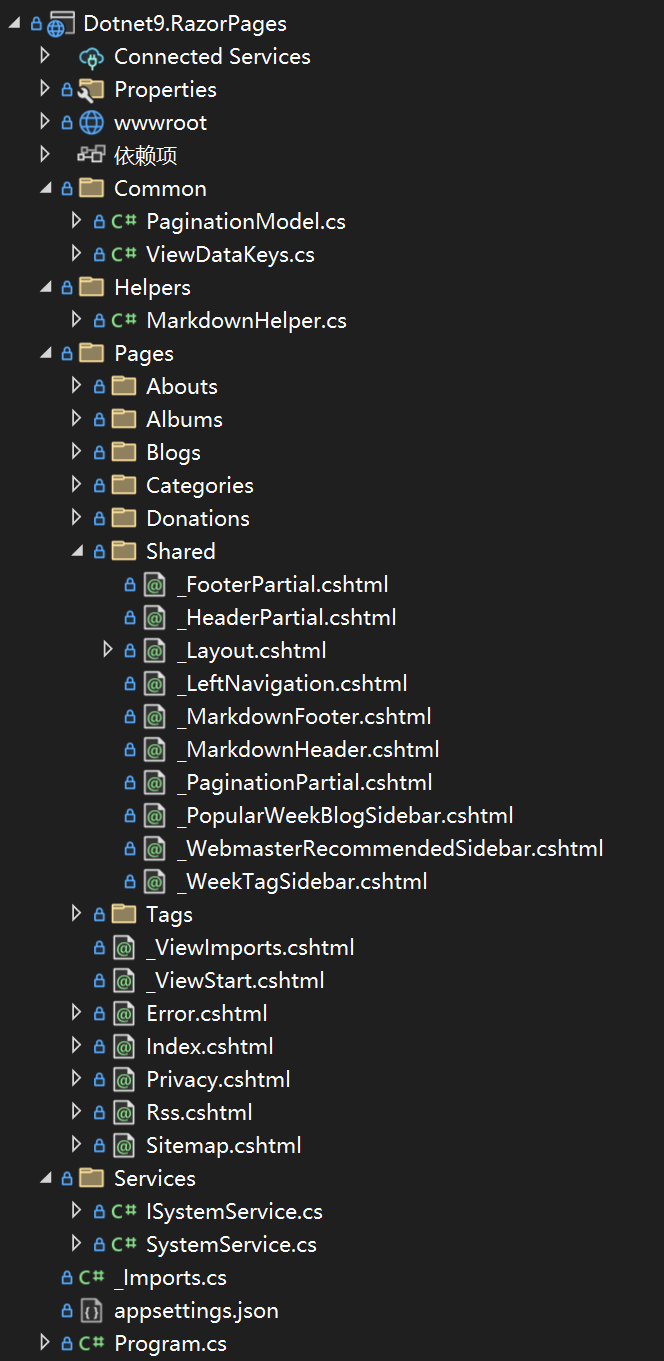
后端主工程:Dotnet9.Service

- Dotnet9.Commons:工具库
- Dotnet9.Contracts:暂时放 Dto 类
- Dotnet9.RazorPages:前台主工程,逐步完善
- Dotnet9.Service:后端主工程,暂时将各种分层文件放一个工程,有需要再分库
- Dotnet9.Admin:后台前端暂定
等网站开发完成,写个 Dotnet9 网站前后台开发系列教程分享,不是今年,就是明年....
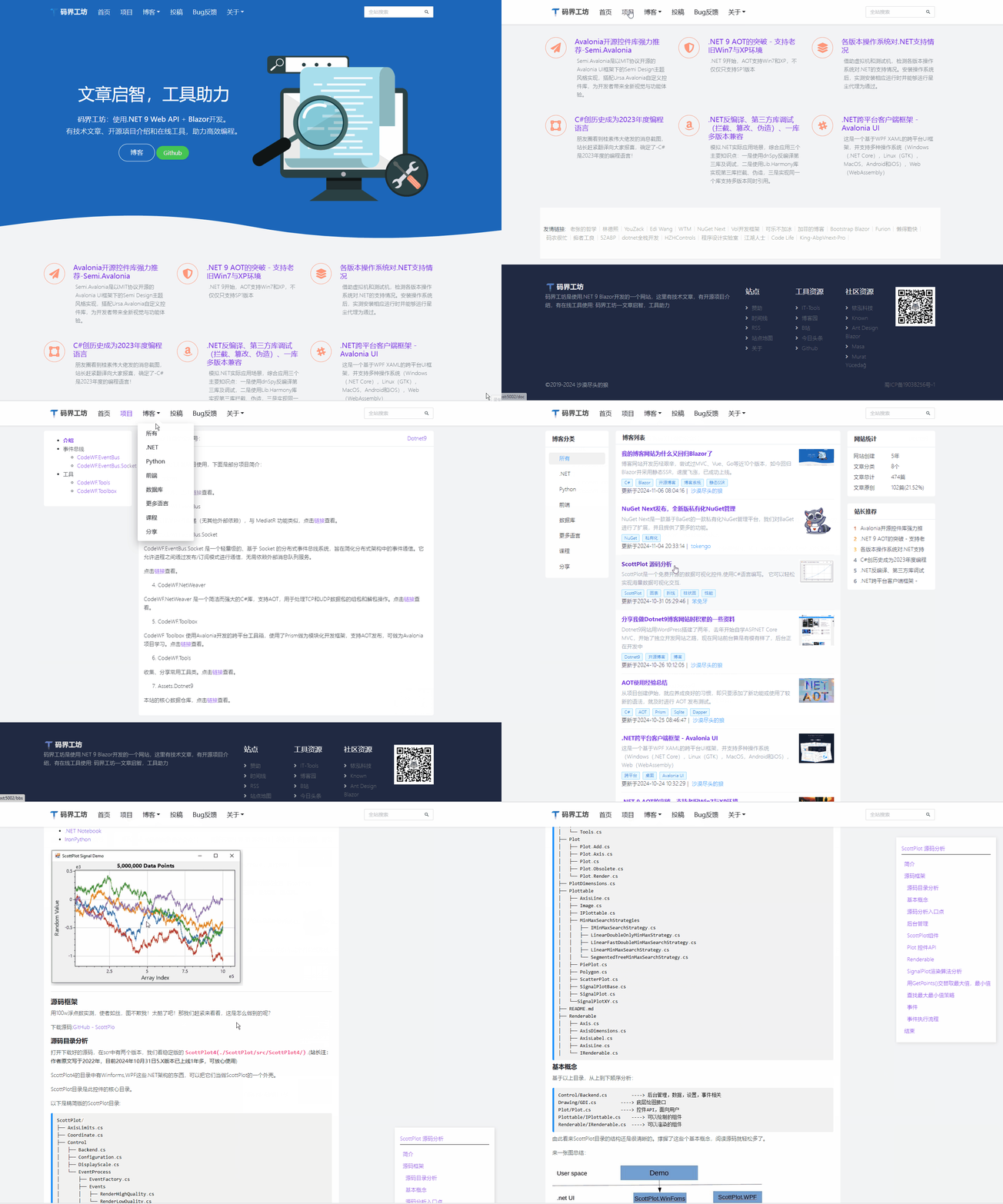
9. 2024年7月
Ant Design风格重构,源码地址:htts://github.com/dotnet9/CodeWF:
- 采用Blazor静态SSR;
- 没有数据库,核心数据本地读取、加载内存使用,所以没有后台
在线浏览:htts://dotnet9..com
访问速度有没有飞一般的感觉:
本文持续更新,欢迎关注。