
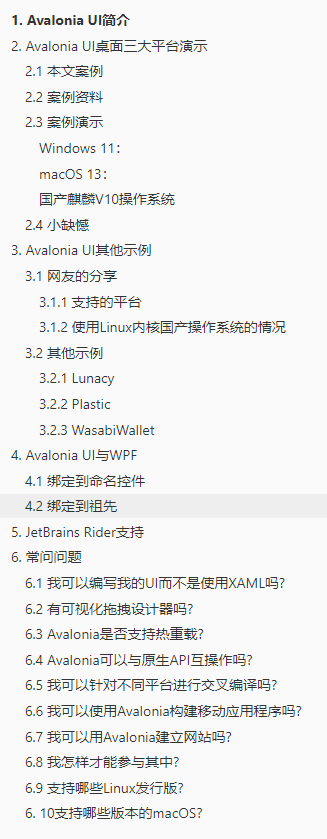
本文阅读目录
1. Avalonia UI简介
Avalonia UI文档教程:https://docs.avaloniaui.net/docs/getting-started
随着跨平台越来越流行,.NET支持跨平台至今也有十几年的光景了(Mono开始)。
但是目前基于.NET的跨平台,大多数还是在使用B/S架构的跨平台上;至于C/S架构,大部分人可能会选择Qt进行开发,或者很早之前还有一款Mono可以支持.NET开发者进行开发跨平台应用,自微软收购Xamarin后,今年又正式发布了MAUI跨平台框架,外加第三方的跨平台框架Uno[Avalonia UI](https://avaloniaui.net/)选择,技术栈多的炸裂呀。
今天介绍的是Avalonia UI,站长也是研究了好几天,这是一个基于WPF XAML的跨平台UI框架,并支持多种操作系统(Windows(.NET Core),Linux(GTK),MacOS,Android和iOS),Web(WebAssembly)。
2. Avalonia UI桌面三大平台演示
这是Avalonia UI官方网站的一个Demo,站长对部分NuGet包进行了升级,网友【小飞机MLA】对Linux版本修复了字体Bug得以正常运行、演示。
2.1 本文案例
一个音乐专辑搜索、展示小程序,功能如下:
首页:展示已购买的音乐专辑;
专辑选择页:专辑搜索、购买;
2.2 案例资料
案例教程:https://docs.avaloniaui.net/tutorials/music-store-app
案例原源码:https://github.com/AvaloniaUI/Avalonia.MusicStore
站长升级版源码:https://github.com/dotnet9/AvaloniaTest/tree/main/src/Avalonia.MusicStore
本文示例体验下载地址:https://dotnet9.com/avalonia.musicstore/publish.html
2.3 案例演示
Windows 11:
macOS 13:
可安装Rider(用EAP即可)开发,站长一次性直接编译运行(站长使用的.NET 7),运行调试过于顺畅,与使用MAUI相比不敢相信...
国产麒麟V10操作系统
站长安装麒麟OS折腾了一会儿,文件传输不熟悉(最后使用的百度网盘中转...),运行命令也不熟(需要给运行程序设置执行权限777),后面是网友【小飞机MLA】解决了Linux字体问题,站长得以开心的运行并录了视频分享。
2.4 小缺憾
三个平台功能相同,只是Linux自定义标题栏未生效,有网友提示可以隐藏标题栏,自己实现控制按钮(最小化、最大化(还原)、关闭),后面官方应该会解决Linux下这个问题,继续研究、整!
3. Avalonia UI其他示例
3.1 网友的分享
以下内容摘自博文Avalonia学习实践(二)--跨平台支持及发布。
3.1.1 支持的平台
支持的平台信息详细如下:
| 运行平台 | 版本 |
|---|---|
| Windows | Windows8及其以上版本(Window7也能用,但不保证没问题) |
| MacOS | MacOS High Serra 10.13及其以上版本 |
| Linux | Debian 9、Ubuntu 16.5、Fedora 30及其以上(主要是各种发行版) |
移动端跨平台,也就是iOS和Android的支持。
Web支持,即WebAssembly,这是国际标准。
3.1.2 使用Linux内核国产操作系统的情况
| 操作系统 | 研制单位 | 备注 |
|---|---|---|
| 银河麒麟 | 天津麒麟信息技术有限公司 | |
| 中标麒麟 | 中标软件科技有限公司 | 原中标普华 |
| 统信UOS | 统信软件科技有限公司 | |
| 中科方德 | 中科方德软件有限公司 | |
| 优麒麟 | 中国CCN联合实验室 | 基于Ubuntu发行版 |
| 深度(deepin) | 武汉深之度科技有限公司 | 23版之后从Kernel构建 |
发布选项:
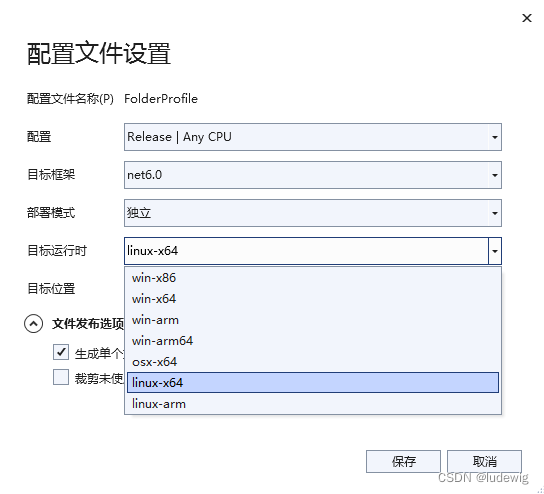
发布至测试环境(统信UOS、AMD处理器,所以选择linux-x64)如下:
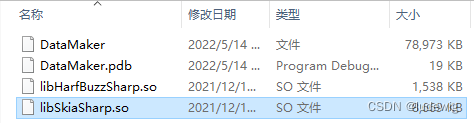
运行效果如下:

附.国产CPU指令集路线
| 国产CPU | 指令集 |
|---|---|
| 龙芯 | loongarch(站长注:网友指正是 loongarch,原文是 |
| 海光 | x86 |
| 兆芯 | x86 |
| 飞腾 | arm |
| 鲲鹏 | arm |
| 申威 | Alpha |
其中龙芯是完全自主的指令集,前段时间也刚刚更新了对.Net的支持;x86主要是生态好,传统桌面处理器intel、AMD都是x86架构,做兼容适配也方便些;arm以前移动端较多,现在桌面端也逐渐赶上。
3.2 其他示例
示例来自仓库Avalonia。
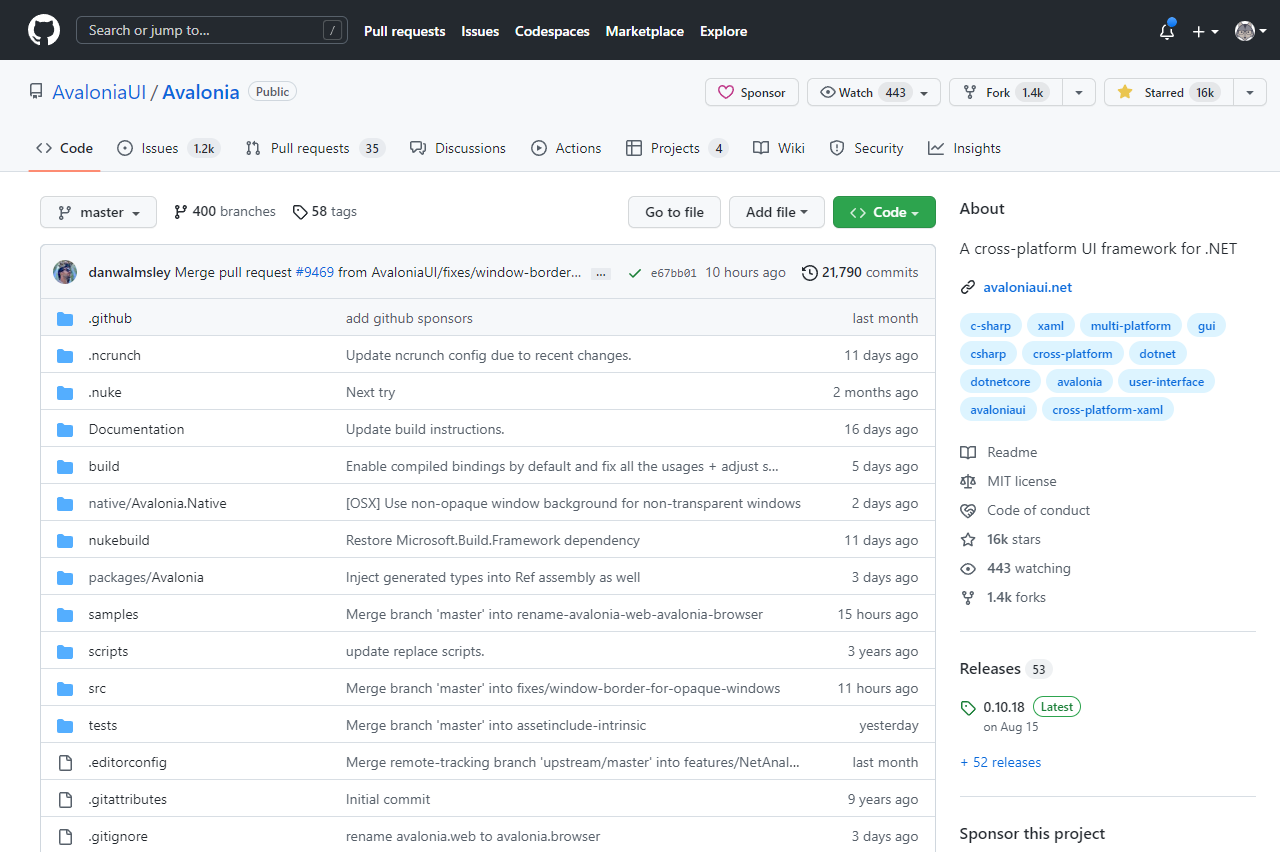
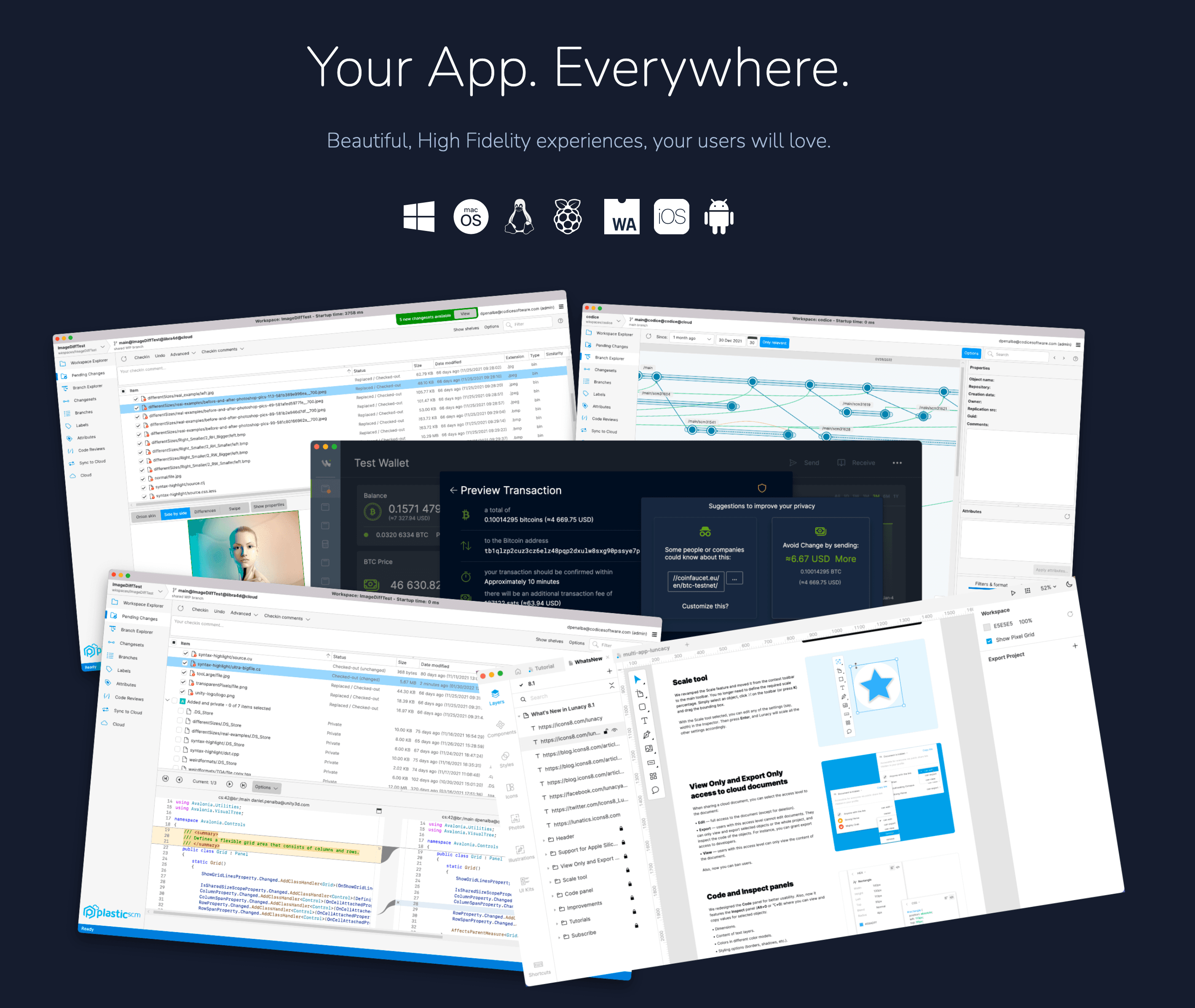
基于Avalonia搭建的项目部分如下:
3.2.1 Lunacy
这是一款免费设计软件,通过AI工具和内置图形保持流畅。
项目网站:https://icons8.com/lunacy
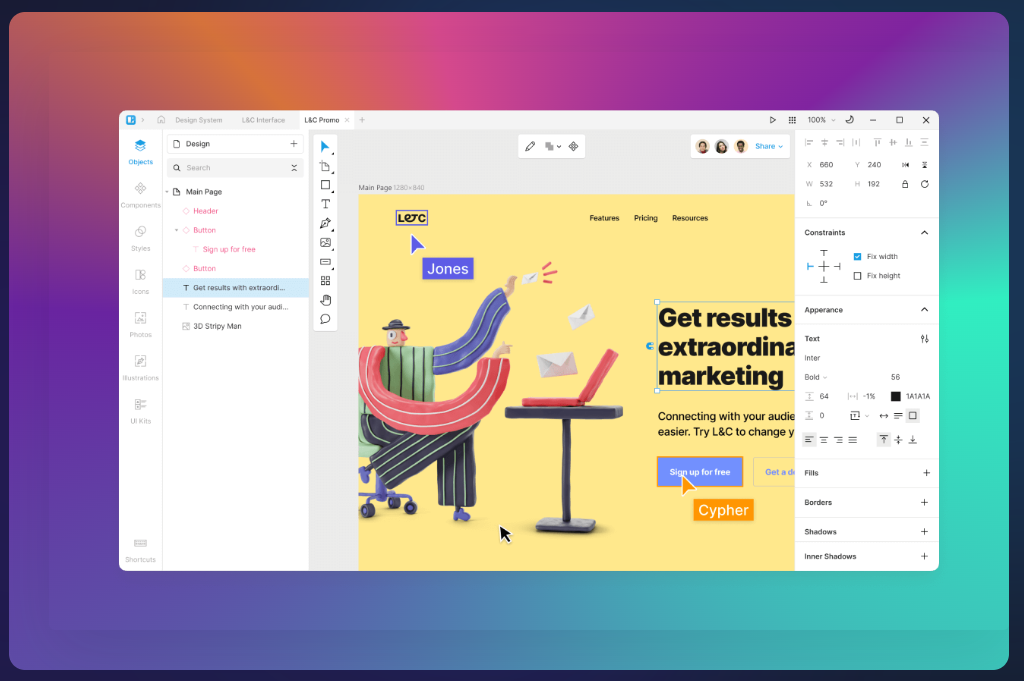
以下来源于B站的一个视频:(搬运/英文)使用 Lunacy 设计一个网站首页!
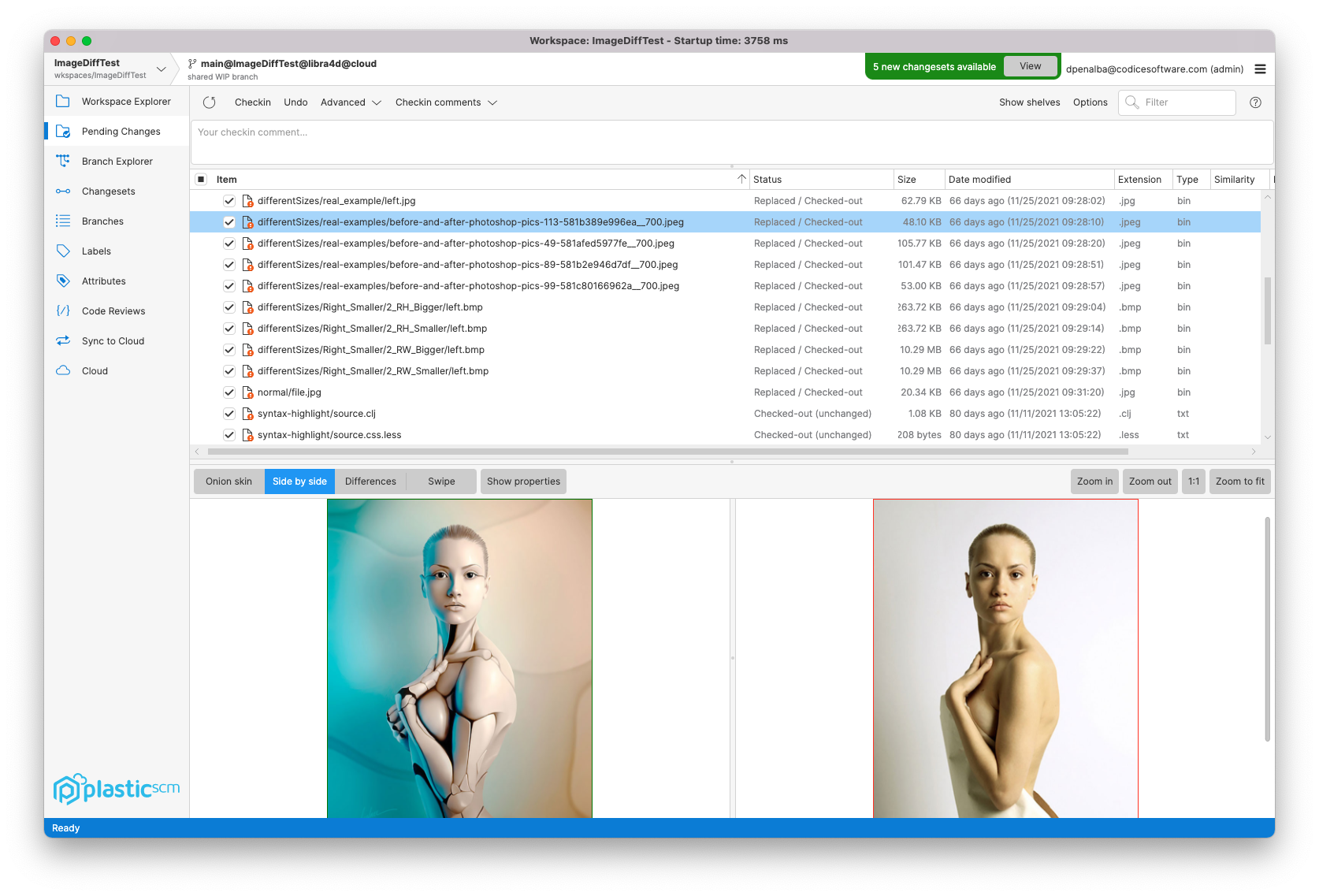
3.2.2 Plastic
宣传语:Create without compromise:不妥协地创造
Unity Plastic SCM是一个版本控制和源代码管理工具,旨在提高团队协作和与任何引擎的可扩展性。它为艺术家和程序员提供了优化的工作流程,以及处理大型文件和二进制文件的速度。
项目网站:https://www.plasticscm.com/
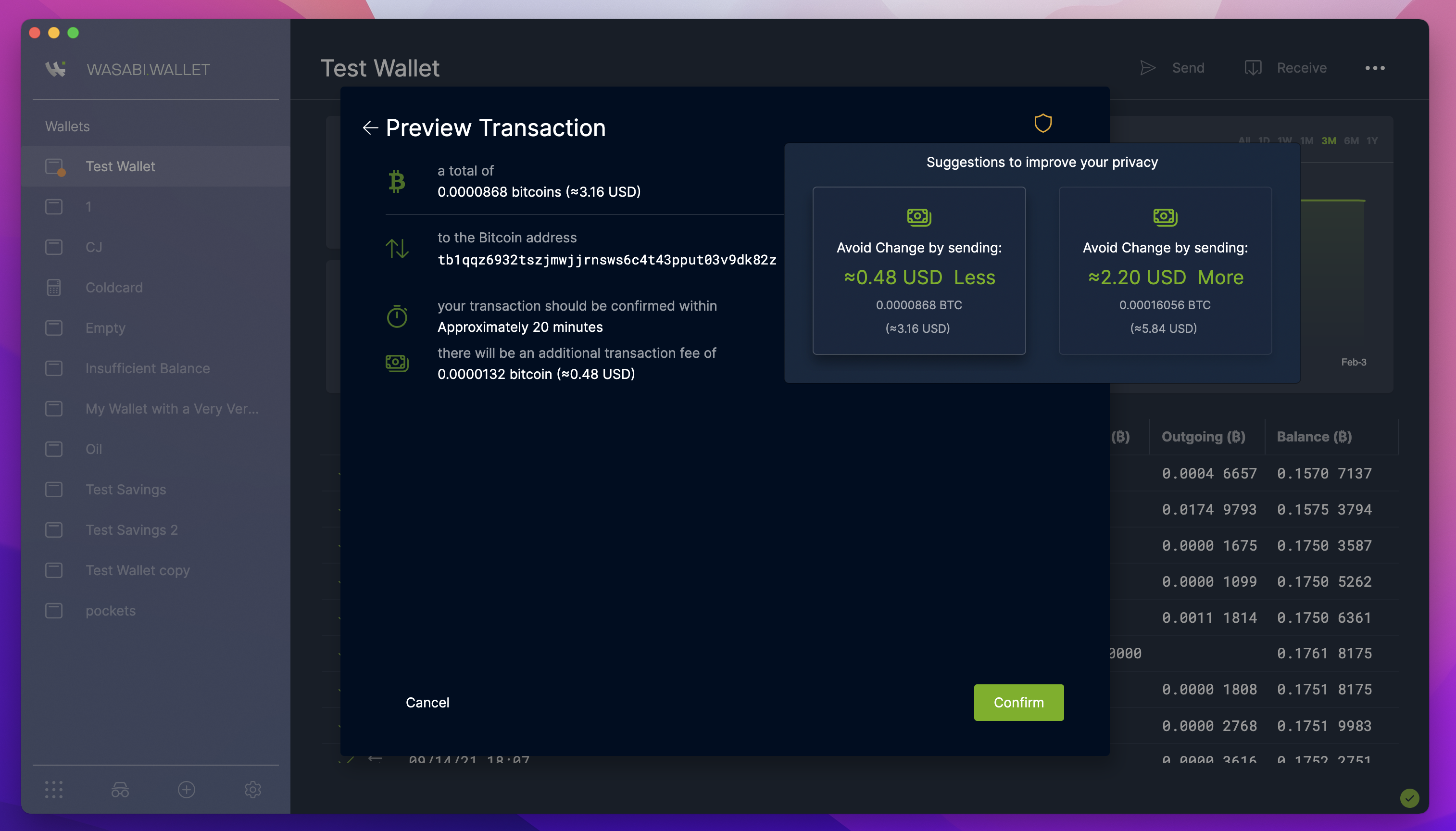
3.2.3 WasabiWallet
用于桌面的开源、非托管比特币钱包。
项目网站:https://www.wasabiwallet.io/
4. Avalonia UI与WPF
Maui的原生控件从命名、属性列表看和原生Android类似,但Xaml语法和WPF相同,站长使用Maui原生控件不多,只浅显地发表这部分看法,不贴相关代码,Maui学习请点这里。
而Avalonia UI呢,和WPF就几乎相同了,下面翻译原文数据绑定部分文档,熟悉WPF的同学可以对比:
绑定到控件
除了绑定数据到一个控件的DataContext,您还可以绑定到其他控件。
请注意,执行此操作时,绑定源是*控件本身,*而不是控件的
DataContext. 如果你想绑定到控件DataContext,那么你需要在绑定路径中指定它。
4.1 绑定到命名控件
如果要绑定到另一个命名控件的属性,可以使用以#字符为前缀的控件名称(站长注:这里类似前端的css id选择器,其实Avalonia UI样式扩展的借鉴大部分来源于前端,站长猜测的哈)。
<TextBox Name="other">

<!-- Binds to the Text property of the "other" control -->
<TextBlock Text="{Binding #other.Text}"/>
这相当于 WPF 和 UWP 用户熟悉的 long-form(长表单)绑定:
<TextBox Name="other">
<TextBlock Text="{Binding Text, ElementName=other}"/>
Avalonia 支持这两种语法,但短格式#语法不那么冗长。
4.2 绑定到祖先
您可以使用以下符号绑定到目标的逻辑父级:$parent
<Border Tag="Hello World!">
  <TextBlock Text="{Binding $parent.Tag}"/>
</Border>
或者通过向$parent符号添加Index(索引)来传递给祖先:
<Border Tag="Hello World!">
  <Border>
    <TextBlock Text="{Binding $parent[1].Tag}"/>
  </Border>
</Border>
索引是从 0 开始的,因此$parent[0]等同于$parent.
您还可以按类型绑定到祖先:
<Border Tag="Hello World!">
  <Decorator>
    <TextBlock Text="{Binding $parent[Border].Tag}"/>
  </Decorator>
</Border>
最后,您可以组合索引和类型:
<Border Tag="Hello World!">
  <Border>
    <Decorator>
    	<TextBlock Text="{Binding $parent[Border;1].Tag}"/>
    </Decorator>
  </Border>
</Border>
如果您需要在祖先类型中包含 XAML 命名空间,您可以使用字符:像往常一样来做到这一点:
<local:MyControl Tag="Hello World!">
  <Decorator>
    <TextBlock Text="{Binding $parent[local:MyControl].Tag}"/>
  </Decorator>
</local:MyControl>
Avalonia 还支持 WPF/UWP 的
RelativeSource语法,其功能类似但又不相同。RelativeSource适用于可视树,而此处给出的语法适用于逻辑树。
关于Avalonia UI的更多用法请点击这里学习。
5. JetBrains Rider支持
JetBrains Rider现在正式支持Avalonia。 对于XAML预览器添加,支持代码完成、检查和重构https://plugins.jetbrains.com/plugins/dev/14839到插件库并安装AvaloniaRider插件。
6. 常问问题
翻译自: Avalonia UI FAQ
6.1 我可以编写我的UI而不是使用XAML吗?
是的。您可以使用首选的.NET语言对整个UI进行编码。
6.2 有可视化拖拽设计器吗?
不支持。Avalonia IDE扩展支持实时预览,在您修改XAML时实时刷新呈现UI的预览,从而替换拖放设计器。
6.3 Avalonia是否支持热重载?
您可以使用社区项目来启用Avalonia 的热重载。
6.4 Avalonia可以与原生API互操作吗?
是的。
6.5 我可以针对不同平台进行交叉编译吗?
是的。您可以在Windows平台上,为macOS和Linux平台编译目标程序。您可能需要在这些平台上打包您的应用程序以创建您的应用程 序的发布包。
6.6 我可以使用Avalonia构建移动应用程序吗?
是的。您现在可以为Android开发,我们有一个预览展示了iOS支持的开始。但是,您应该仔细考虑每个平台, 并确保您的应用程序在较小的触控设备上表现良好。
6.7 我可以用Avalonia建立网站吗?
它还处于早期阶段, 还没有准备好投入生产,但是是的,你可以。Avalonia现在支持Web Assembly。 请参考快速演示: NodeEditor Demo。这意味着您的完整Avalonia应用程序可以在所有现代网络浏览器中运行。
6.8 我怎样才能参与其中?
查看社区指南,了解如何参与该项目。
6.9 支持哪些Linux发行版?
- Debian 9 (Stretch)+
- Ubuntu 16.04+
- Fedora 30+
Skia 是针对glibc构建的。如果您的发行版使用其他东西,您需要使用SkiaSharp构建您自己的libSkiaSharp.so。我们仅为Intel x86-64提供预编译的二进制文件。计划支持ARM/ARM64。
6. 10支持哪些版本的macOS?
macOS High Sierra 10.13+
7. 学习资料
- Avalonia UI官方网站:https://avaloniaui.net/
- Avalonia UI仓库:https://github.com/AvaloniaUI/Avalonia
- 社区Avalonia UI中文网:https://avaloniachina.gitbook.io
- 社区Avalonia UI中文网仓库:https://github.com/avaloniachina/Documentation