
一个基于
.NET 6开发的在线音视频聊天项目,客户端使用WPF开发,后端使用.NET Core Web API。
一. 项目介绍
一个基于.NET 6开发的在线音视频聊天项目,客户端使用WPF开发,后端使用.NET Core Web API。
仓库地址:https://github.com/qian-o/Dimension
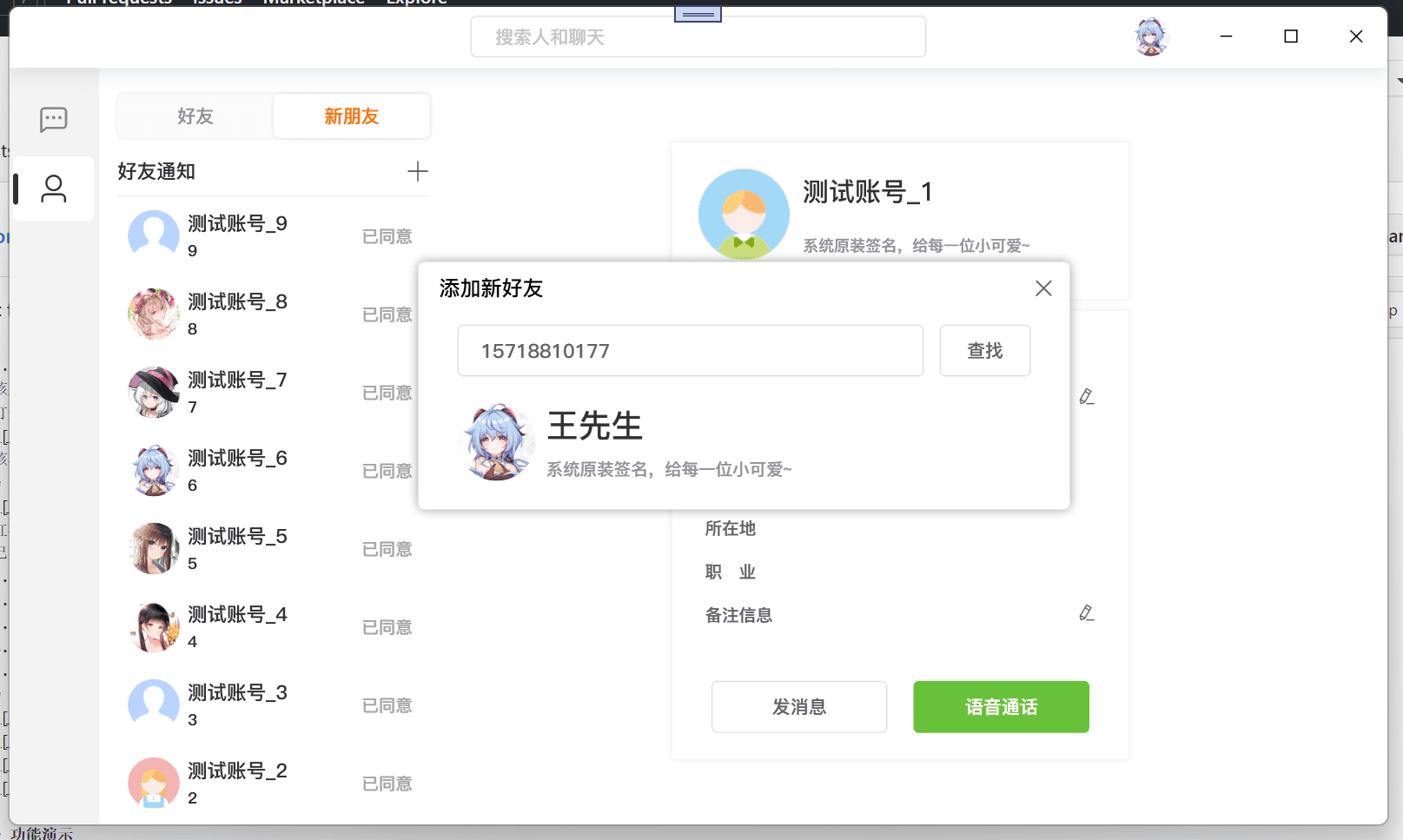
仓库截图:

项目代码结构:

二. 使用第三方依赖介绍
公用依赖
- log4net 日志记录。
- SignalR 用于服务器与客户端的通讯手段,该项目用于好友申请、消息提示、公告、聊天和音视频通话等一系列通知。
- EntityFrameworkCore 操作数据库的 ORM 工具,服务端使用 SqlServer,客户端使用 Sqlite。
- Newtonsoft.Json 序列化和反序列化 JSON。
服务端
- TencentCloudSDK 操作腾讯云服务 API,该项目用于管理通话房间。
- aliyun-net-sdk-core 操作阿里云服务 API,该项目用于短信服务。
- CHSPinYinConv 获取中文拼音。
- Portable.BouncyCastle TRTC 加密使用。
- SixLabors.ImageSharp 操作图片,因 c#中操作图片需要微软的 GDI 绘图,但在 linux 上操作需要 mono 的 libgdiplus 库,处理效果并不理想。
WPF 端
- TXLiteAV 操作腾讯云的 TRTC 服务,本地设备音视频推流、获取房间内其他用户音视频数据。
- XamlAnimatedGif 播放 GIF,因设备效率问题,改动作者源码后重新打包使用。
- 源库:https://github.com/XamlAnimatedGif/XamlAnimatedGif
- 问题:https://github.com/XamlAnimatedGif/XamlAnimatedGif/issues/160
三. 项目配置
如果需要正常运行此项目,请了解相关配置。
3.1 后端配置:
后端使用 .NET Core Web API 开发,配置如下:
- 第三方服务配置
修改DimensionService.Common命名空间下 ClassHelper类

请填写红框内付费服务内容,本程序使用阿里的短信服务和腾讯的TRTC服务,填写内容请见官方说明。
- 数据库
该服务采用SQL Server 2019数据库,并使用EF CORE作为主要的ORM框架,首次使用需要迁移数据库。
打开程序包管理控制台,输入
Update-Database InitialCreate

该项目提供线上测试服务地址,http://47.96.133.119:5000 (站长注:目前无法访问此地址)
3.2 客户端配置
客户端使用 WPF 开发,如下图:

红框内容需与服务端保持一致
已实现的功能
- 登录|注册
- 添加好友
- 音视频在线通话
- 聊天(图片、文字、富文本)
- 截屏(多显示器不同 dpi 支持)
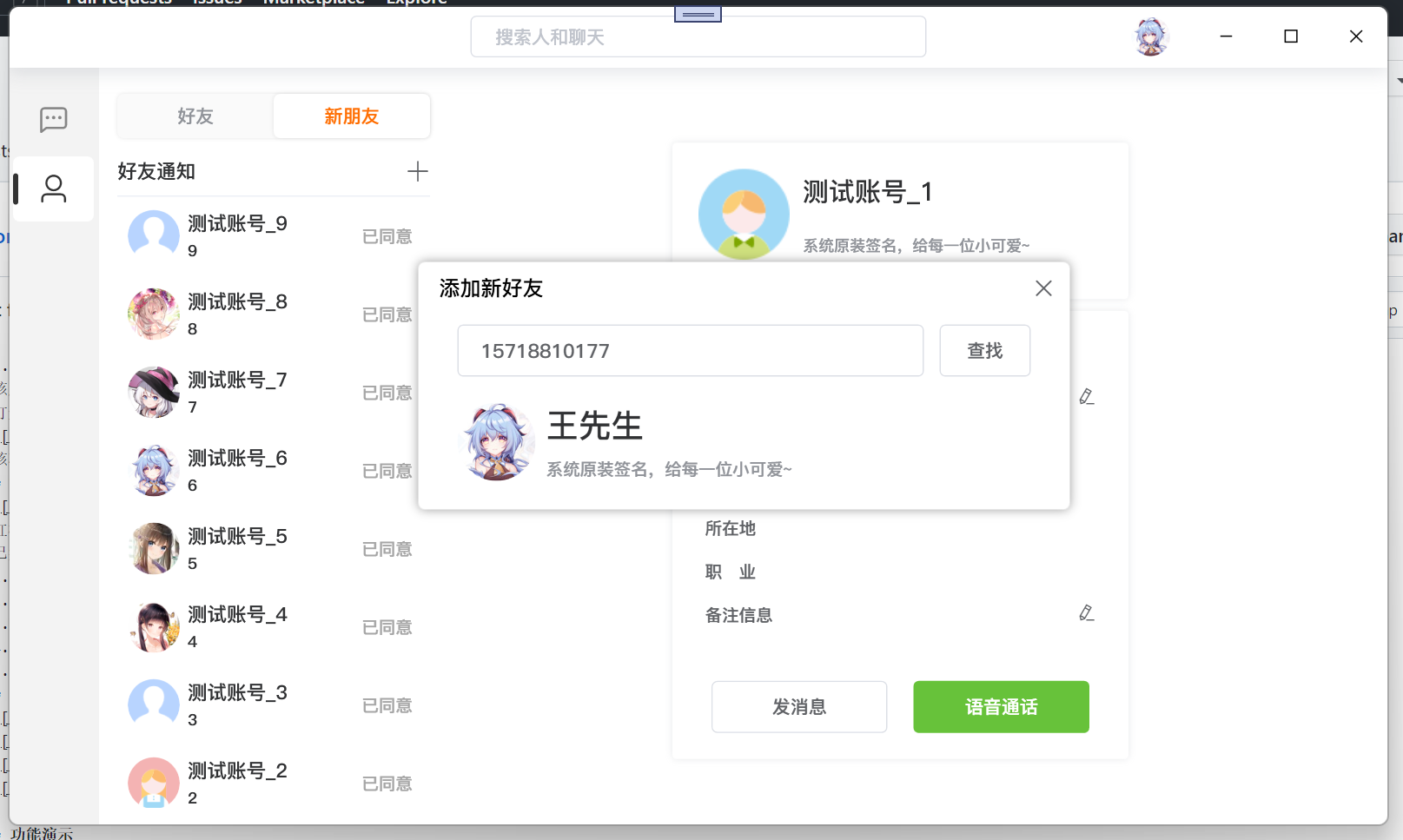
客户端部分截图:
站长没有条件,录制一个登录动画(哈哈):

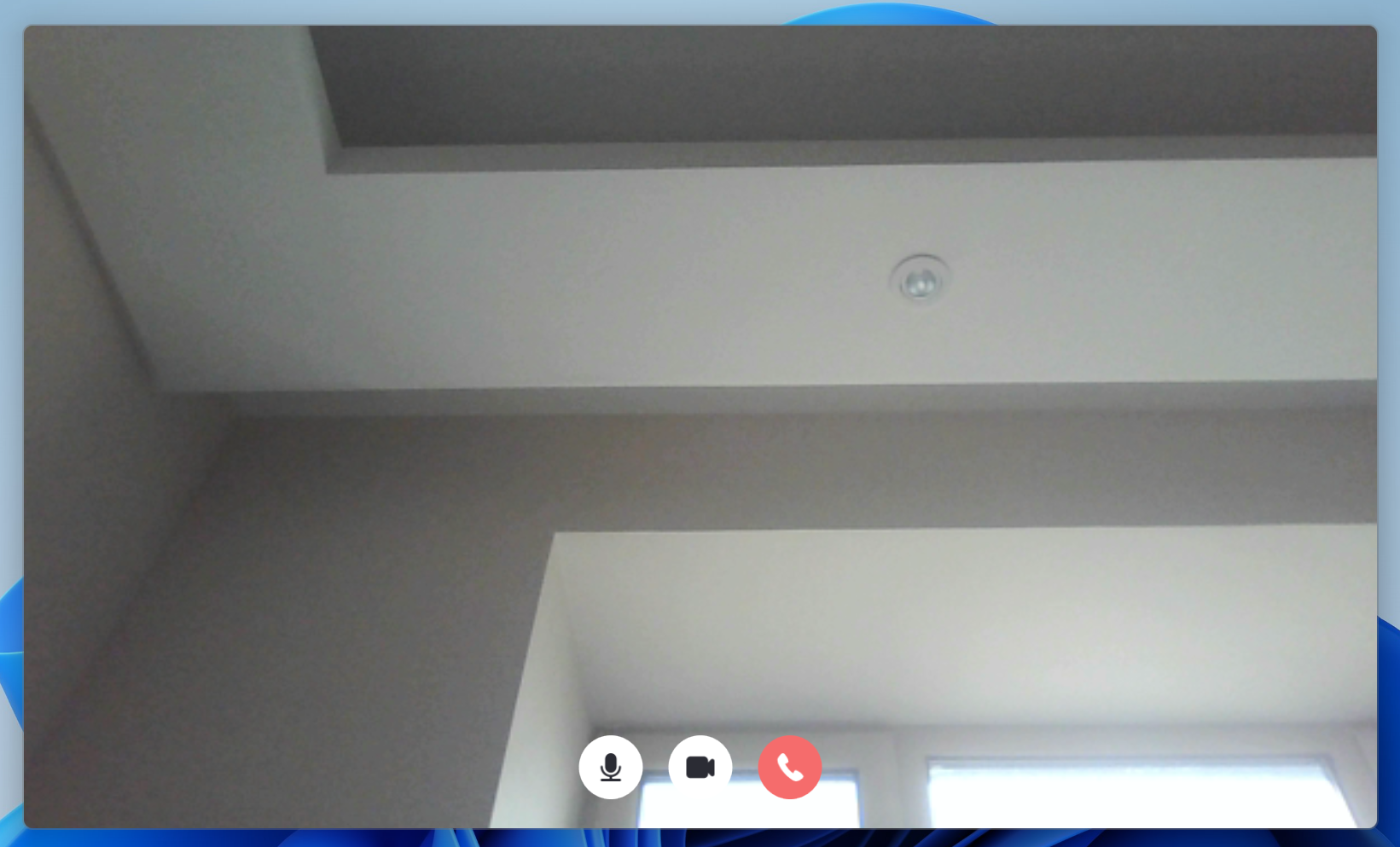
下面是作者 readmd 和博客园的图片:




四. 功能演示
作者太懒,以后再写!
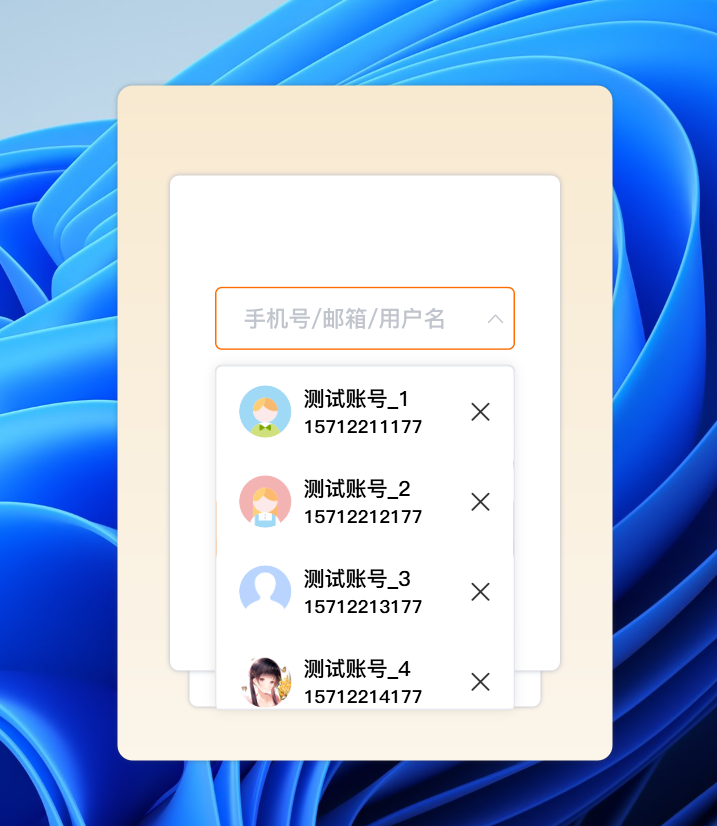
我还是提供的测试账号和程序地址吧。
不过需要安装 NET6 桌面运行时,这是下载地址:.NET 6 桌面运行时
测试用户
1571221{1 ~ 9}177,
密码统一为 12345678。
所有用户登录信息我都放在程序包里啦,并且都添加了我作为好友。😄
五. 程序包
链接:https://pan.baidu.com/s/1aTh_710GpKIIHOHpvVCpBw?pwd=cp4o
提取码:cp4o
--来自百度网盘超级会员 V4 的分享
六. 演示视频
链接:https://pan.baidu.com/s/1n-sQZFgO9GEhS80jHLVouA?pwd=85x3
提取码:85x3
--来自百度网盘超级会员 V4 的分享
七. 项目仓库地址
GitHub 地址:https://github.com/qian-o/Dimension