Big guy made an open source live wallpaper software using WinUI 3 and WPF

Big guy made an open source live wallpaper software using WinUI 3 and WPF

When it comes to live wallpaper software, I believe many people have heard of or used Wallpaper Engine. This is a highly praised wallpaper software on the Steam Store and is priced at '18' yuan. I have been using it before, and of course, today I introduced another wallpaper software called Lively Wallpaper.

最后更新 4/4/2022 11:21 AM
SpringLeee 全球技术精选
预计阅读 2 分钟
分类
WPF
专题
WPF Open Source Project
标签
.NET C# WPF Winform WPF Open Source Project

说到动态壁纸软件,相信很多人都听说过或用过 Wallpaper Engine, 这是 Steam Store 一个好评如潮的壁纸软件,售价为 18 元。我之前也一直在使用,当然今天介绍的是另外一个壁纸软件 Lively Wallpaper

1. Lively Wallpaper

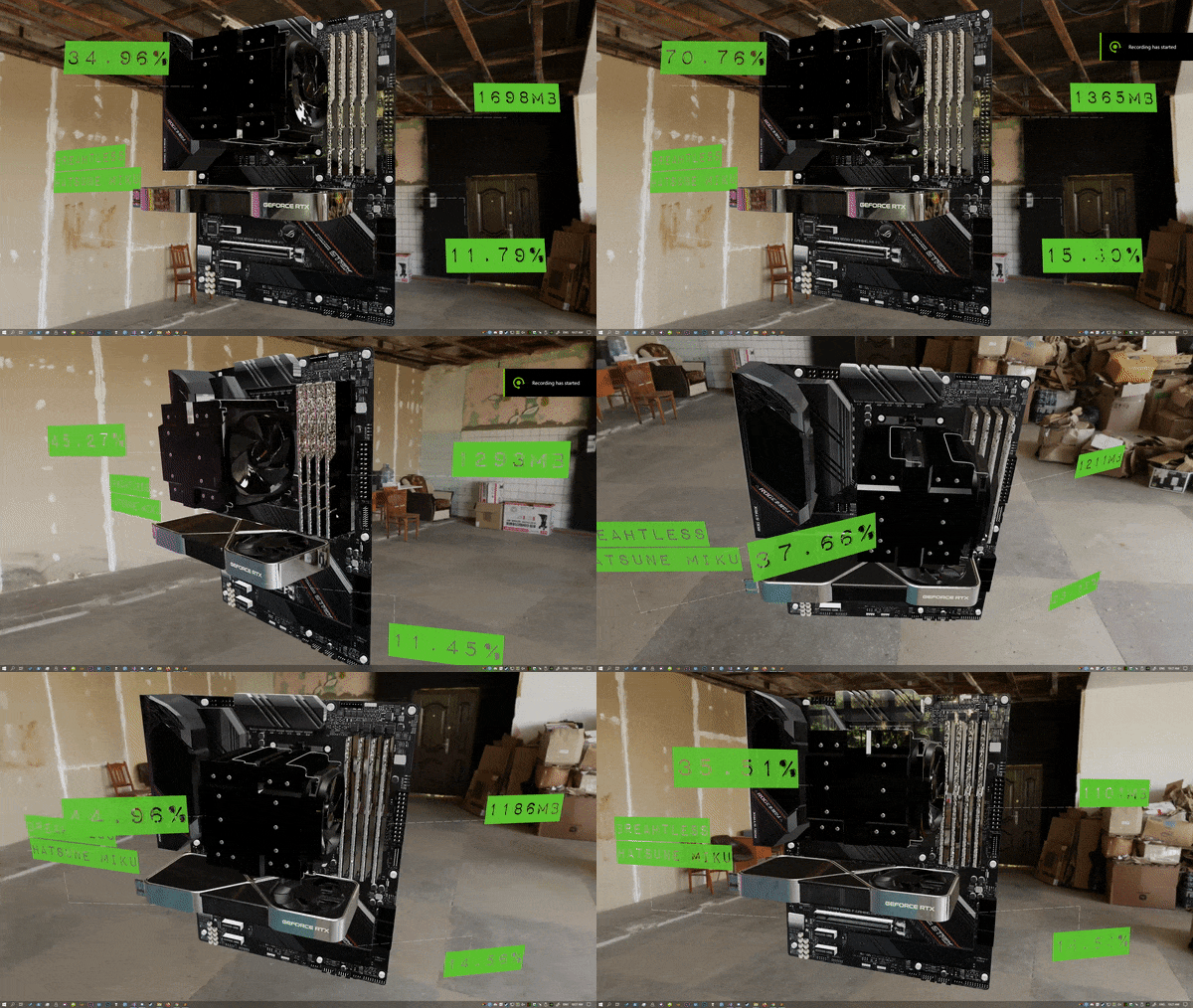
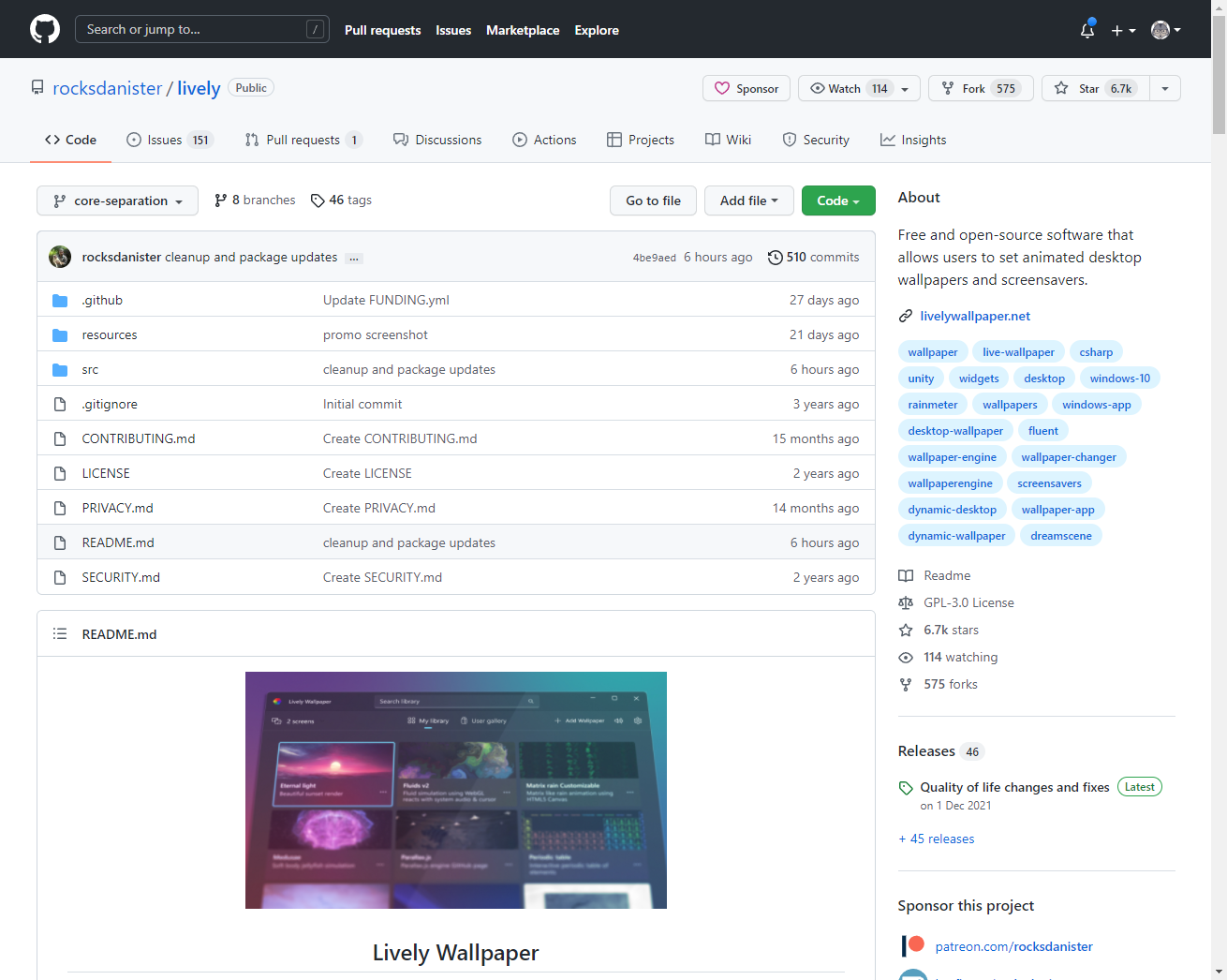
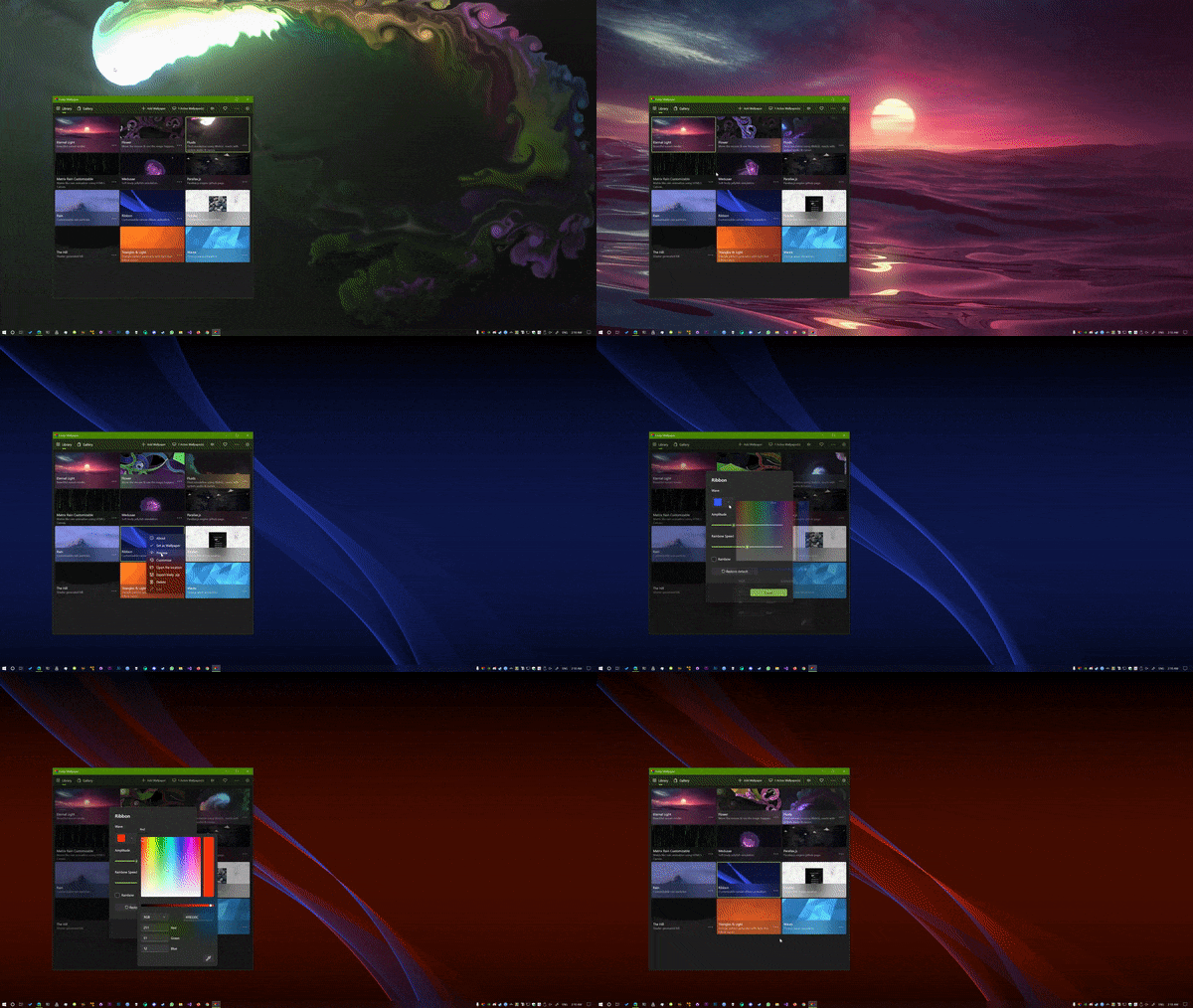
Lively is a live wallpaper software that is completely open source and free. It is mainly developed by Dani John. It supports users to set up animated desktop wallpapers and screen savers, and supports multiple displays. Developed using.NET core, currently Lively's core is written in WPF, while the UI uses WinUI3.

Using Lively Wallpaper is very simple and convenient. It also supports setting pictures, videos, web pages, Unity, Godot games as wallpapers.

2. screen saver

Lively also supports setting up Windows screen savers.

3. automation

Lively can also control wallpaper and customization by passing in command-line parameters.

4. Lively API

Lively provides a powerful API that makes it easy to obtain mouse, keyboard and other events, as well as system information, allowing developers to create interactive wallpapers.

5. Customize taskbar

Lively also supports custom task bars and Win 11. It has a selectable theme, including transparency, blur, Gaussian blur, semitransparent, etc., allowing your task bar to blend into desktop wallpaper!

6. development history

In fact, Lively has been under development for several years, but this development process is quite magical. In order to pursue high performance and smoothness, the author has rewritten the UI in the order of Winform -> WPF -> UWP -> WinUI3 in recent years.

I wonder if Microsoft will launch a new UI framework next year, haha...

7. download and install

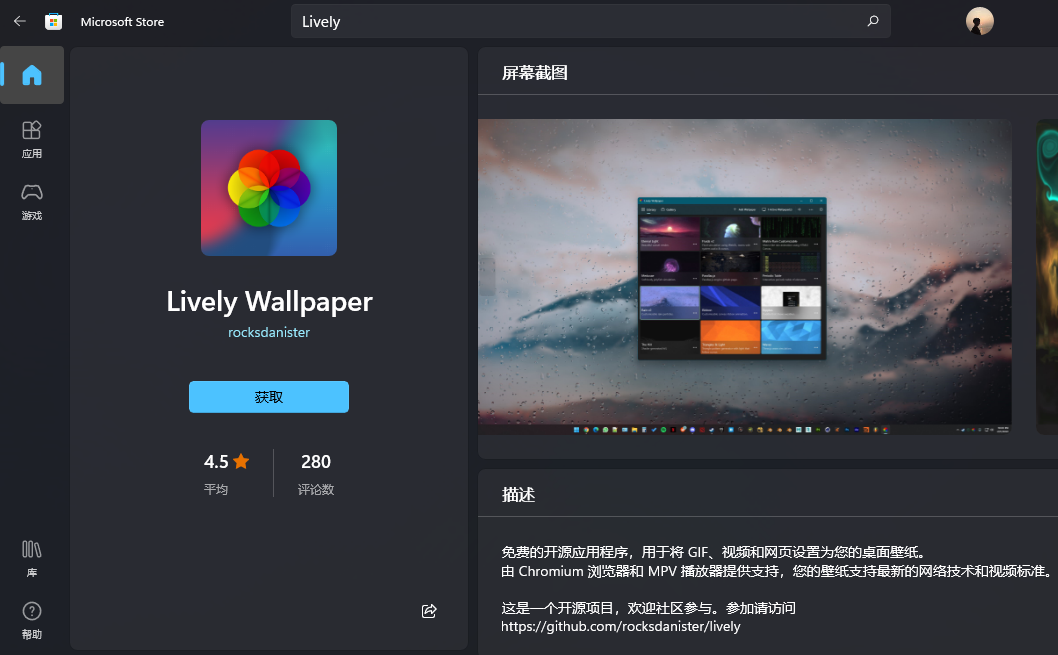
  • Windows Store

Keep Exploring

延伸阅读

更多文章
同分类 / 同标签 9/13/2025

Migration from WPF to Avalonia series: Why I have to migrate WPF programs to Avalonia

In the past few years, our host computer software has been mainly developed using WPF and WinForm. These technologies are really easy to use on the Windows platform, and they have also accompanied us through the stage of small-scale trial production to today's large-scale delivery. However, with the development of business and changes in customer needs, the single Windows technology stack has gradually become a hurdle that we must overcome.

继续阅读