本文不是广告,刚开始写这篇分享时,以为有免费体验的,普通用户可以使用,最多就是特殊功能需要付费,没想到
所有功能都是付费的。
preface
站长发过一篇《怎么做一个专业的软件安装包?》,今天介绍另一款软件安装包制作软件,特点是安装、卸载效果特别酷绚:火凤打包工具(hofoSetup),该软件由魔音作者推荐:魔音。
1. preparations
1.1 preparation tool

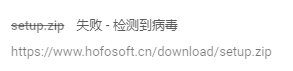
** Note: When downloading, the operating system may have the following prompts **

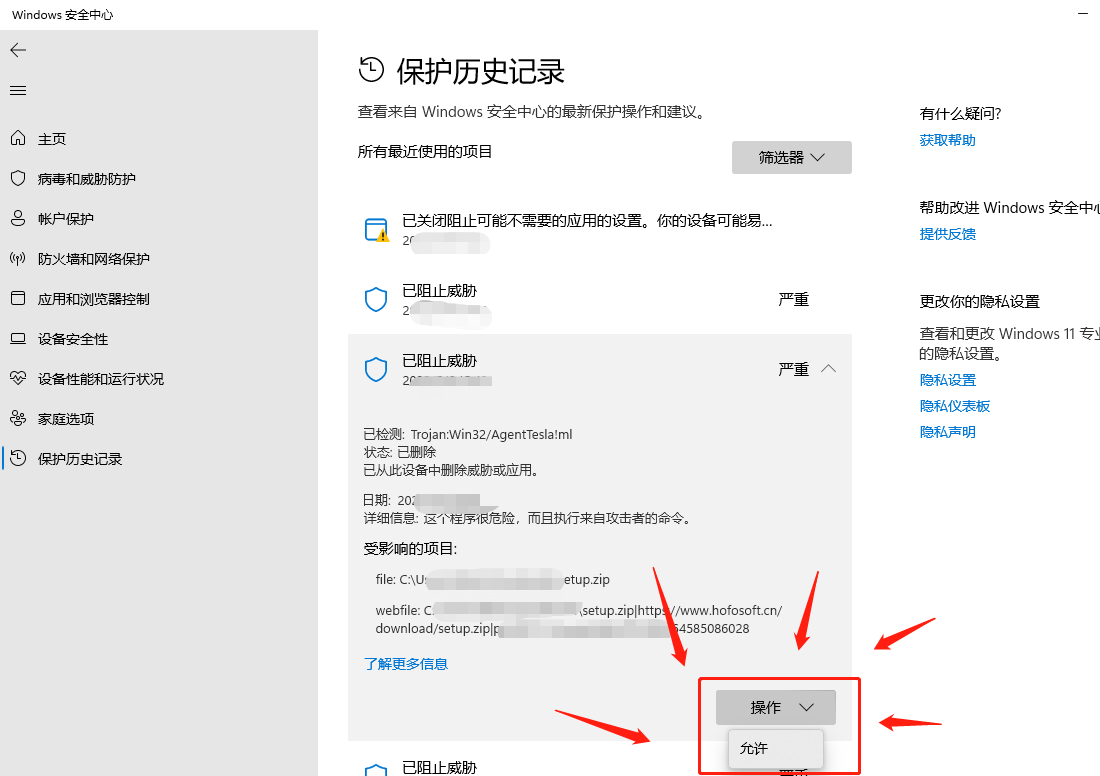
This is a false alarm. Let's add trust first:

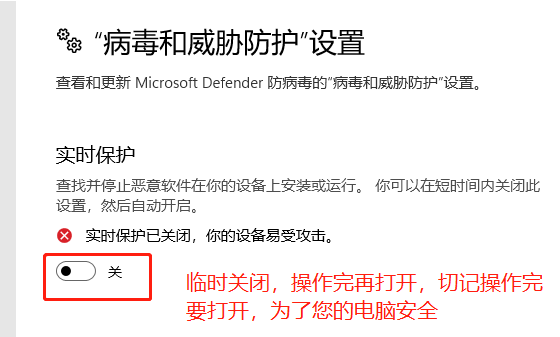
上面的操作貌似没用,Windows 实时保护暂时关闭一下:参考

1.2 prepare project
站长依然使用乐趣课堂项目作为测试,当然你可以使用其他类型的项目,不限于 C#(Winform\WPF),比如 C++(MFC、Qt)等等。
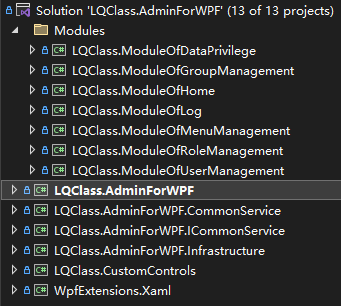
2. Packaged and used engineering
2.1 Install packaging tools
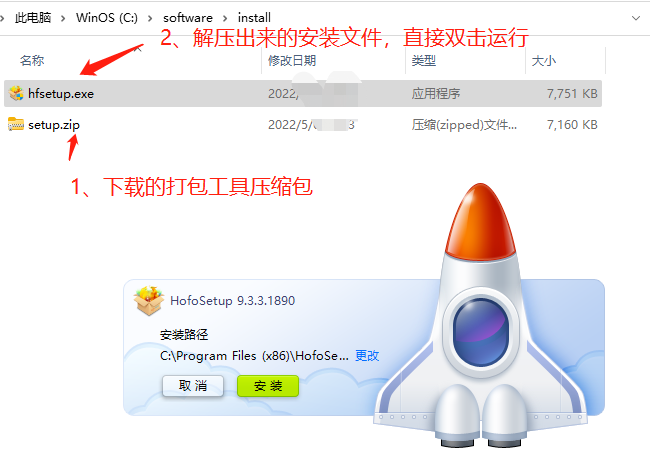
The Fire Phoenix Packaging Tool downloads a zip file (7.0MB), unzip and release the installation file, as shown in the figure below, run the installation file:

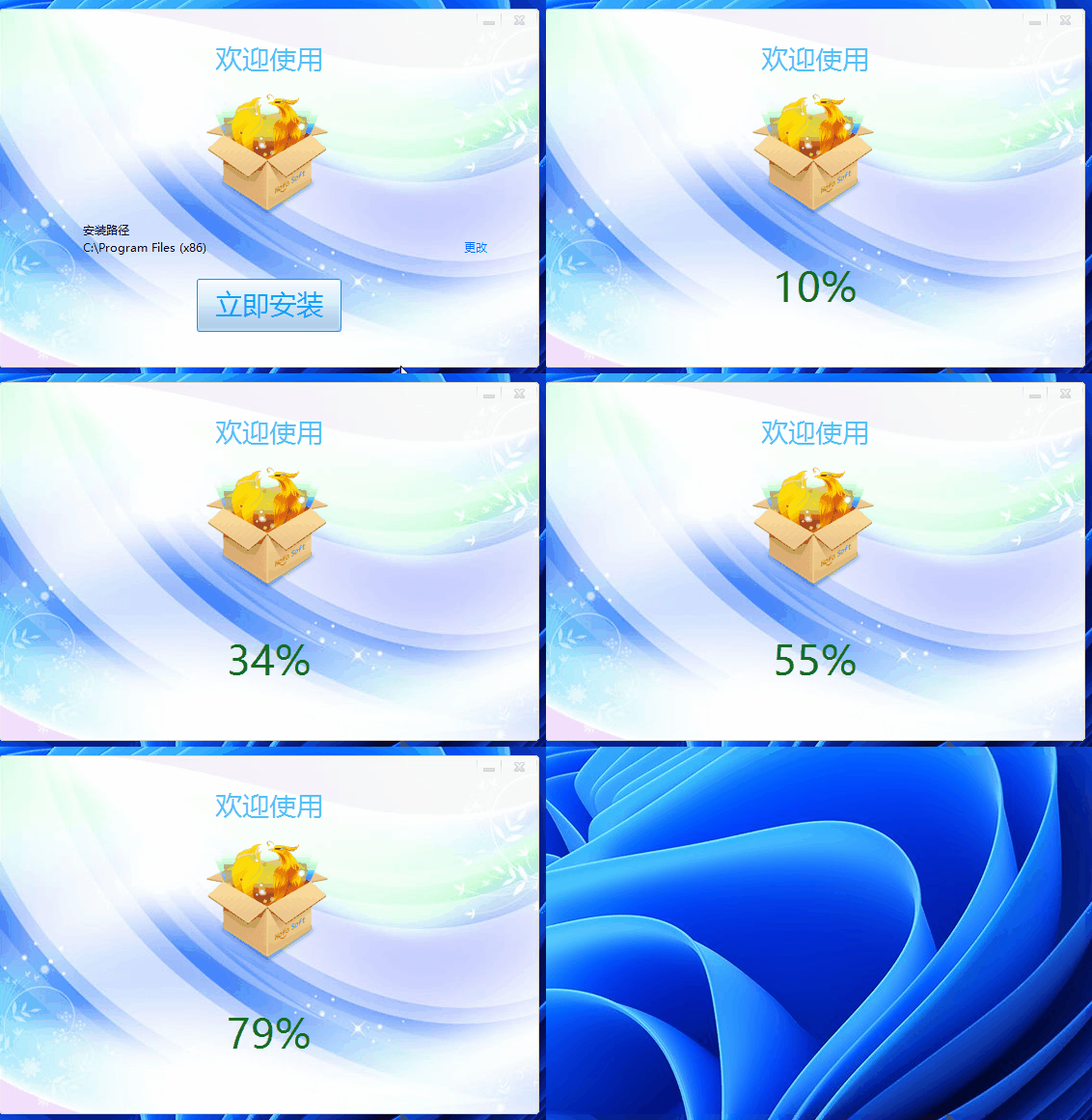
First experience the installation effect of the packaging tool:

The effect is good, isn't it? I don't think there is any need for demonstration later...
2.2 packaging settings

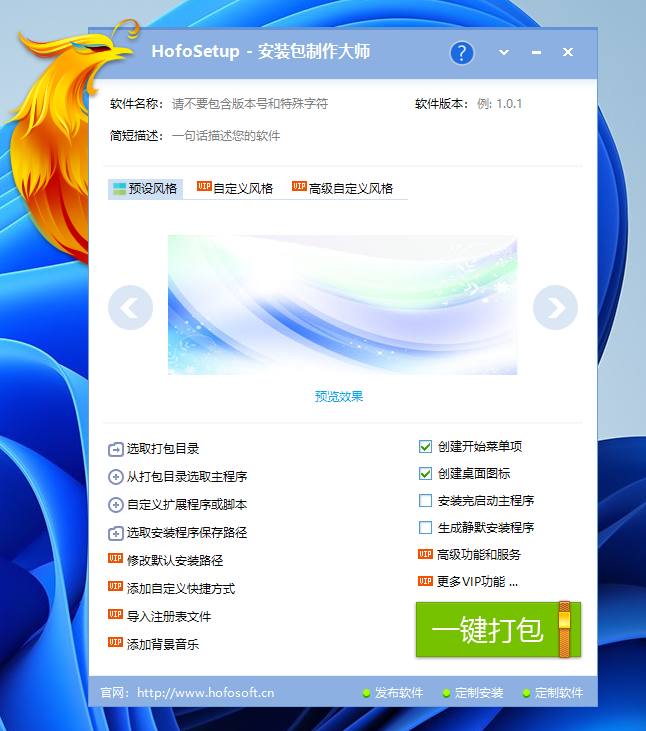
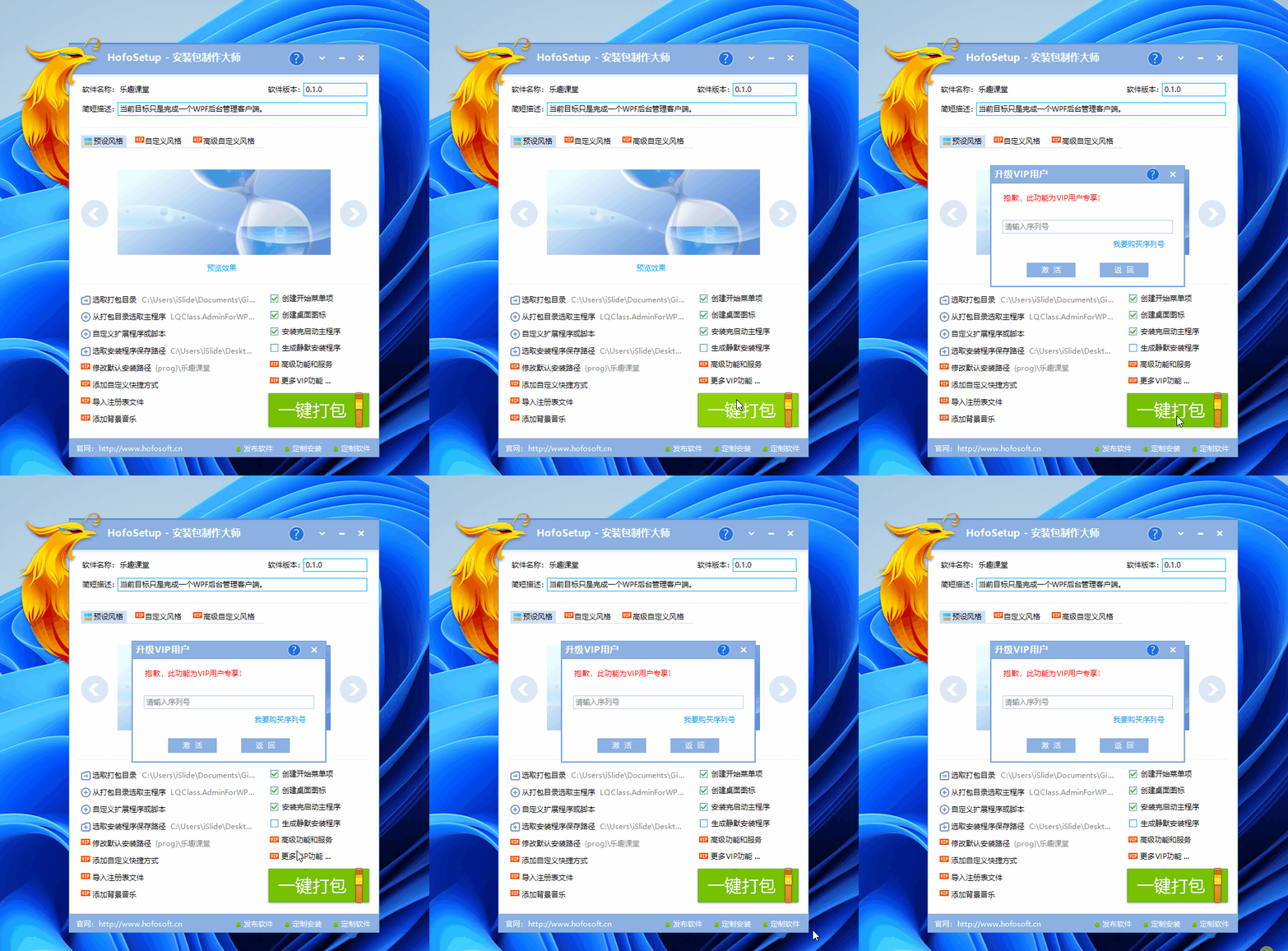
Run the packaging tool to display an irregular packaging configuration interface, and fill in the configuration information of software packaging in the interface.
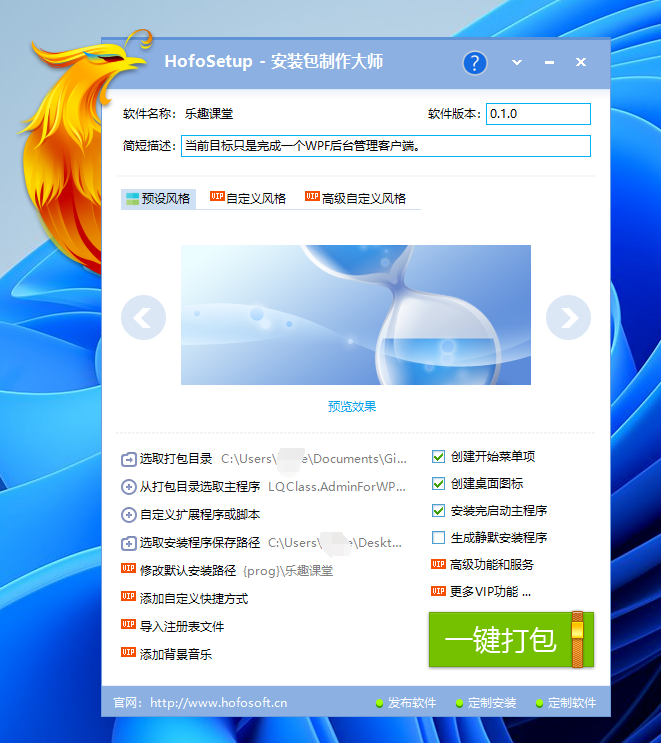
- Software name: It is the name of the project you develop, such as what I wrote-"Fun Classroom"
- Software version: It is the version number of your project program, such as what I wrote-"0.1.0"
- Short description: A description of your software, such as what I wrote-"The current goal is to complete a WPF backend management client."
- Default style: There are three sets of free skins and two sets of VIP skins inside. Look at the recorded animation below. Choose this article-Installation Effect 3 (free).
- Custom style: exclusive to VIP, you can configure the pictures (within 5 pictures), modify icons, and user license agreements that the installer wants to display in a rotating format.
- Advanced custom style: VIP exclusive, same as above, and more detailed configurations such as modifying background images.
- Select the packaging directory: This is the program directory to package, such as the one I selected-"Program Directory\lqclass.com\src\LQClass.AdminForWPF\Build\publish".
- Select the main program from the packaging directory: it is the main program of the program, such as the one I selected-"Program directory\lqclass.com\src\LQClass.AdminForWPF\Build\publish\LQClass. AdminForWPF.exe".
- Custom extensions or scripts: It is more flexible here, and you can write scripts and other additional extensions for your program. The webmaster has not tested it.
- Select the path to save the installer: where you save the packaged exe. (I save it on my desktop under the name "Fun Classroom.exe")
- Other options are named: create a start menu item, create a desktop icon, start the main program after installation, etc.
- VIP 选项:站长未测试了,包年是
1888一年... - Customization: The interface taskbar has links to release software, customize installation, and customize software, which requires money...
The configuration of the webmaster is as follows:

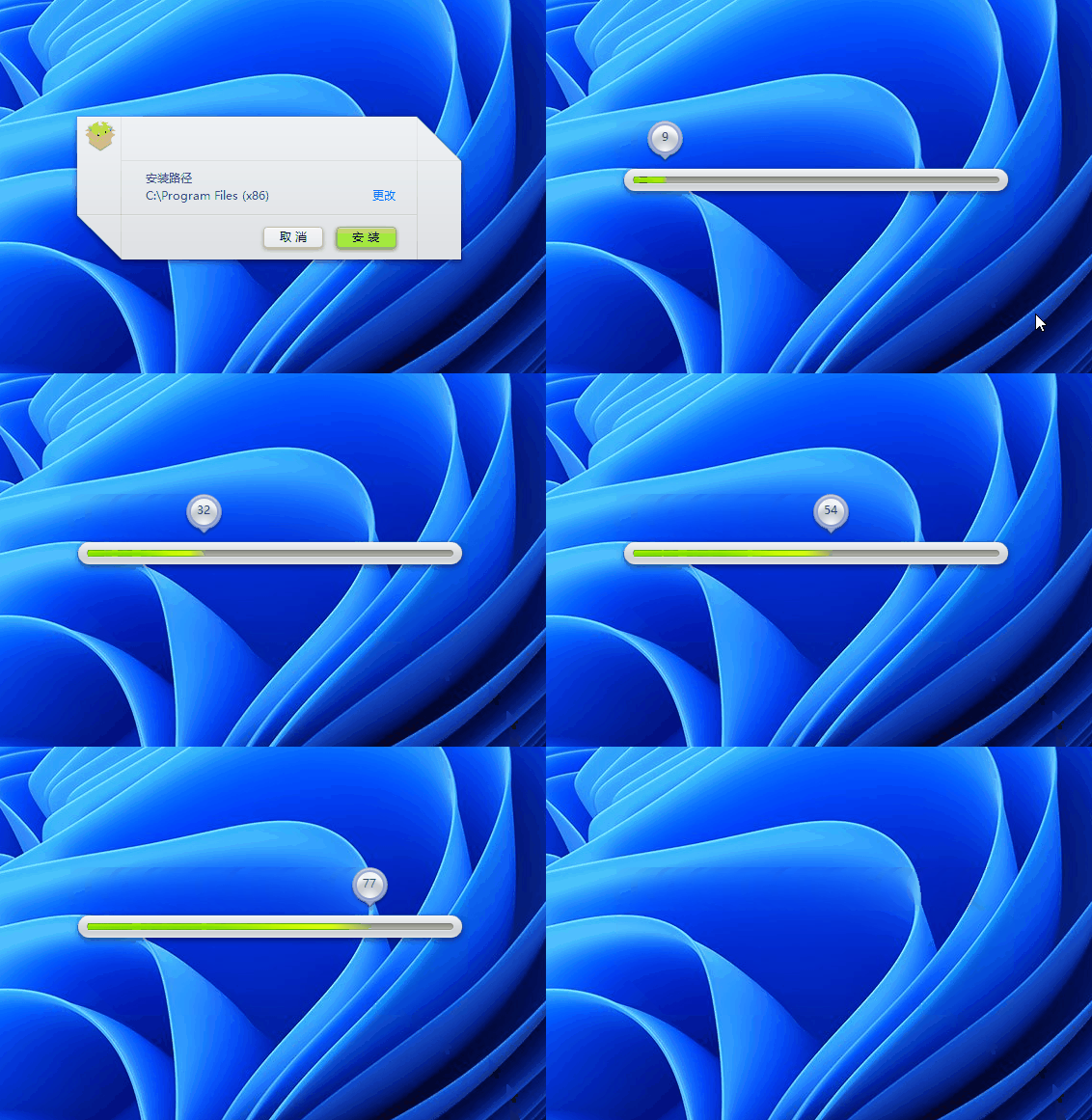
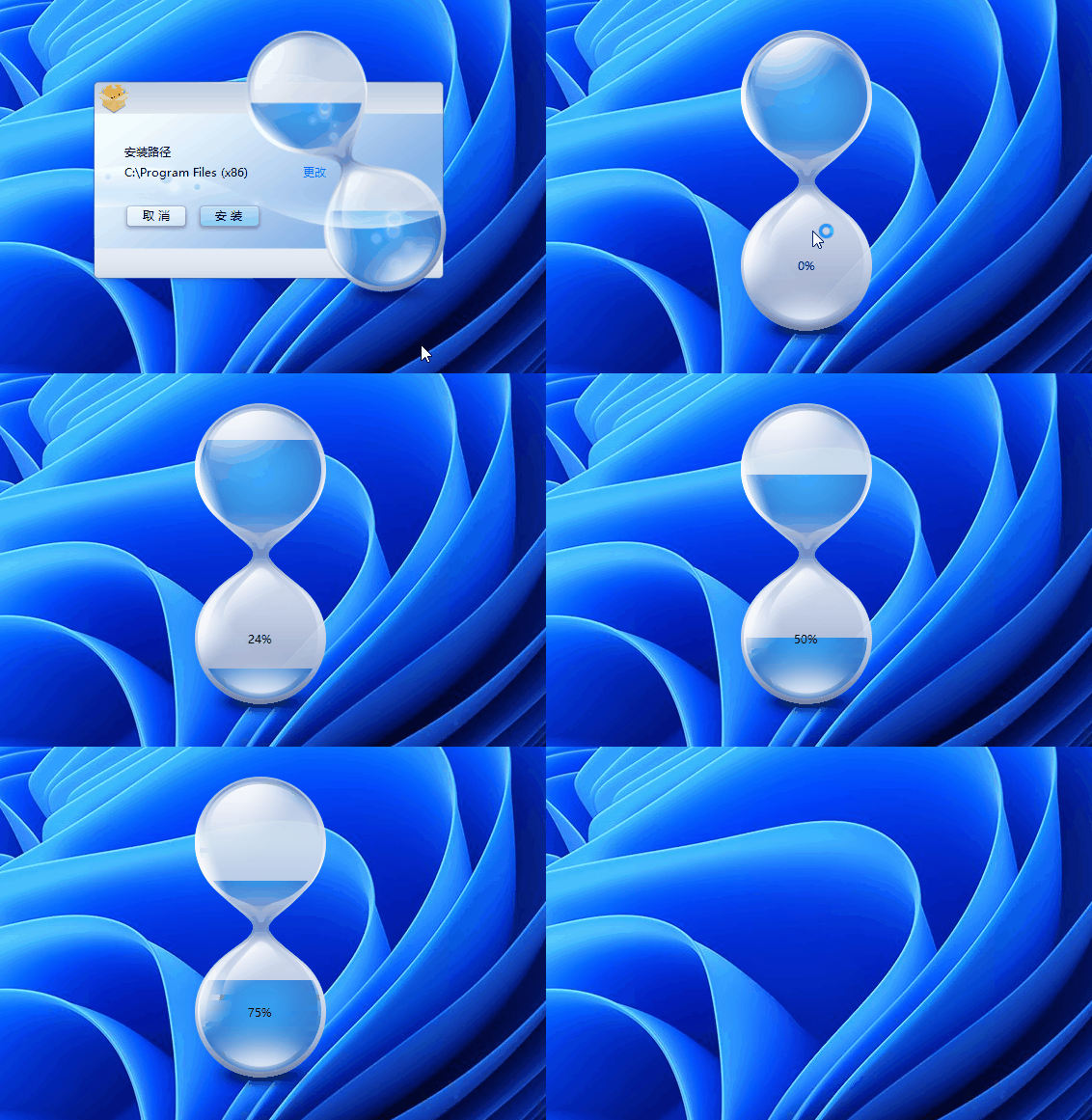
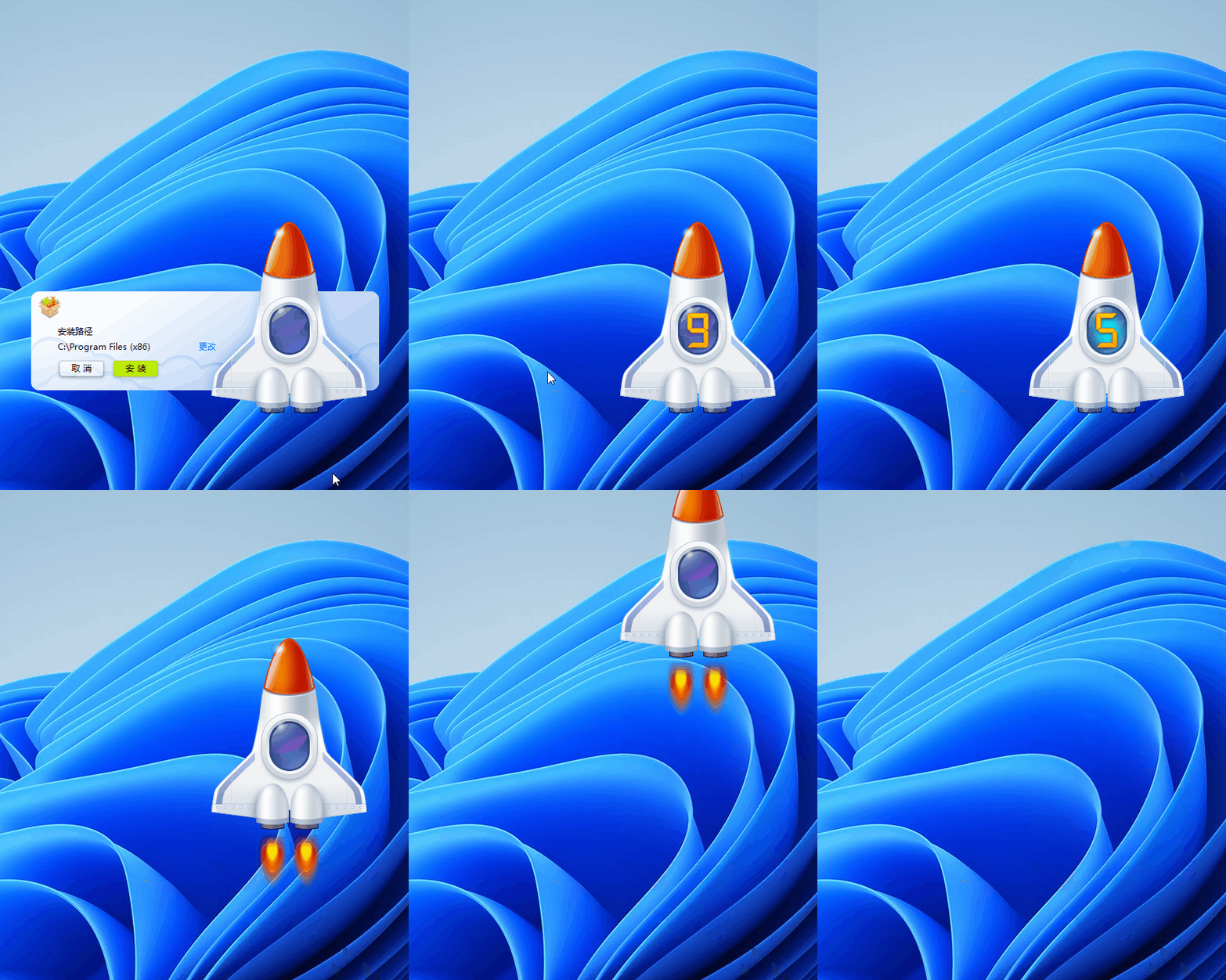
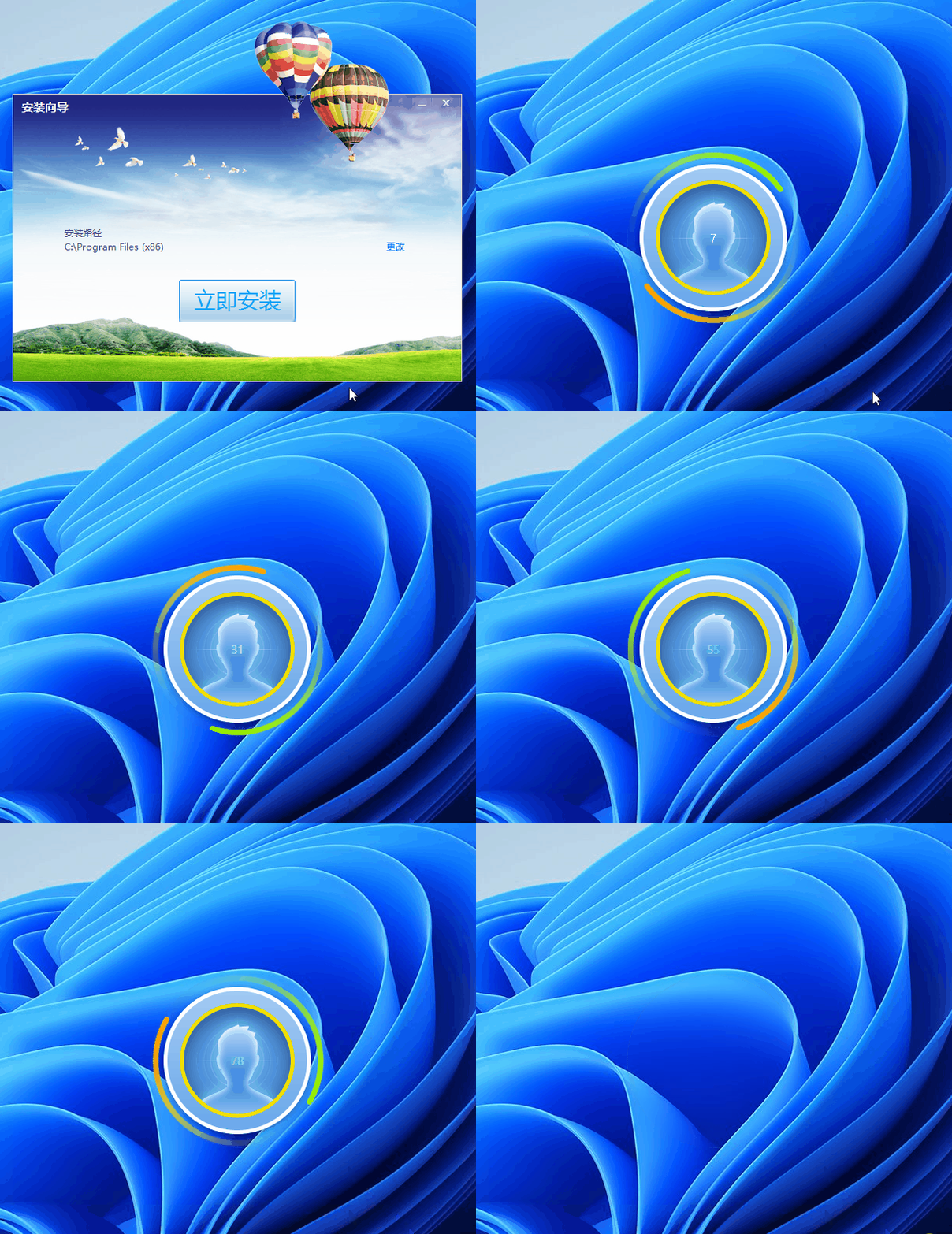
下面是几种预设风格的预览图(免费的可能不是真免费,新版全部收费了,哭了,这里录完图还不知道...):
Installation Effect 1 (Free):

Installation Effect 2 (Free):

Installation Effect 3 (Free):

Installation Effect 4 (VIP):

Installation Effect 5 (VIP):

Check whether the basic software packaging information is completely filled in. If it is OK, the packaging operation has been carried out...
2.3 packaging operation
Click the "one-click package" of the packaging tool, oh, no:

本文写了一半,没想到呀,打包也需要VIP了,后面联系他们工作人员,给的回复:
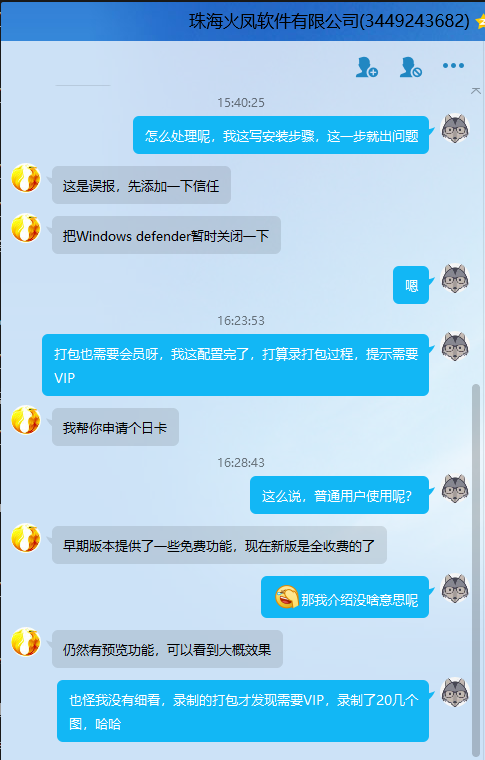
录都录制了,还是完成吧,只要你公司有钱,你本人有钱,觉得值我也不说啥了,反正效果不错吧。
2.4 installation process
Forget it, it's similar to the installation of packaging tools. If there is no experience card, there will be no recording...
2.5 unloading process
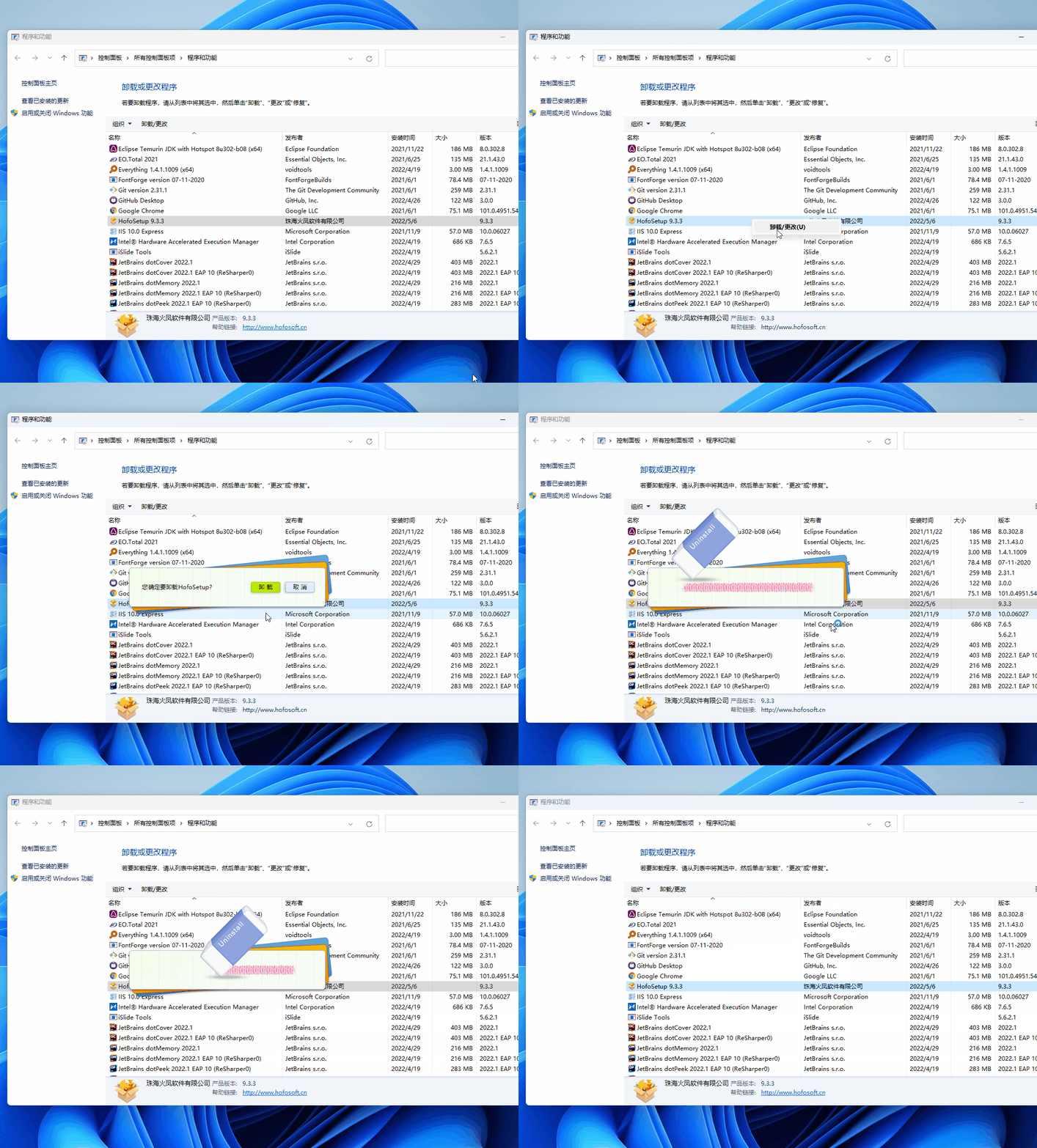
Forget it. Similar to the uninstall of the packaging tool, if there is no experience card, there will be no recording.
Uninstalling the packaging tool is a beautiful eraser effect. Let's record it here:

3. summary
打包和安装非常快,异形特效非常炫酷,新版全部收费了(适合公司使用及个人产品卖的非常好,需要极致用户体验的用户)。