WPF version problem cleanup record

WPF version problem cleanup record

Cherish your life and stay away from unknown third-party component libraries.

最后更新 4/17/2023 8:00 PM
一位极少露面的靓仔
预计阅读 4 分钟
分类
.NET
标签
.NET C# WPF

This article was submitted by netizens.

Author: A pretty guy who rarely shows up

Original title: WPF version problem pit clearing record

Original link: https://www.example.com

本文由网友投稿,文中示例仓库:Dotnet9WPFControls,使用介绍:WPF|快速添加新手引导功能(支持 MVVM),示例正常运行扣 1,失败扣 0,并留下吐嘈....

The original text is as follows:


Let's start with the conclusion: ** Cherish life and stay away from unknown third-party component libraries **[Webmaster: ...]

problem description

今早摸鱼的时候看见狼哥一个开源项目Dotnet9WPFControls,我非常感兴趣!结果 clone 下来之后,没跑起来?嗯?我姿势不对?好!我再跑!结果还是 run 不起来,无奈求教狼哥本人,狼哥亲自 clone 之后没在他的机器上重现我这个 bug。因为报错的这个库是 nuget 拉下来的,我们先看报错截图:

Paikeng Journey

The third-party library is: "MaterialDesignThemes. Wpf"

The problem is already obvious. It is caused by the wrong version of the assembly due to library dependencies. We just need to find the PresentationFramework and find the corresponding version. The problem seems to be very clear.

Okay, let's follow the above ideas and start operating:

First query the storage location of the currently referenced PresentationFramework on the local machine:

So we enter this file directory:

There were no folders 6.0.2 and 6.0.16 at the beginning, but this was the one I downloaded later to solve this problem.

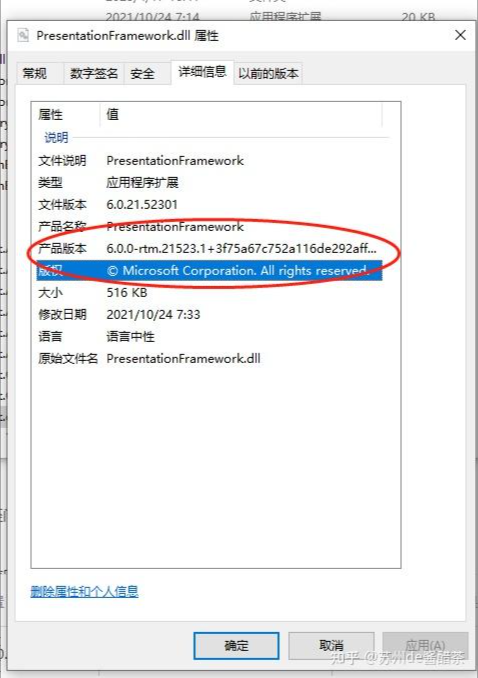
Then we clicked into the folder and found:

This PresentationFramework is the 6.0.0 version that reported the error. Therefore, according to our above solution ideas, we just need to replace this with the 6.0.2 version to solve the problem, right?

New questions arise

So I just did it, but a new question arises. Where can I find the 6.0.2 version of the Presentation Framework?

I observed several other similar DLLs of the PresentationFramework and found that this 6.0.0 is linked to the version of the. net sdk, which means that I can find the 6.0.2 version of the PresentationFramework by downloading the sdk of net6.0.2.

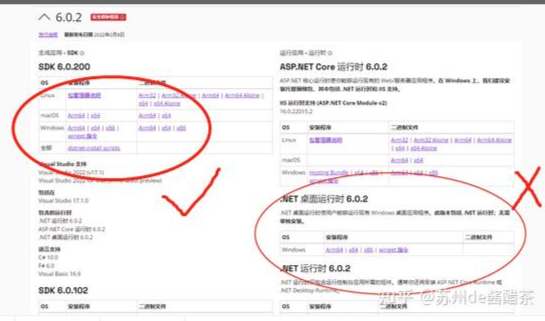
So I went to Microsoft's official website to download:

Please note that I have tested it and found that it is useless to download the desktop on the right to run. You must download the one on the left.

solve his

How do we replace the reference after downloading?

Simply enough, I came up with a very doggy but very convenient solution (because I just want to run the project and don't involve release, so I can do it, but if you need release, please be sure to prohibit it!)

That's right, it's just file renaming. After downloading version 6.0.2, our reference folder looks like this:

Let's change the prince with a raccoon cat!

Change 6.0.2 to 6.0.0:

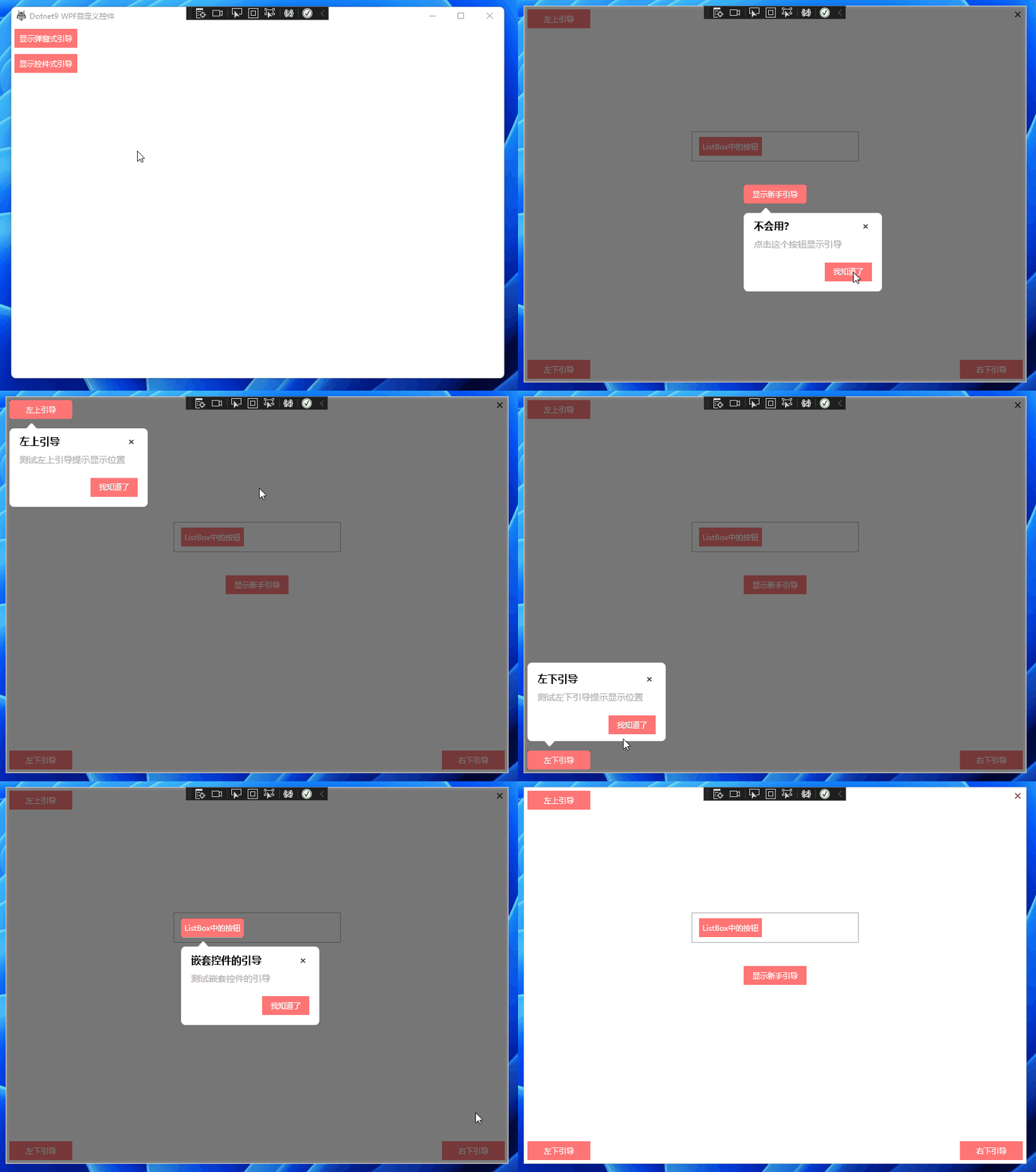
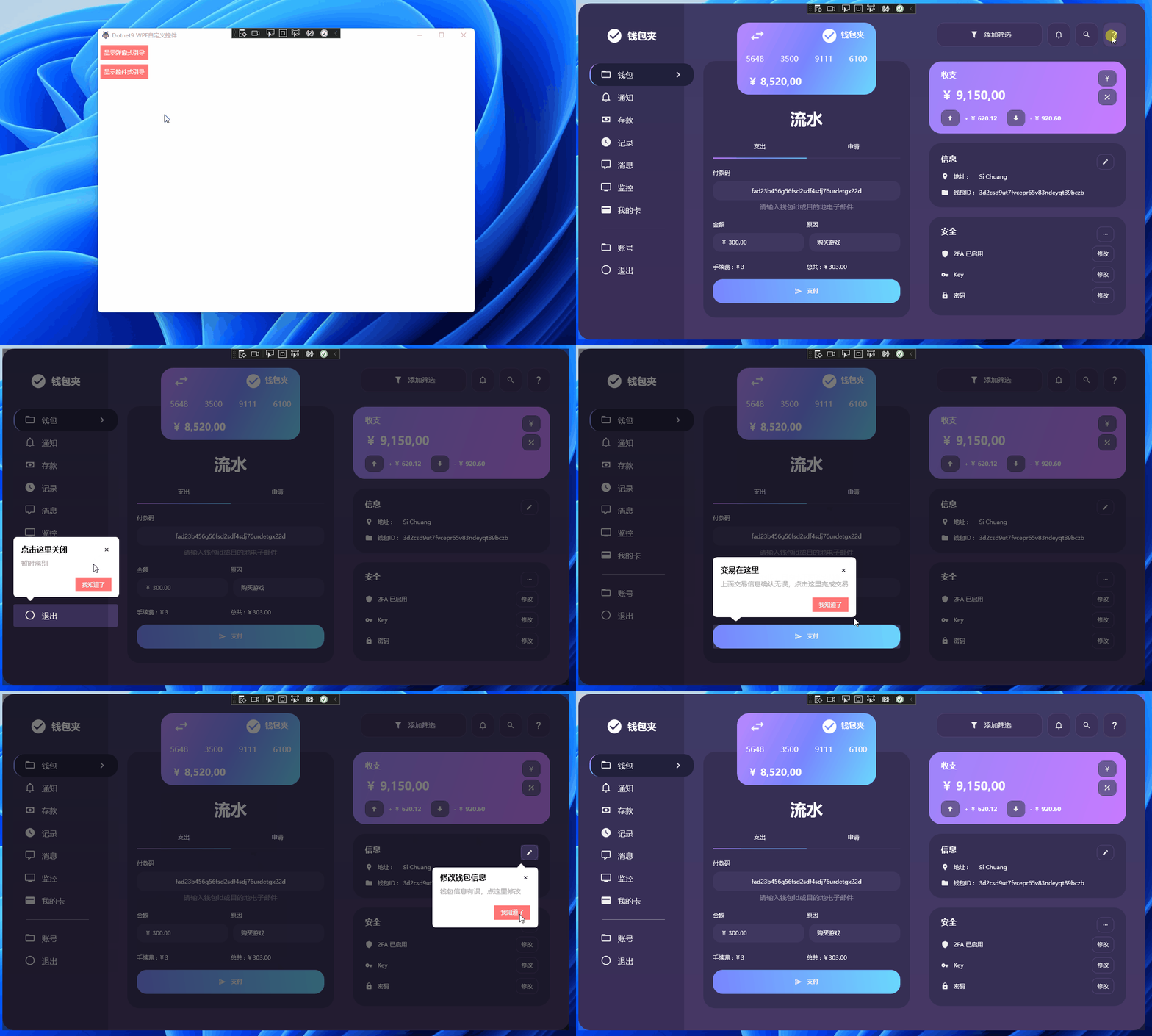
Finally, restart the project, solve it perfectly and run it successfully:

summary

Webmaster, this is also a new computer environment and it is running normally. Welcome to leave a message for discussion.

Keep Exploring

延伸阅读

更多文章
同分类 / 同标签 5/27/2025

WPF achieves a danger warning effect

When the program we write is released, the user is doing some dangerous operations. Our software should give some reminder effects, such as red on the edge of the border, similar to the alarm reminder effect like Gaode Map

继续阅读
同分类 / 同标签 6/20/2024

CodeWF.EventBus: Lightweight event bus for smoother communication

CodeWF.EventBus, a flexible event bus library that enables decoupling communication between modules. Supports multiple. NET project types, such as WPF, WinForms, ASP.NET Core, etc. Adopt concise design to easily implement command publishing and subscribing, request and response. Ensure that incidents are properly handled through orderly incident handling. Streamline your code and improve system maintainability.

继续阅读