
CodeWF.Toolbox
CodeWF.Toolbox is a local desktop toolbox in the CodeWF ecosystem, built with C#, Avalonia, Prism, Semi.Avalonia, and Ursa. It focuses on daily developer productivity by bringing conversion, encoding, formatting, validation, generation, lookup, and log-viewing tools into one offline-capable cross-platform desktop app.
Repository: https://github.com/dotnet9/CodeWF.Toolbox
Positioning
- Local first: common conversion, formatting, generation, and lookup tools do not require temporary web pages, which is useful for clipboard text, logs, configuration, and transient data.
- Modular desktop app: Prism module catalog, dependency injection, and Region navigation keep tool pages separate while the shell owns windows, menus, themes, languages, and shared services.
- Tool scale: the app currently covers more than 100 tool entries, with homepage shortcuts for frequently used and recommended tools.
- Engineering sample: useful for studying Avalonia desktop patterns such as the main window, login window, system tray, theme switching, localization resources, module menus, and publishing settings.
Interface Preview
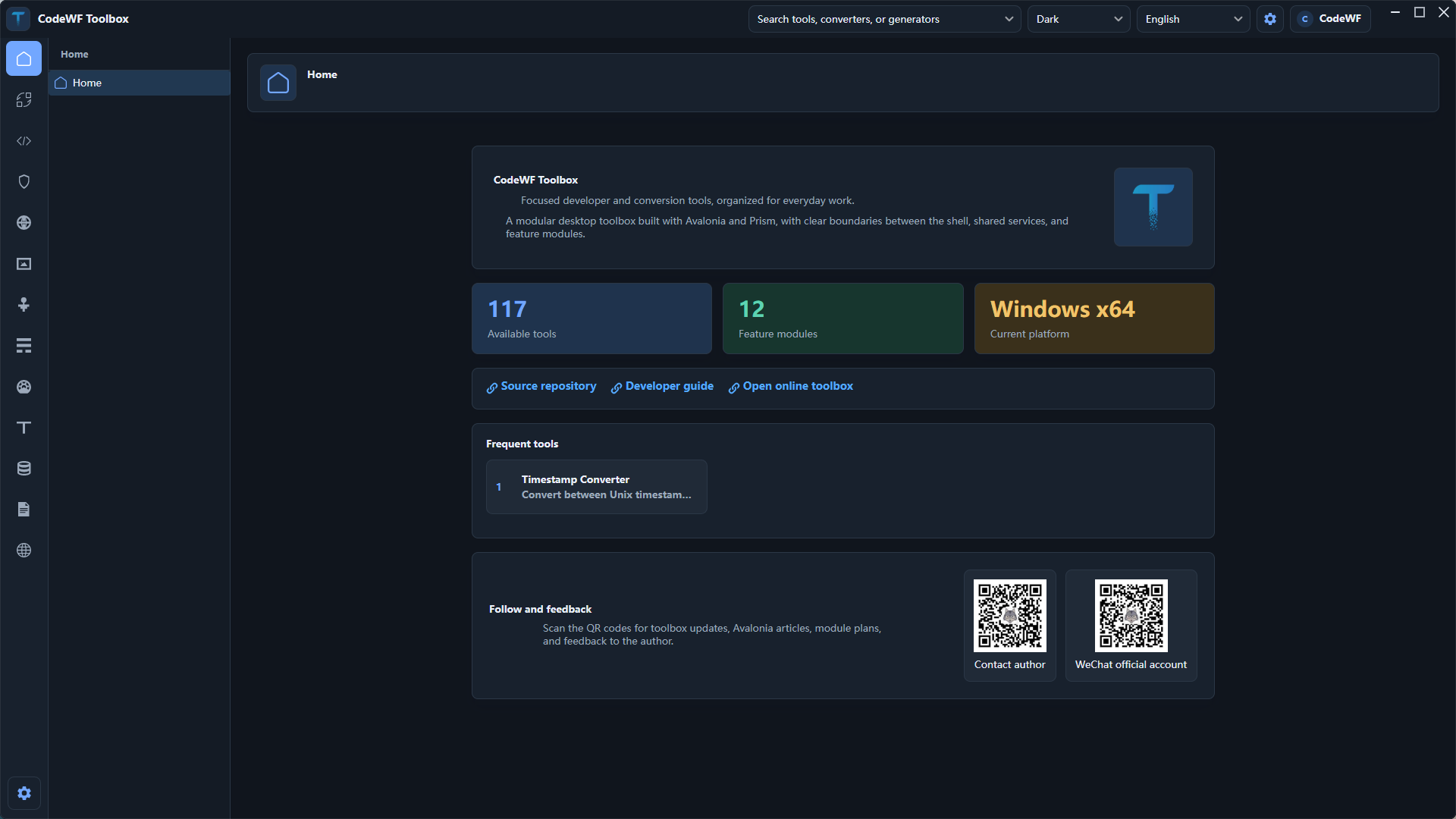
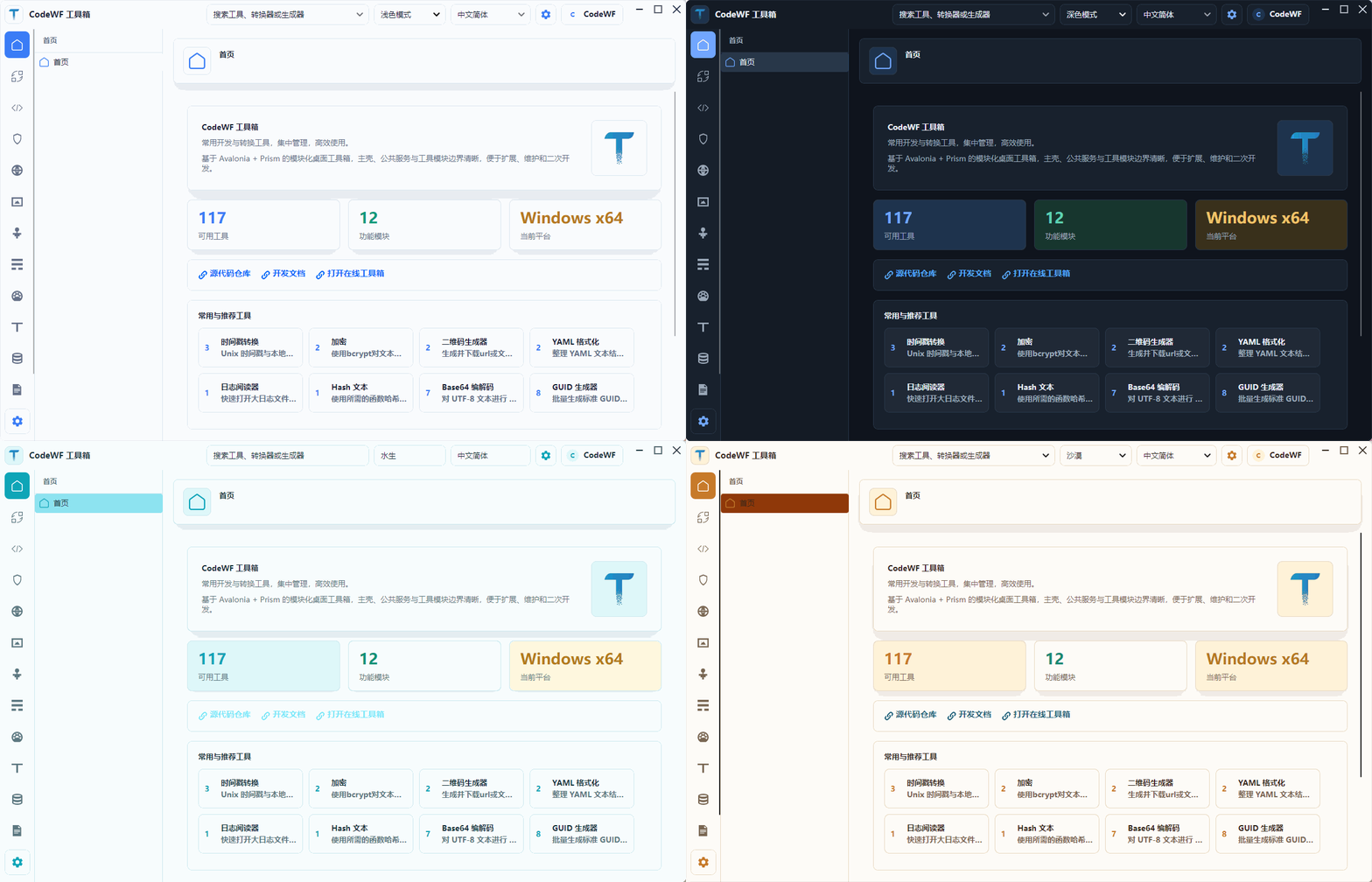
The homepage is the toolbox entry point, not only a welcome page. It shows the tool count, module count, current runtime platform, and shortcuts for frequently used and recommended tools.
The feature tour shows the flow from the homepage into converter, development, security, media, log-viewing, and other tool pages.
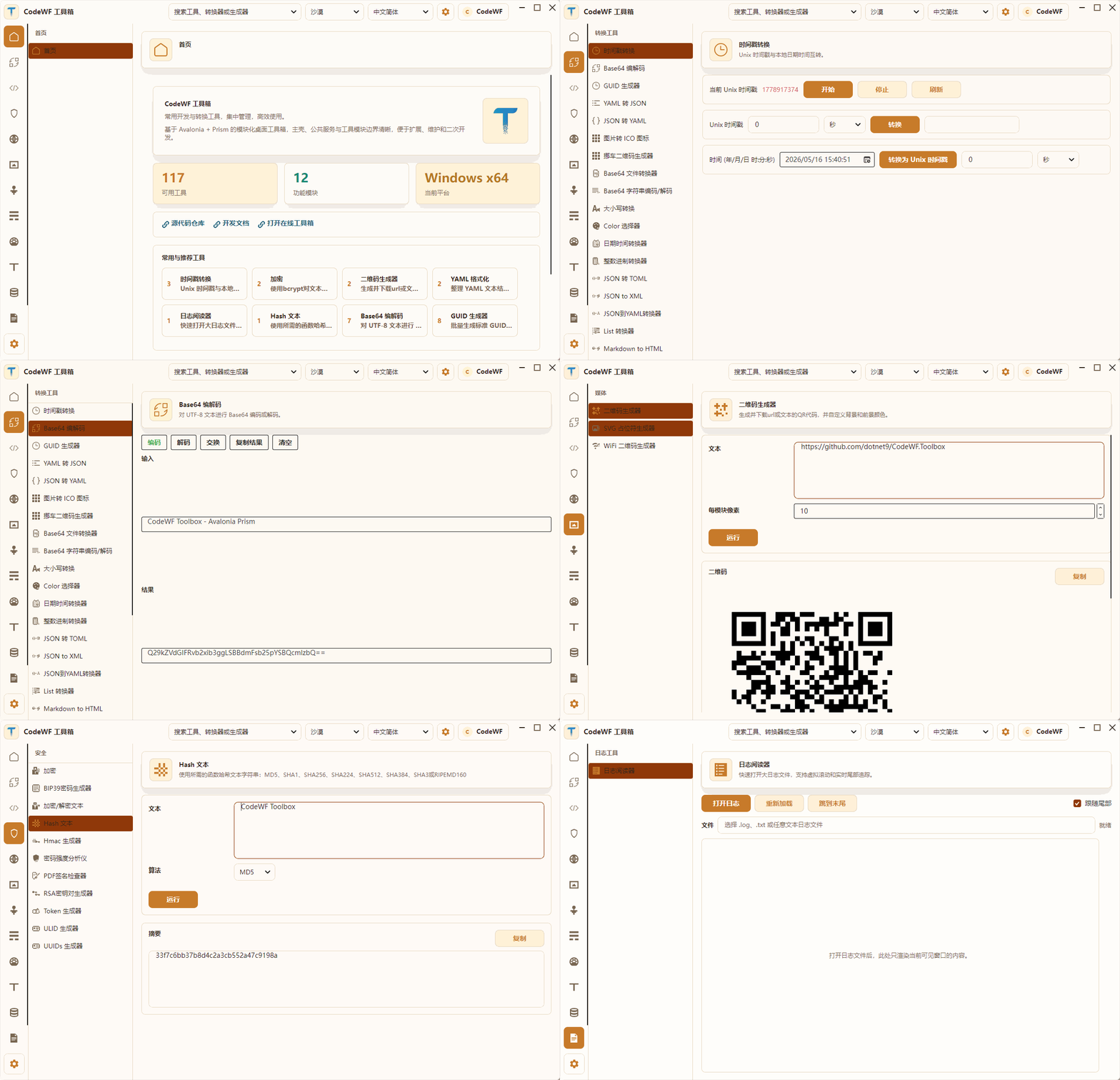
Converter modules and data-driven tool pages are the main body of the toolbox. Base64, JSON formatting, Hash, and QR code tools share consistent input, run, copy, and output behavior.
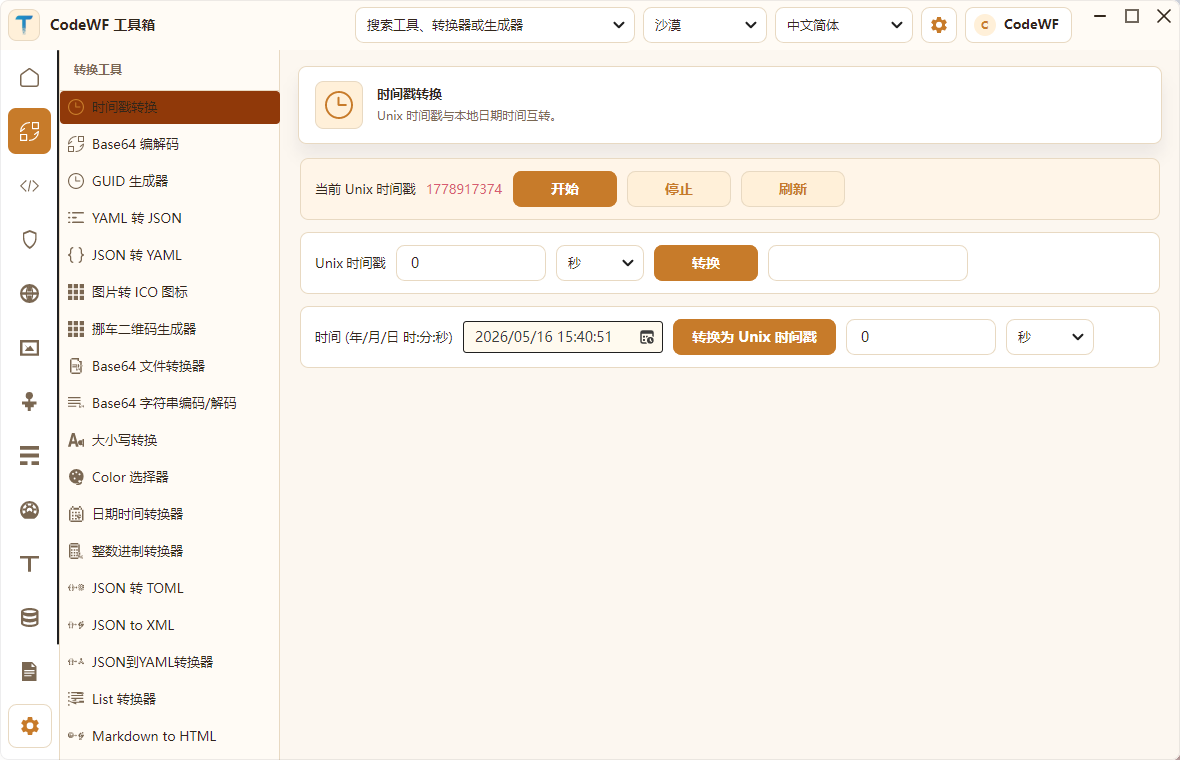
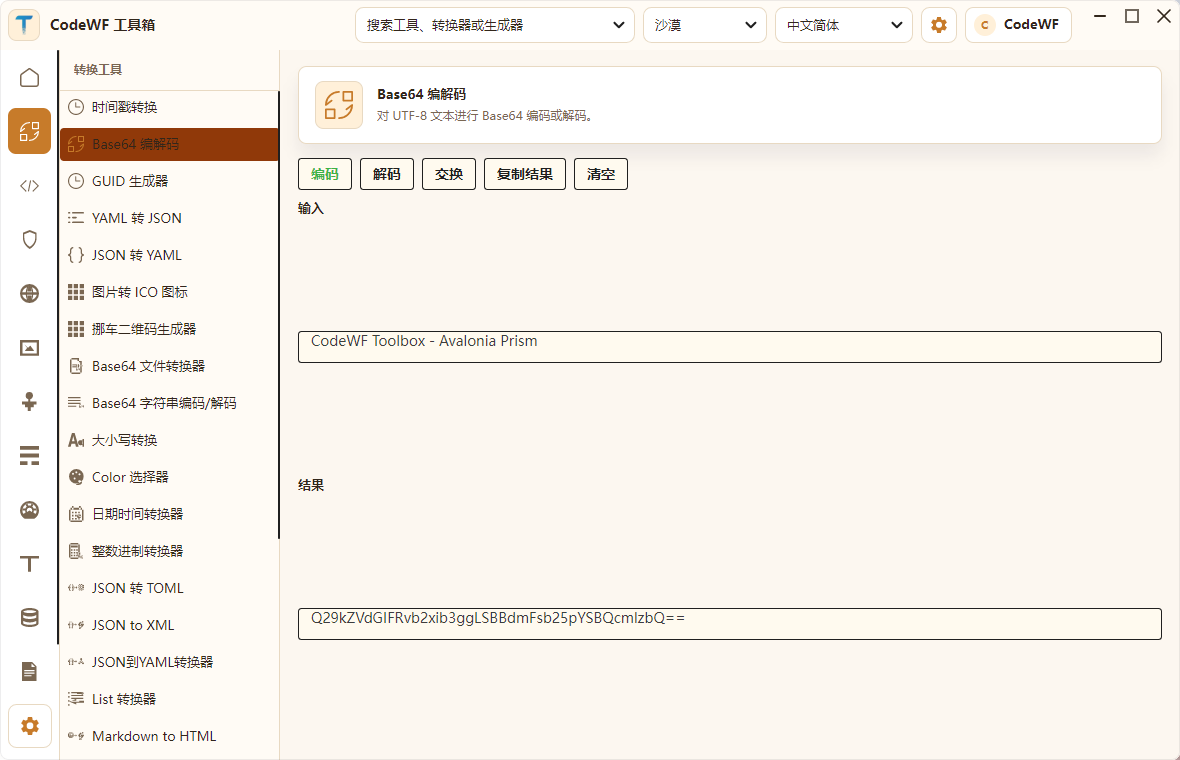
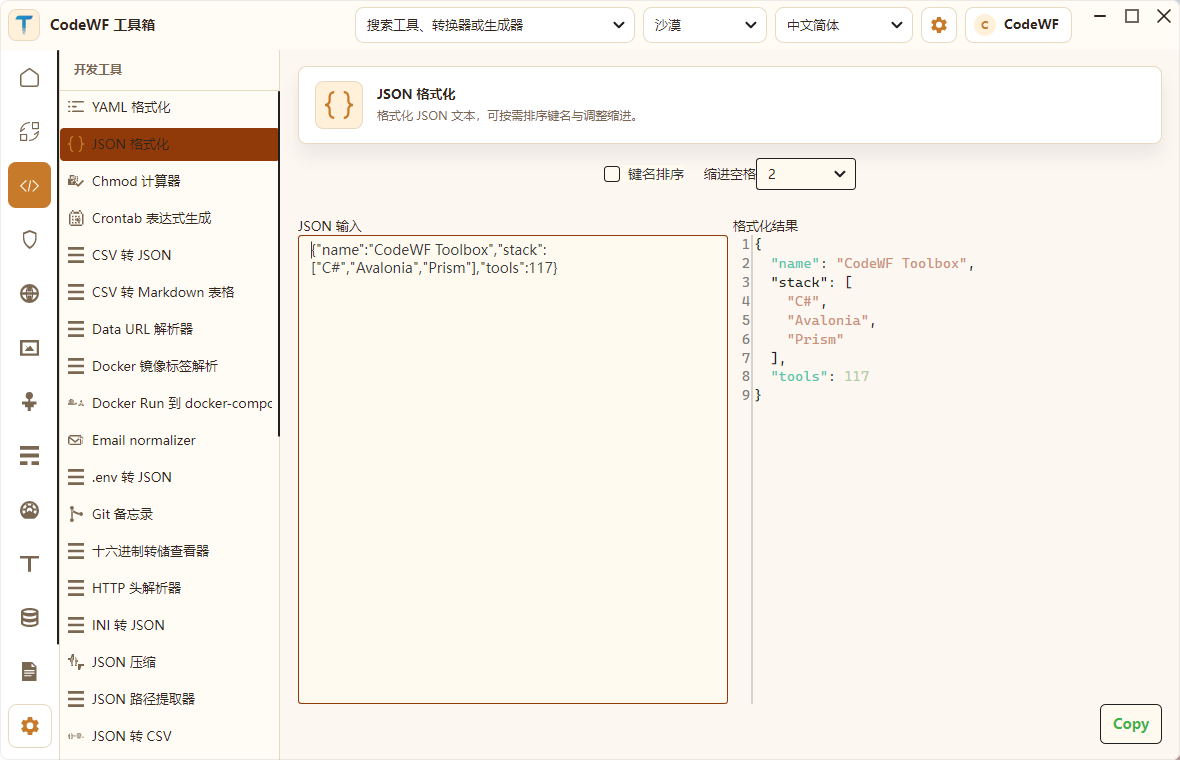
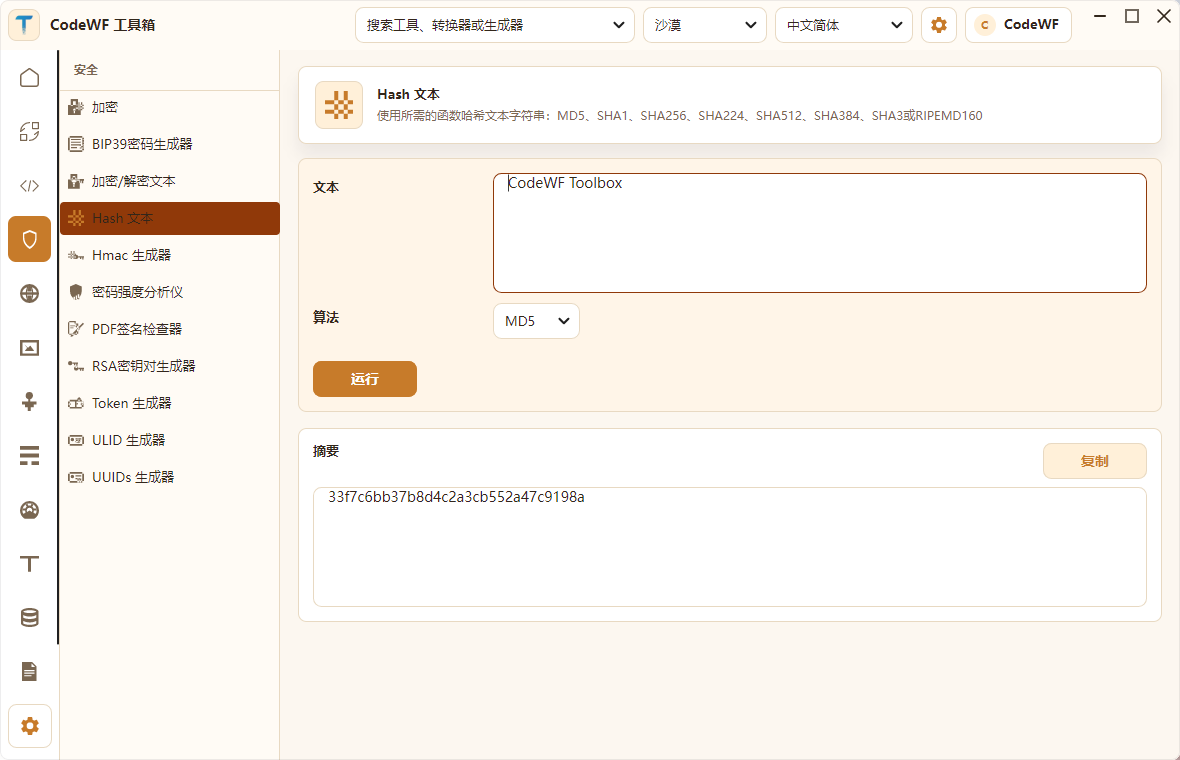
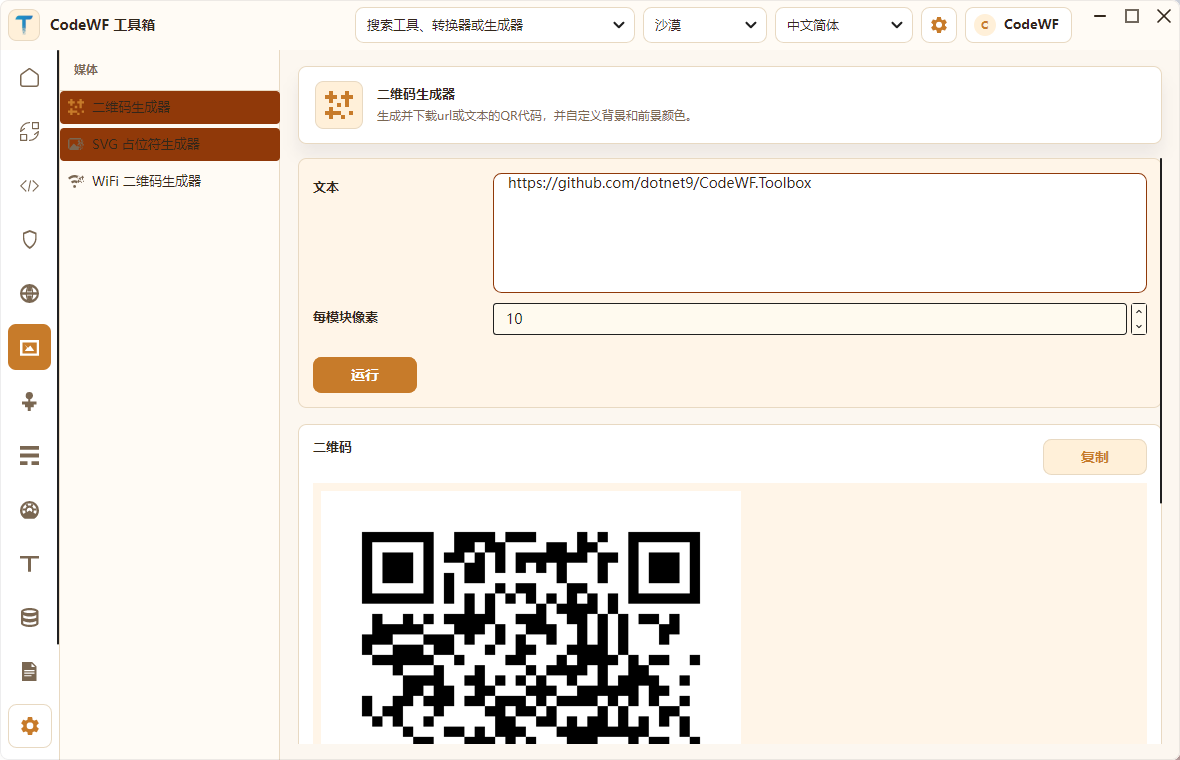
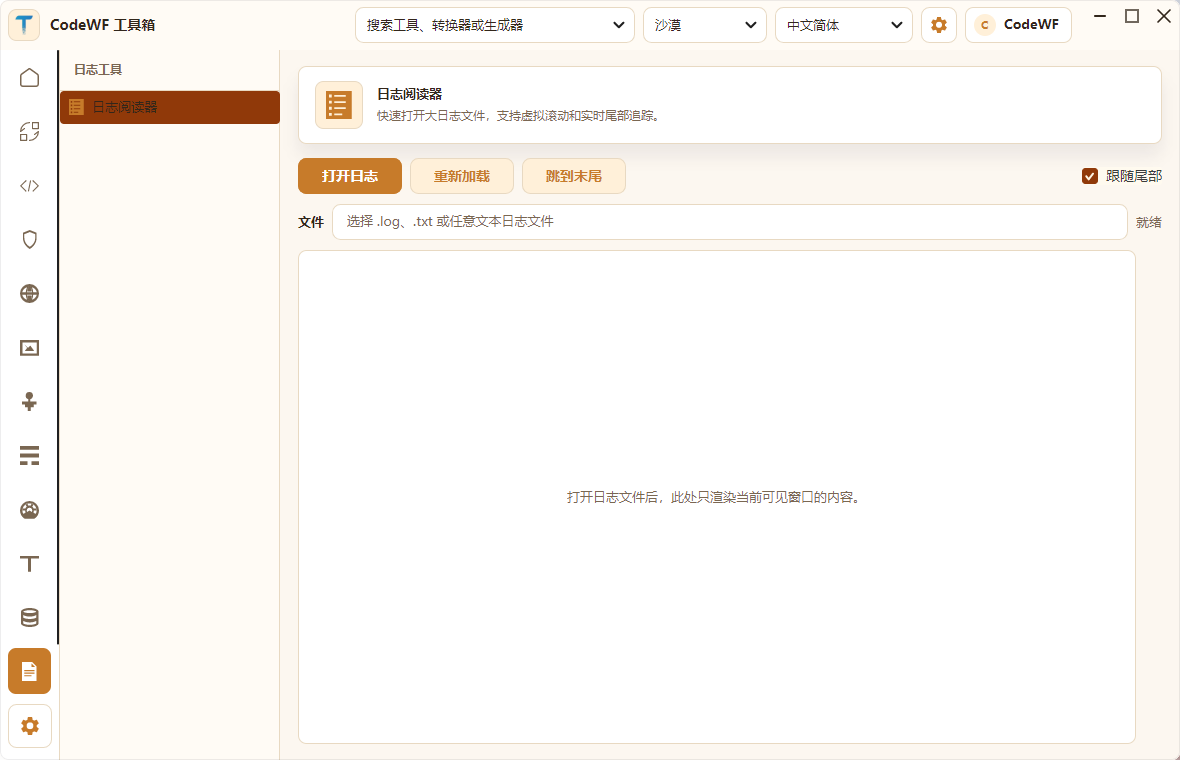
The log viewer targets large files and live tail scenarios. Themes and languages can be switched inside the app, which helps validate the UI under different locales and visual styles.
Main Capabilities
| Group | Description |
|---|---|
| Converters | Timestamps, Base64, GUID, date-time, image to ICO, JSON/TOML/XML/YAML conversion, Markdown to HTML, Roman numerals, and more. |
| Development Tools | JSON/YAML/XML/SQL/CSV formatting and conversion, HTTP Header, Data URL, Docker, Chmod, Crontab, Regex, Git, Hex dump, SemVer, Markdown table helpers, and more. |
| Security Tools | Bcrypt, BIP39, AES, TripleDES, Hash, HMAC, password strength, PDF signature checks, RSA keys, Token, ULID, UUID, and related helpers. |
| Web Tools | Basic Auth, device information, HTML entities, HTTP status codes, JWT, Open Graph, MIME, OTP, SafeLink, Slugify, URL, User-Agent, JSON Diff, and more. |
| Media Tools | QR code, WiFi QR code, and SVG placeholder generation. |
| Network Tools | IPv4 address conversion, IPv4 range to CIDR, IPv4 subnet calculation, IPv6 ULA generation, MAC address generation, and vendor lookup. |
| Math, Measurement, Text, and Data | ETA, expression calculation, percentages, chronometer, temperature conversion, ASCII Art, Emoji, Lorem ipsum, text diff, text statistics, IBAN, phone number parsing, and more. |
| Log Viewer | Designed for large log files and live tail scenarios, rendering only the visible range instead of loading the whole file into memory. |
| Localization Resource Management | XML translation resource merging, management, and language metadata handling for keeping localization files aligned. |
Project Layout
Core code lives under src:
src/
  CodeWF.Toolbox/                    Desktop app entry, shell, main window, settings, themes, resources, and module catalog
  CodeWF.Core/                       Shared abstractions, service contracts, Region names, menu, notification, and other base capabilities
  CodeWF.Controls/                   Shared controls
  CodeWF.Modules.ToolFramework/      Data-driven tool runtime, tool catalog, and reusable form capabilities
  CodeWF.Modules.Converter/          Converter tools module
  CodeWF.Modules.Development/        Development tools module
  CodeWF.Modules.Security/           Security tools module
  CodeWF.Modules.Web/                Web helper module
  CodeWF.Modules.Media/              Media generator module
  CodeWF.Modules.Network/            Network tools module
  CodeWF.Modules.Math/               Math tools module
  CodeWF.Modules.Measurement/        Measurement tools module
  CodeWF.Modules.Text/               Text tools module
  CodeWF.Modules.Data/               Data tools module
  CodeWF.Modules.LogViewer/          Large-file log viewer module
  CodeWF.Modules.XmlTranslatorManager/ XML localization resource management module
  CodeWF.Toolbox.Tests/              Unit test project
Extension Model
Tools in the project generally fall into two types:
- Standalone page tools: suitable for specific interactions such as the log viewer, Base64, GUID, image-to-icon conversion, and XML translation resource management.
- Data-driven tools: suitable for stable input/output flows such as JSON formatting, JWT parsing, text hashing, URL encoding, MIME lookup, MAC lookup, QR code generation, and text statistics.
Data-driven tools are described with ToolSpec, including the tool ID, category, input fields, output fields, run function, and auto-run settings. This lets tools reuse a common form and runtime instead of repeating XAML for every small utility.
Quick Start
Follow the repository README for the latest requirements. The current mainline uses:
- .NET 11 SDK.
- A Windows, macOS, or Linux desktop environment supported by Avalonia.
dotnet restore CodeWF.Toolbox.slnx
dotnet build CodeWF.Toolbox.slnx
dotnet run --project src/CodeWF.Toolbox/CodeWF.Toolbox.csproj
Ideal For
- Developers who want a local-first, offline-capable desktop toolbox.
- Learning how to organize an Avalonia + Prism modular desktop app with a shell, menus, pages, and services.
- Studying a data-driven tool framework that lowers the maintenance cost of many small utilities.
- Understanding theme switching, localization resources, system tray integration, large log viewing, and publishing settings in a desktop app.