
Vex
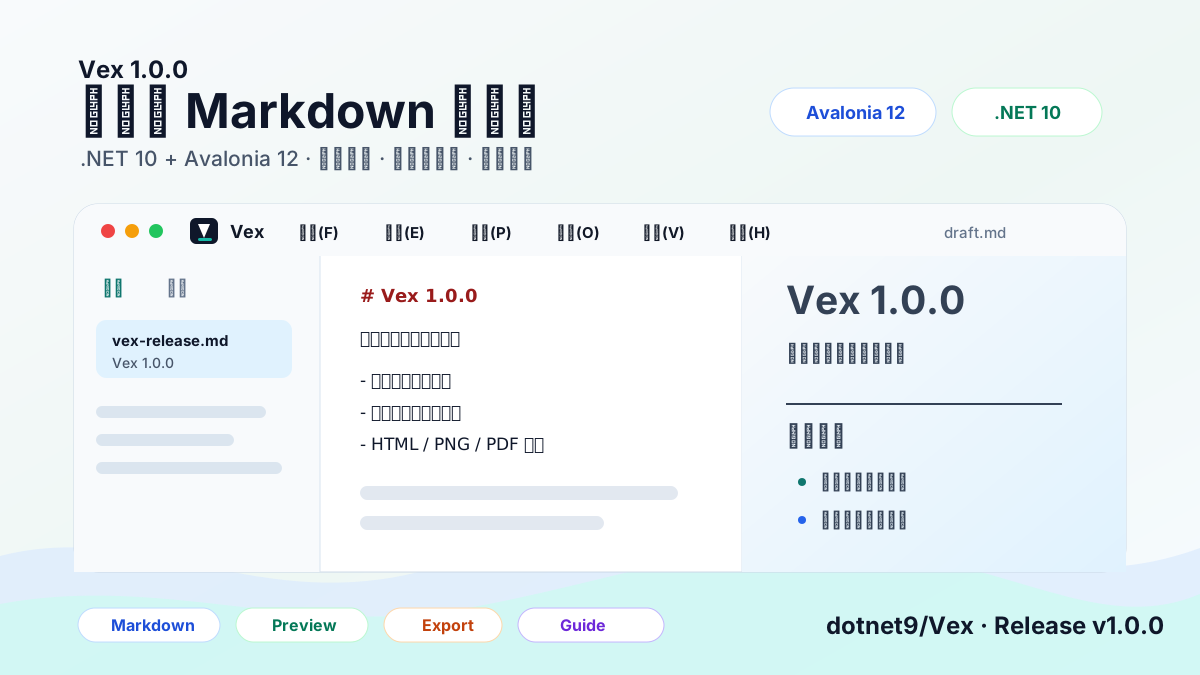
Vex is a cross-platform Markdown desktop editor built with .NET 10, Avalonia 12, Prism, Semi.Avalonia, and Ursa.Avalonia. It focuses on source Markdown editing, native preview, file management, find/replace, export workflows, and copy paths for publishing platforms.
Repository: https://github.com/dotnet9/Vex
Release v1.1.0: https://github.com/dotnet9/Vex/releases/tag/v1.1.0
Positioning
- A free and open-source Markdown writing tool. It keeps source editing and preview separate instead of chasing a WYSIWYG editor surface first.
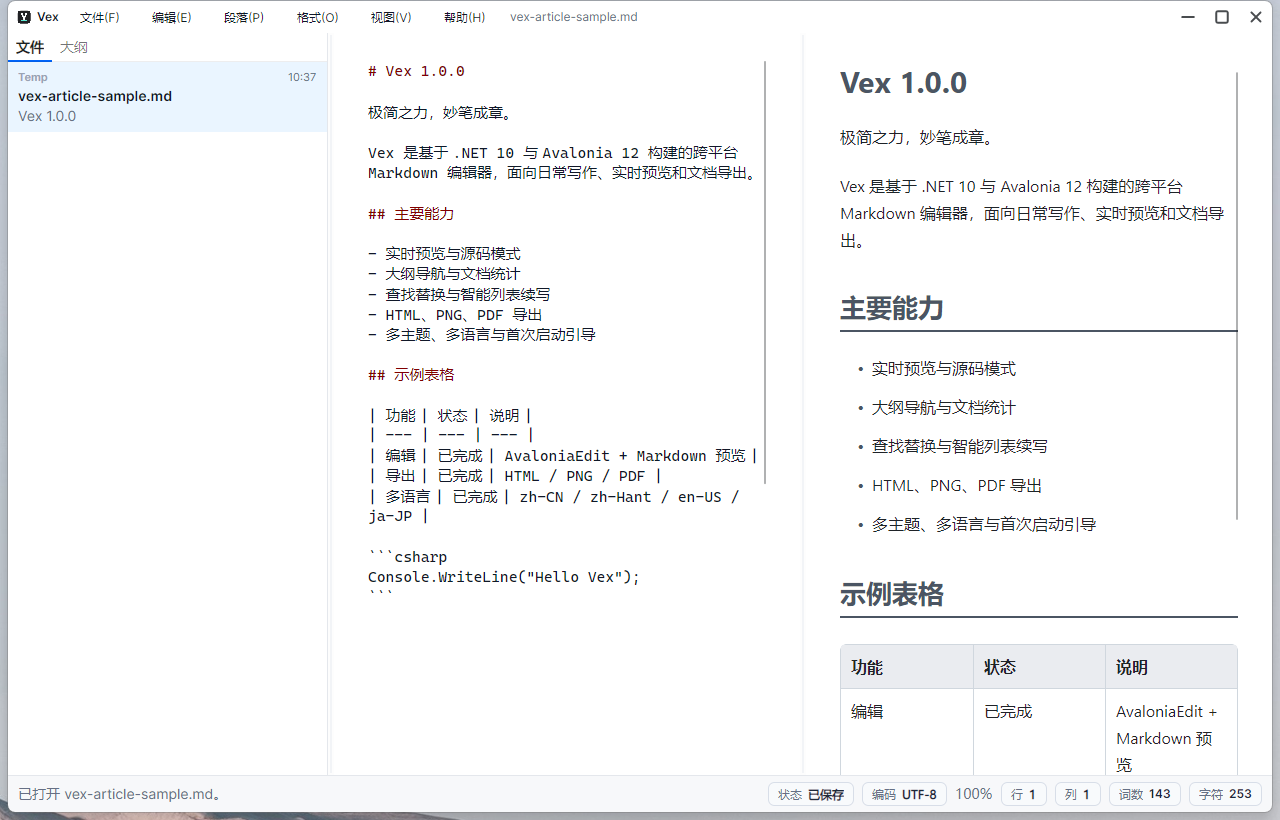
- The workspace combines a file/outline sidebar, an AvaloniaEdit Markdown editor, and a CodeWF.Markdown native preview.
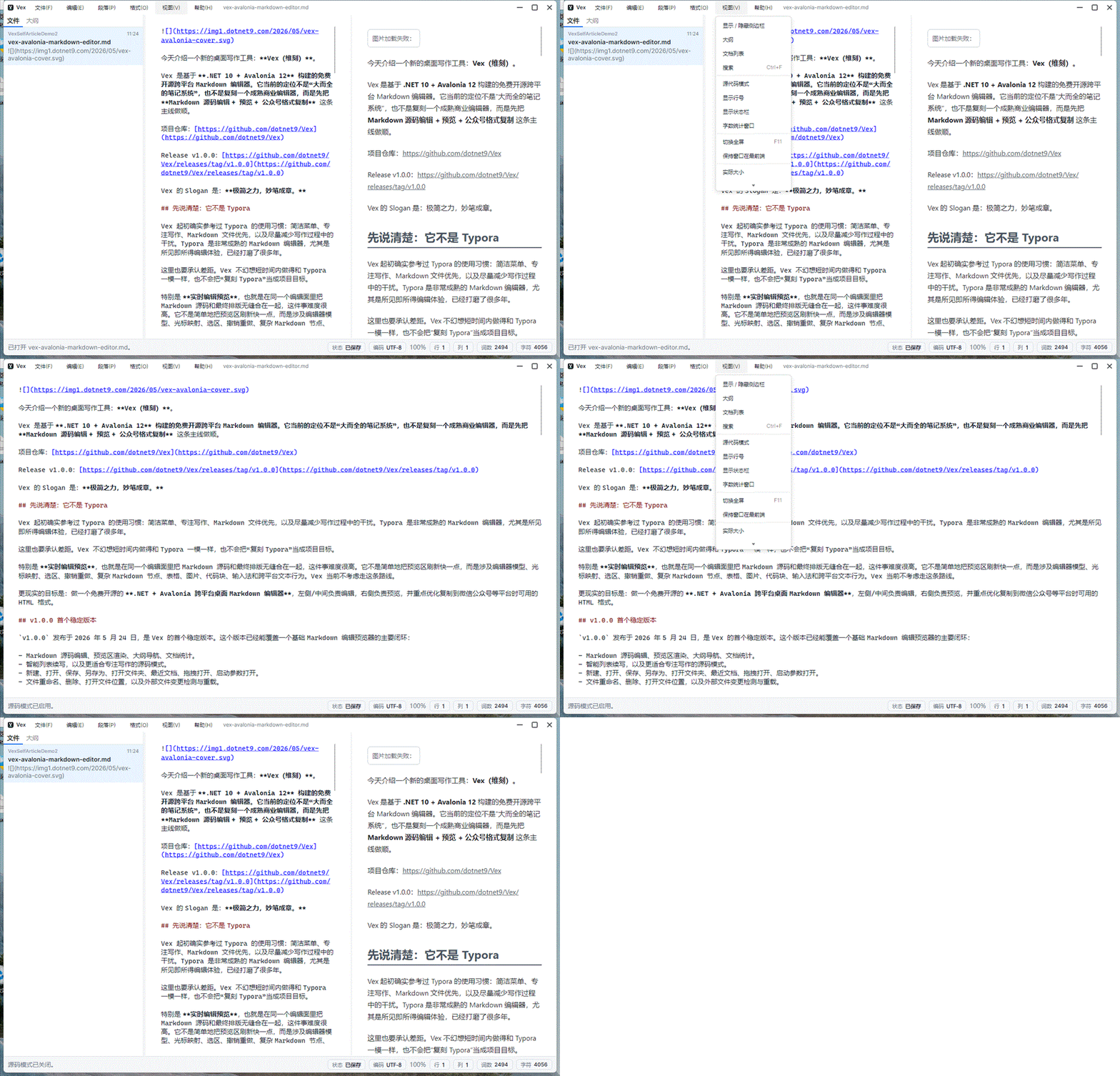
- The View menu controls sidebar, outline, document list, source mode, line numbers, status bar, fullscreen, and always-on-top behavior.
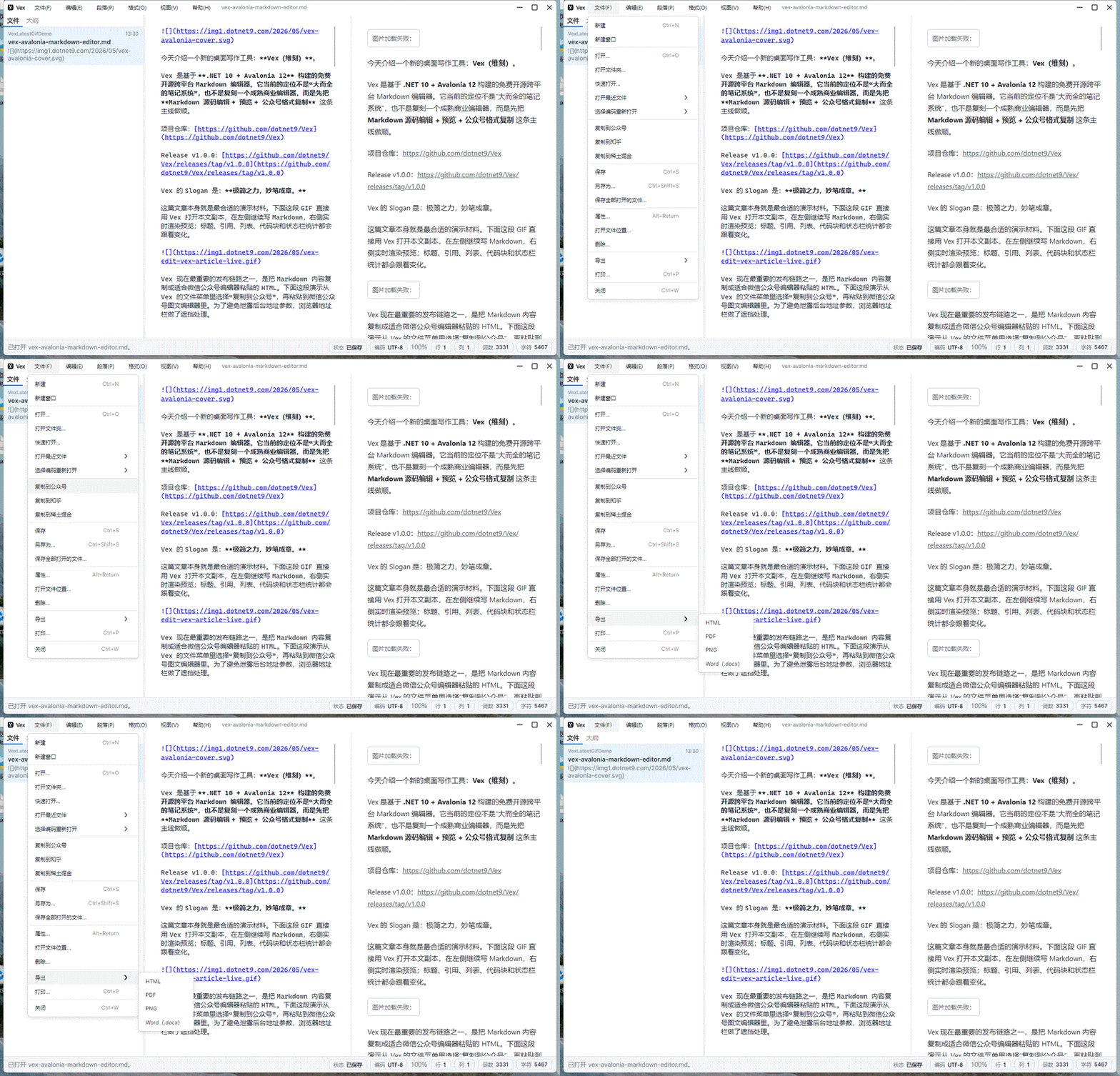
- The File menu covers new/open/open folder/recent files/reopen with encoding/copy to WeChat Official Account, Zhihu, and Juejin/save/export/print/properties/delete/close.
- Export supports HTML, PNG, selectable-text PDF, and Word
.docx; PNG/PDF/Word reuseCodeWF.MarkdownMarkdownDocumentExporter, including relative local images,data:image, HTTP(S), SVG/GIF/WebP conversion, and save-location reveal. PDF body text remains selectable and copyable, and PDF/Word embed image assets so shared files remain viewable offline. - Copy to WeChat Official Account, Zhihu, and Juejin passes the current Markdown, active typography theme, and target platform to
CodeWF.MarkdownMarkdownHtmlClipboardExtensions, writing rich HTML clipboard formats with the active typography theme applied. - When content copied from a web page is pasted into the middle editor, Vex reads clipboard HTML first and uses
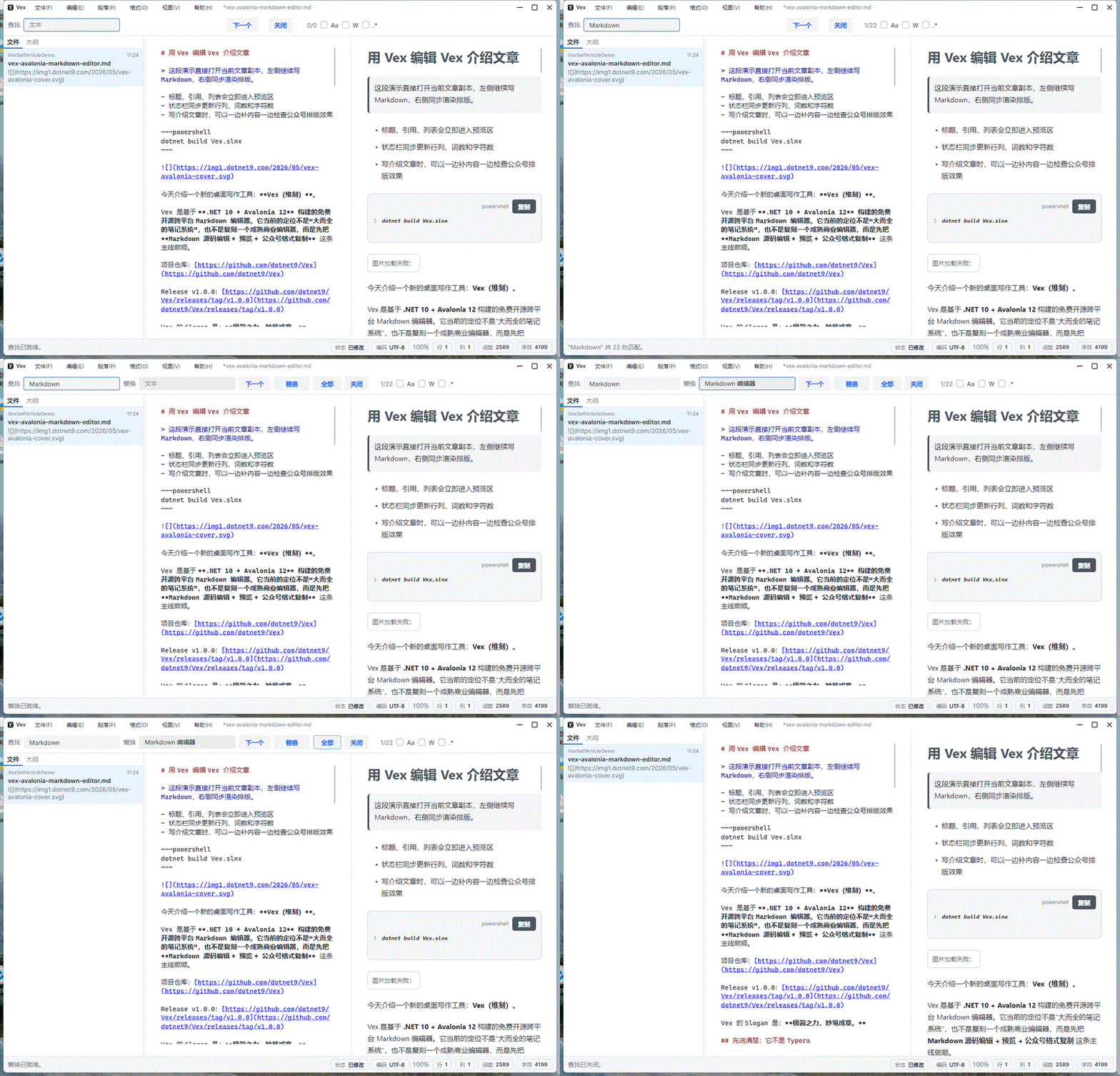
MarkdownHtmlClipboard.Html2Markdown(htmlContent)to insert Markdown. Plain paste remains the fallback when HTML is unavailable or conversion fails. - Find/replace supports case matching, whole-word matching, regex, match counts, and debounced scans for long documents.
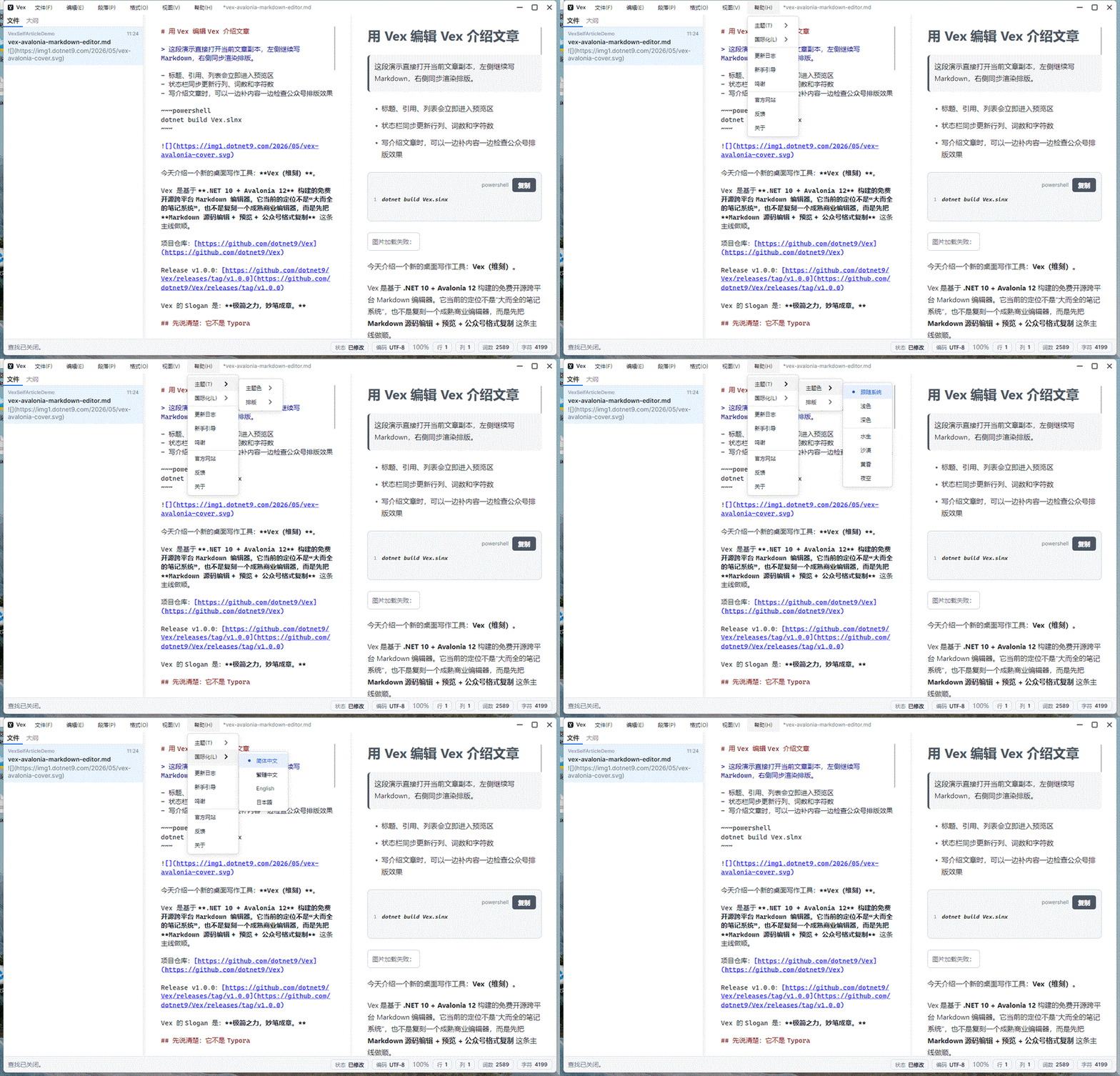
- Theme color, Markdown typography theme, compact layout, and language switching are grouped under the Help menu.
- Simplified Chinese, Traditional Chinese, English, and Japanese UI/help documents are included.
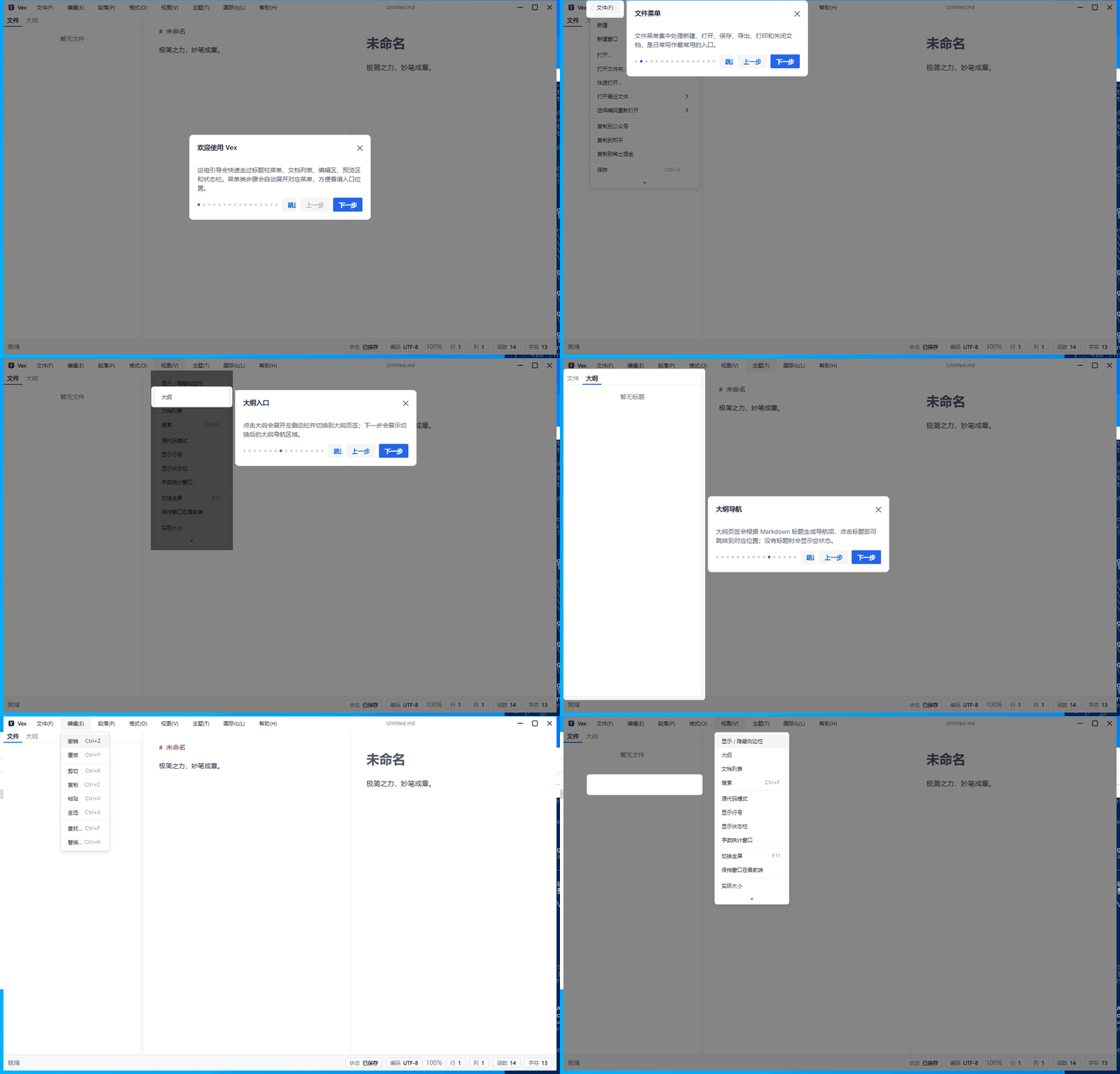
- The onboarding guide highlights real menu items, tabs, editor, preview, sidebar, and status-bar targets.
- Release scripts cover multi-RID publishing, zip packages, SHA256 files, release manifests, and optional Windows MSIX layout packaging.
Features
| Feature | Description |
|---|---|
| Markdown editing | AvaloniaEdit-based source editor with smart new lines, current-line highlight, source mode, line numbers, and formatting inserts. |
| Native preview | CodeWF.Markdown preview without WebView, covering headings, lists, tables, code blocks, task lists, local images, SVG, and GIF. |
| File workflow | New documents, single-file open, folder open, recent files, drag-and-drop open, save, save as, external change detection, and reload. |
| Outline navigation | Builds an outline from Markdown headings and jumps to the selected section. |
| Find/replace | Case, whole-word, regex, match count, replace next, and replace all. |
| Web paste | Browser-copied content pasted into the middle Markdown editor is converted from clipboard HTML to Markdown first, with plain text paste as the fallback. |
| Export | HTML, PNG, selectable-text PDF, Word .docx, and print preview; PNG/PDF/Word reuse the shared CodeWF.Markdown export API, PDF body text remains selectable and copyable, and PDF/Word embed local, data:image, HTTP(S), SVG/GIF/WebP images. |
| Publishing copy | Shared CodeWF.Markdown rich HTML clipboard output for WeChat Official Account, Zhihu, and Juejin. Windows HTML Format uses UTF-8 CF_HTML bytes and applies the active typography theme. |
| Localization | Simplified Chinese, Traditional Chinese, English, and Japanese through Lang.Avalonia.Json. |
| Onboarding | CodeWF.AvaloniaControls Guide steps can target menus, TabItems, editor, and preview areas. |
| Packaging | Windows, Linux, and macOS RID publishing, release zips, SHA256 files, and optional MSIX packaging. |
Demo
The typical Vex workspace uses a file/outline sidebar, source editor, and live preview.
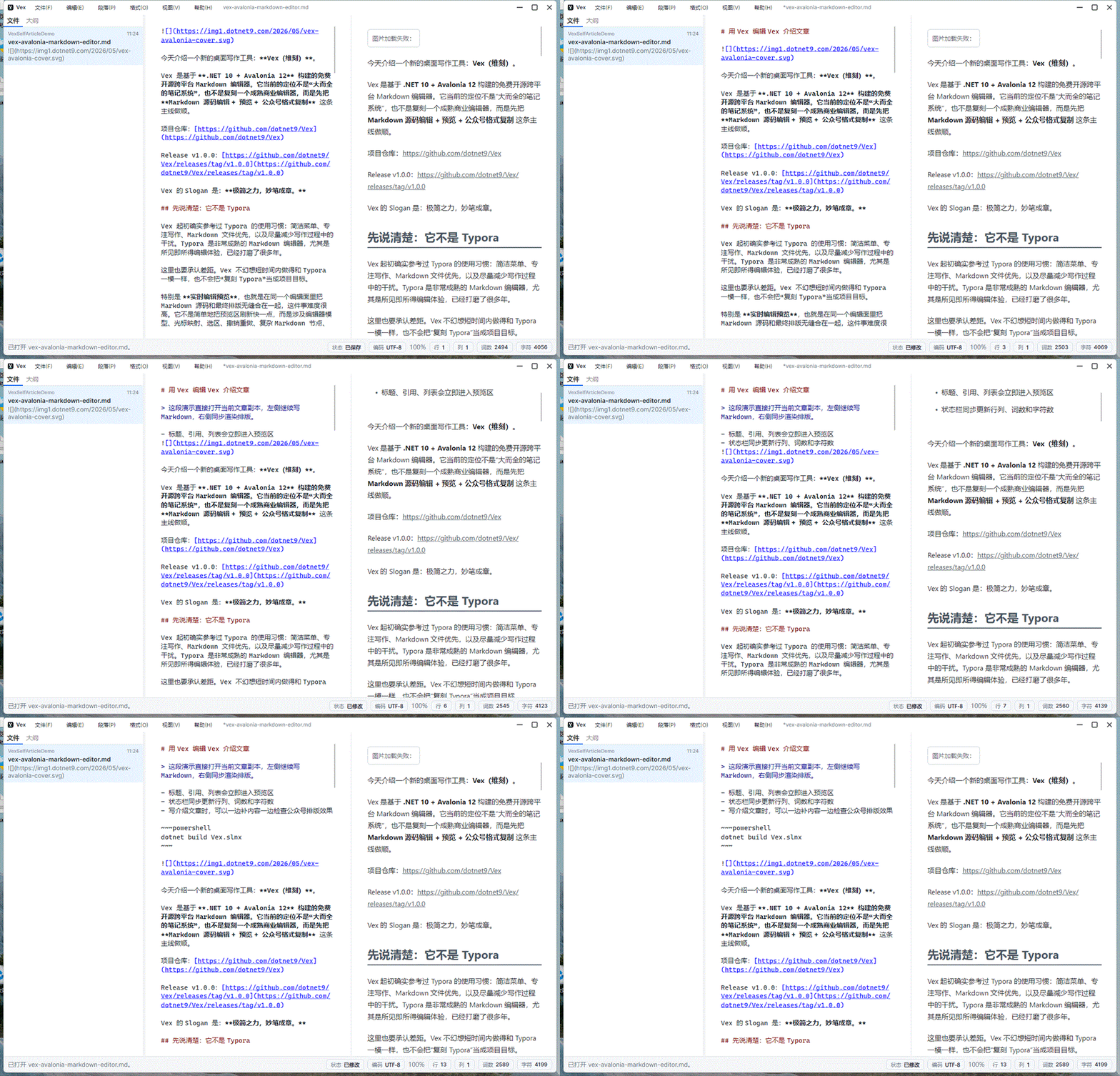
Outline navigation is useful for long documents.
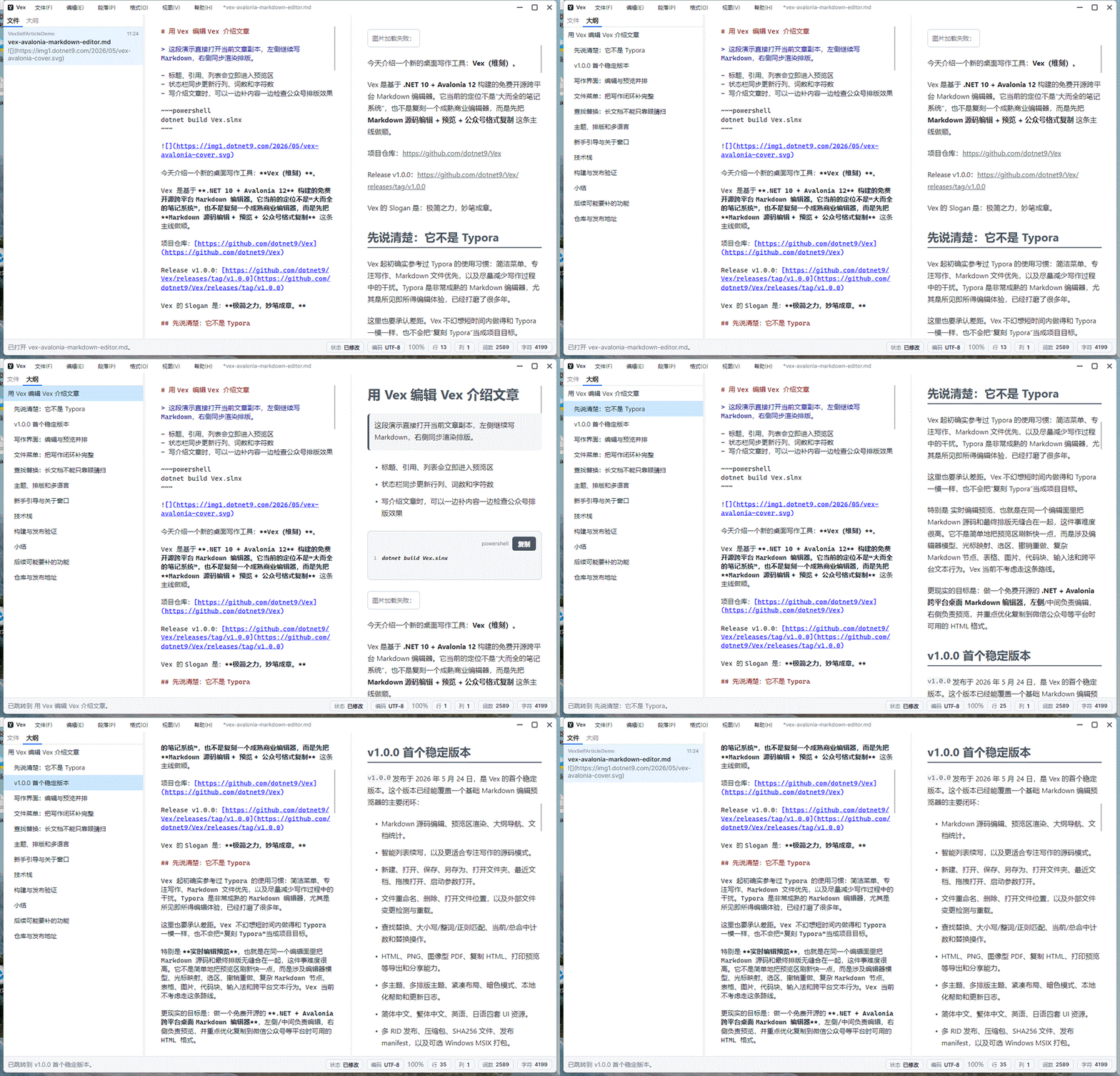
Source mode temporarily hides the sidebar and preview.
File actions and export paths live in the title menu.
Find/replace includes the common match options.
Theme color, typography, and language can be combined.
The first-run guide targets real controls and menu items.
Project Layout
src/
  Vex/                         Desktop app, Shell, Workspace, Help, services, and ViewModels
  Vex.Controls/                Vex-specific controls
  Vex.Controls.Themes/         Control theme resources
docs/
  Quick start, changelog, acknowledgements, and requirements notes
scripts/
  Stress, release packaging, and MSIX packaging scripts
The application uses Prism for module composition and CodeWF.EventBus for cross-module messages. Markdown preview, export image loading, rich social-editor clipboard output, and web HTML paste-to-Markdown conversion reuse CodeWF.Markdown, keeping the writing flow inside native Avalonia controls.
Tech Stack
- .NET 10
- Avalonia 12
- Prism.DryIoc.Avalonia
- ReactiveUI.Avalonia
- Semi.Avalonia
- Ursa.Avalonia
- AvaloniaEdit
- CodeWF.Markdown
- CodeWF.AvaloniaControls
- CodeWF.EventBus
- Lang.Avalonia.Json
Quick Start
Requirements:
- .NET 10 SDK
git clone https://github.com/dotnet9/Vex.git
cd Vex
dotnet restore Vex.slnx
dotnet build Vex.slnx
dotnet run --project src/Vex/Vex.csproj
Create release artifacts:
.\publish_vex_all.bat --package
Repository and Releases
- Repository: https://github.com/dotnet9/Vex
- Release: https://github.com/dotnet9/Vex/releases/tag/v1.1.0