
Zhijian
Zhijian is a local Markdown-first mind-map editor built with C#, Avalonia, and AtomUI. It keeps the outline, Markdown text, and graphical mind map synchronized over the same tree model, so users can write structure quickly and inspect it visually.
Repository: https://github.com/dotnet9/Zhijian

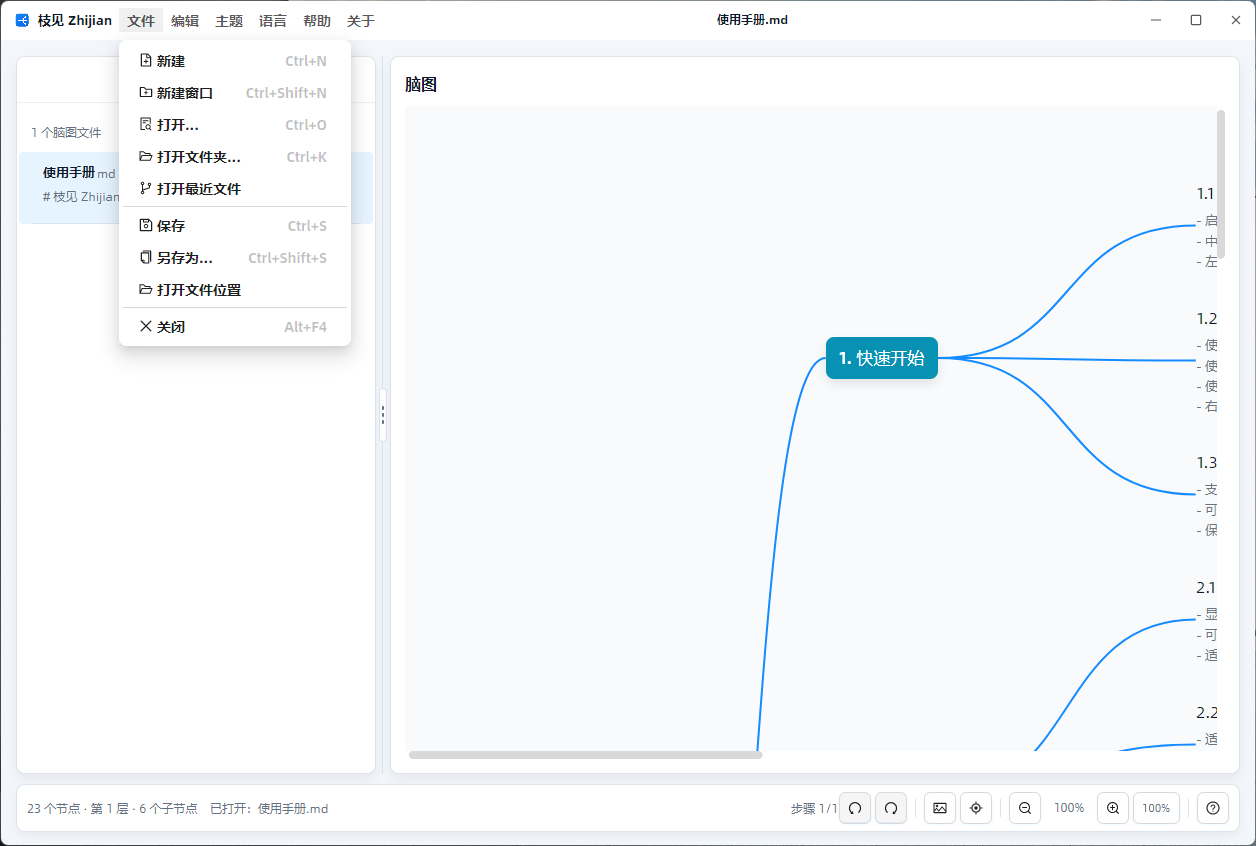
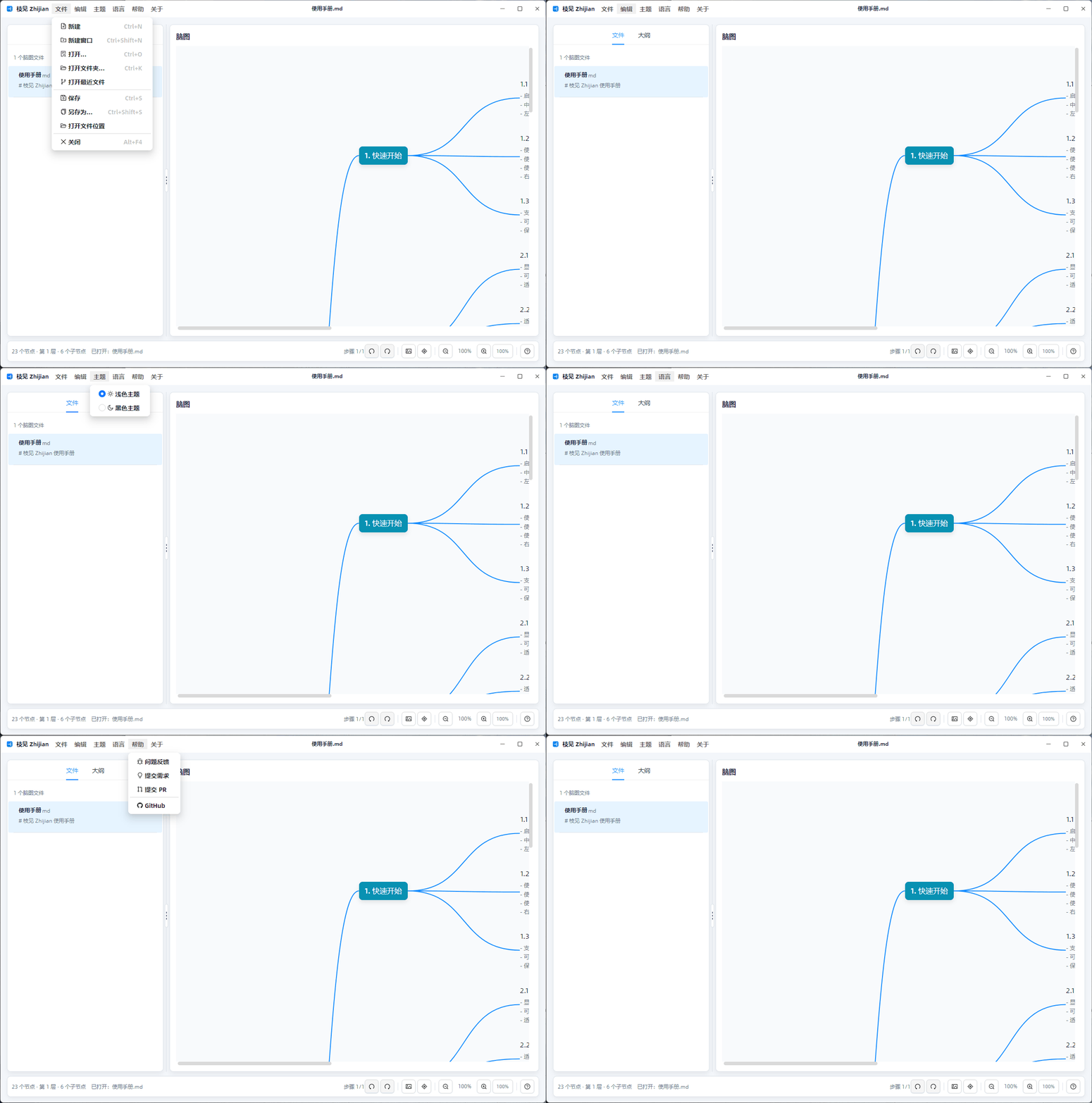
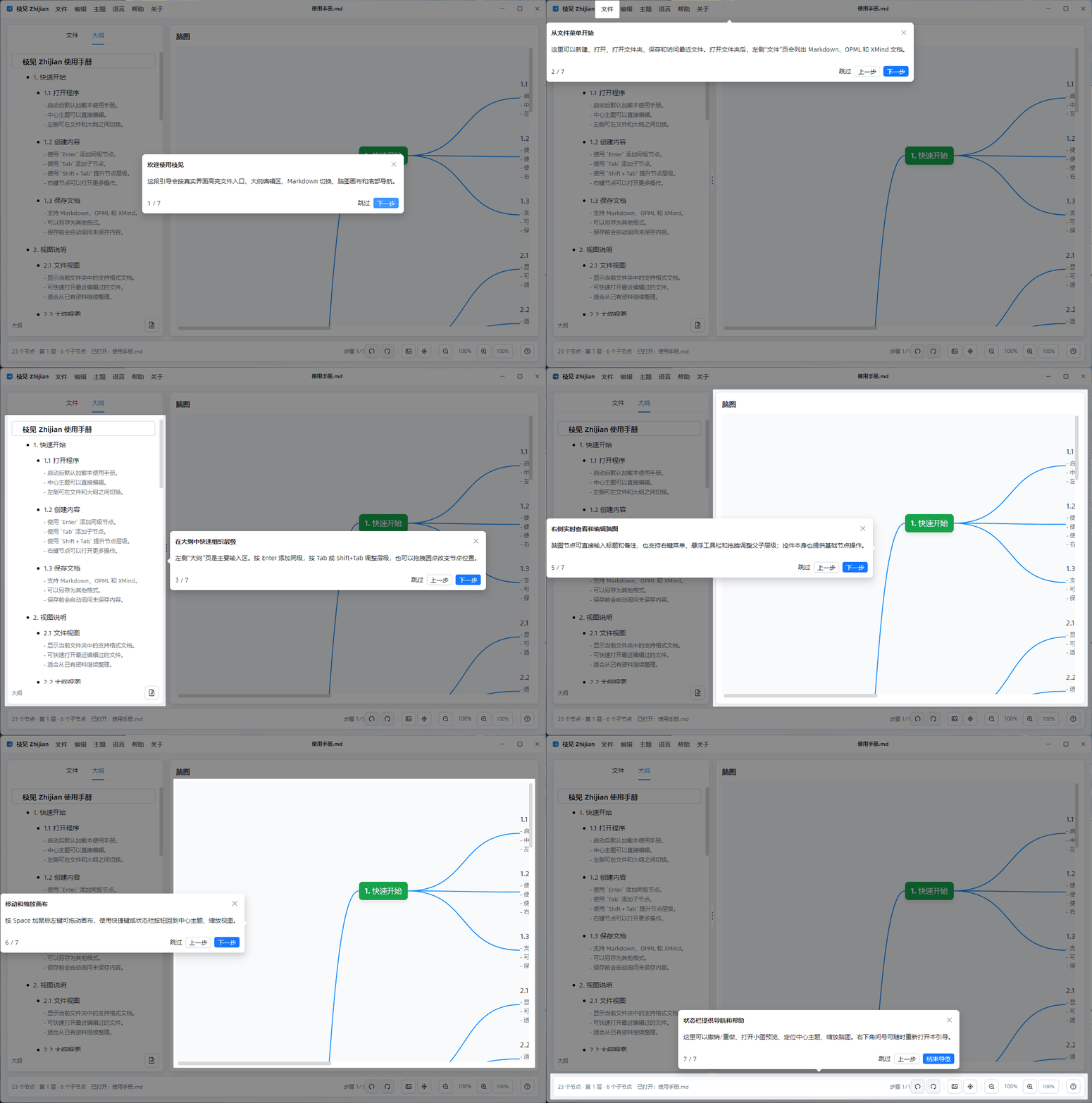
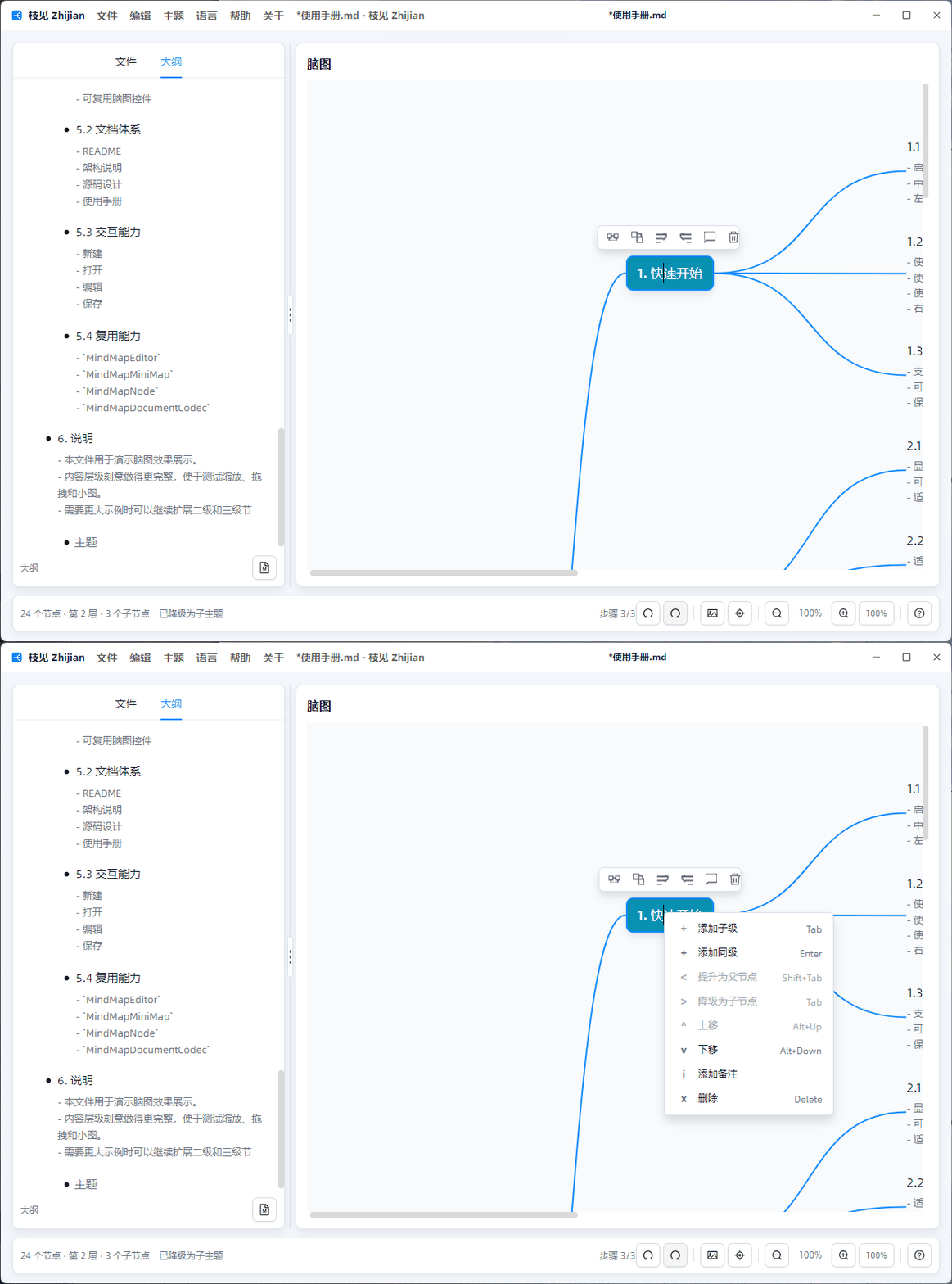
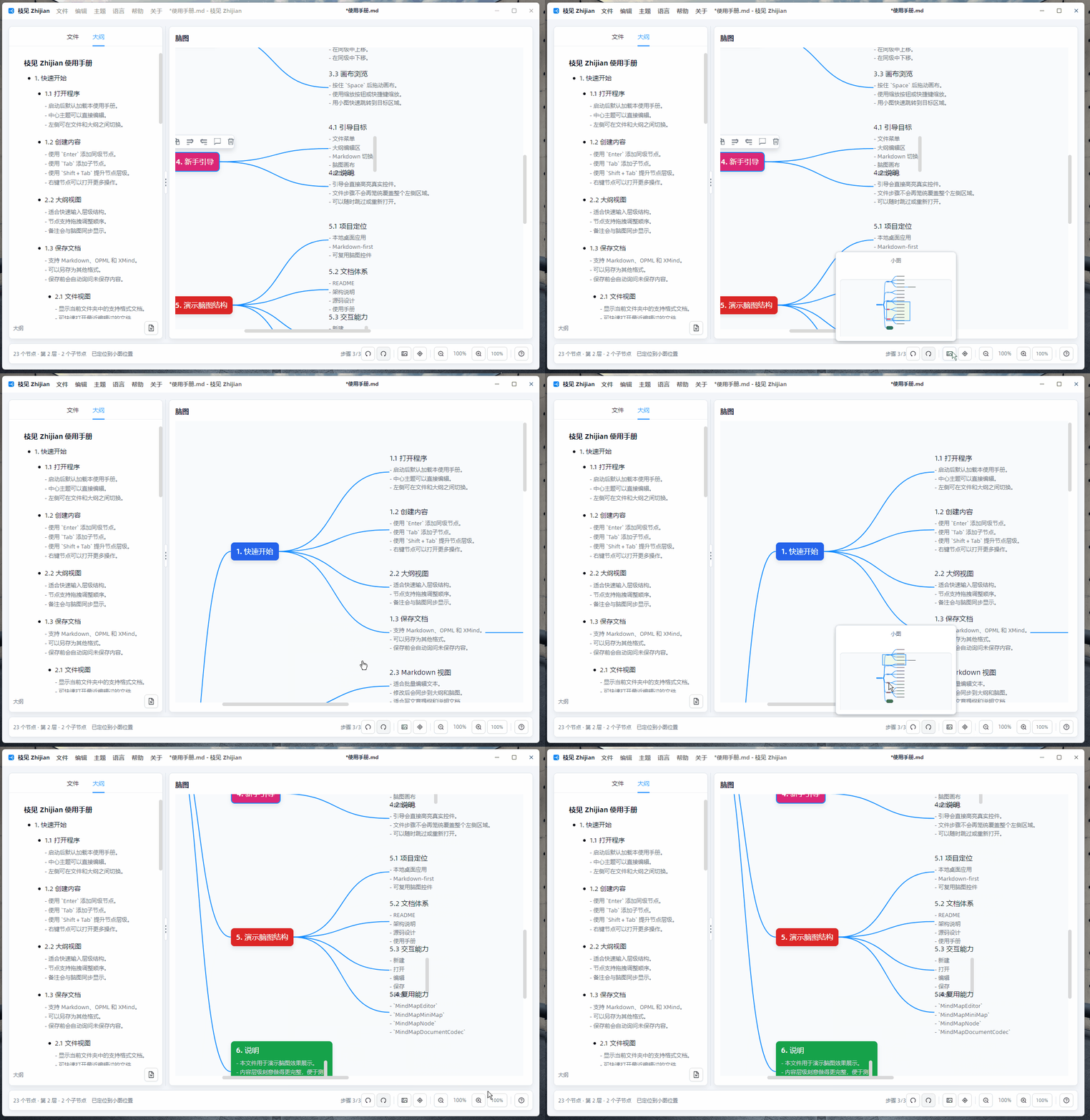
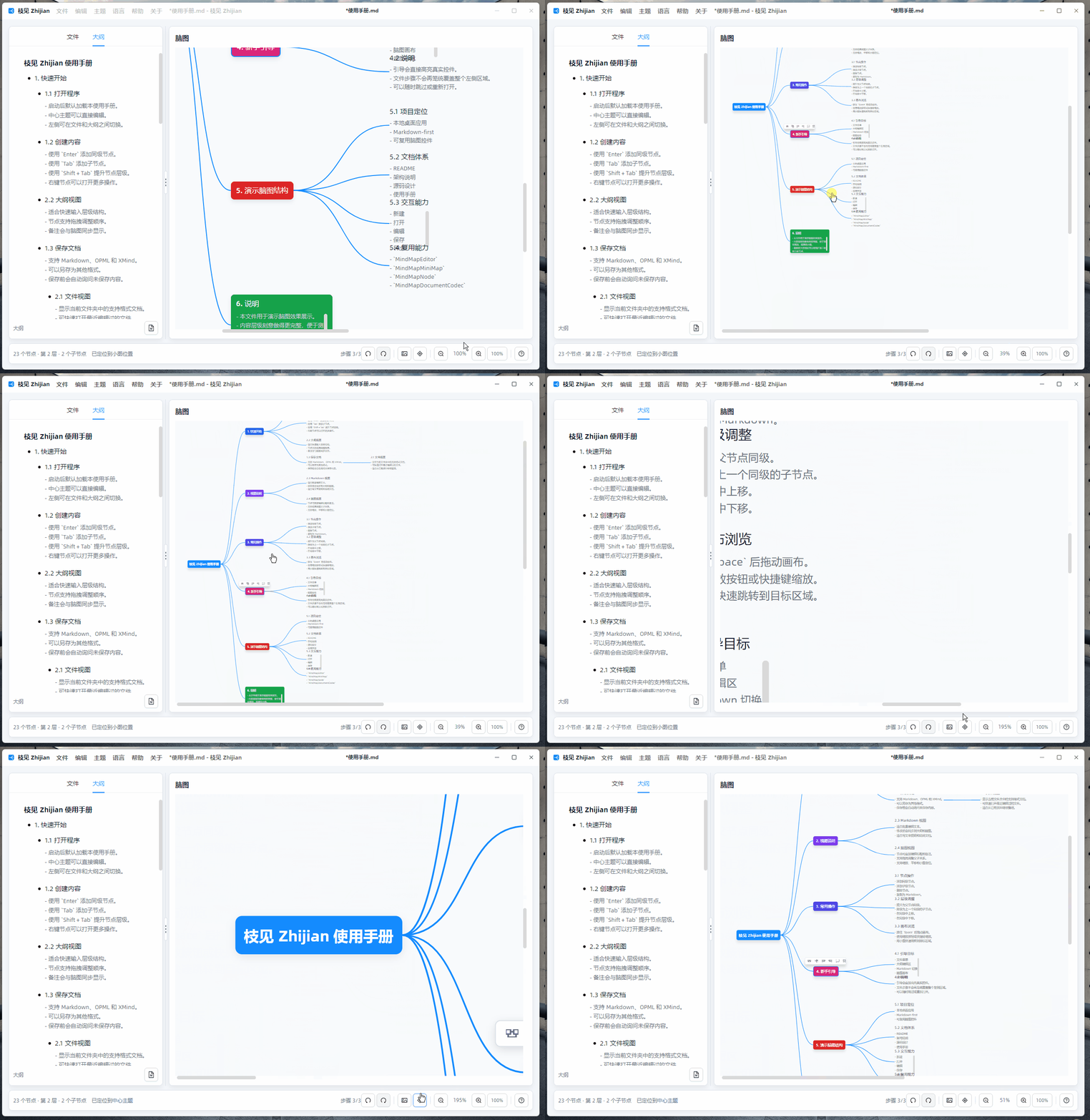
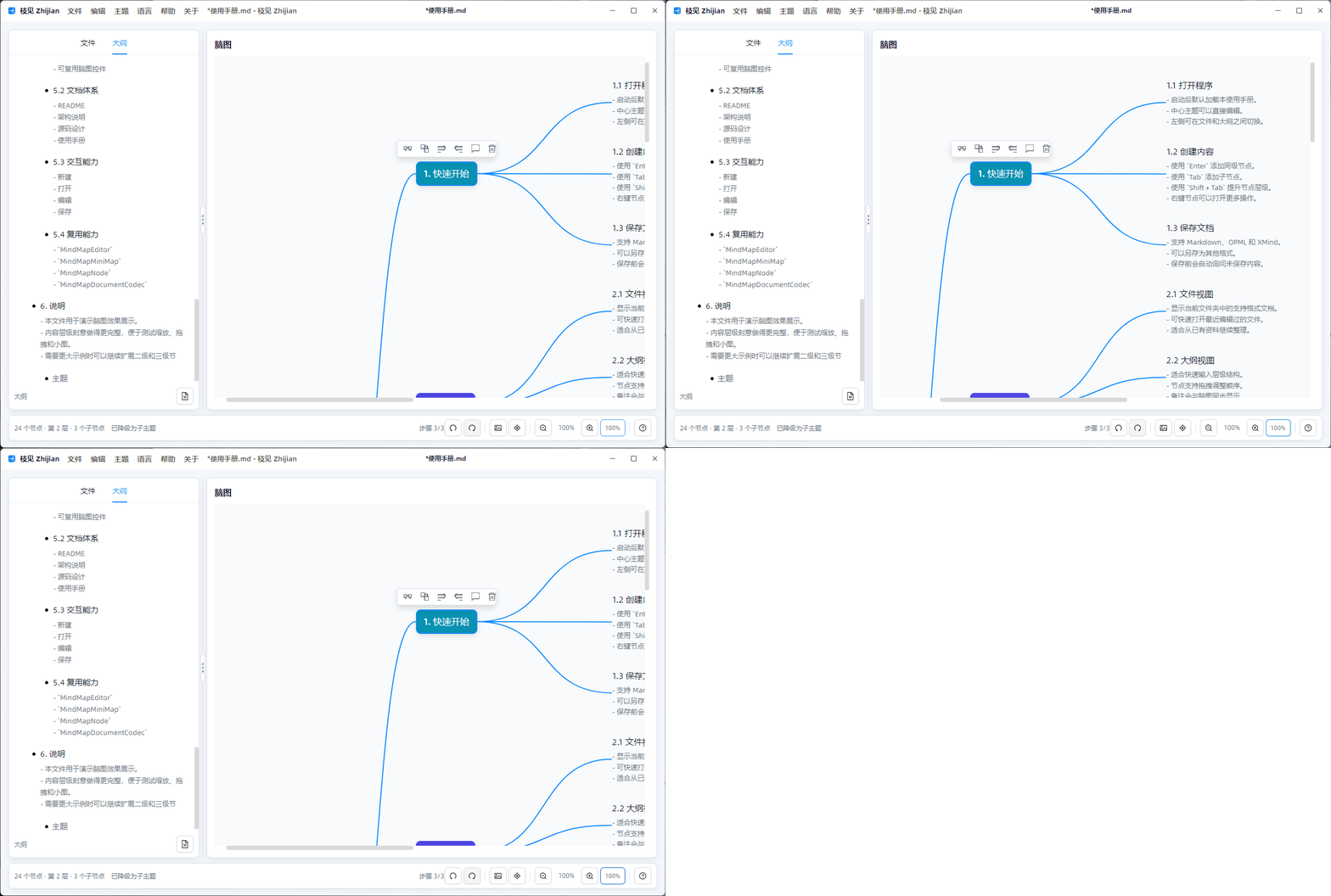
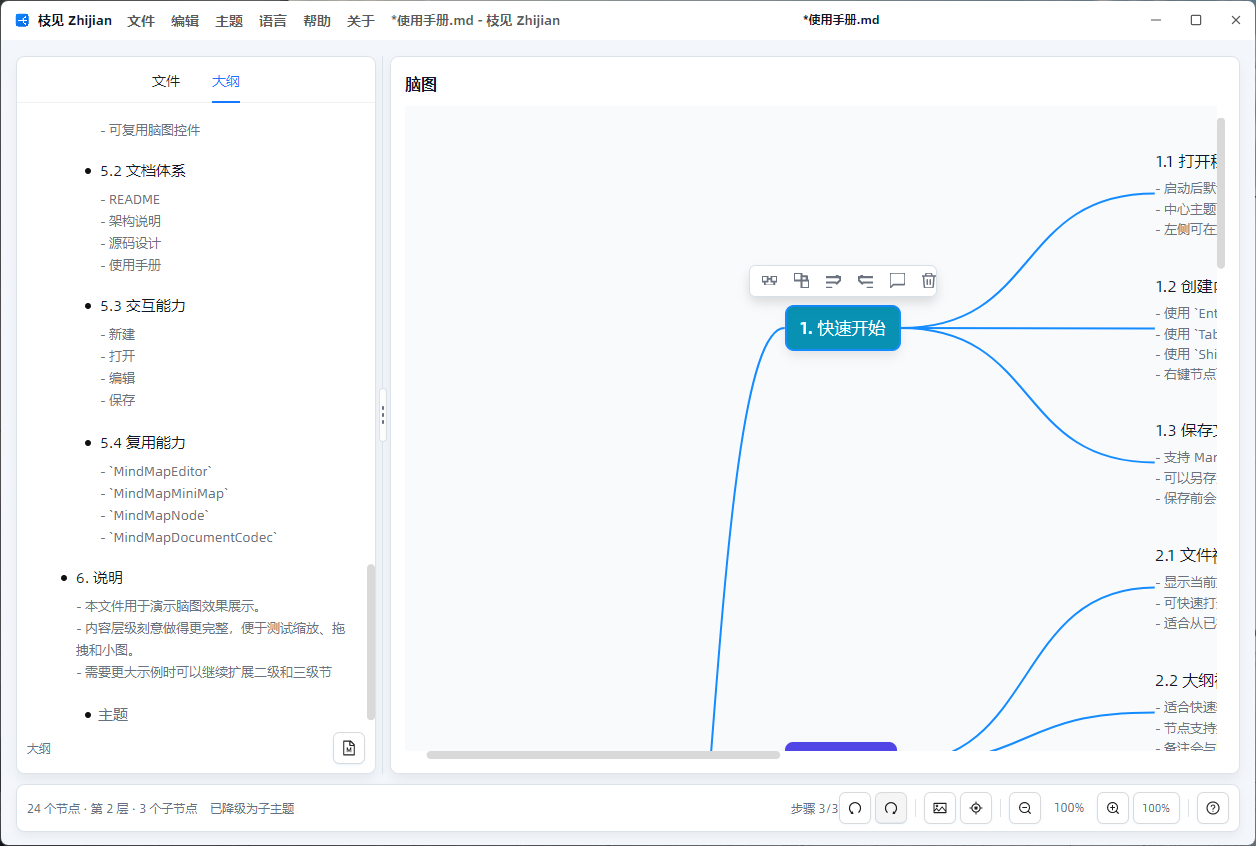
The screenshots and GIFs on this page were captured from a real running Zhijian desktop session with simulated user operations.
Positioning
- Starts with a blank mind map: one editable center topic.
- Outline, Markdown, and mind-map views share the same
MindMapNodemodel. - File menu for New, New Window, Open, Open Folder, Recent Files, Save, Save As, Open File Location, and Close.
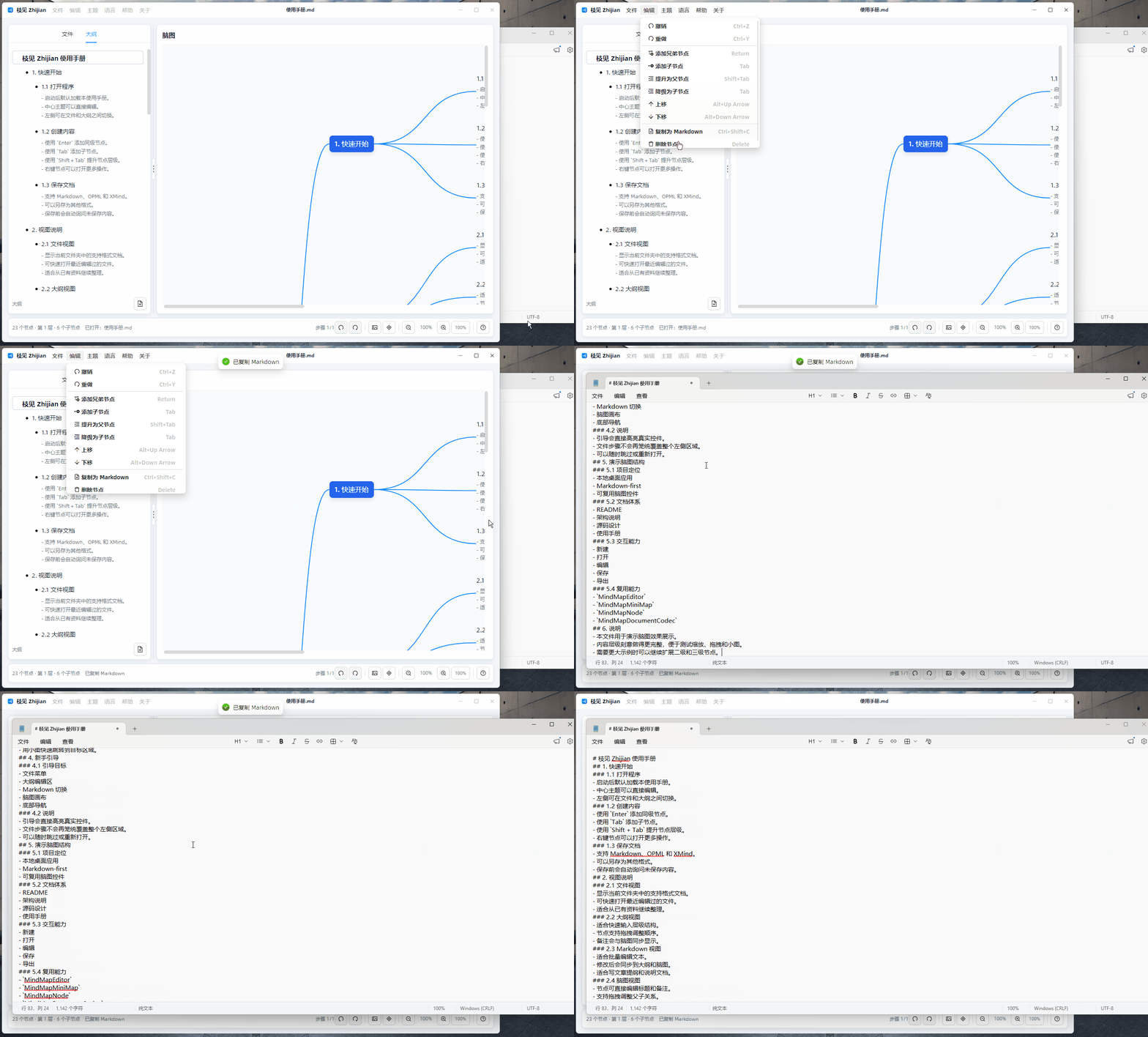
- Edit menu for Undo, Redo, structural changes, node deletion, and Copy as Markdown.
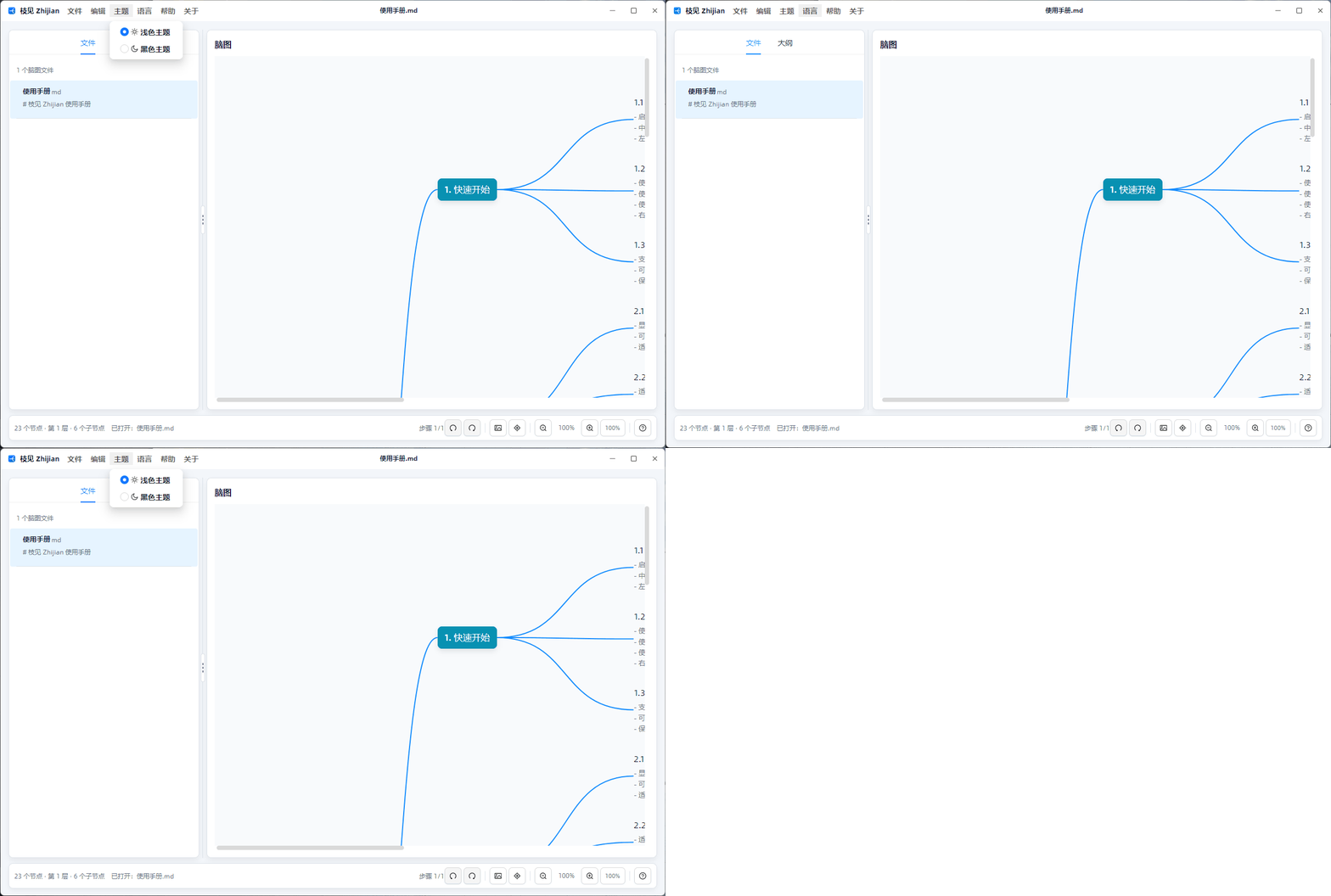
- Theme, Language, Help, and About menus live in the title bar with icons and shortcuts where useful.
- Language switching uses
Lang.Avalonia.Jsonresources for Simplified Chinese, Traditional Chinese, English, and Japanese. - First-run onboarding uses AtomUI Tour to introduce the key operations.
- Folder mode with
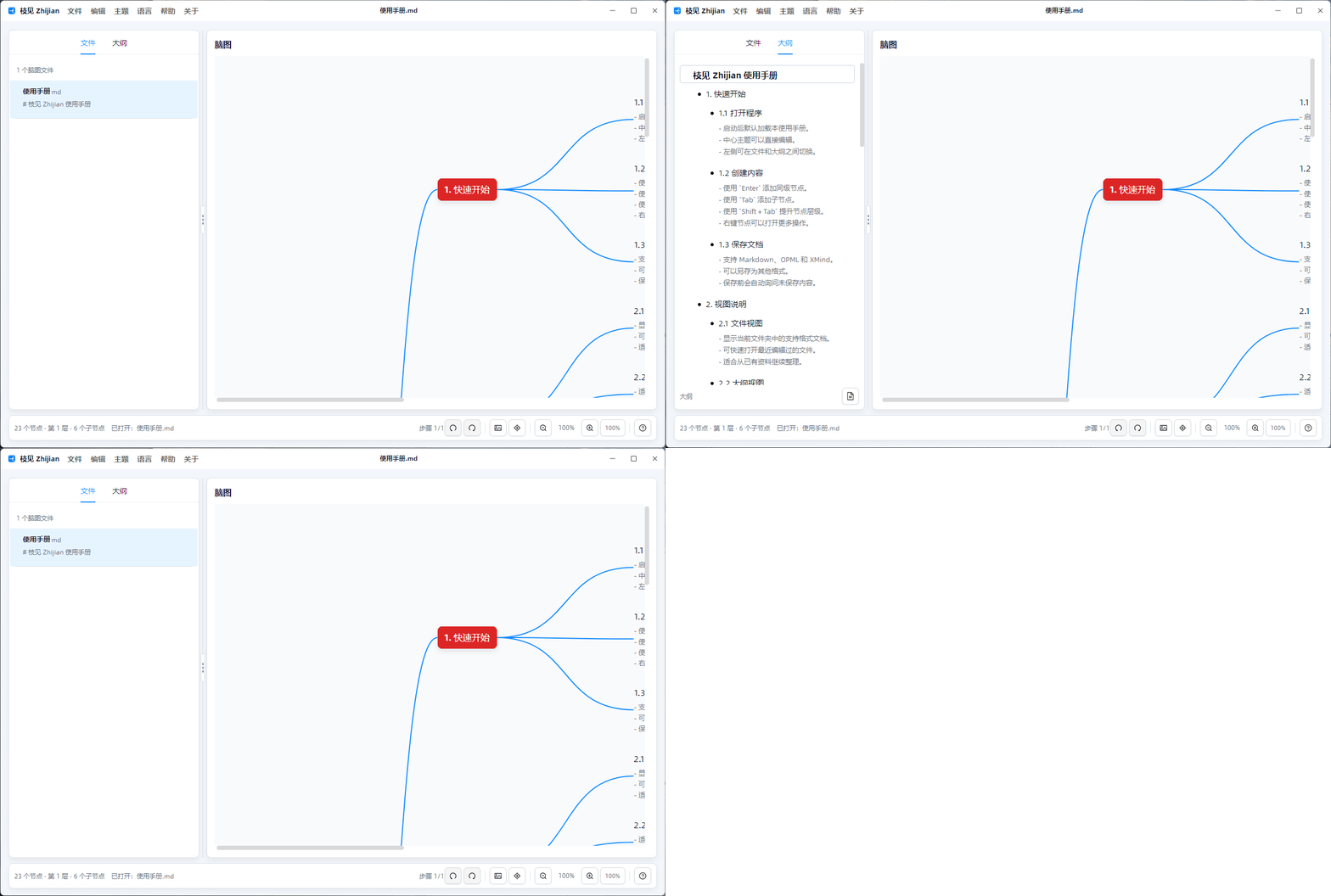
FilesandOutlinetabs, so users can browse supported files before loading one into the editor. - AtomUI-based desktop shell, menus, buttons, lists, text inputs, tooltips, Tour, global messages, dialogs, and dark theme.
- Reusable
CodeWF.MindViewlibrary with Avalonia-only controls, a mini map, node model, and file codecs.
Highlights
| Feature | Description |
|---|---|
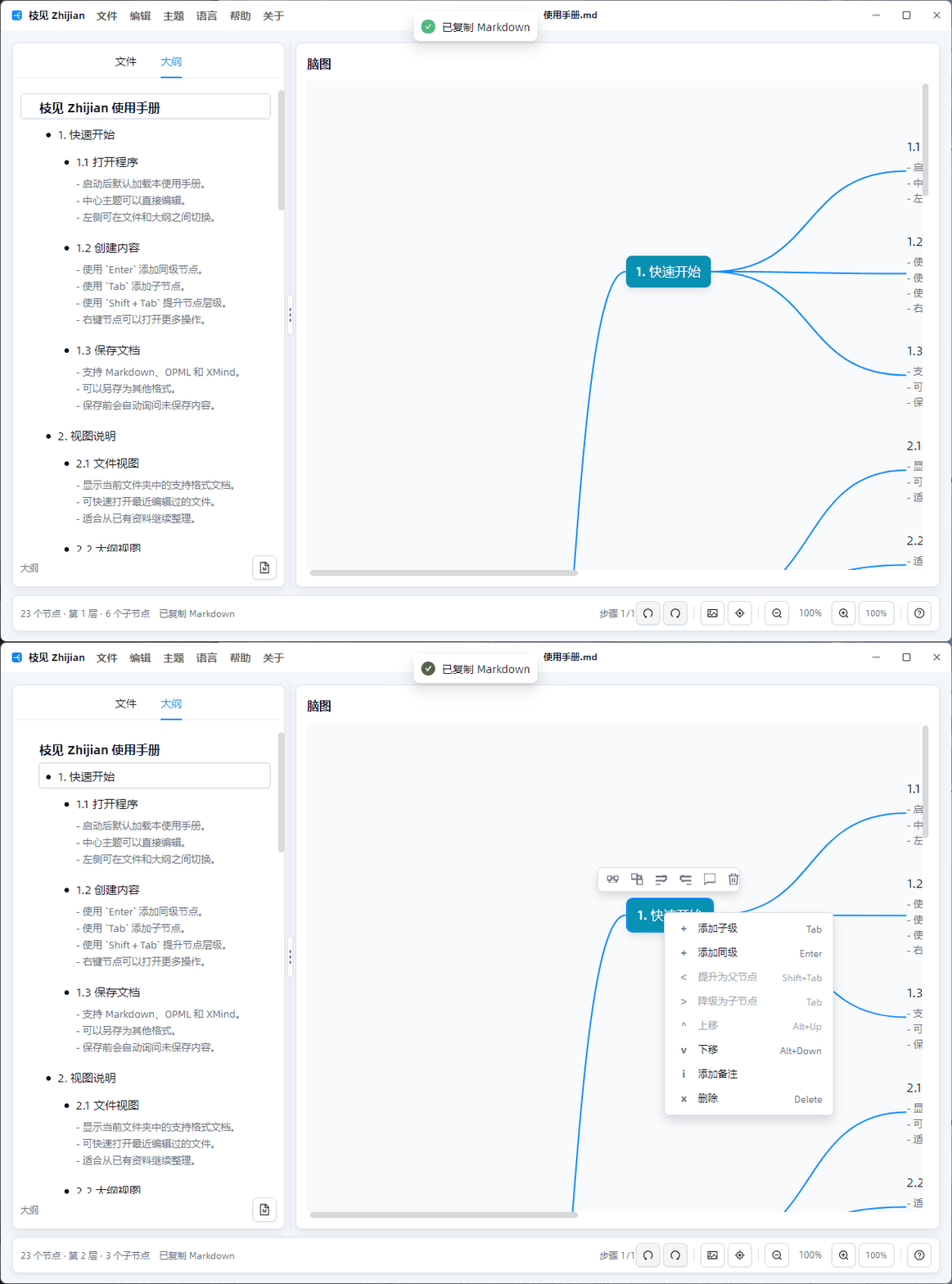
| Outline editing | Keyboard creation, deletion, promotion, demotion, and node menus for siblings, children, move up/down, notes, and delete. |
| File workflow | New documents, single-file open, folder open, recent files, save, save as, open file location, and unsaved-close prompts. |
| Mind-map editing | Inline title editing, notes, delete, zoom, panning, center-topic navigation, and drag/drop structure changes. |
| Notes | Notes sync between outline and mind-map views and use muted text instead of a separate background block. |
| Mini map | The mini map renders real node coordinates and the current viewport. |
| Localization | Lang.Avalonia.Json resources provide Simplified Chinese, Traditional Chinese, English, and Japanese UI text. |
| Onboarding | AtomUI Tour introduces the first-run workflow and is configured from src/Zhijian/App.config. |
| Formats | Markdown, OPML, and XMind import/export. |
Runtime Preview
Structure
src/
  CodeWF.MindView/          Reusable mind-map controls, node model, mini map, and codecs
  CodeWF.MindView.Themes/   Default Avalonia resources for the mind-map controls
  Zhijian/                  AtomUI desktop app, outline view, file services, shell, and ViewModels
docs/
  Architecture notes, source-design docs, and runtime screenshots/GIFs
CodeWF.MindView intentionally has no AtomUI dependency. Zhijian owns the AtomUI shell, title-bar menus, dialogs, file workflow, and outline view.
Reusing CodeWF.MindView
A new Avalonia app can reference CodeWF.MindView and CodeWF.MindView.Themes:
<ItemGroup>
  <ProjectReference Include="..\CodeWF.MindView\CodeWF.MindView.csproj" />
  <ProjectReference Include="..\CodeWF.MindView.Themes\CodeWF.MindView.Themes.csproj" />
</ItemGroup>
Register the resources in App.axaml:
<Application
    xmlns="https://github.com/avaloniaui"
    xmlns:mindThemes="using:CodeWF.MindView.Themes">
    <Application.Styles>
        <mindThemes:MindViewThemes />
    </Application.Styles>
</Application>
Use MindMapEditor in a view:
<UserControl
    xmlns="https://github.com/avaloniaui"
    xmlns:mind="https://codewf.com">
    <mind:MindMapEditor
        Roots="{Binding Roots}"
        SelectedNode="{Binding SelectedNode, Mode=TwoWay}"
        Controller="{Binding}" />
</UserControl>
The host ViewModel provides ObservableCollection<MindMapNode> and implements IMindMapEditorController for level lookup, node creation, deletion, promotion, demotion, and drag/drop moves. File open/save, recent files, and unsaved-change prompts can follow IMindMapFileService and the src/Zhijian app implementation.
Open Source Thanks
Zhijian is built on excellent open source platforms and libraries:
Quick Start
Requirements:
- .NET 10 SDK
dotnet restore Zhijian.slnx
dotnet build Zhijian.slnx
dotnet run --project src/Zhijian/Zhijian.csproj