

有网友看了上一篇文章《C# 多语言利器 - ResX Manager》后,提出疑问:
这个多语言切换不重启不能刷新,有没有方案?

其实是有的,国内一开源大神提供了一个 WPF 扩展库,其中就有多语言切换实现,我们先看效果:
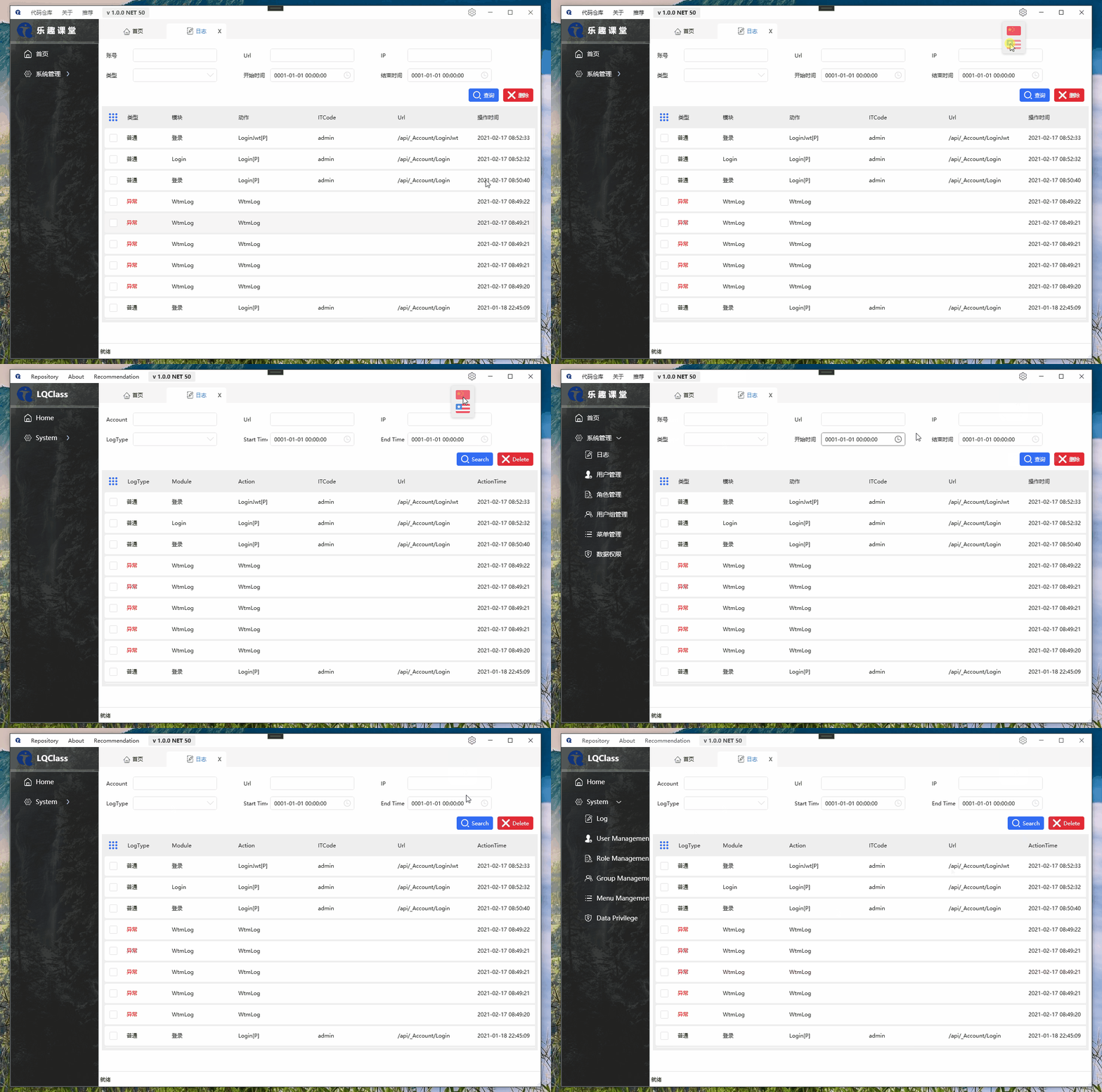
具体使用请接着往下看:
1 开源库实现多语言动态切换
GitHub 地址:点击访问
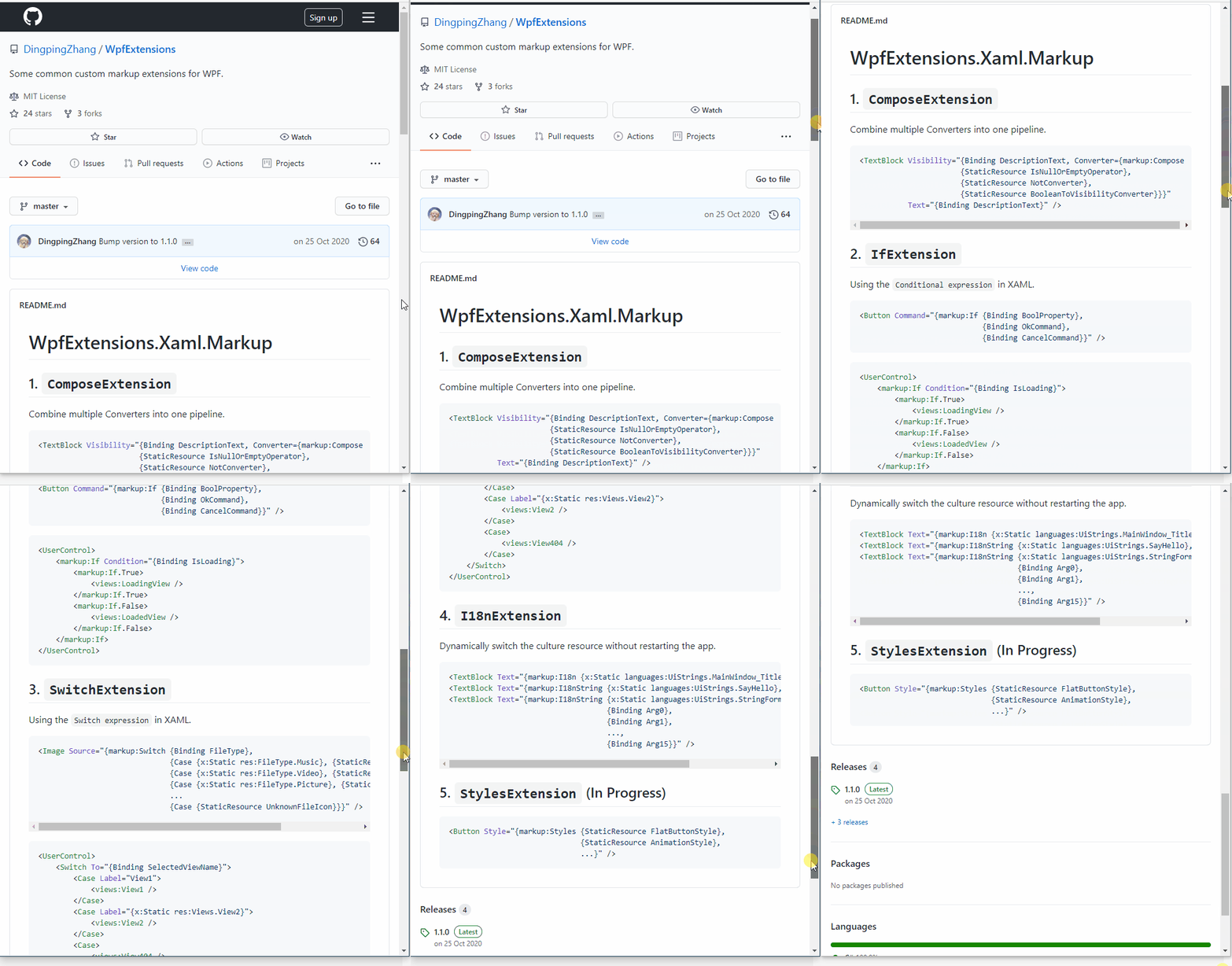
怎么安装?
直接 NuGet 搜索安装即可:
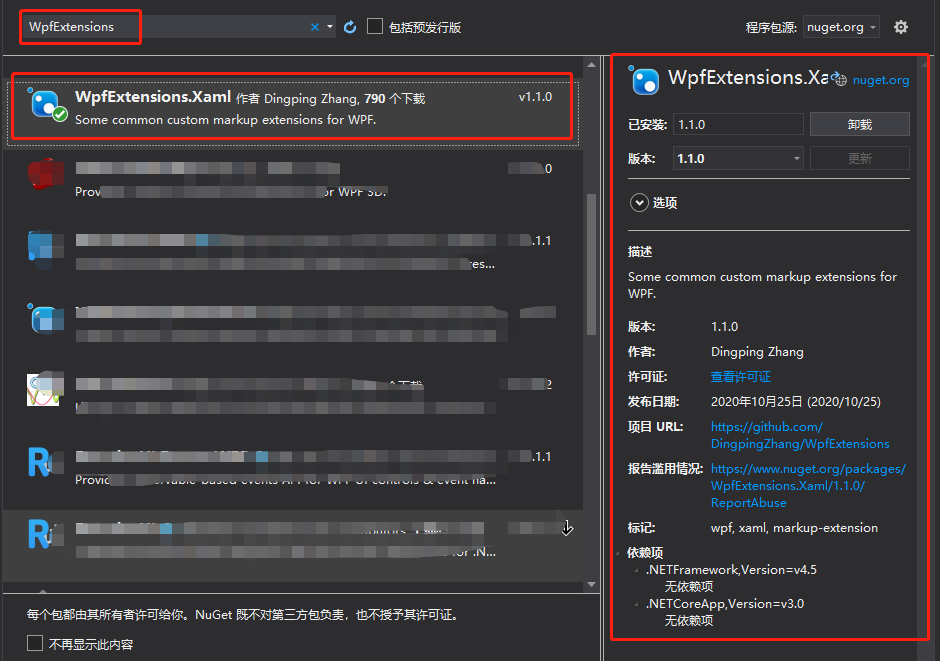
2 如何使用?
2.1 主工程初始化之前
添加资源文件引用
I18nManager.Instance.Add(LQClass.AdminForWPF.I18nResources.UiResource.ResourceManager);
2.2 Prism 模块中初始化
如果使用Prism实现模块化,也需要在模块构造函数中引用模块的资源文件
I18nManager.Instance.Add(LQClass.ModuleOfLog.I18nResources.UiResource.ResourceManager);
动态语言切换
这里比较灵活了,切换语言时,保存语言标识到配置文件,程序启动时设置配置的语言即可,动态切换语言时也是相同的代码:
var culture = new System.Globalization.CultureInfo(language);
I18nManager.Instance.CurrentUICulture = culture;