Preface
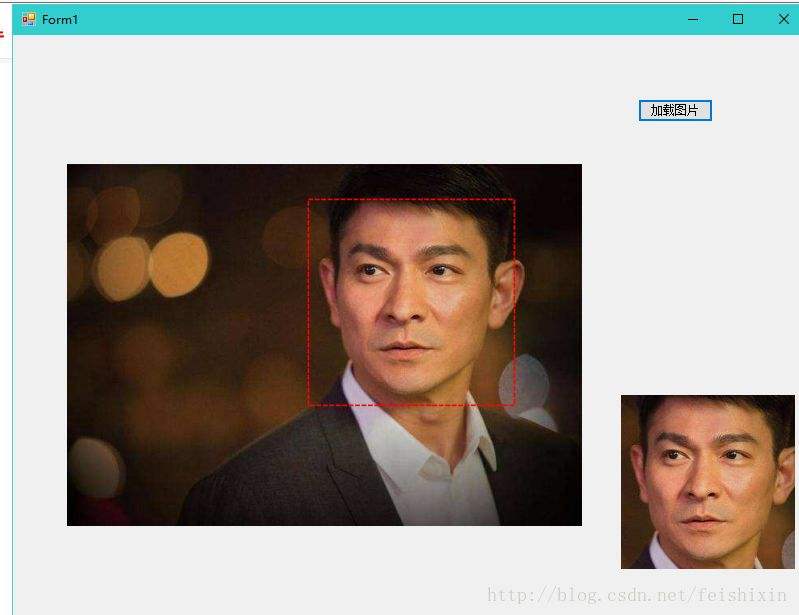
I've previously written about text recognition and face detection—both using off-the-shelf solutions (directly calling Baidu's SDK). In fact, just reading the documentation reveals how straightforward it is, and Baidu even provides code examples in multiple languages.
So, unless there are special requirements later, this will be the end of the code series for implementing AI functions by calling Baidu's API. I wrote these three articles because these scenarios are frequently used in daily life and work.
Face comparison is typically used when verifying whether a person's face matches their ID card photo.

Features
- Verify whether two face images belong to the same person
Development Environment
- Development Tool: Visual Studio 2013
- .NET Framework Version: 4.5
Implementation Code
// Download AipSdk.dll from official website and reference it in your project
// API documentation: https://cloud.baidu.com/doc/FACE/s/Lk37c1tpf

// Fill in your own api_key and secret_key
string api_key = "", secret_key = "";

private void btnCompare_Click(object sender, EventArgs e)
{
    if (pictureBox1.Image == null || pictureBox2.Image == null)
    {
        MessageBox.Show("Please paste images into the picture boxes first");
        return;
    }

    Baidu.Aip.Face.Face client = new Baidu.Aip.Face.Face(api_key, secret_key);
    List<byte[]> list = new List<byte[]>();
    list.Add(ImageToByte((Bitmap)pictureBox1.Image));
    list.Add(ImageToByte((Bitmap)pictureBox2.Image));
    JObject result = client.Match(list);
    if ((int)result["result_num"] == 0)
    {
        textBox1.Text = "Match failed";
    }
    else
    {
        JArray jarr = (JArray)result["result"];
        string score = jarr[0]["score"].ToString();
        textBox1.Text = "Similarity: " + score;
    }
}

// Image paste method
private Image CopyImage()
{
    try
    {
        Image image = null;
        IDataObject iData = Clipboard.GetDataObject();
        if (iData.GetDataPresent(DataFormats.FileDrop))
        {
            object obj = iData.GetData(DataFormats.FileDrop);
            image = Image.FromFile((obj as string[])[0].ToString());
        }
        else if (iData.GetDataPresent(DataFormats.Bitmap))
        {
            object obj = iData.GetData(DataFormats.Bitmap);
            image = obj as Image;
        }
        return image;
    }
    catch { return null; }
}

// Convert image to byte[]
public byte[] ImageToByte(Bitmap inImg)
{
    MemoryStream mstream = new MemoryStream();
    inImg.Save(mstream, ImageFormat.Bmp);
    byte[] bytes = new Byte[mstream.Length];
    mstream.Position = 0;
    mstream.Read(bytes, 0, bytes.Length);
    mstream.Close();
    return bytes;
}

private void pictureBox1_Click(object sender, EventArgs e)
{
    // pictureBox1 gains focus
    pictureBox1.Focus();
}
private void pictureBox2_Click(object sender, EventArgs e)
{
    // pictureBox2 gains focus
    pictureBox2.Focus();
}
private void pictureBox1_PreviewKeyDown(object sender, PreviewKeyDownEventArgs e)
{
    // Paste image to pictureBox1
    if (e.Control && e.KeyCode == Keys.V)
    {
        pictureBox1.Image = CopyImage();
    }
}
private void pictureBox2_PreviewKeyDown(object sender, PreviewKeyDownEventArgs e)
{
    // Paste image to pictureBox2
    if (e.Control && e.KeyCode == Keys.V)
    {
        pictureBox2.Image = CopyImage();
    }
}
Result
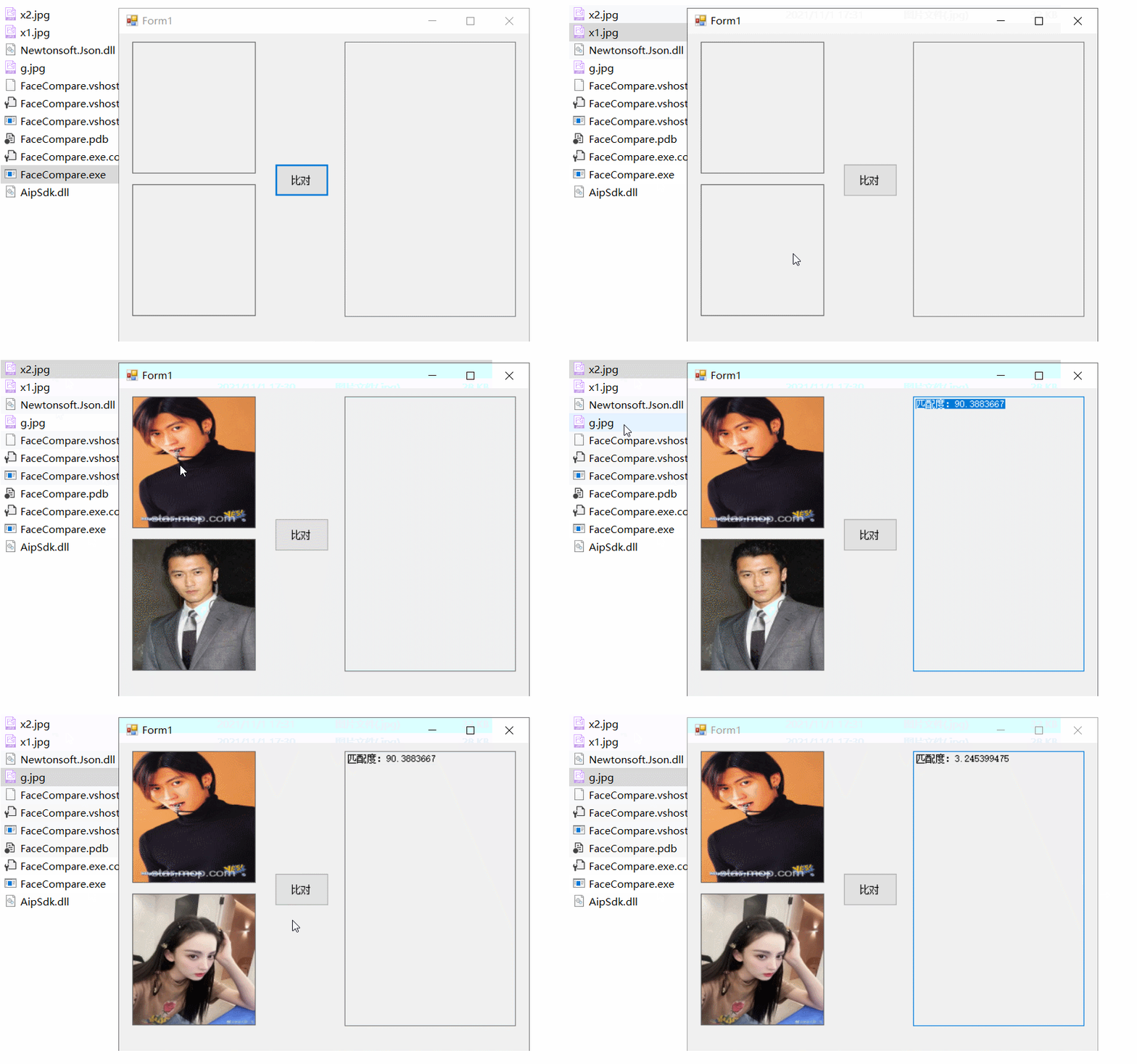
According to Baidu, a similarity score greater than 80 is generally considered the same person.
You might notice that the parameters in the official documentation differ from what I wrote. This is because the official API provides two versions: V2 and V3. Choose the one that fits your needs.
From simple to complex, ready to use
Stay tuned for more exciting content