原文作者:knaagar
原文链接:https://dev.to/devsyedmohsin/css-tips-and-tricks-you-will-add-to-cart-163p
翻译:沙漠尽头的狼
既然我们已经完成了 HTML 和 JavaScript 技巧,现在是时候介绍 CSS 技巧和技巧了 💖✨
1. 打印媒体查询
您可以使用打印媒体查询为您的网站的可打印版本设置样式。
@media print {
  * {
    background-color: transparent;
    color: #000;
    box-shadow: none;
    text-shadow: none;
  }
}
2. 渐变文字
h1 {
  background-image: linear-gradient(to right, #c6ffdd, #fbd786, #f7797d);
  background-clip: text;
  -webkit-background-clip: text;
  color: transparent;
}

3. 修改 media defaults
编写 css 重置时,添加这些属性以改善媒体默认值。
img,
picture,
video,
svg {
  max-width: 100%;
  object-fit: contain; /* preserve a nice aspect-ratio */
}
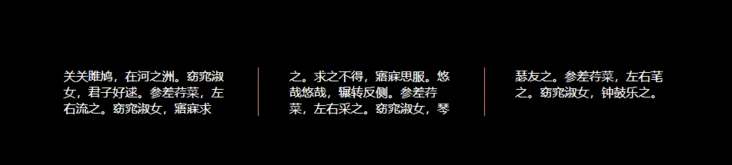
4. column count
使用列属性为文本元素制作漂亮的列布局。
p {
  column-count: 3;
  column-gap: 5rem;
  column-rule: 1px solid salmon; /* border between columns */
}
5. 使用 position 居中元素
div {
  position: absolute;
  top: 50%;
  left: 50%;
  transform: translate(-50%, -50%);
}
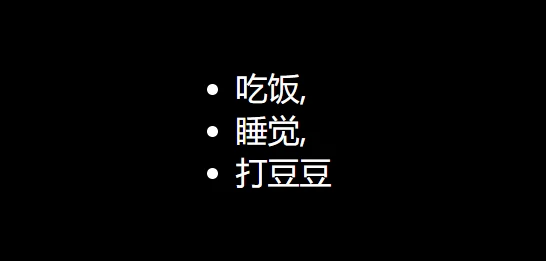
6. 逗号分隔的列表
li:not(:last-child)::after {
  content: ",";
}
7. 平滑的滚动
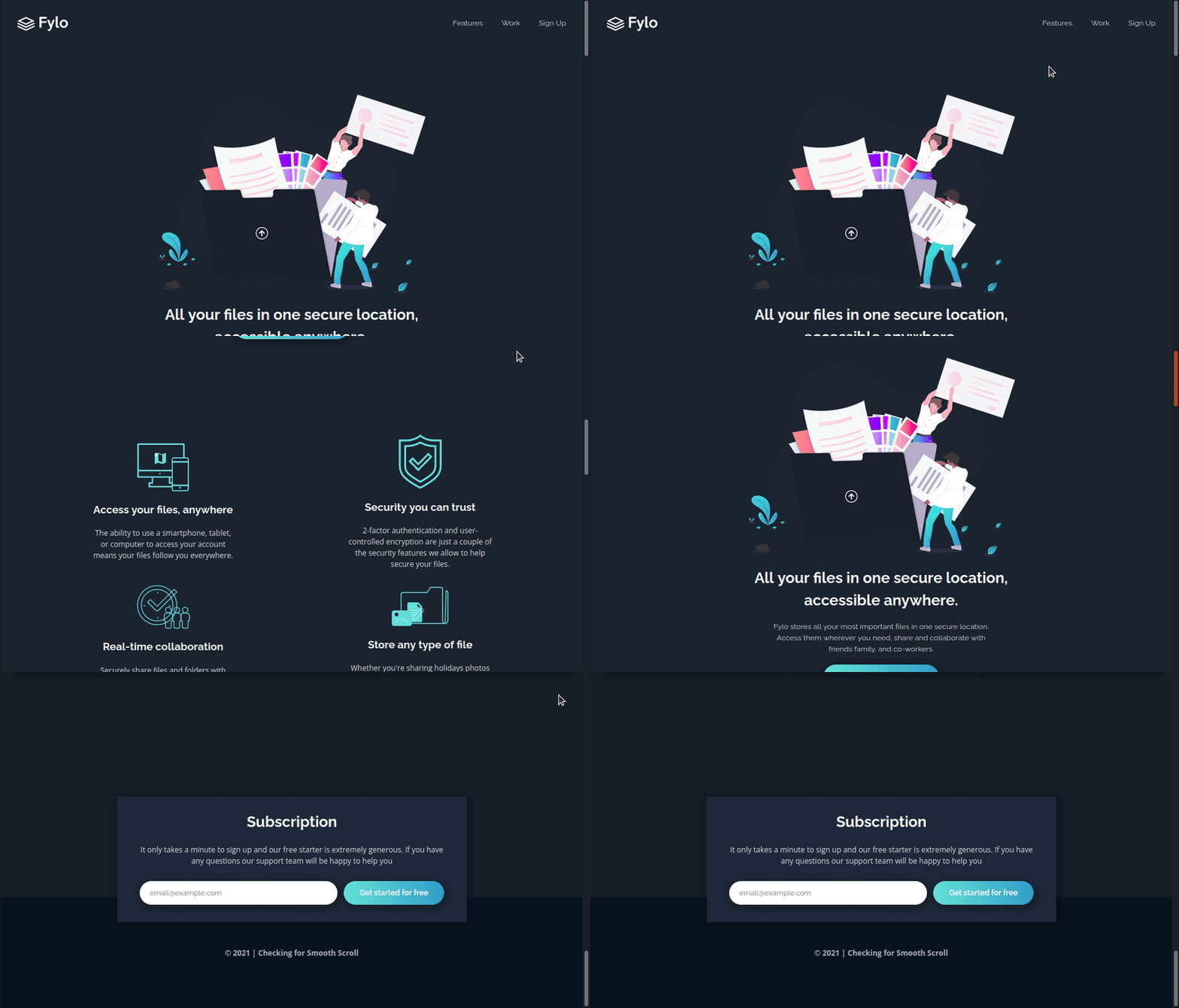
html {
  scroll-behavior: smooth;
}
8. hyphens
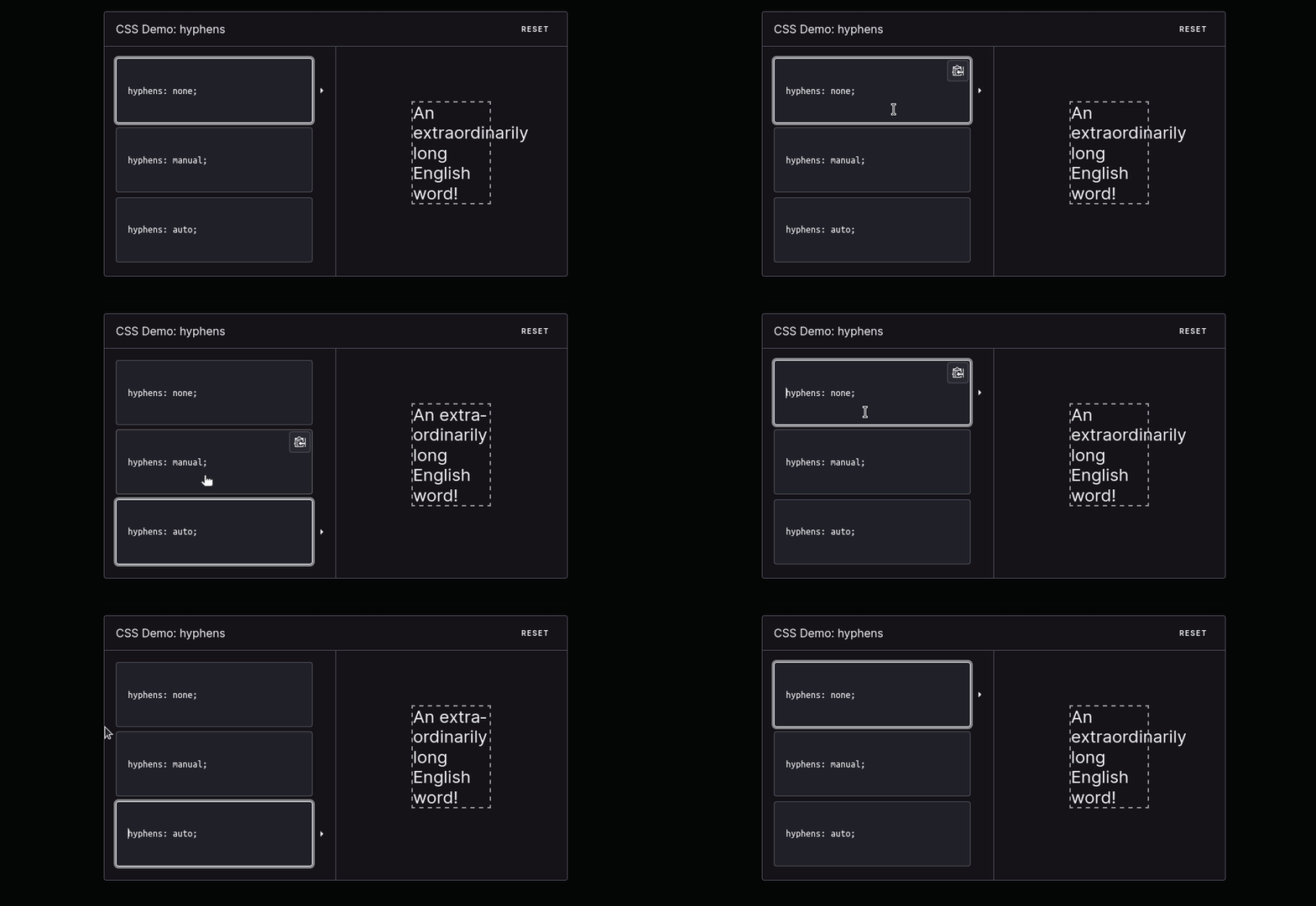
hyphens 告知浏览器在换行时如何使用连字符连接单词。可以完全阻止使用连字符,也可以控制浏览器什么时候使用,或者让浏览器决定什么时候使用。
9. first letter
避免不必要的 span ,并使用伪元素来设计你的内容,同样第一个字母的伪元素,我们还有第一行的伪元素。
h1::first-letter {
  color: #ff8a00;
}

10. accent-color
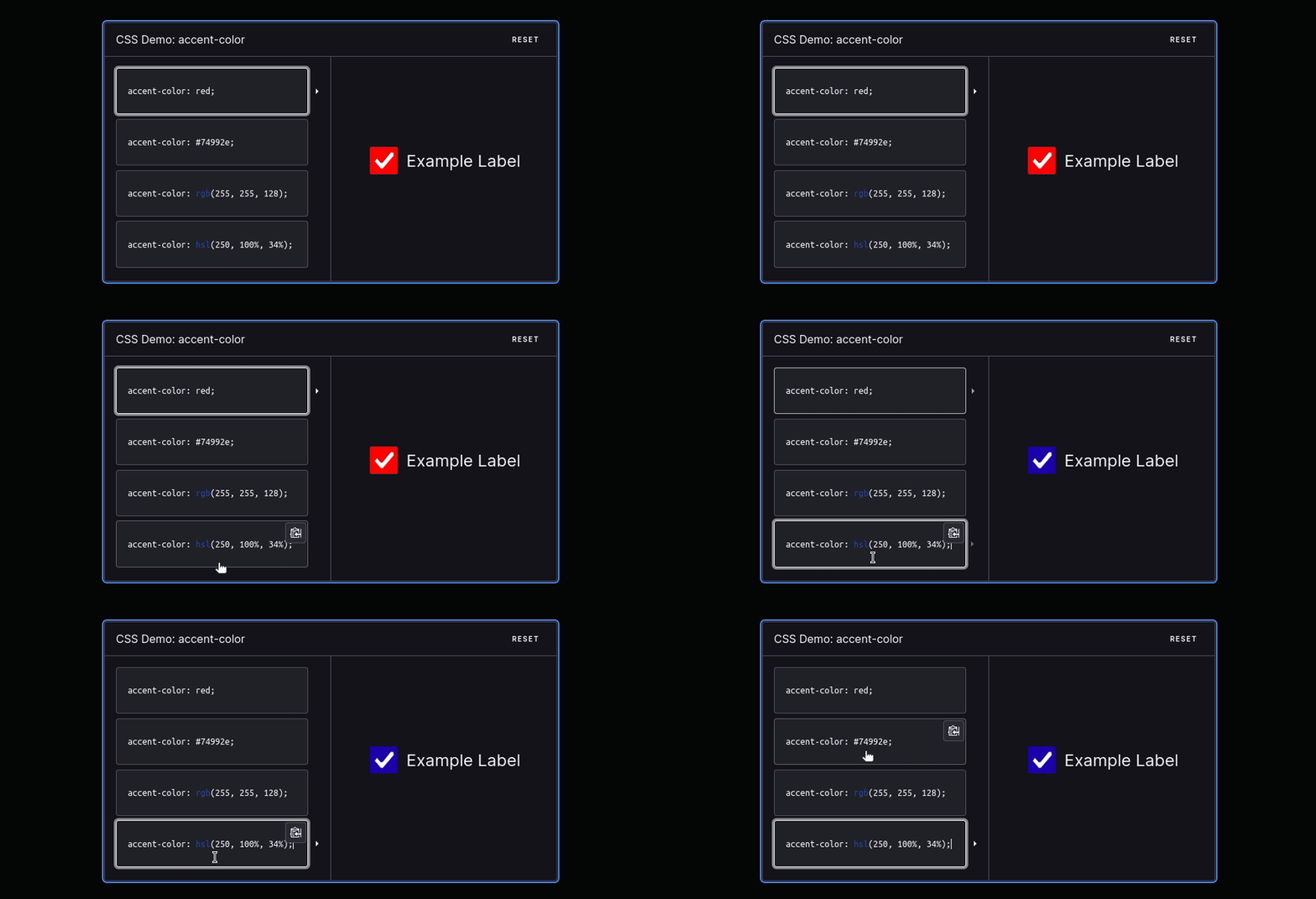
accent-color 属性能够使用自定义颜色值重新着色浏览器默认样式提供的表单控件的强调颜色。
11. Image filled text
h1 {
  background-image: url("illustration.webp");
  background-clip: text;
  color: transparent;
}

12. placeholder 伪元素
使用 placeholder 伪元素来改变 placeholder 样式:
input::placeholder {
  font-size: 1.5em;
  letter-spacing: 2px;
  color: green;
  text-shadow: 1px 1px 1px black;
}

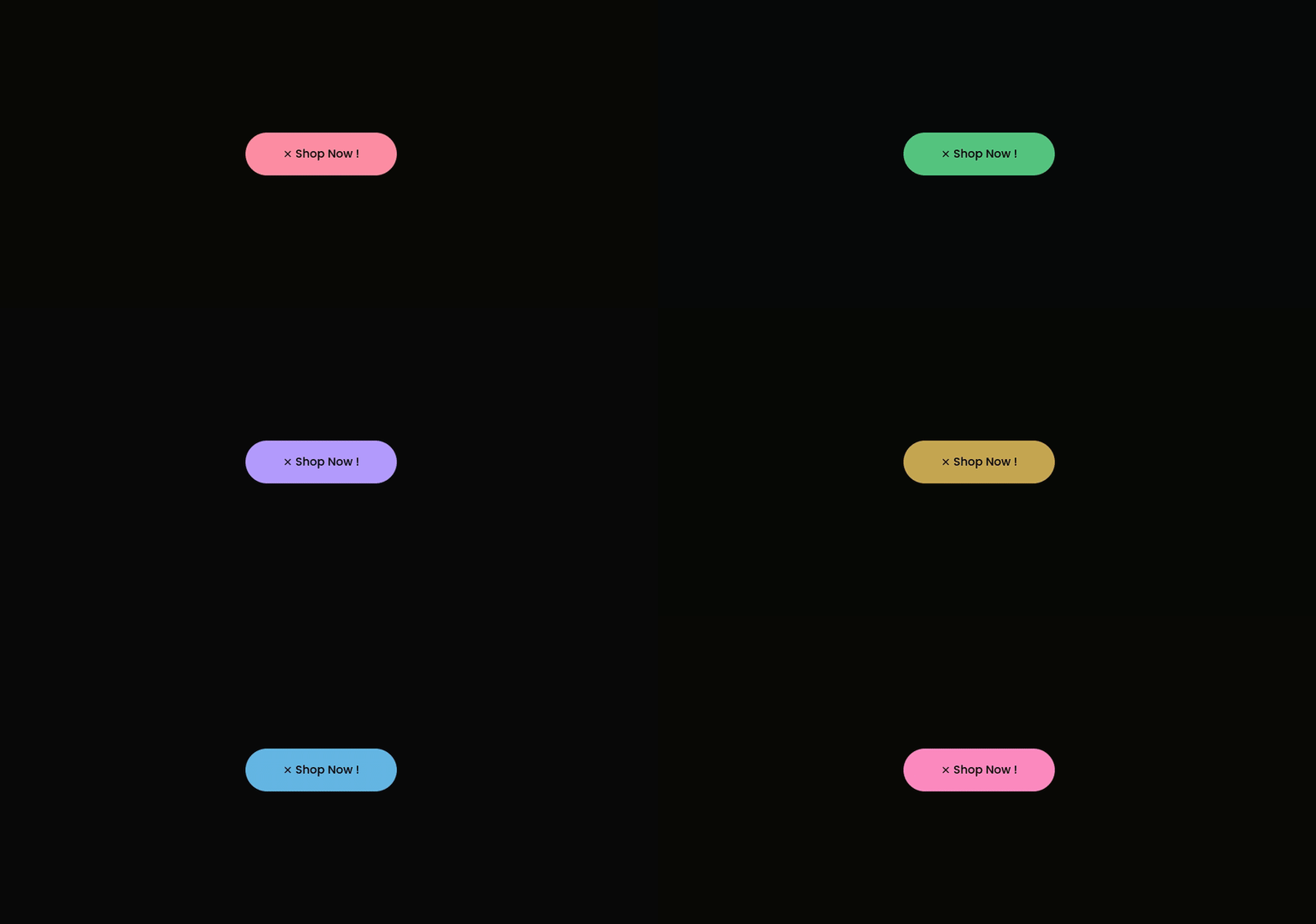
13. colors 动画
使用颜色旋转滤镜改变元素颜色。
button {
  animation: colors 1s linear infinite;
}

@keyframes colors {
  0% {
    filter: hue-rotate(0deg);
  }
  100% {
    filter: hue-rotate(360deg);
  }
}
14. 使用 margin 居中
.parent {
  display: flex; /* display: grid; also works */
}

.child {
  margin: auto;
}
15. clamp() 函数
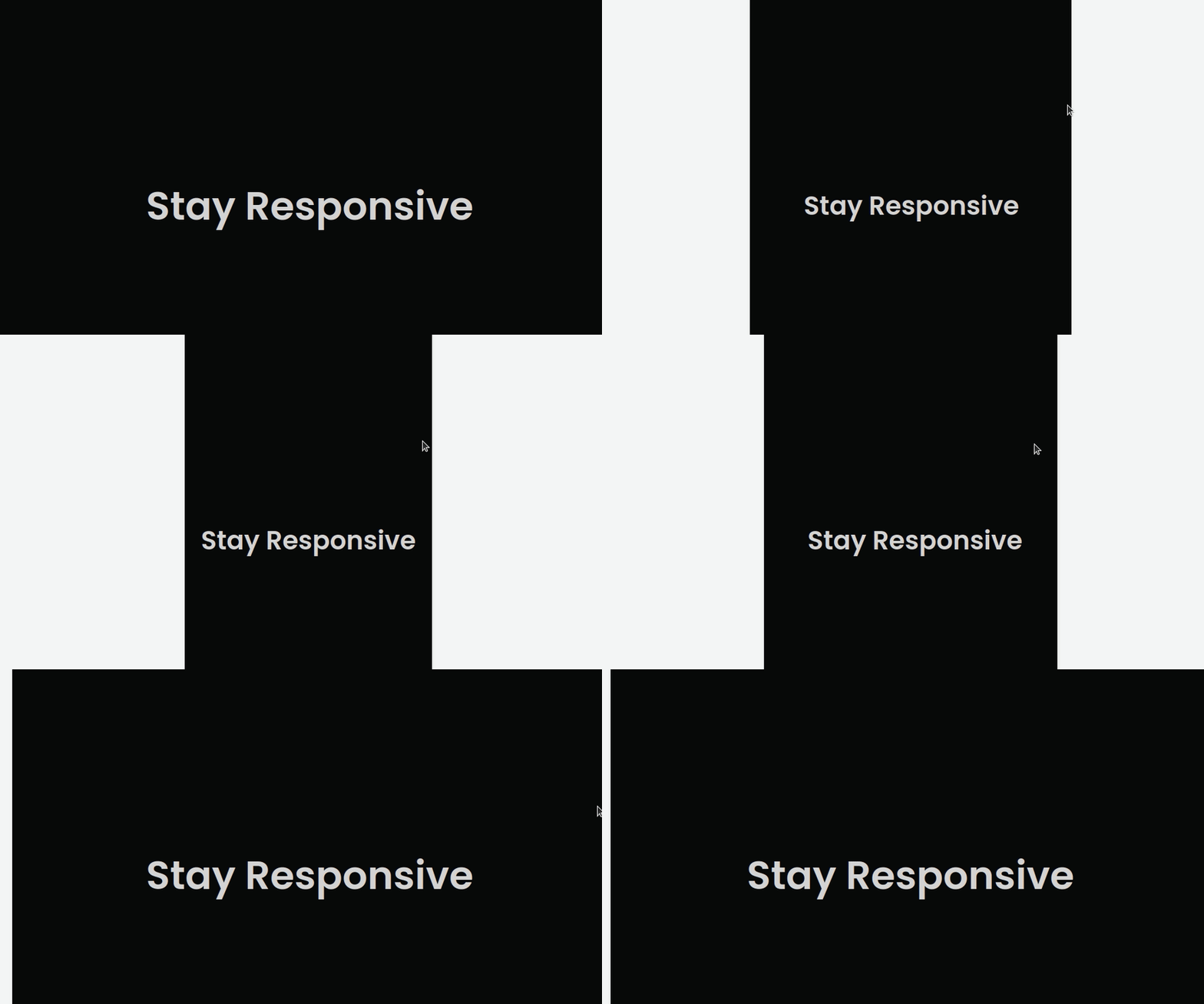
clamp() 函数的作用是把一个值限制在一个上限和下限之间,当这个值超过最小值和最大值的范围时,在最小值和最大值之间选择一个值使用。它接收三个参数:最小值、首选值、最大值。
h1 {
  font-size: clamp(5.25rem, 8vw, 8rem);
}
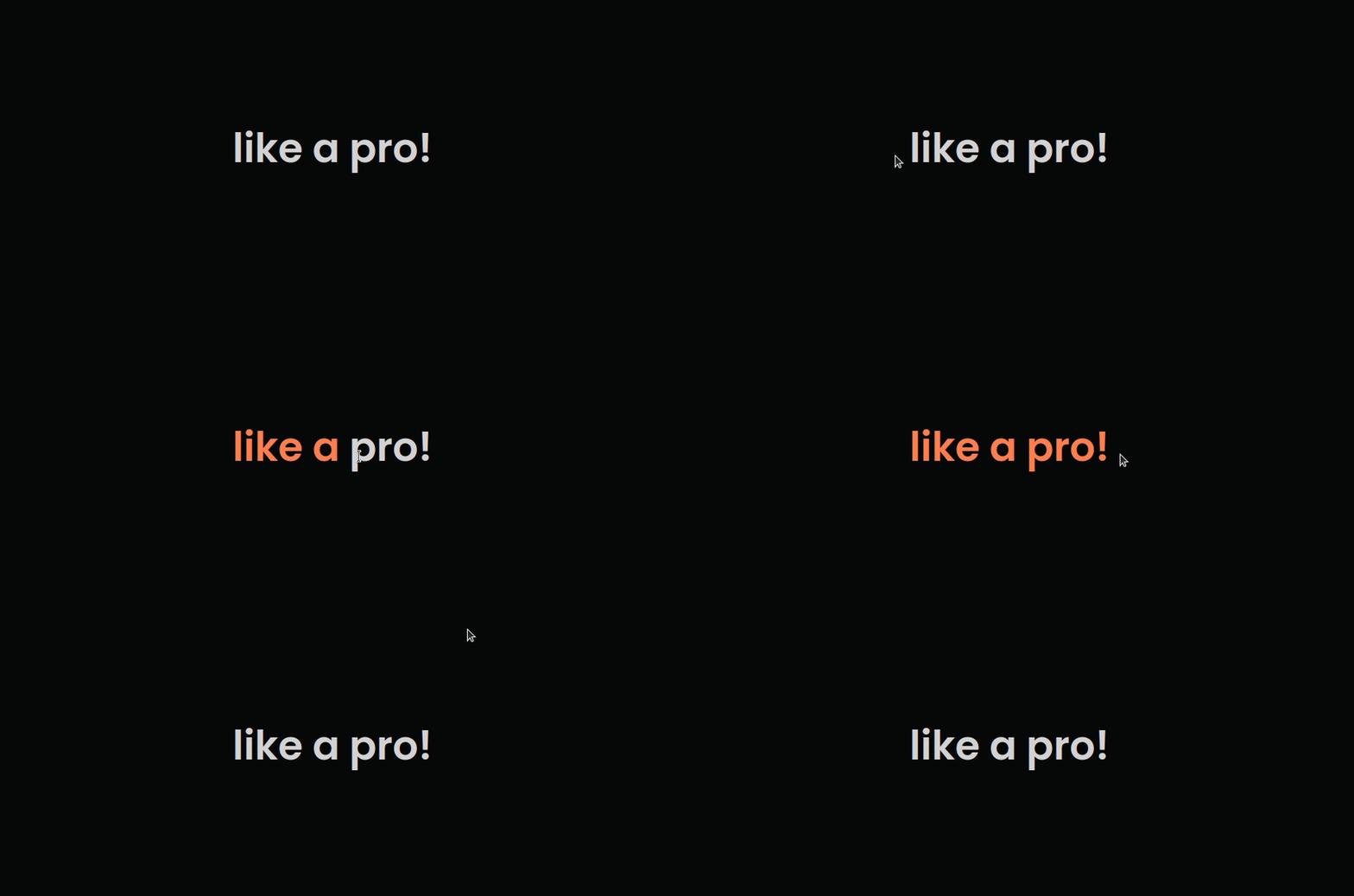
16. selection 伪类
设置选中元素的样式。
::selection {
  color: coral;
}
17. decimal leading zero
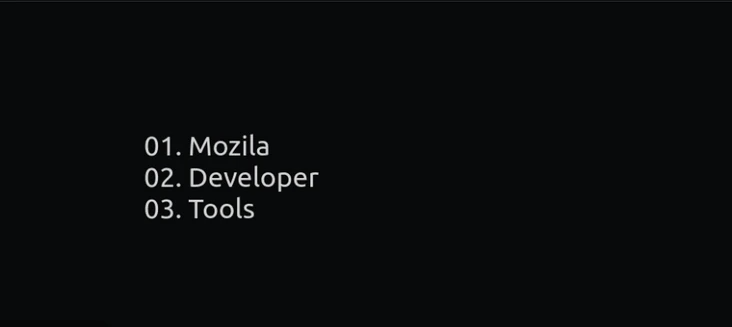
将列表样式类型设置为十进制前导零。
li {
  list-style-type: decimal-leading-zero;
}
18. 使用 Flex 居中
.parent {
  display: flex;
  justify-content: center;
  align-items: center;
}
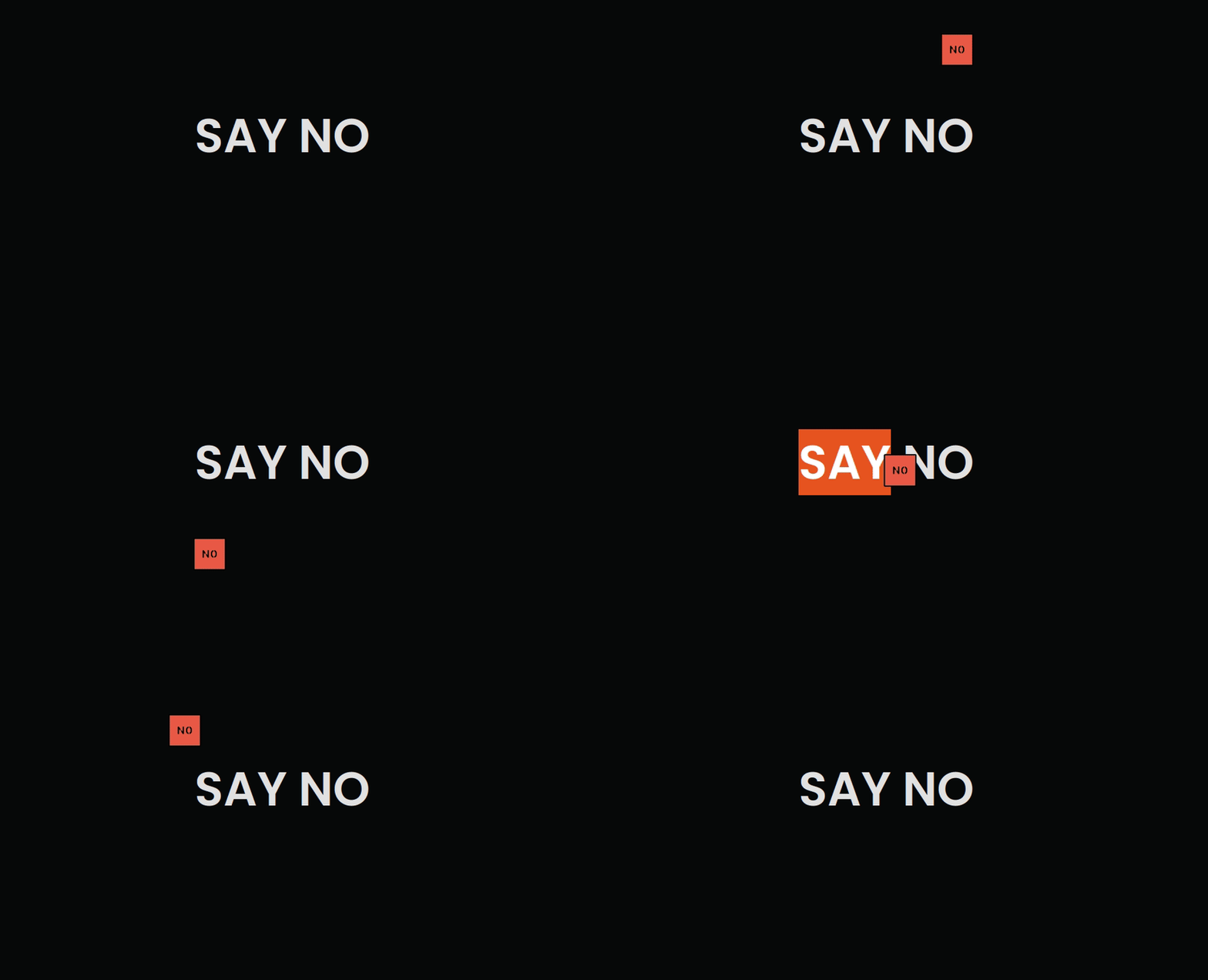
19. 自定义光标
html {
  cursor: url("no.png"), auto;
}
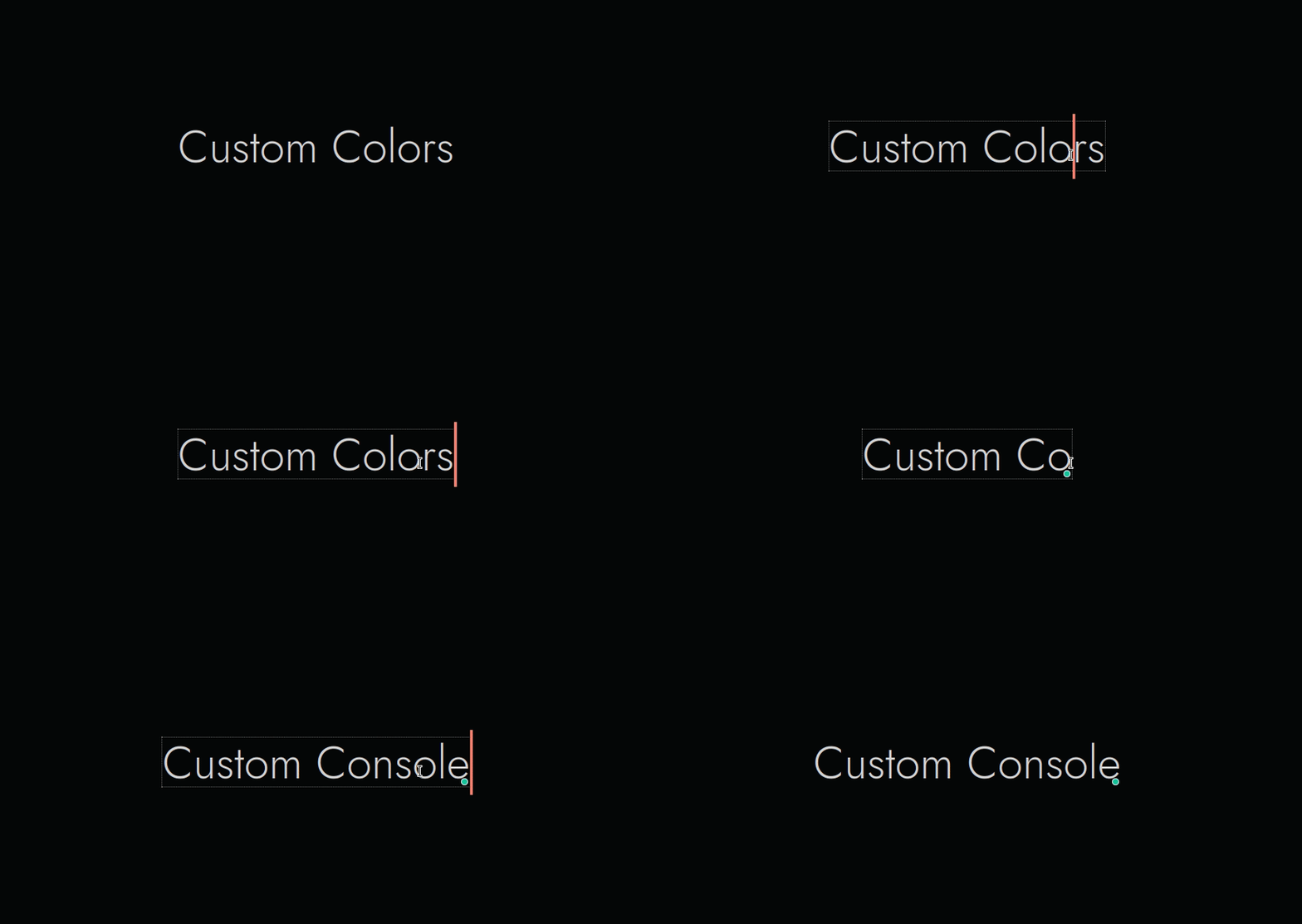
20. caret-color
caret-color 属性用来定义插入光标(caret)的颜色,这里说的插入光标,就是那个在网页的可编辑器区域内,用来指示用户的输入具体会插入到哪里的那个一闪一闪的形似竖杠 | 的东西。
22. resize 属性
将 resize 属性设置为 none 以避免调整 textarea 的大小
textarea {
  resize: none;
}
23. only-child
CSS 伪类 :only-child 匹配没有任何兄弟元素的元素。等效的选择器还可以写成 :first-child:last-child 或者 :nth-child(1):nth-last-child(1) ,当然,前者的权重会低一点.
24. 使用 grid 居中元素
.parent {
  display: grid;
  place-items: center;
}
25. text-indent
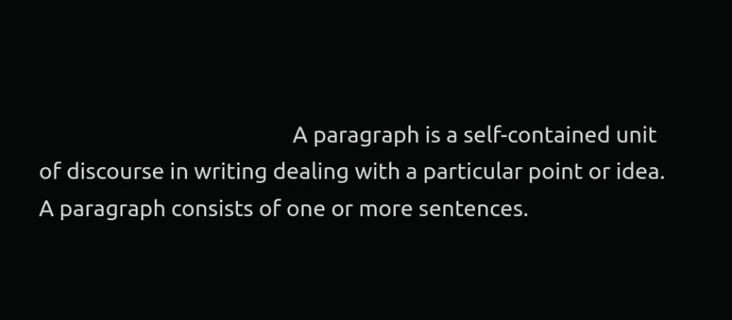
text-indent 属性能定义一个块元素首行文本内容之前的缩进量。
p {
  text-indent: 5.275rem;
}
26. list style type
CSS 属性 list-style-type 可以设置列表元素的 marker(比如圆点、符号、或者自定义计数器样式)。
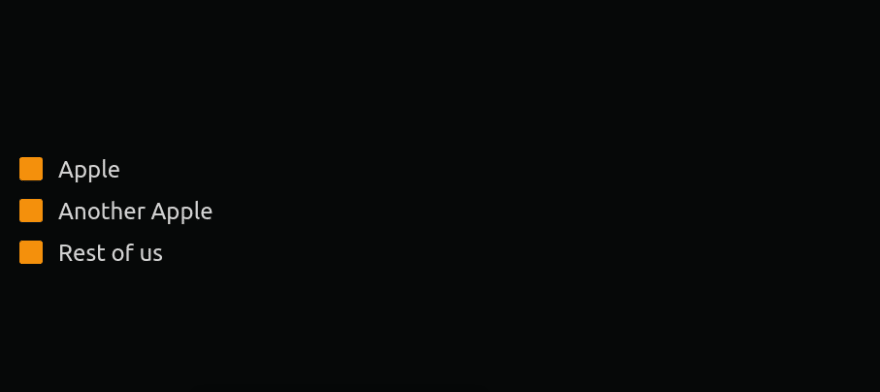
li {
  list-style-type: "🟧";
}