Cross-platform Edge Collection Gateway - ThingsGateway Built with Open-Source .NET 7 and Blazor

Cross-platform Edge Collection Gateway - ThingsGateway Built with Open-Source .NET 7 and Blazor

ThingsGateway is based on net6/7+, a cross-platform edge collection (IoT) gateway that supports northbound and southbound plugin development, common Modbus/OPCDA/OPCUA/S7 collection plugins, MQTT/OPCUAServer upload plugins, etc.

Last updated 5/11/2023 8:48 PM
Diego
2 min read
Category
Blazor
Tags
.NET C# Blazor Open Source

This article was contributed by a community member. We welcome more friends to share.

Author: Diego

Repository: https://gitee.com/diego2098/ThingsGateway

Introduction

A cross-platform edge collection gateway based on Net6/7+Blazor Server, supporting plugin-based development for both northbound and southbound interfaces.

Feature Highlights

  • Blazor Server architecture, simpler development and deployment
  • Fully supports Excel import/export for collection/upload configuration
  • Plugin-based drivers, easy for secondary development
  • Time-series database storage
  • Real-time/Historical alarms (SQL dump), supports boolean and high/low thresholds

Framework Dependencies

  • Furion
  • SqlSugar
  • Masa.Blazor
  • TouchSocket
  • ......

Demo URL

http://120.24.62.140:5000/

Default credentials: superAdmin / 111111

Collection Plugins

Supports packet parsing and subscription

  • Modbus (Rtu/Tcp/Udp)
  • OPCDAClient (supports node import)
  • OPCUAClient (supports node import)
  • Siemens S7 protocol

Upload Plugins

Supports RPC write

  • Modbus Server
  • OPCUA Server (supports historical queries)
  • Mqtt Server (supports custom JSON)
  • Mqtt Client (supports custom JSON)
  • IotSharp Client (IotSharp gateway plugin, RPC pending test)

Does not support RPC

  • RabbitMQ (supports custom JSON)
  • Kafka

NuGet

The gateway project also provides basic communication library NuGet packages.

  • Modbus library, supports ModbusTcp, ModbusRtu, ModbusRtuOverTcp, ModbusUdp, ModbusServer, etc.
dotnet add package ThingsGateway.Foundation.Adapter.Modbus
  • OPCDA client library, supports X64, supports NetCore, supports detection and reconnection
dotnet add package ThingsGateway.Foundation.Adapter.OPCDA
  • OPCUA client library
dotnet add package ThingsGateway.Foundation.Adapter.OPCUA
  • S7 library
dotnet add package ThingsGateway.Foundation.Adapter.Siemens

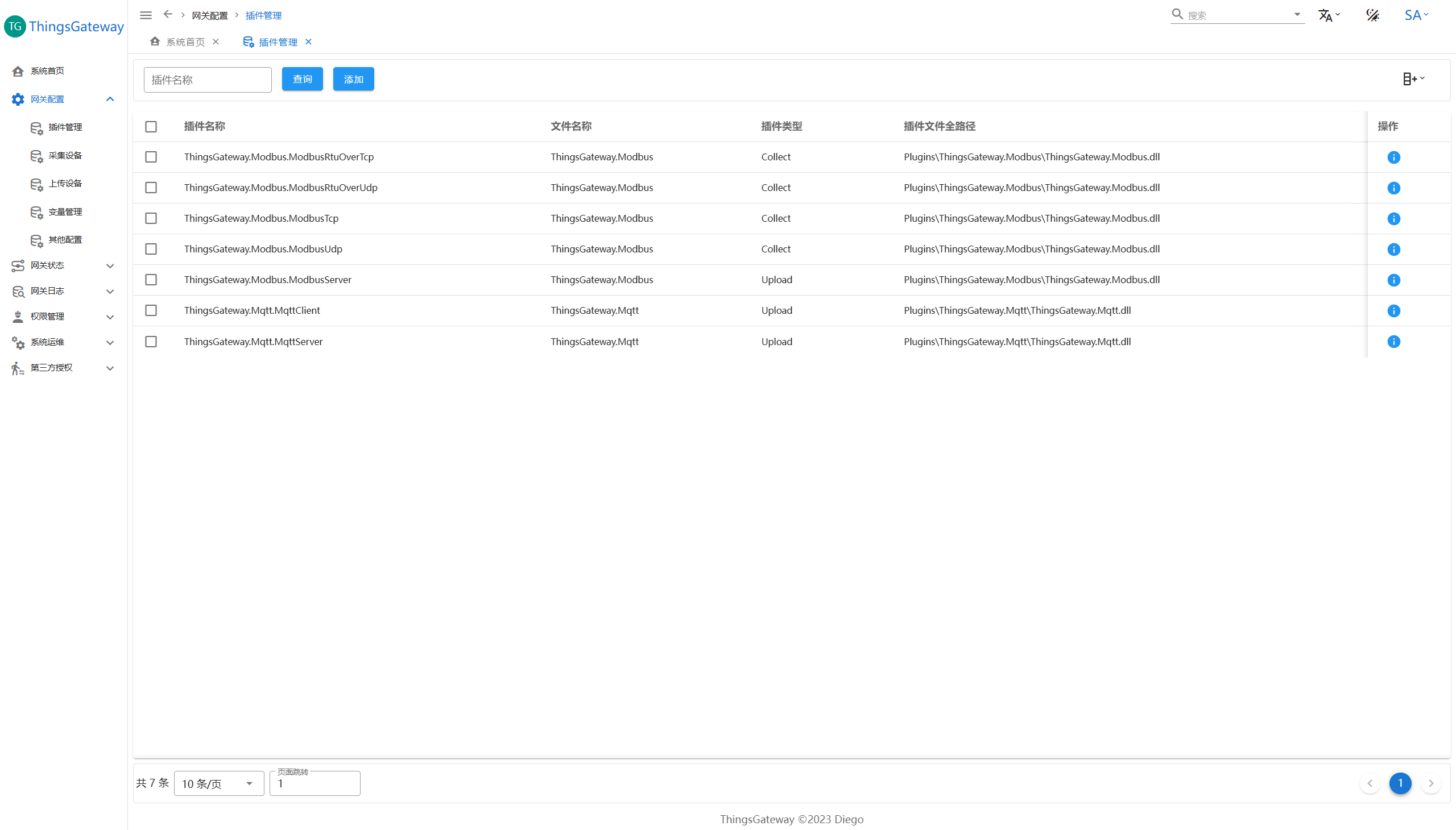
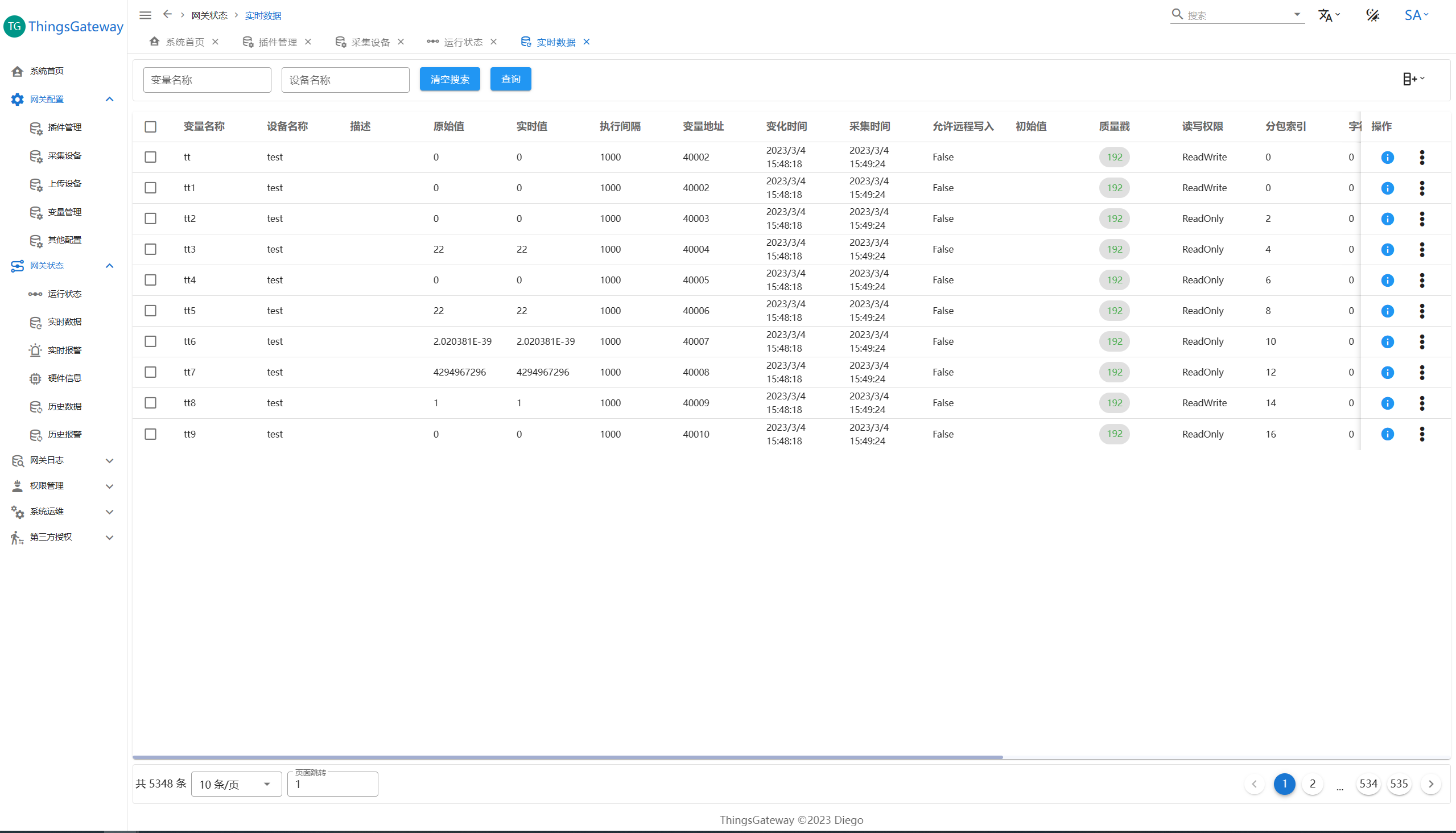
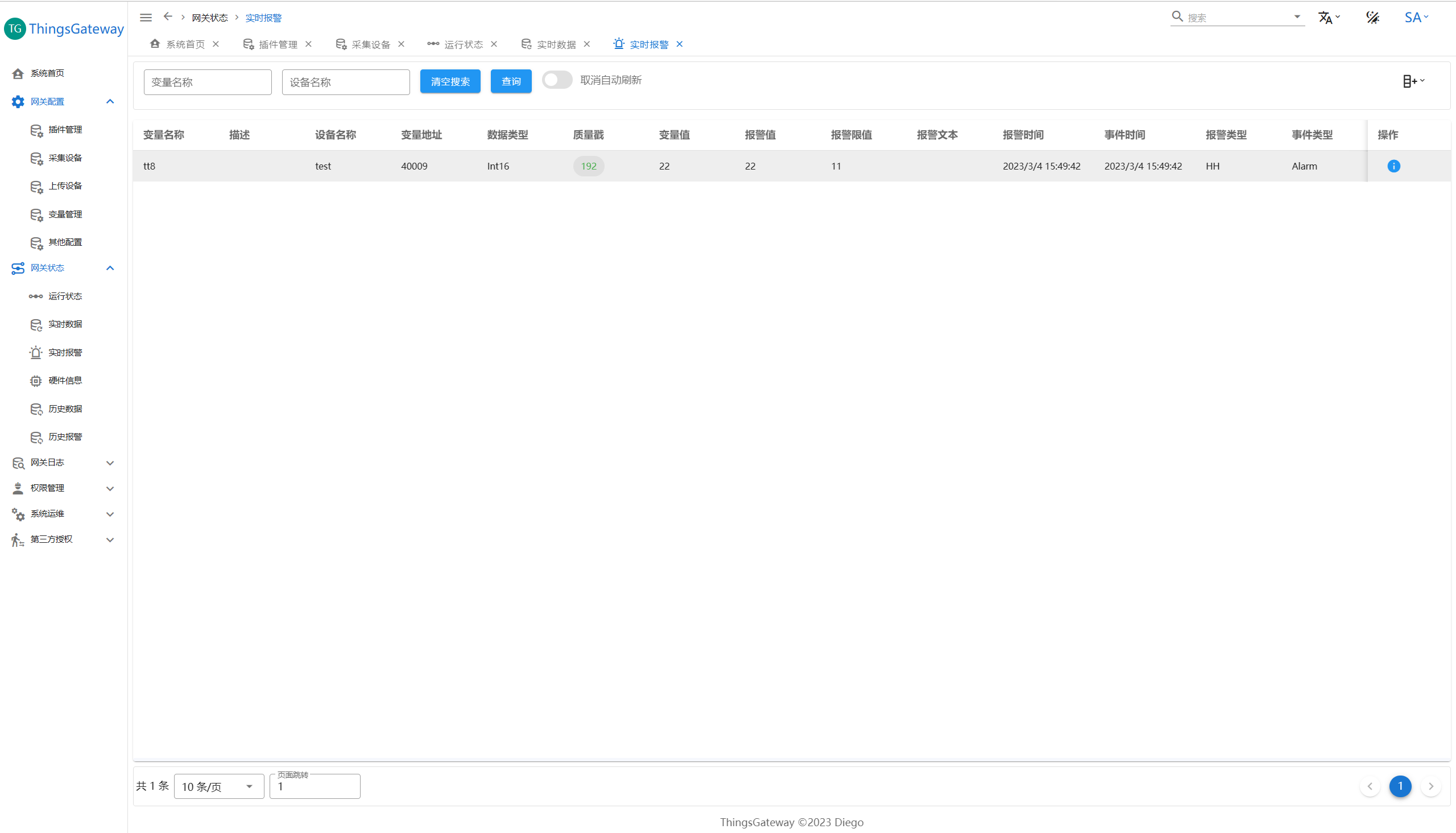
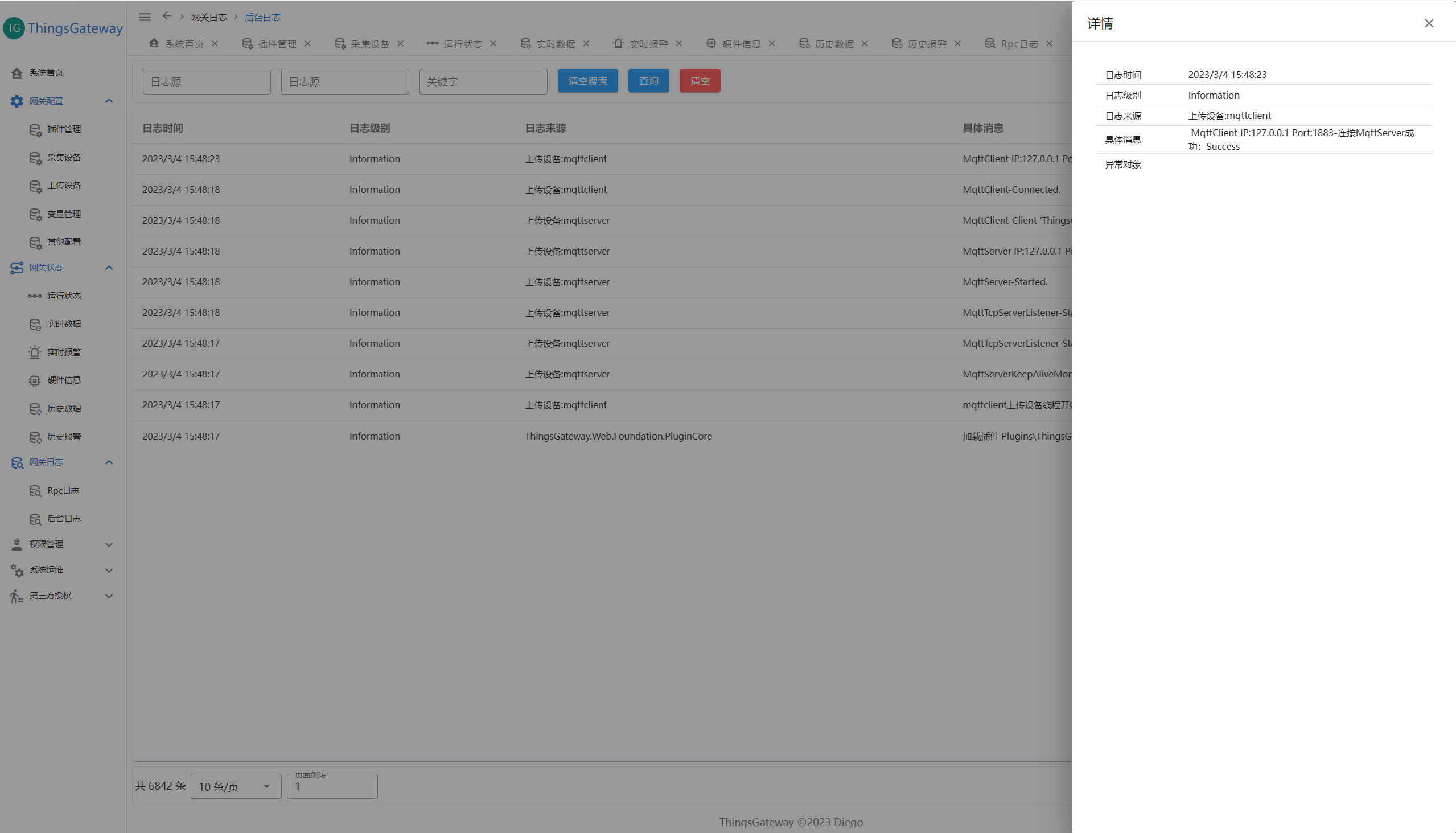
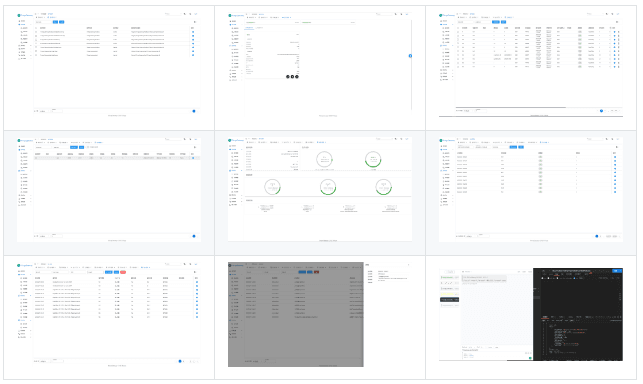
Screenshots

Examples

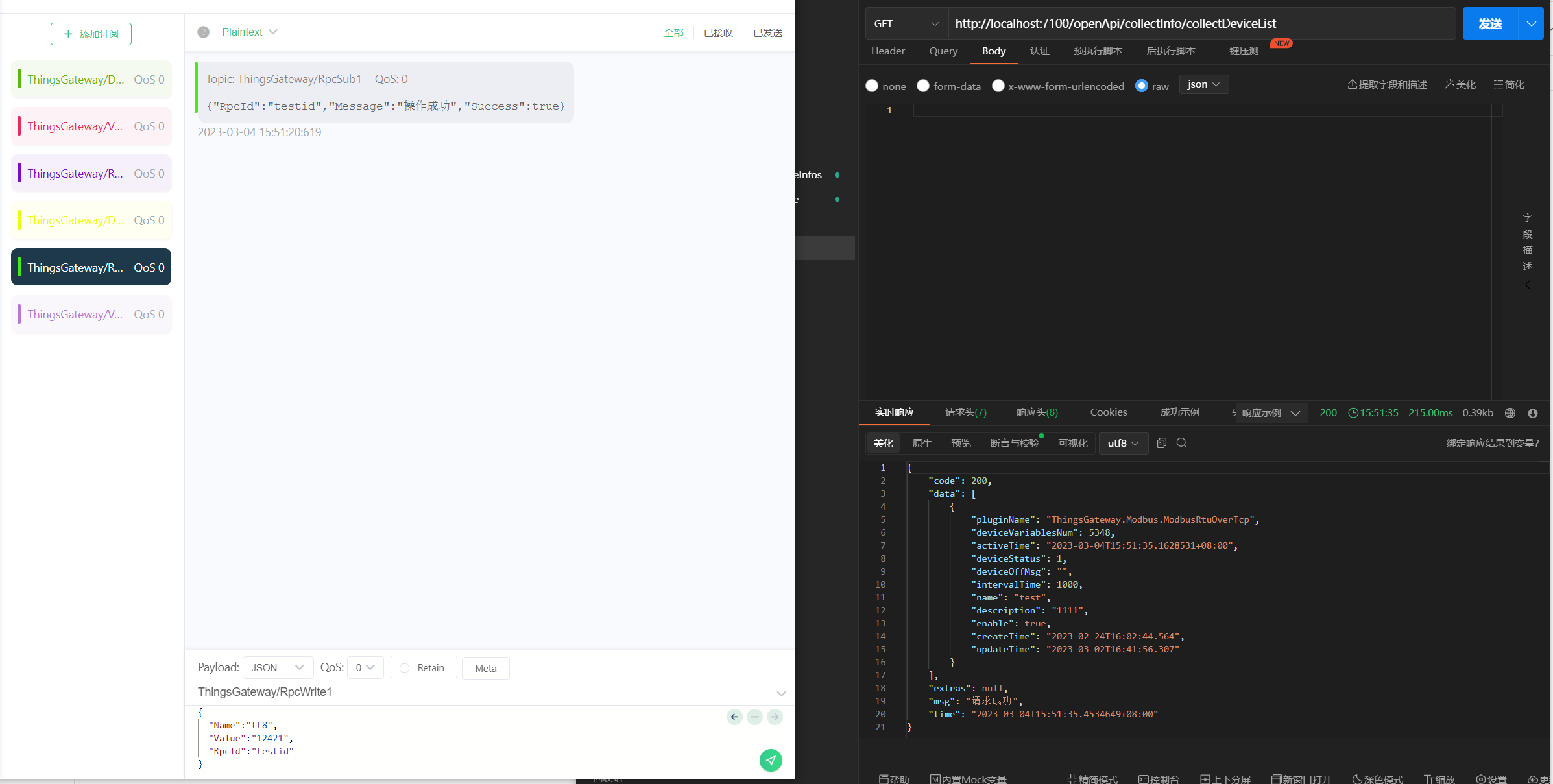
Taking ModbusTcp collection and Mqtt forwarding as examples:

Documentation

Please refer to the Gitee Pages documentation site before using.

Additional Notes

  • When using OPC-related plugins, please follow the licensing rules of the OPC Foundation.
  • When using the OPCDA plugin, the OPC core library must be installed. File link

Open Source License

Please read the license agreement carefully: Apache License 2.0

Contact the Author

  • QQ Group: 605534569
  • Email: 2248356998@qq.com
Keep Exploring

Related Reading

More Articles
Same category / Same tag 11/6/2024

Why My Blog Website Returned to Blazor

The development of the blog website has gone through many hardships, with nearly 10 versions including MVC, Vue, Go, etc. Now it has returned to Blazor and adopted static SSR, resulting in a significant speed increase and successful launch.

Continue Reading
Same category / Same tag 2/29/2024

Data Display Can Also Be Done Like This in Winform

In the process of developing Winform, data display functionality is often required. Previously, the gridcontrol control was commonly used. Today, through an example, I would like to introduce how to use the table component from Ant Design Blazor for data display in a Winform Blazor Hybrid application.

Continue Reading
Same category / Same tag 2/29/2024

Can the Winform interface also look good?

A few days ago, I introduced using Blazor Hybrid in Winform, and mentioned that with the Blazor UI, our Winform programs can be designed to look better. Next, I will illustrate with an example of drawing in Winform Blazor Hybrid, hoping it helps you.

Continue Reading