
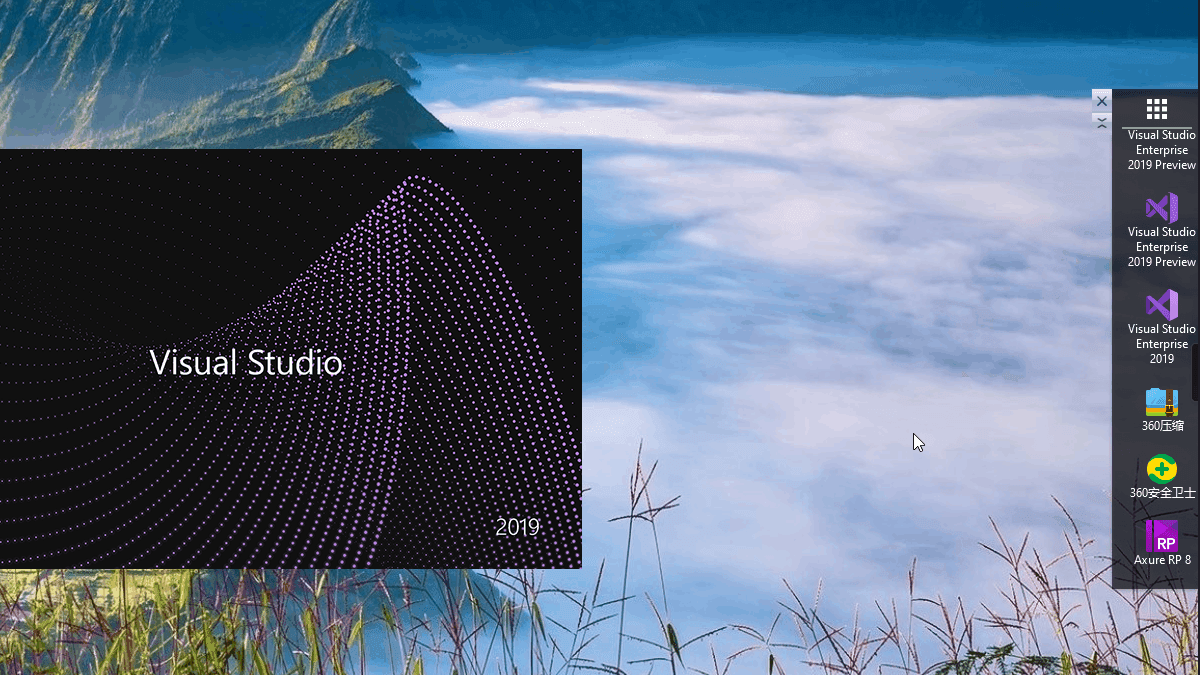
本文由网友投稿,Dotnet9 站长整理。站长觉得这小工具很实用,站长家里、公司也在尝试使用了。
行文目录:
- 这工具有什么用?
- 正文
- 源码获取及应用下载体验
- 站长的建议
1. 这工具有什么用?
问:操作系统安装的应用在哪里启动?
答:
- 左下角的操作系统开始菜单;
- 操作系统任务栏;
- 操作系统桌面快捷方式
回答正确,给 10 分!
大家主要在这三个地方找应用,大家有想过,把这些应用的快捷方式集中到一处吗?想要什么应用,鼠标只要简单一滚动,看到目标应用一点就启动了,看看下面的操作是不是你想要的?
快捷查找应用并启动

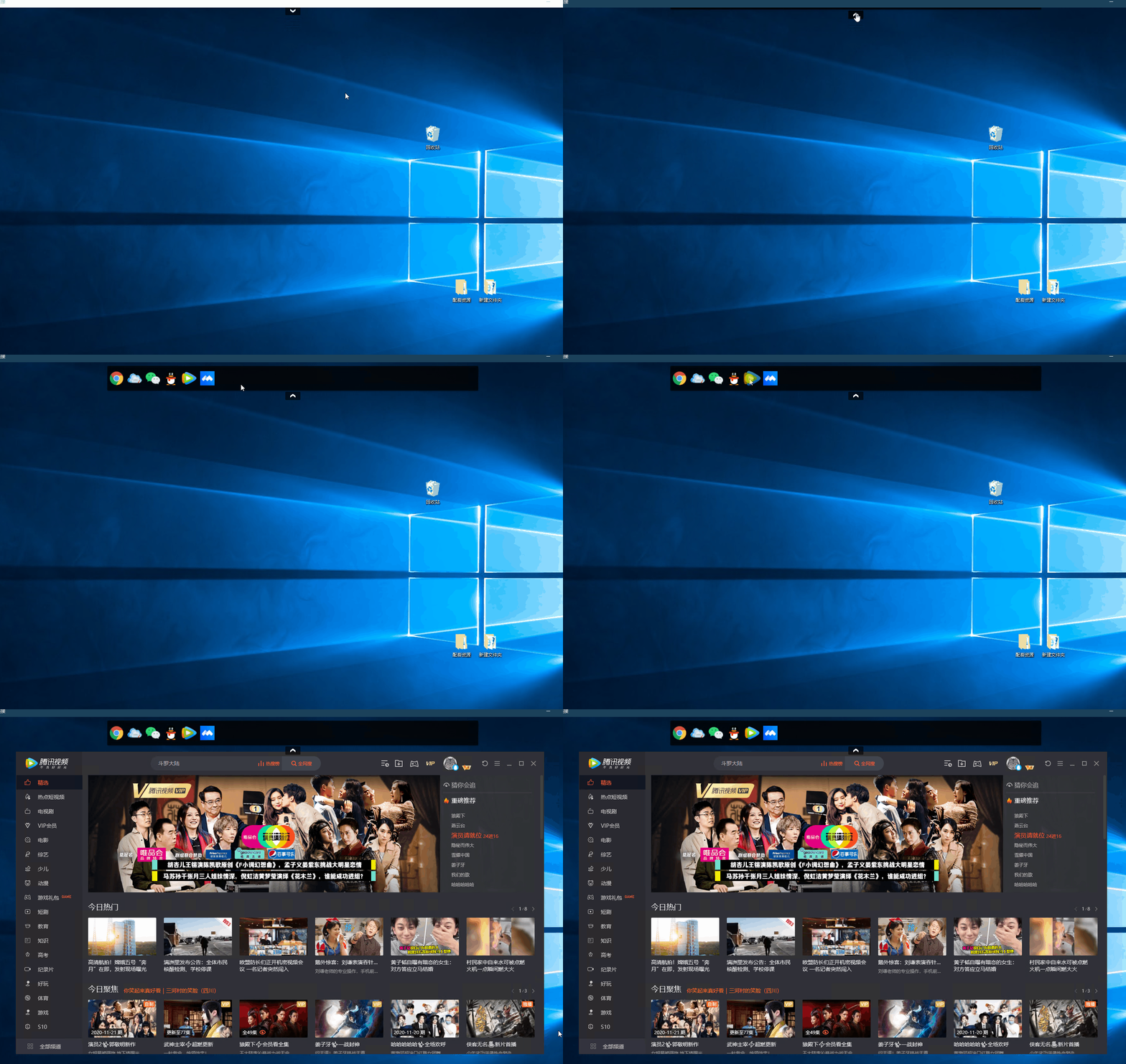
市面上有很多类似的软件小工具,做得功能可能更强大,但谁叫我们是程序员,不搞点自己开发的小玩意儿,那还有面出去说道说道?哈哈哈,下面是站长参考作者的开源项目,提取其中的一种风格做出来的(vs 2019 + .net 5,最近交流才知道,作者暂时去掉了水平菜单,笑哭了,希望作者后面加上):
水平菜单
2.正文
前言
看最近(站长注:博客园 WPF 版块)比较冷清,我来暖暖场。
2020-10-29
【新更新】
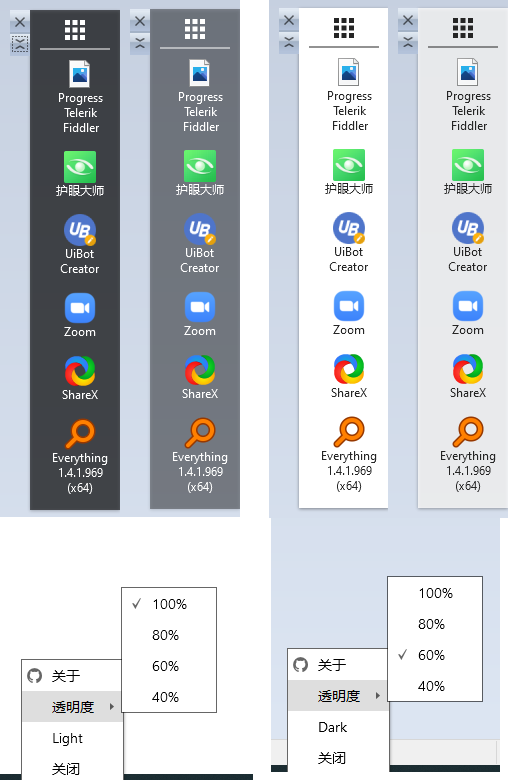
新增托盘。
新增换肤。
透明度切换。
【环境】
Visual Studio 2019,dotNet Framework 4.0 SDK
本项目采用 MVVM 模式,简单介绍功能代码:
获取主监视器上工作区域的尺寸。
并设置当前主窗体高度,设置窗体的 Left 与 Top 到最右侧。
private Rect desktopWorkingArea;
desktopWorkingArea = System.Windows.SystemParameters.WorkArea;
this.Height = desktopWorkingArea.Height / 2;
this.Left = desktopWorkingArea.Width - this.Width;
this.Top = desktopWorkingArea.Height / 2 - (this.Height / 2);
- 移动窗体只允许 Y 轴 移动,调用 Win32 的 MoveWindow。
#region 移动窗体
protected override void OnMouseLeftButtonDown(MouseButtonEventArgs e)
{
    anchorPoint = e.GetPosition(this);
    inDrag = true;
    CaptureMouse();
    e.Handled = true;
}

protected override void OnMouseMove(MouseEventArgs e)
{
    try
    {
        if (inDrag)
        {
            System.Windows.Point currentPoint = e.GetPosition(this);
            var y = this.Top + currentPoint.Y - anchorPoint.Y;
            Win32Api.RECT rect;
            Win32Api.GetWindowRect(new WindowInteropHelper(this).Handle, out rect);
            var w = rect.right - rect.left;
            var h = rect.bottom - rect.top;
            int x = Convert.ToInt32(PrimaryScreen.DESKTOP.Width - w);

            Win32Api.MoveWindow(new WindowInteropHelper(this).Handle, x, (int)y, w, h, 1);
        }
    }
    catch (Exception ex)
    {
        Log.Error($"MainView.OnMouseMove{ex.Message}");
    }
}

protected override void OnMouseLeftButtonUp(MouseButtonEventArgs e)
{
    if (inDrag)
    {
        ReleaseMouseCapture();
        inDrag = false;
        e.Handled = true;
    }
}
#endregion
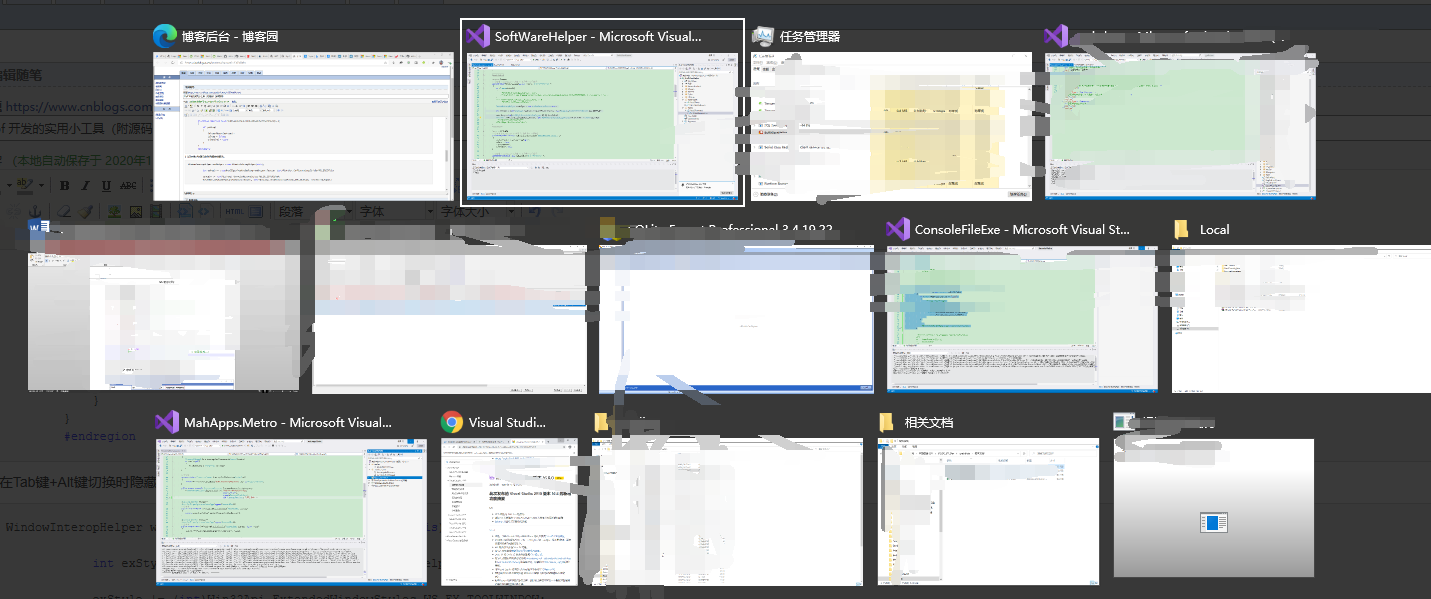
- 在 Tab 键+Alt 键切换时隐藏当前窗体。
WindowInteropHelper wndHelper = new WindowInteropHelper(this);

int exStyle = (int)Win32Api.GetWindowLong(wndHelper.Handle, (int)Win32Api.GetWindowLongFields.GWL_EXSTYLE);

exStyle |= (int)Win32Api.ExtendedWindowStyles.WS_EX_TOOLWINDOW;
Win32Api.SetWindowLong(wndHelper.Handle, (int)Win32Api.GetWindowLongFields.GWL_EXSTYLE, (IntPtr)exStyle);
Tab + Alt 隐藏当前窗体
- 在窗体加载完成去注册表读取安装的应用(还有系统桌面),获取应用路径后提取.ICO 转换为.PNG 保存。
读取安装应用

- 剩下的代码都是 wpf 中的动画和自动定义控件的代码。
【效果图预览】
竖直菜单
2020/11/09
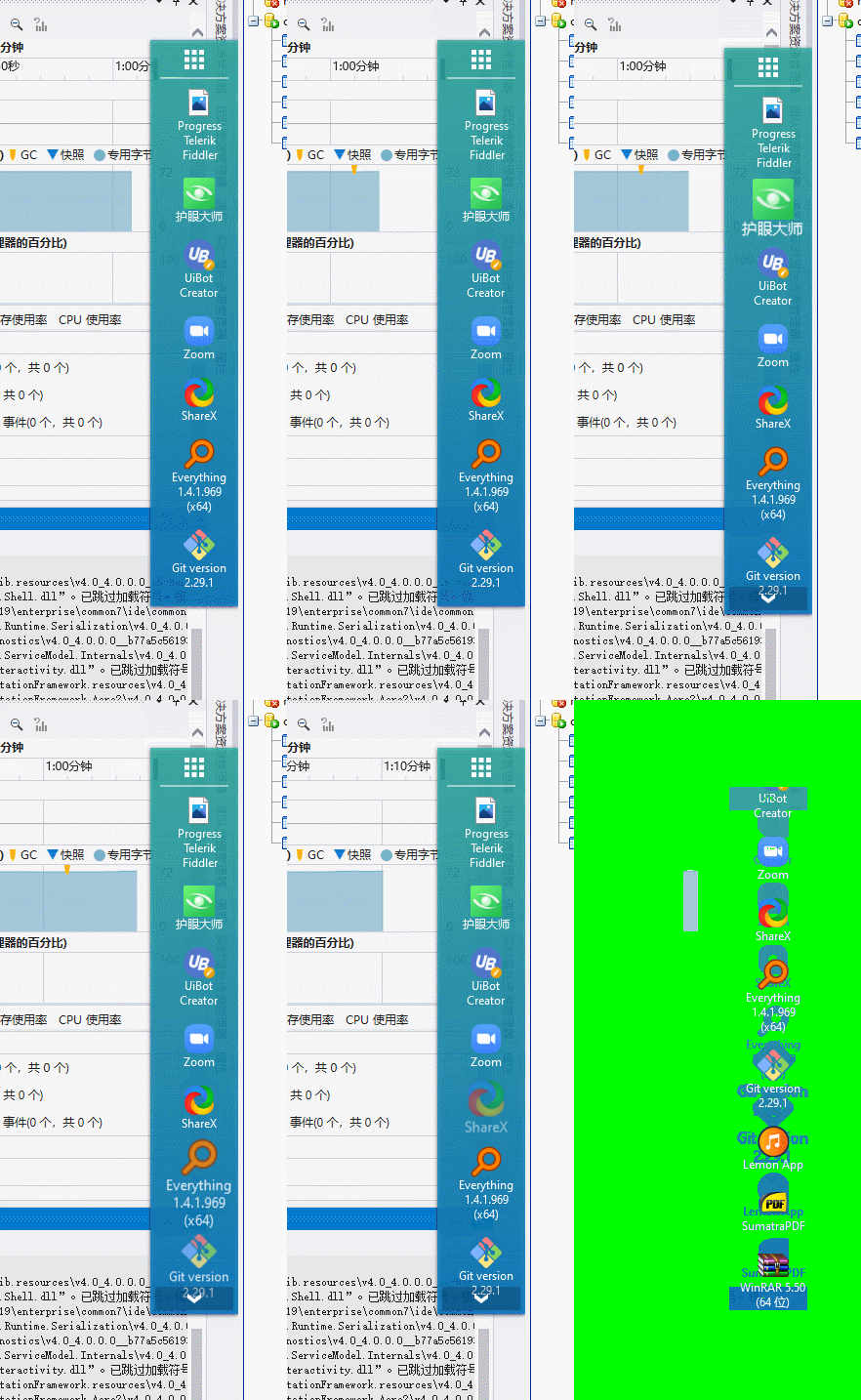
【新更新】
滚动增加动画
【效果图预览】
竖直滚动动画

竖直菜单隐藏

竖直菜单折叠
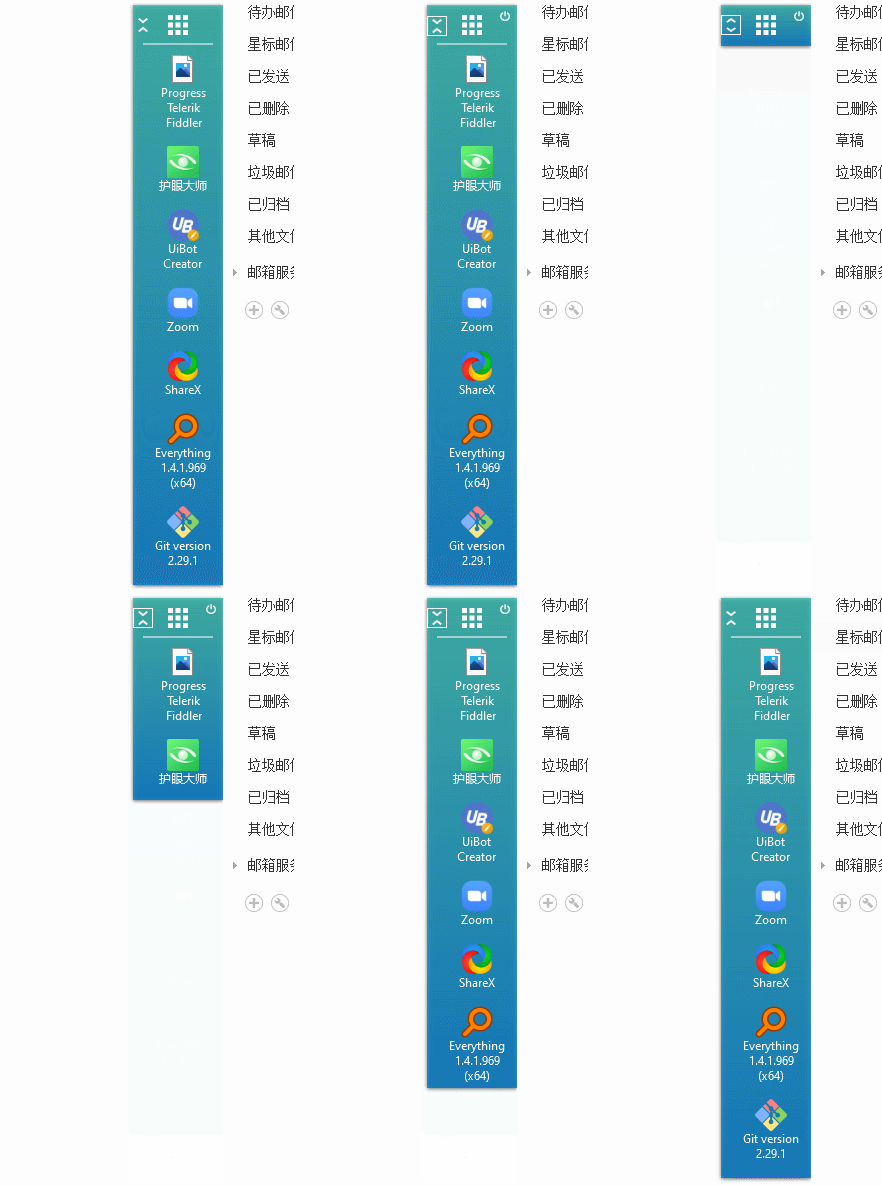
竖直菜单切换
2020/11/19
【新更新】
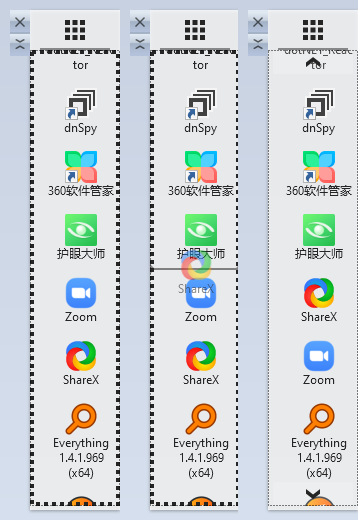
- 新增 drag 移动。
操作使用说明:在主页面右键后会出现虚线边框然后就可以修改当前应用的位置,但是并没有做保存。下次启动后还是会默认排序。
- 修改查找已存在引用不会找到卸载。
【效果图预览】
2020/11/20
【新更新】
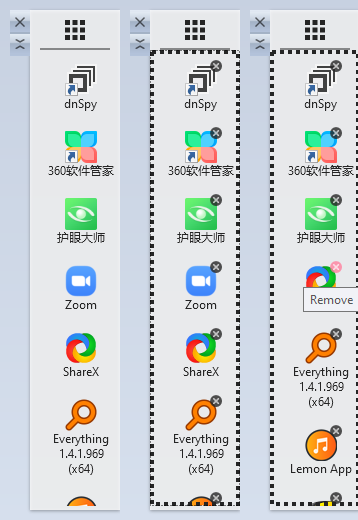
- 新增移除应用。
- 编辑时不显示按钮。
- 编辑时不走动画。
【效果图预览】
3. 源码获取及应用下载体验
源码下载地址:SoftWareHelper
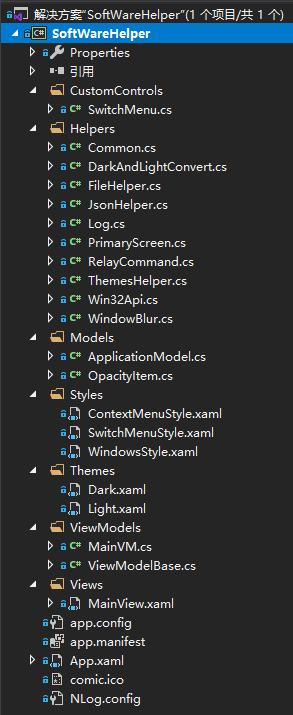
下载解压后体验:点击下载
作者投稿文章:
4. 站长建议
作者也是凭着一股热情,一直在更新该项目,大家有需要可以通过上面的链接进行下载、使用,觉得不错,不要忘了给个 star 哦:SoftWareHelper。
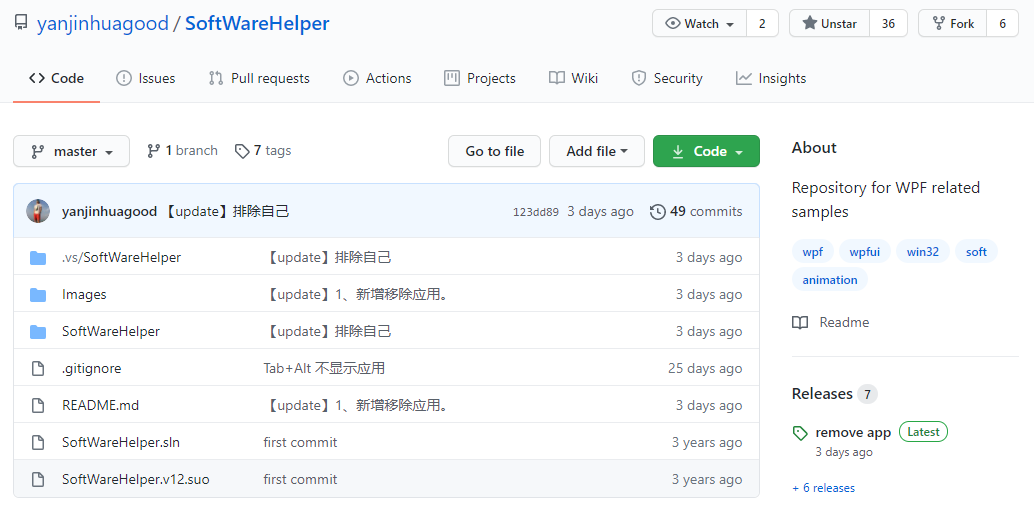
站长在接到作者投搞之前,也在博客园关注到了作者发布的第一篇文章,并下载项目进行了体验,觉得其中水平的快捷菜单不错,于是提取出来进行了修改(小部分想法已经实现,其余待抽空完成):
- 菜单通过配置文件配置,因为操作系统可能装了太多应用,不需要全部加载:已实现
- 支持 exe 拖拽(或者系统生成的快捷方式拖拽)添加:已实现
- 支持网址配置(点击打开指定网址,类似网页收藏快捷方式):已实现
- 支持 cmd 命令配置(比如系统应用 mstsc,远程桌面配置目标 IP 及端口,一键打开连接等):已实现
- 提供界面配置菜单:未实现
- 显示图标与文字:未实现
- ....更多想法还在想
作者如果觉得上面的想法可以,不妨也考虑加上。
站长先不要脸的奉上基于作者开源项目的修改版,很简陋的一个版本:QuickApp
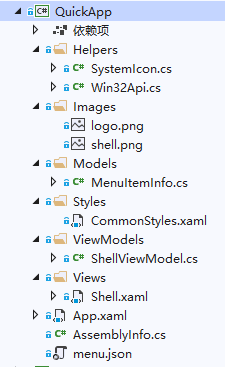
除了上面站长自己的魔改版想法外,还有下面的小建议,希望作者在原项目上能考虑:
- 保留原水平菜单的展示方式,最好桌面上、下、左、右都支持才好(可动态切换位置);
- 换肤目前只有 lignt 和 dark 两种,后面可以适当扩展(用换背景色的方式应该可以);
大家还有什么建议?欢迎在文章下方留言,或者点击上面原作者博文留言,集思广益,大家一起做出一个有意思的小工具出来!!!
感谢
谢谢网友投稿
- 博客园博主:驚鏵
欢迎大家向站长投稿文章,或推荐 WPF 项目或者控件库哦。
- 文中网友仓库地址
SoftWareHelper:https://github.com/yanjinhuagood/SoftWareHelper