
前言
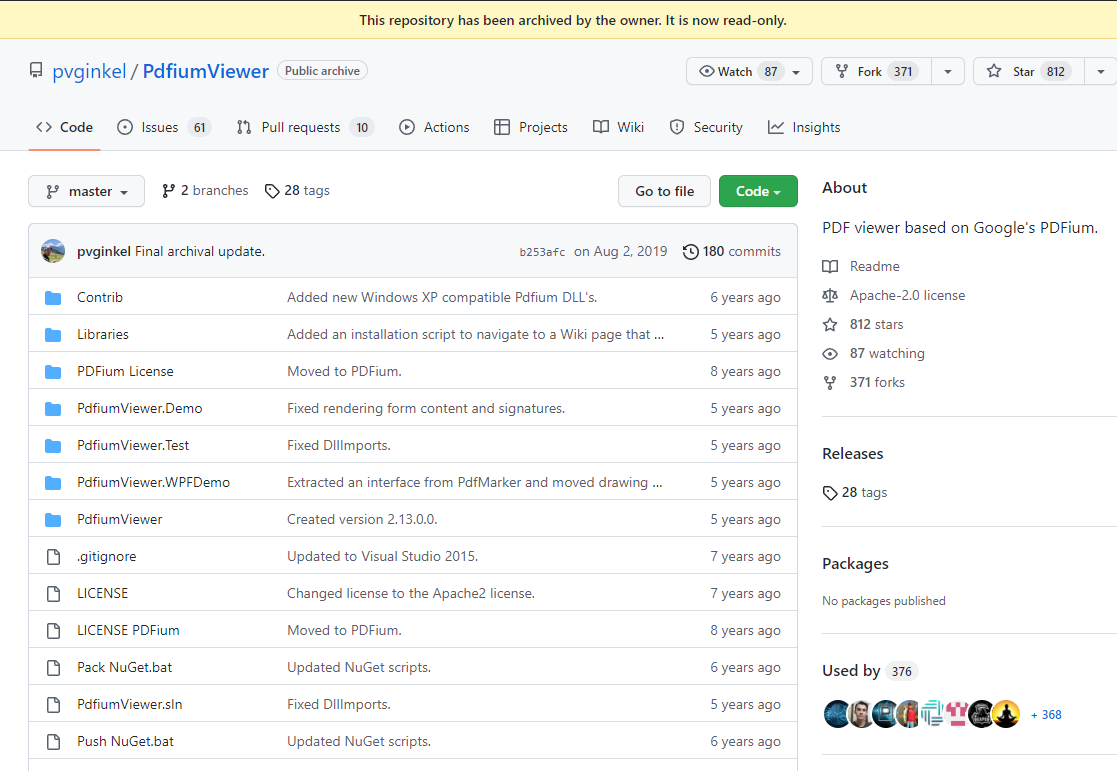
今日一同事给我说你获取到的 pdf 文件有点不符合我们现有软件流程,你能不能将我们 pdf 文件转成图片啊!说干就干,由于以前研究过一段时间 pdf 文件的相关组件,所以我在 github 上找到我以前 star 的仓库,PdfiumViewer 开源地址: https://github.com/pvginkel/PdfiumViewer:
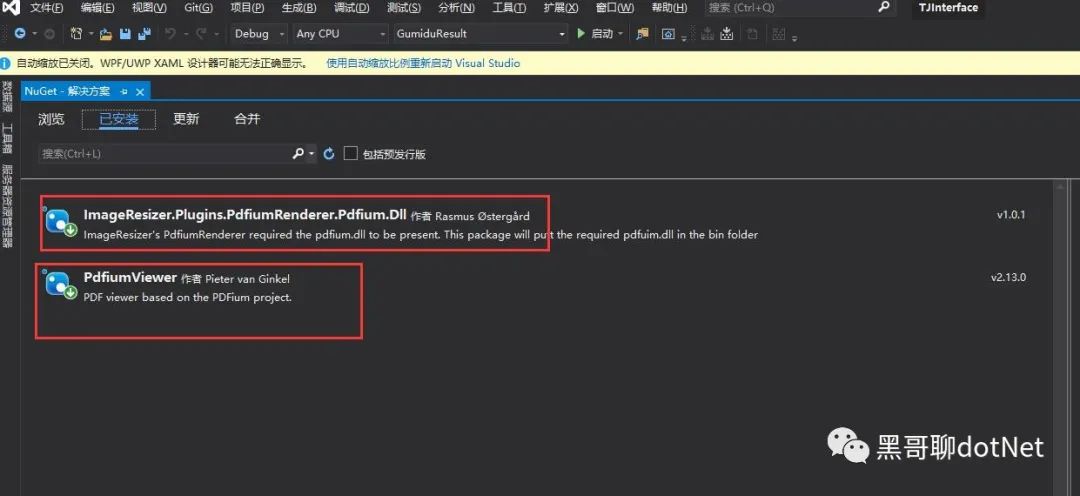
首先我们打开 NuGet 安装PdfiumViewer和ImageResizer.Plugins.PdfiumRenderer.Pdfium.Dll。
对于一个需求,我们应该明白我们所操作的对象具有哪些属性?
那么我们拿到 pdf 文件就应该知道,pdf 具有页数以及文件的高度和宽度等属性。
对于图片来说,图片具有高度,宽度(分辨率)以及水平分辨率和垂直分辨率(dpi)等属性比较重要!
那么我们了解了这些属性了之后就可以开始工作了,第一步加载我们的 pdf 文件,获取文件的页数和文件的大小。
var pdf = PdfiumViewer.PdfDocument.Load(strpdfPath);
var pdfpage = pdf.PageCount;
var pagesizes = pdf.PageSizes;
然后组装图片的高度宽度以及水平分辨率和垂直分辨率等属性
document.Render(pageNumber - 1, size.Width, size.Height, dpi, dpi, PdfRenderFlags.Annotations);
最后保存图片即可
image.Save(stream, ImageFormat.Jpeg);
完整代码如下
public class PdfToImage
{
    /// <summary>
    ///
    /// </summary>
    /// <param name="filePath">pdf文件路径</param>
    /// <param name="picPath">picture文件路径</param>
    public  void PdfToPic(string filePath, string picPath)
    {

        var pdf = PdfiumViewer.PdfDocument.Load(filePath);
        var pdfpage = pdf.PageCount;
        var pagesizes = pdf.PageSizes;

        for (int i = 1; i <= pdfpage; i++)
        {
            Size size = new Size();
            size.Height = (int)pagesizes[(i - 1)].Height;
            size.Width = (int)pagesizes[(i - 1)].Width;
            //可以把".jpg"写成其他形式
            RenderPage(filePath, i, size, picPath);
        }

    }

    private void RenderPage(string pdfPath, int pageNumber, System.Drawing.Size size, string outputPath, int dpi = 300)
    {
        using (var document = PdfiumViewer.PdfDocument.Load(pdfPath))
        using (var stream = new FileStream(outputPath, FileMode.Create))
        using (var image = GetPageImage(pageNumber, size, document, dpi))
        {
            image.Save(stream, ImageFormat.Jpeg);
        }
    }
    private static System.Drawing.Image GetPageImage(int pageNumber, Size size, PdfiumViewer.PdfDocument document, int dpi)
    {
        return document.Render(pageNumber - 1, size.Width, size.Height, dpi, dpi, PdfRenderFlags.Annotations);

    }
}