
This morning, I saw some discussion about .NET 8 installation in a technical exchange group. The site owner downloaded it and documented the installation process. The summary is:
Currently, it is not possible to use the
.NET 8SDK normally. Although it can be downloaded and installed without issues, the universe's number one IDEVSdoes not support it yet. Perhaps the site owner's approach is incorrect; feel free to leave a comment if you have experience with it.Site owner's guess: Microsoft may wait until the official release of
.NET 7in November before updating VS's preview support for.NET 8. Remember this timeframe—it's when Microsoft officially releases the annual.NETversion updates.
Download Links
Microsoft SDK Documentation
The Microsoft SDK documentation does not provide a download link; it currently points to 7.0.0-preview.7: https://dotnet.microsoft.com/zh-cn/download/dotnet

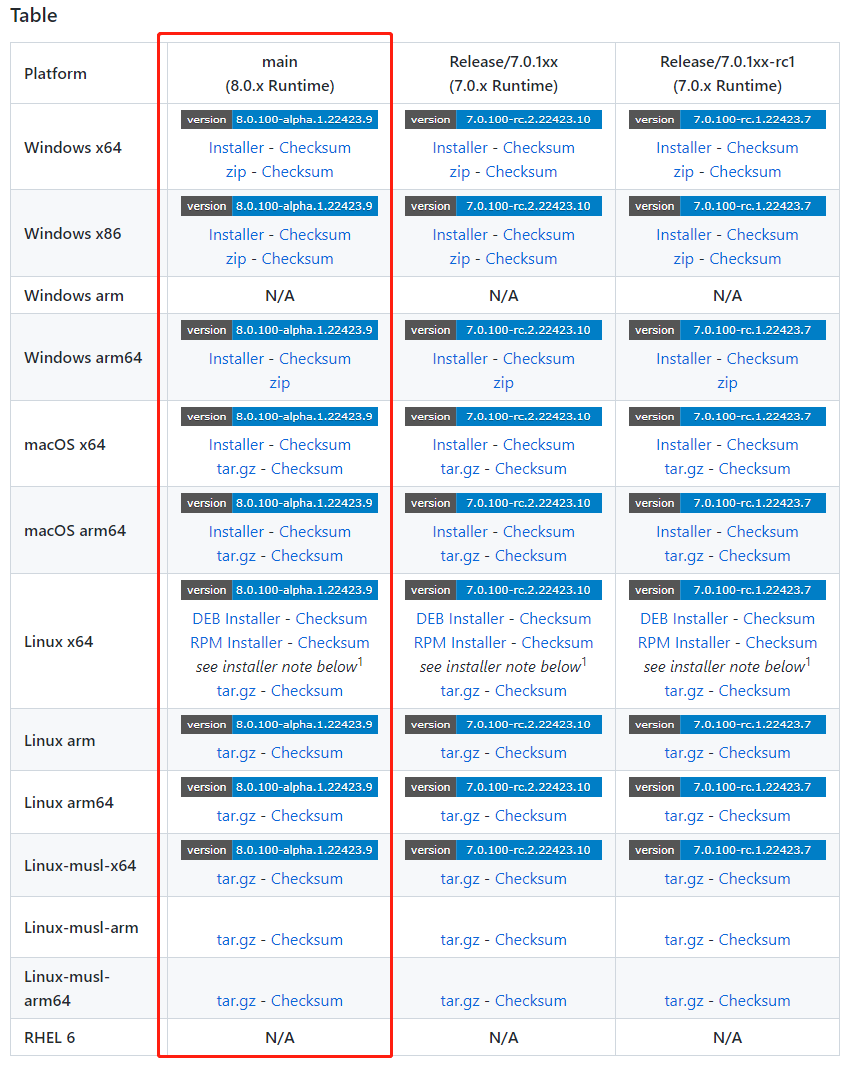
GitHub Download
See the image below; the size of .NET 8 is not much different from previous versions:
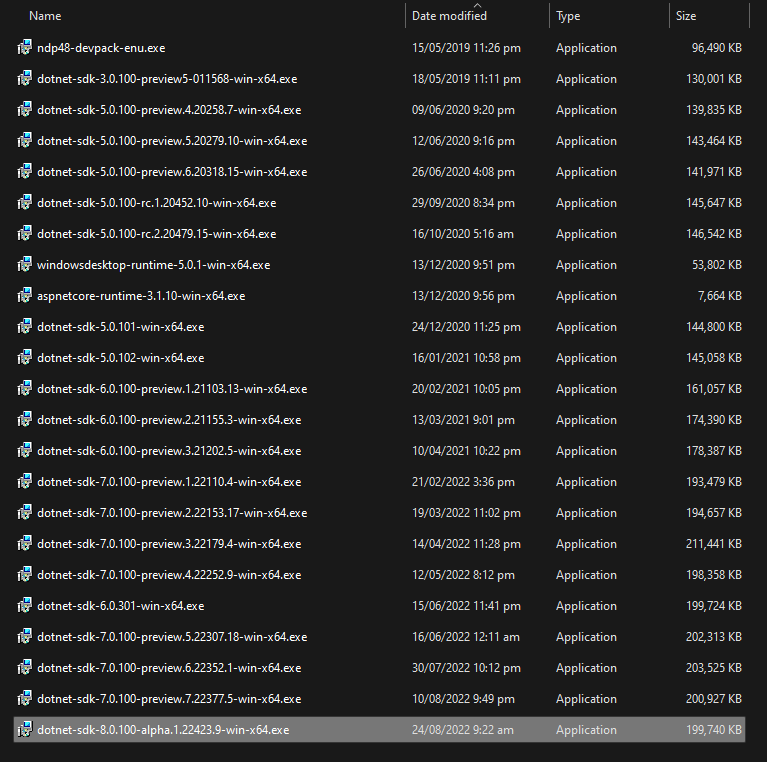
Installation
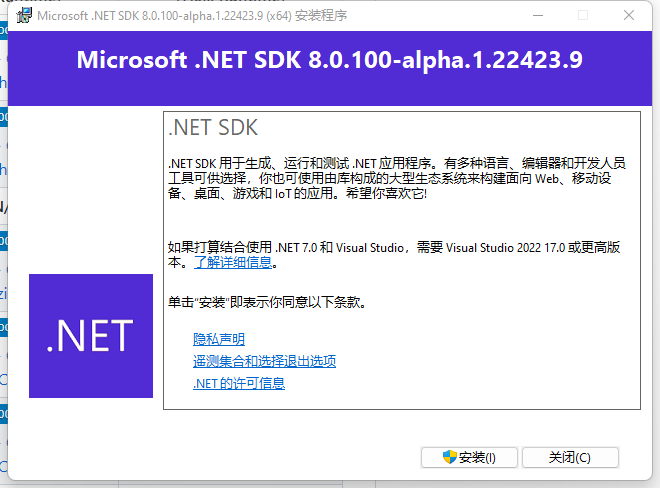
Installation is also no different; just double-click to install on Windows:
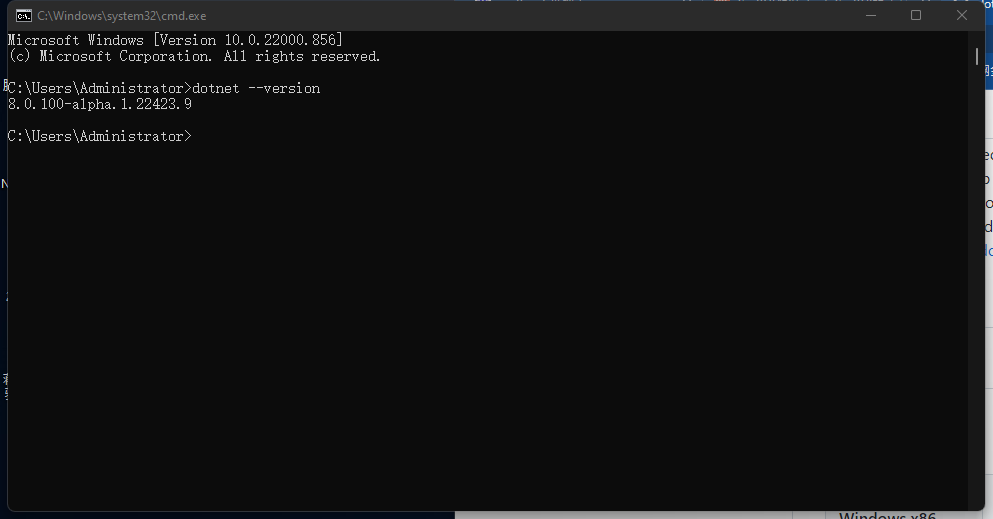
The site owner is using VS 2022- Preview Version 17.4.0 Preview 1.0. When creating a new project, there is no .NET 8 version option. Even modifying the project .NET version directly fails to compile successfully:
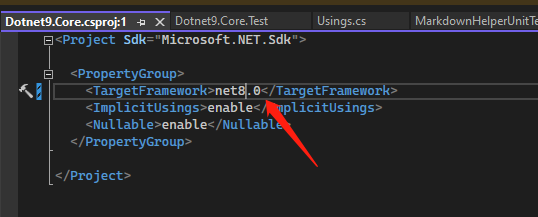

Perhaps it still requires IDE updates. There is no latest VS update prompt at the moment, but .NET 8 installation packages are already available for download. This is good news, indicating that Microsoft's efforts to build on .NET are ongoing.