Using .NET MAUI to Create Mobile Apps——Get Start
A simple MAUI usage journey
Discovered that Microsoft's official `UIKit` documentation is even more comprehensive than what `Apple` provides
Finally, a simple form with specified window size, maximized window, and borderless window has been completed
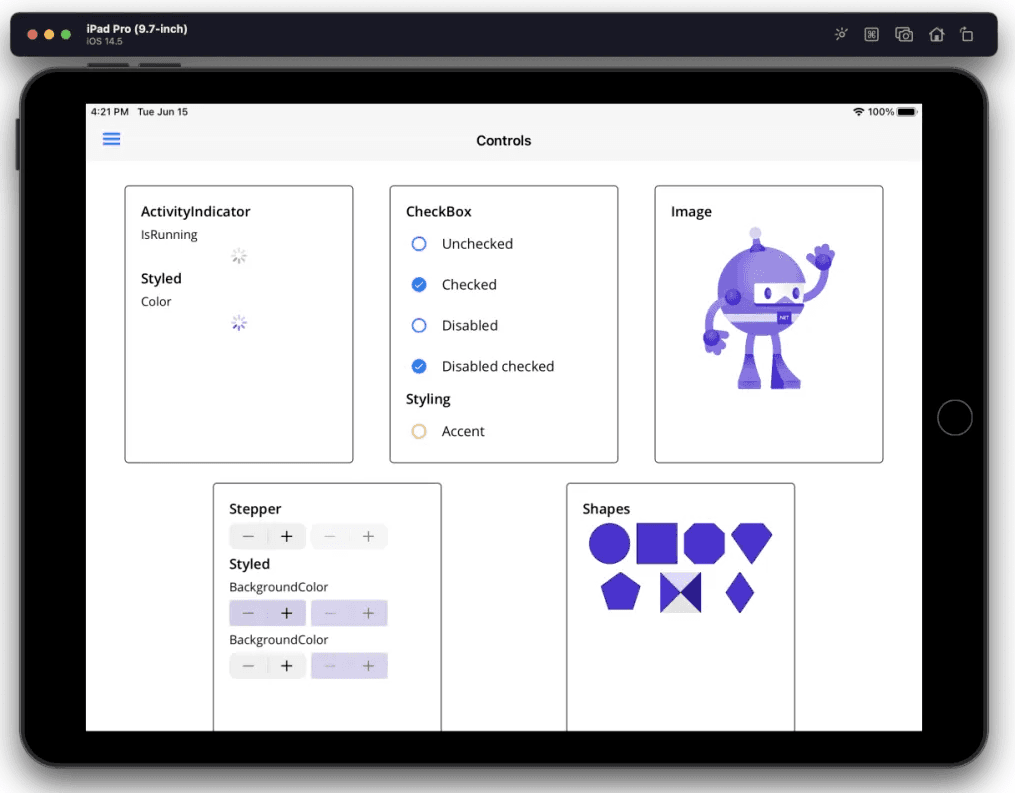
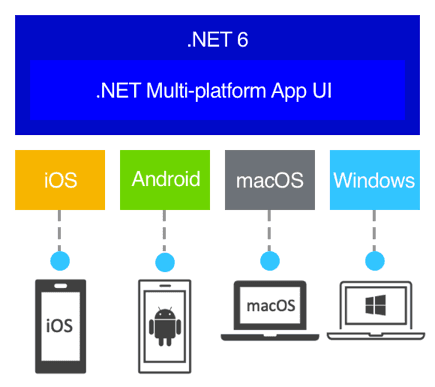
.NET developers now have a first-class cross-platform UI stack for Android, iOS, macOS, and Windows
Using `.NET MAUI`, you can develop applications that run on `Android`, `iOS`, `macOS`, and `Windows`, Linux (community-supported) from a single shared codebase. One codebase runs on multiple platforms.
After a few hours of tinkering, successfully ran Hello World on Windows and Mac. I'll choose MAUI for desktop and mobile development from now on.
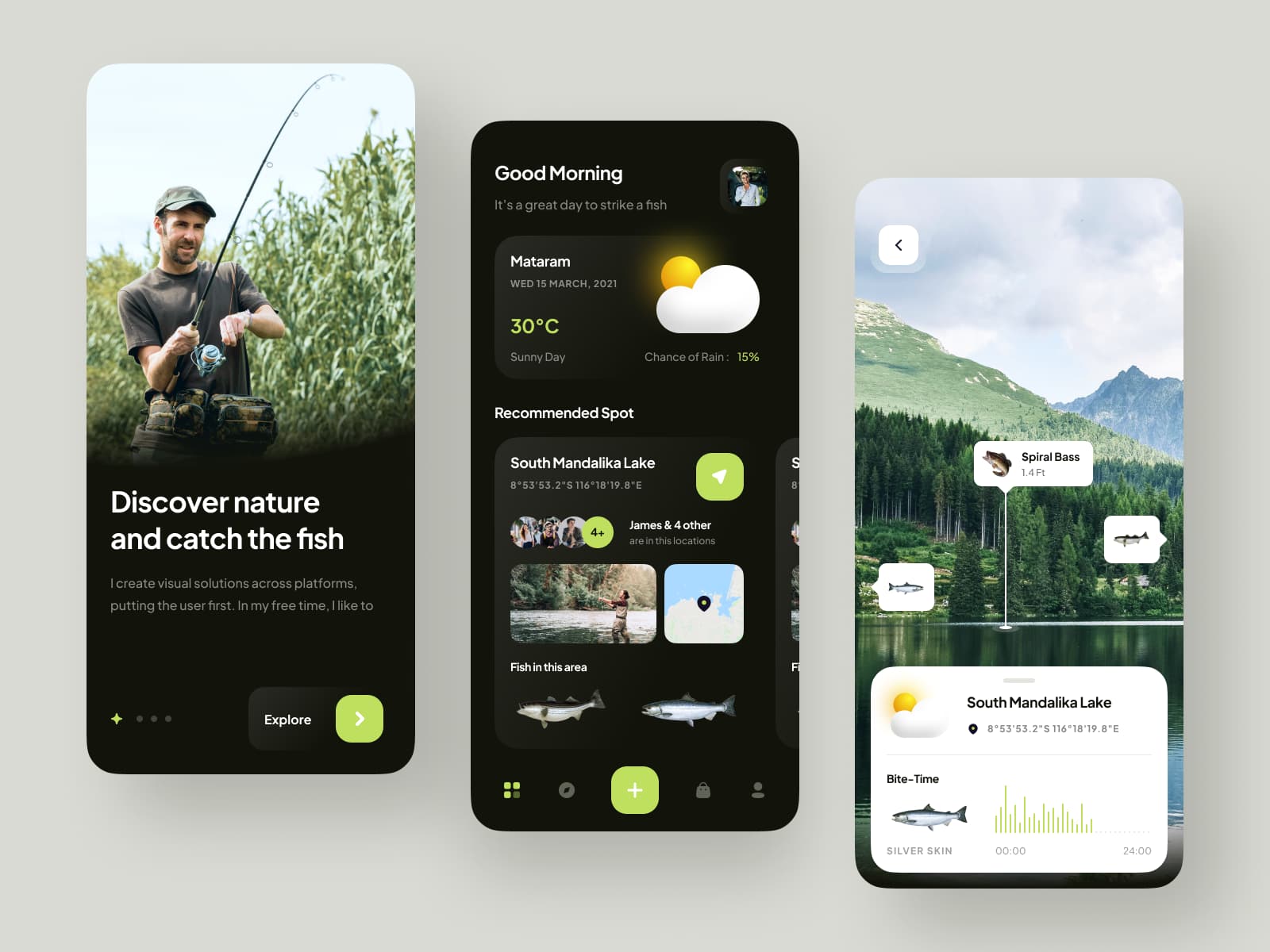
An introduction to open-source mobile apps developed using Xamarin.Forms. If interested, you can visit the [GitHub](https://github.com/jsuarezruiz/xamarin-forms-goodlooking-UI) and [Gitee](https://gitee.com/dotnet9/xamarin-forms-goodlooking-UI) repositories to check them out and download the corresponding app projects for study.
In MAUI, Microsoft's official solution is to use Blazor development, but most current Web projects are built with Vue, React, etc. If we cannot bypass the accumulated technology, rewriting the entire project with Blazor is not realistic.
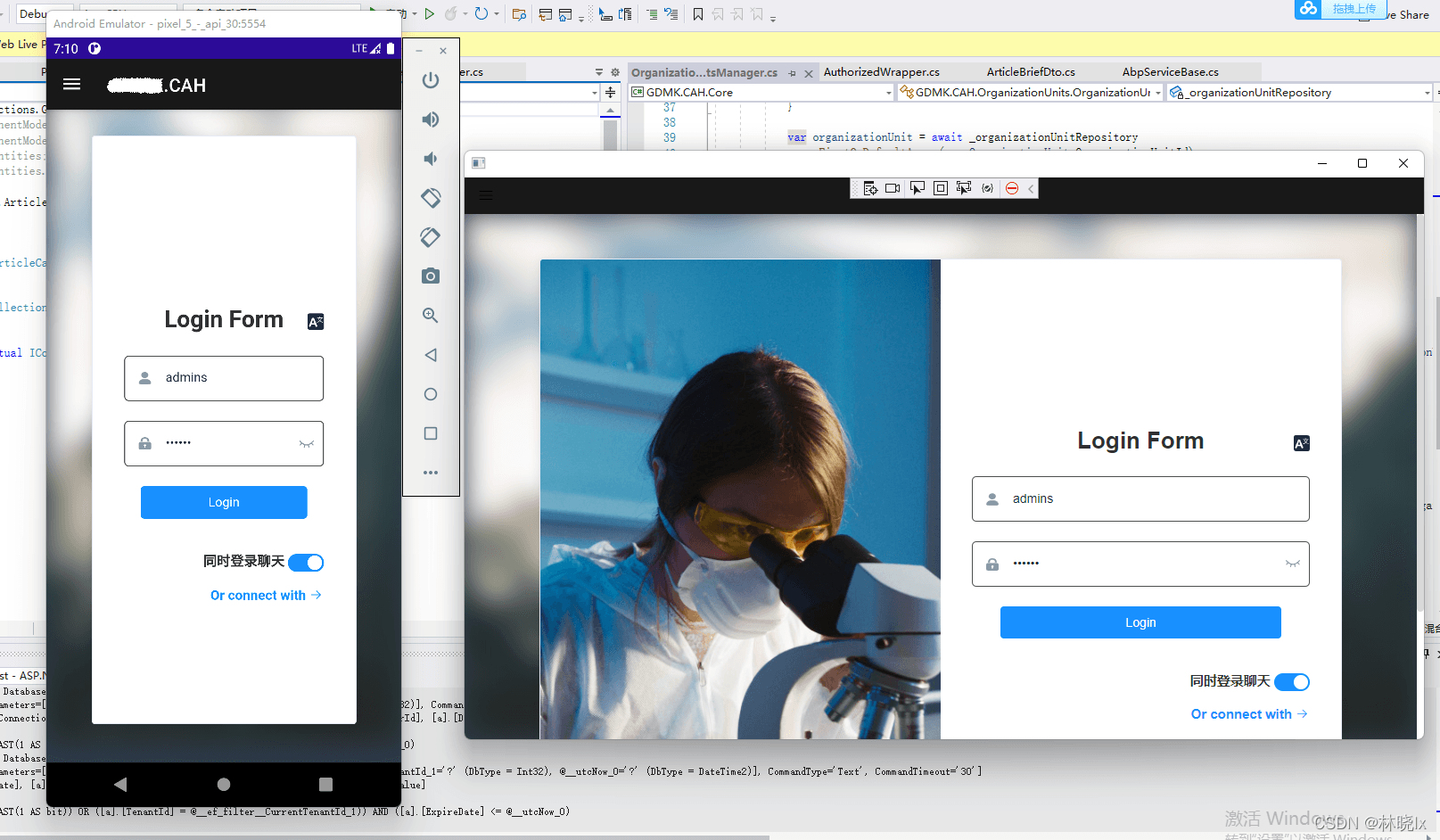
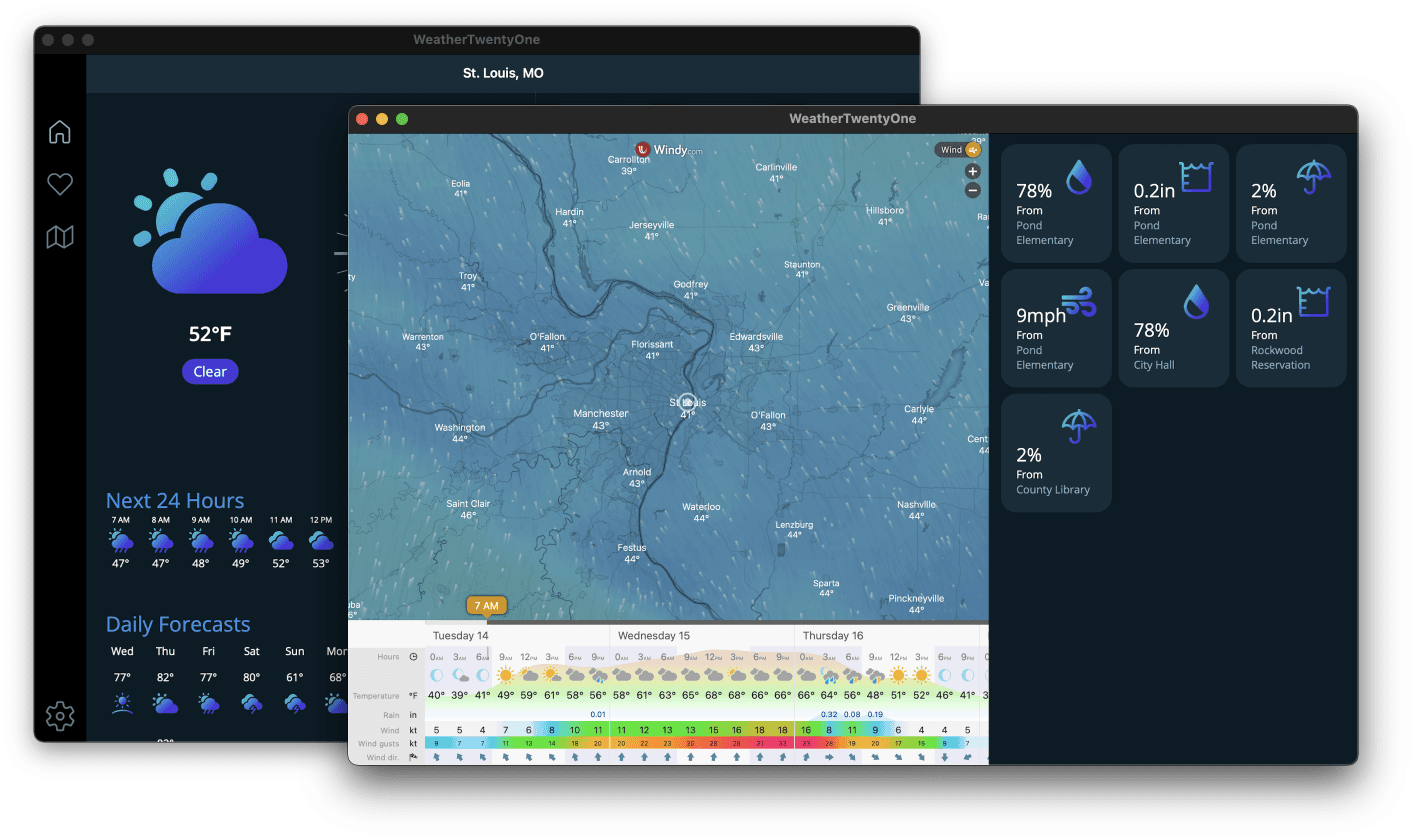
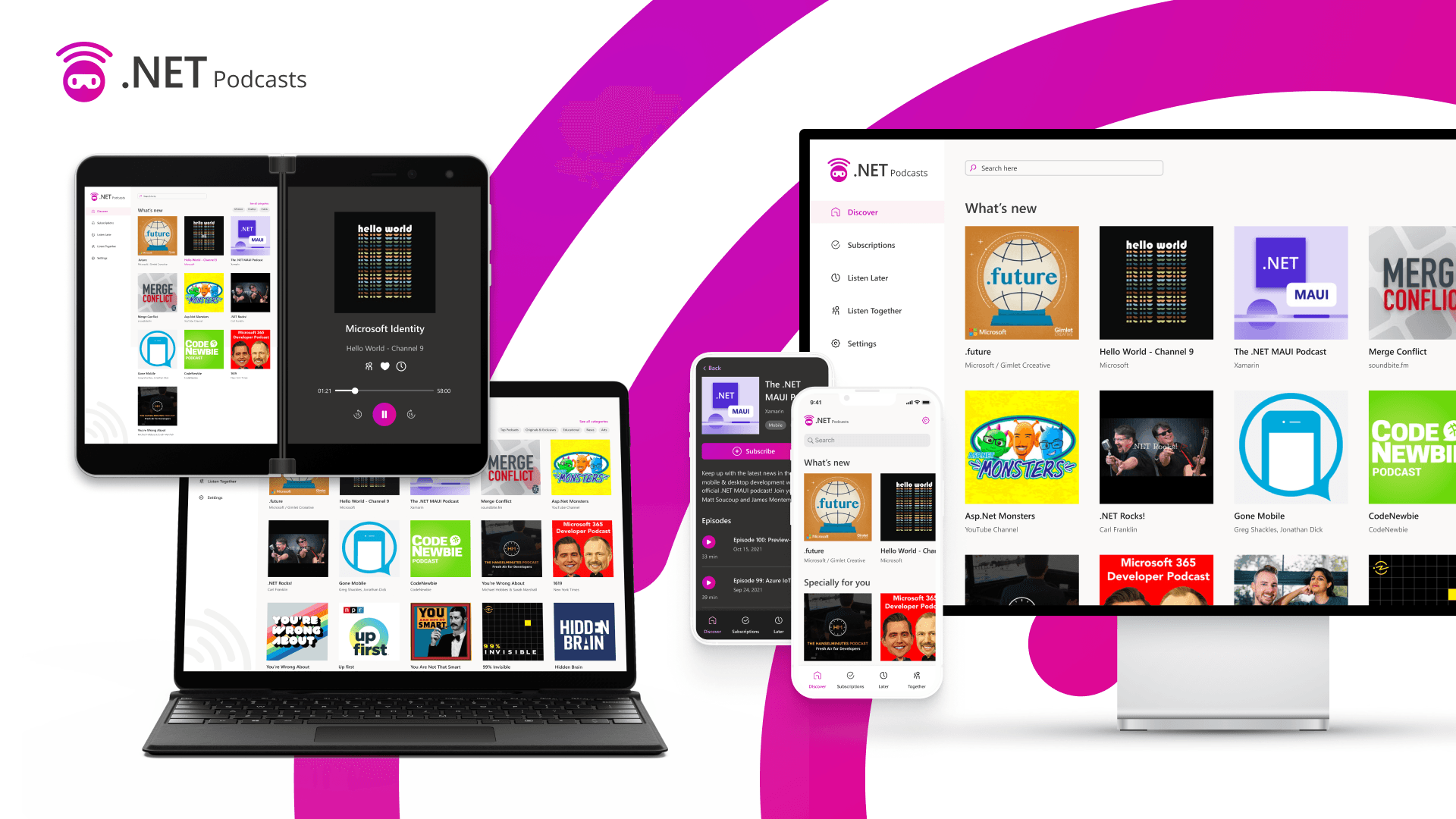
Mobile and Desktop: Native .NET MAUI application for iOS, Android, macOS, and Windows