

回顾上篇文章:C# WPF:把文件给我拖进来!!!
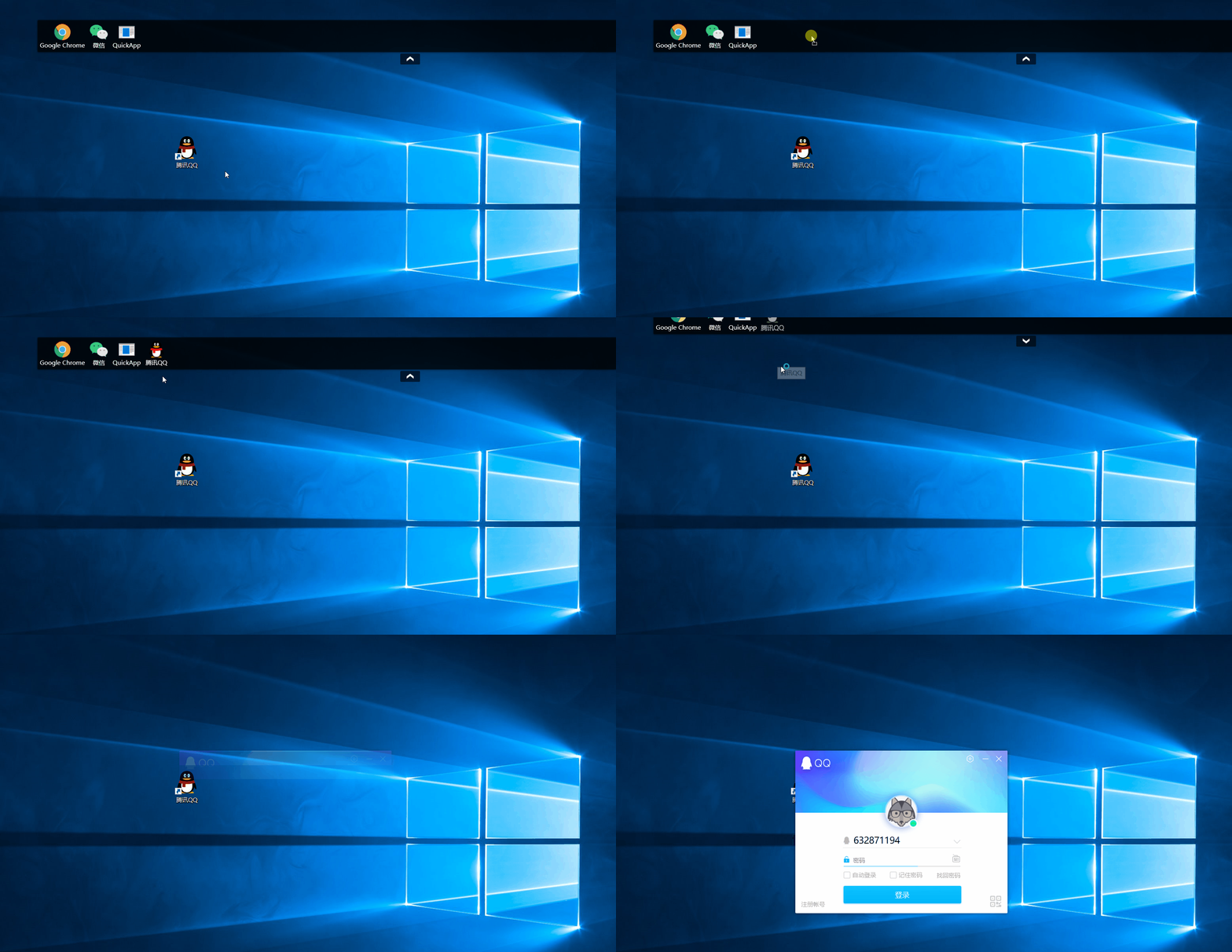
本文完成对应的下文:《C# WPF:这次把文件拖出去!》
提前看效果吧:
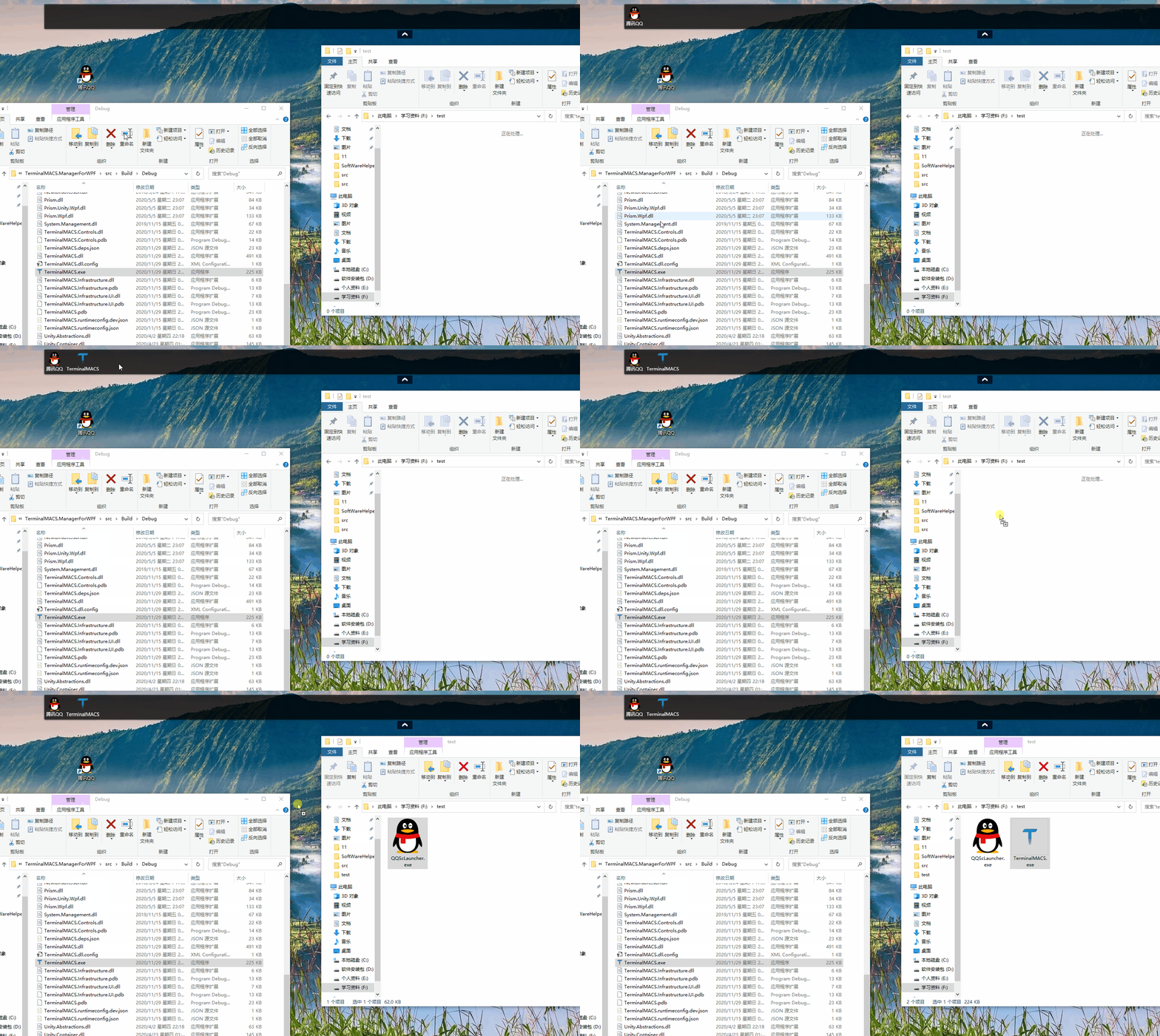
上面效果的代码很少,xaml 中只注册事件PreviewMouseLeftButtonDown即可:
<Grid MouseMove="Grid_MouseMove" AllowDrop="True" Drop="Grid_Drop" DragEnter="Grid_DragEnter" PreviewMouseLeftButtonDown="Grid_PreviewMouseLeftButtonDown">
事件处理代码如下:
//处理文件拽出操作
private void Grid_PreviewMouseLeftButtonDown(object sender, MouseButtonEventArgs e)
{
    // 目前每个菜单由一个Image和TextBlock组成,所以判断拖拽的是否是一个Image控件,其他目标控件的拖拽不处理
    var img = e.OriginalSource as Image;
    if (img == null || img.Tag == null)
    {
        return;
    }
    var menuInfo = img.Tag as MenuItemInfo;
    if(menuInfo==null)
    {
        return;
    }

    #region 拖拽代码

    ListView lv = new ListView();
    string dataFormat = DataFormats.FileDrop;
    DataObject dataObject = new DataObject(dataFormat, new string[] { menuInfo.FilePath});
    DragDropEffects dde = DragDrop.DoDragDrop(lv, dataObject, DragDropEffects.Copy);

    #endregion
}
关键的是后面的代码(拖拽代码,源码仓库路径),需要将原文件路径通过DragDrop.DoDragDrop方法传入,操作系统帮我们处理了文件复制操作。
上面的操作还是太简单,相当于只是对文件在操作系统层面进行了复制,如果要完成类似百度网盘的拖拽下载功能(如下图):

上面的功能,程序其实要做不少事情,需要监听拖放的路径,得到拖放路径后,就可以通过原文件网络路径进行下载了,建议阅读这篇文章,参考拖放下载文件操作:WPF 拖拽文件(拖入拖出),监控拖拽到哪个位置,类似百度网盘拖拽。
另外,这篇文章对 WPF 的拖放写得也不做,建议阅读:WPF 之 DragDrop 拖放实例。