介绍
Wpf 客户端,AIStudio.Wpf.AClient
软件架构
本框架使用 Prism 做 MVVM,优点咱就不说了,主要用了容器注入,消息和 DI,比自己写省很多事。网上有很多标准的 MVVM 的使用方法,但是没有形成一个系统级的框架。本框架从登录到具体业务的使用,还有自动升级都搭建完成,没有大神写的那么好,只是起个抛砖引玉的作用。
后端使用 ASP.net core,采用的是 Colder.Admin.AntdVue 的框架,强烈推荐大家去看,我在其基础上增加了一些功能,
网页客户端浏览地址(账号密码:Admin,Admin):
http://121.36.12.76:5001/
接口浏览地址http://121.36.12.76:5000/
Wpf 客户端下载可以直接运行,默认配置文件 AIStudio.Wpf.Client.exe.Config
<appSettings>
    <add key="Title" value="AIStudio" />
    <add key="Language" value="中文" />
    <add key="FontSize" value="16" />
    <add key="FontFamily" value="宋体" />
    <add key="Accent" value="BlueGray" />
    <add key="Theme" value="BaseGray11" />
    <add key="NavigationLocation" value="Left" />
    <add key="NavigationAccent" value="Dark" />
    <add key="TitleAccent" value="Normal" />
    <add key="ToolBarLocation" value="Top" />
    <add key="Version" value="1.0.20201115-rc3" />
    <add key="ServerIP" value="http://121.36.12.76:5000" />
    <add key="UpdateAddress" value="http://121.36.12.76:5000/update" />
  </appSettings>
其中 ServerIP 就是后台接口地址,http://121.36.12.76:5000可直接使用。
账号密码:Admin,Admin。 如果不连服务器,只看 DemoPage,账号密码 LocalUser,LocalUser。
如果不连服务器,还可以使用 SQLite 本地数据,客户端可以独立运行。账号密码 Admin, Admin
<add key="ServerIP" value=""/>
<add key="UpdateAddress" value="http://121.36.12.76:5000/Update/AutoUpdater.xml"/>
<add key="ConString" value="Data Source=Admin.db"/>
<add key="DatabaseType" value="SQLite"/>
<add key="DeleteMode" value="Logic"/>
注释掉 ServerIP,那么是使用 efcore 获取数据,改变 ConString 和 DatabaseType 即可。另外,默认数据库删除模式为软删除。
部分截图
下面上客户端部分截图,作者对该项目还在调整,源码、UI 美观度等还在优化,欢迎给该作者提建议(带完整 RBAC 权限):
系统管理
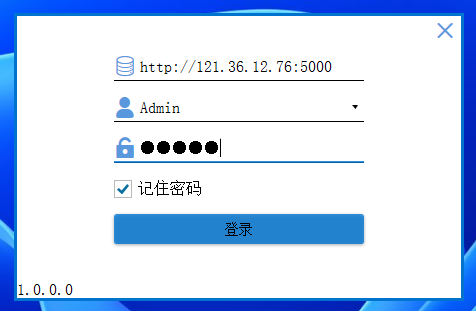
- 登录界面
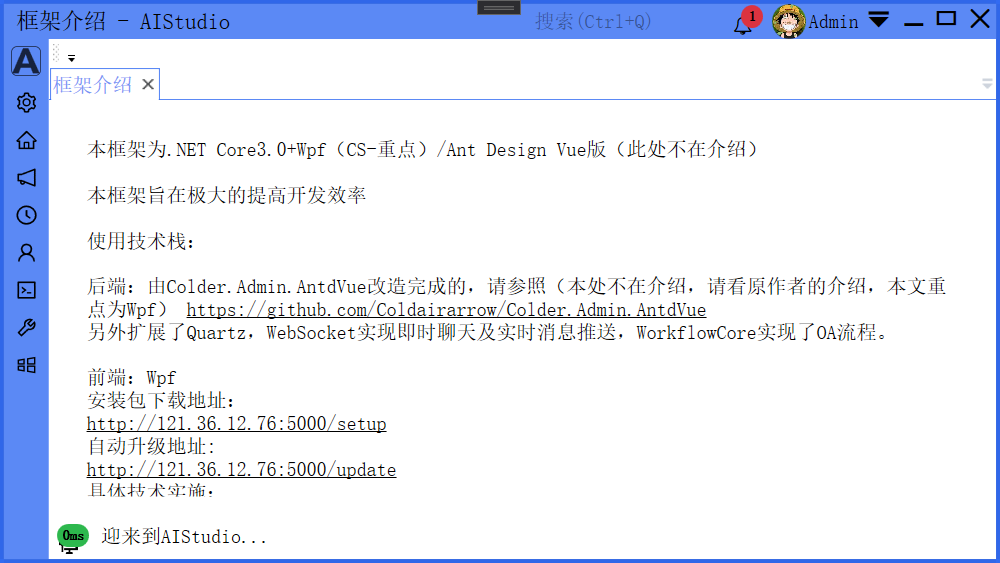
- 主窗口
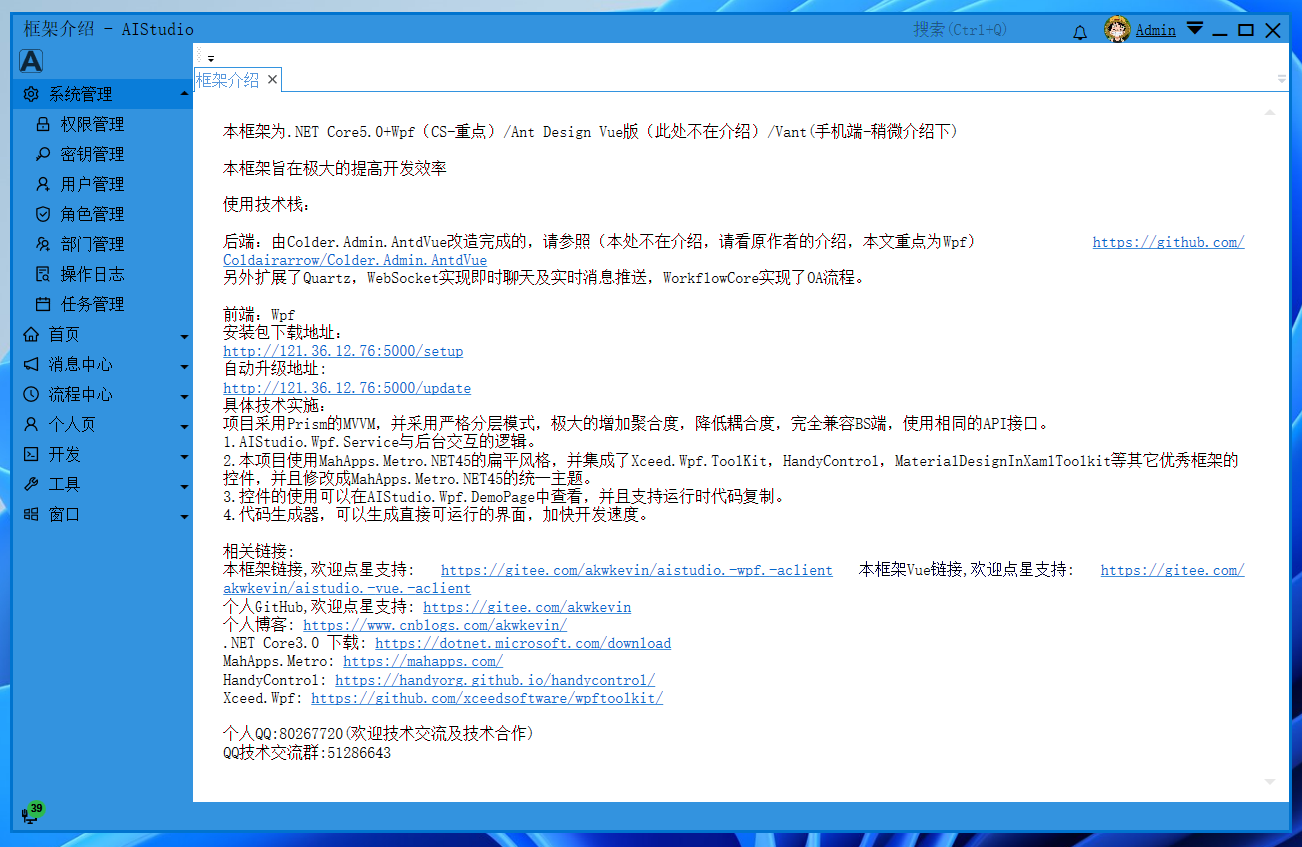
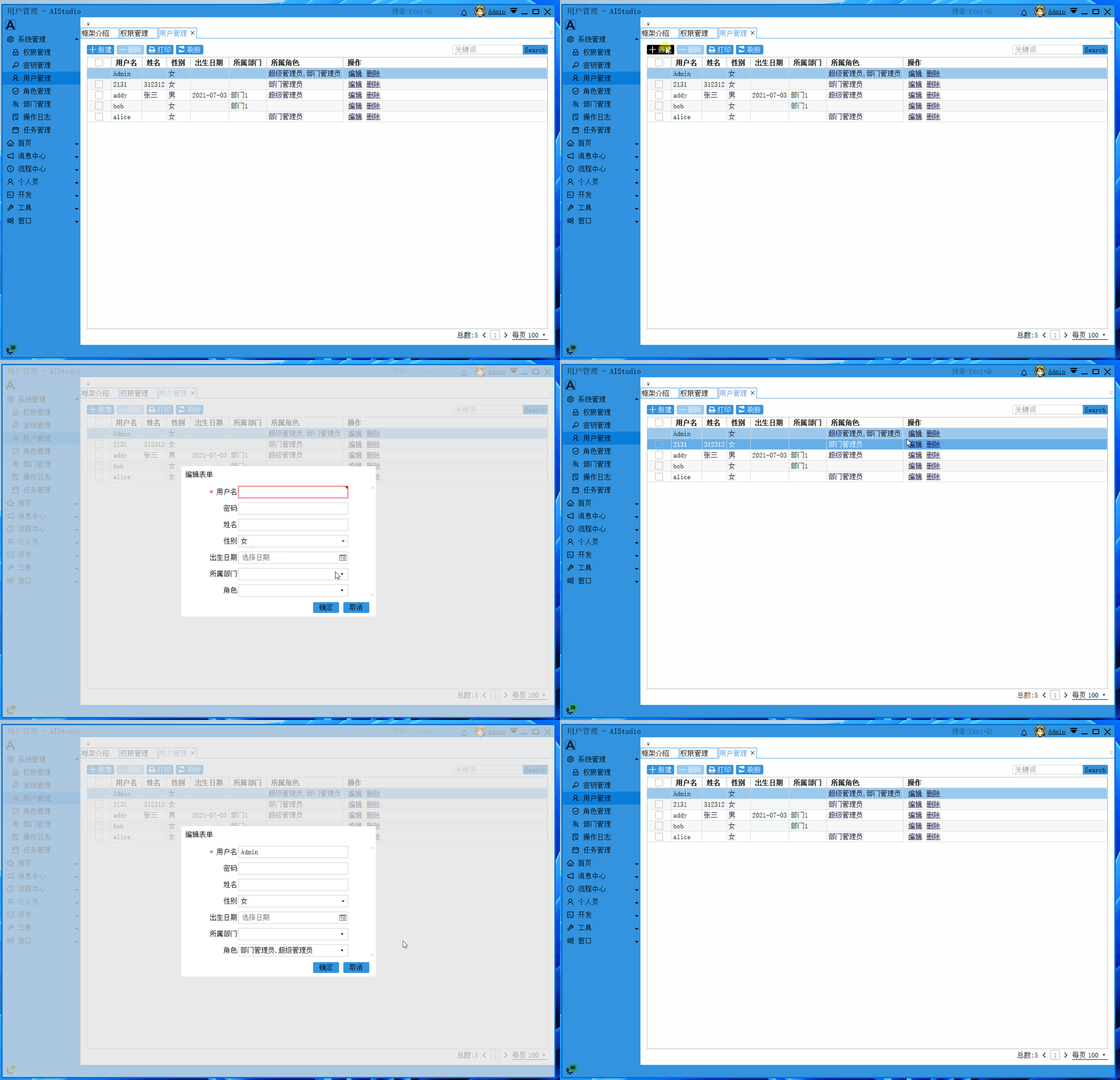
- 用户管理
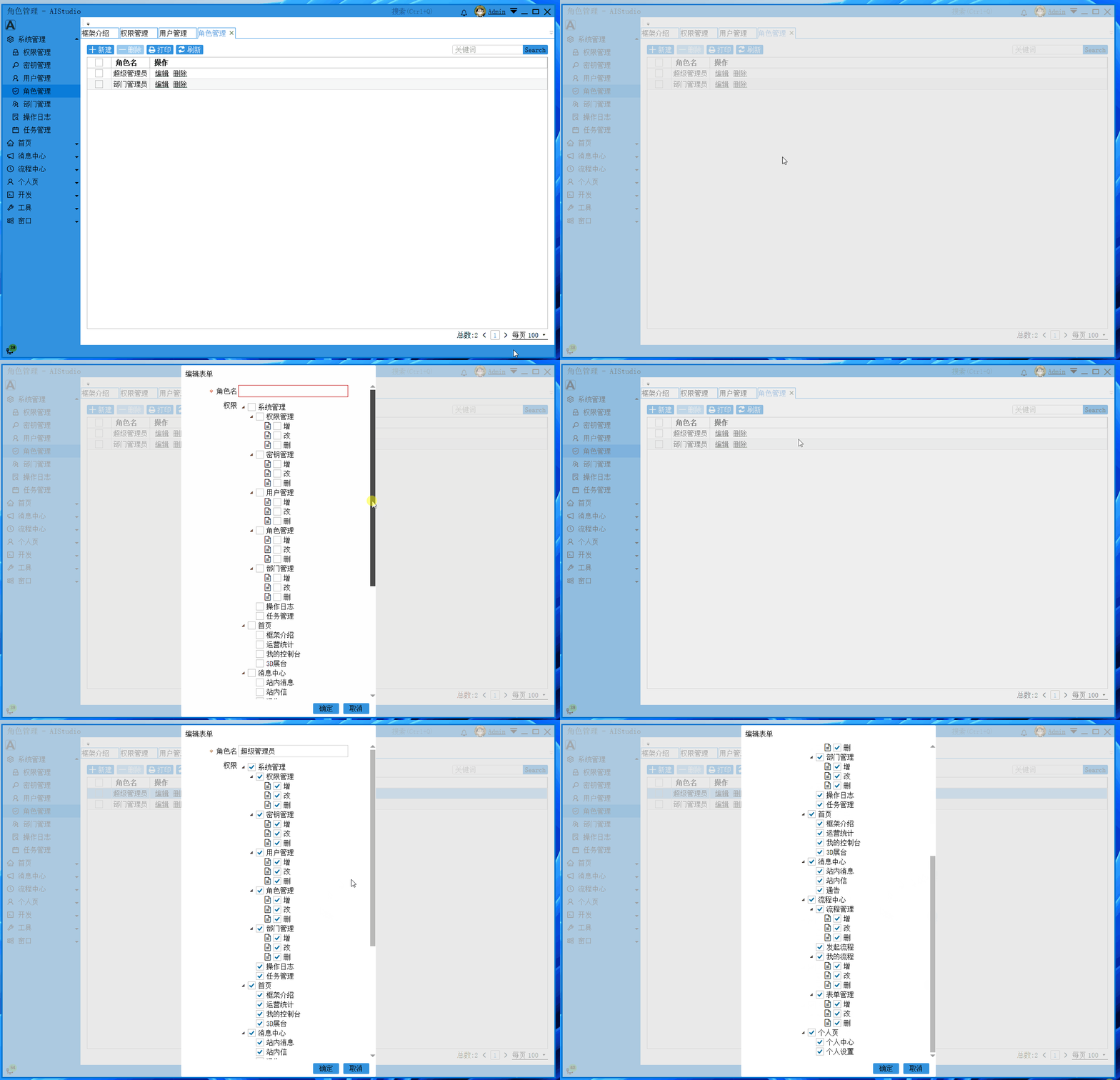
- 角色管理
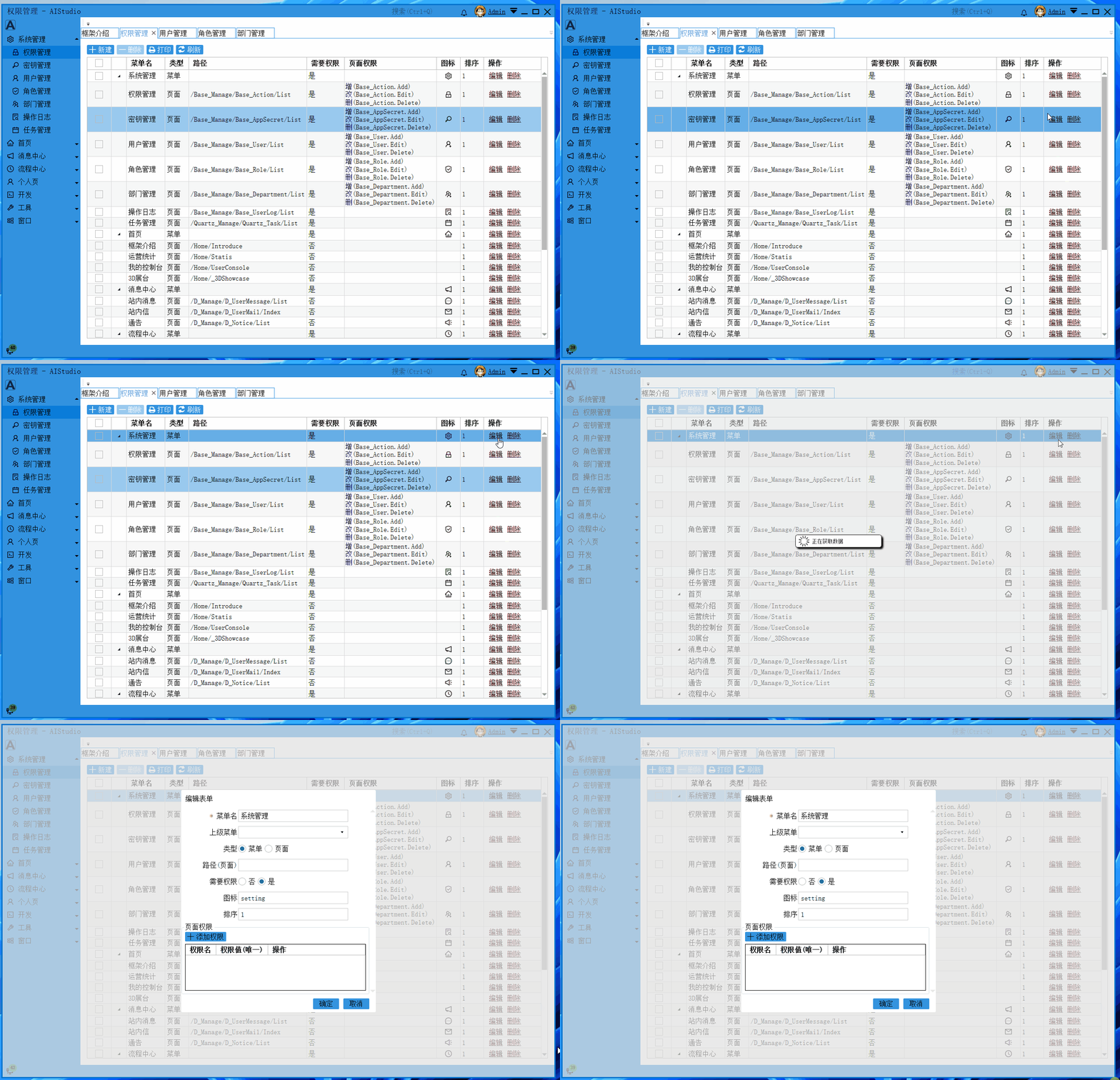
- 权限管理
消息中心
- 站内消息
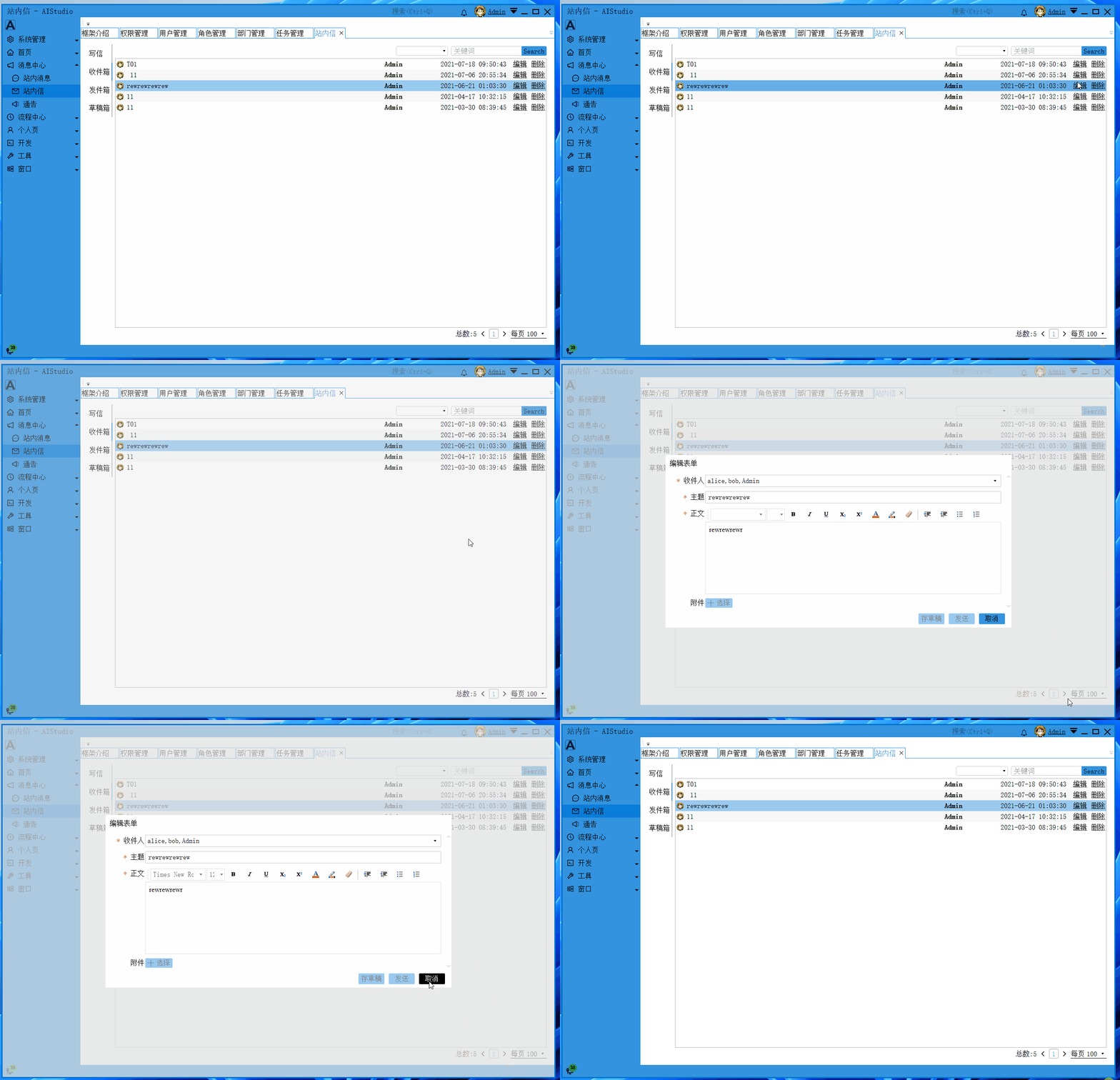
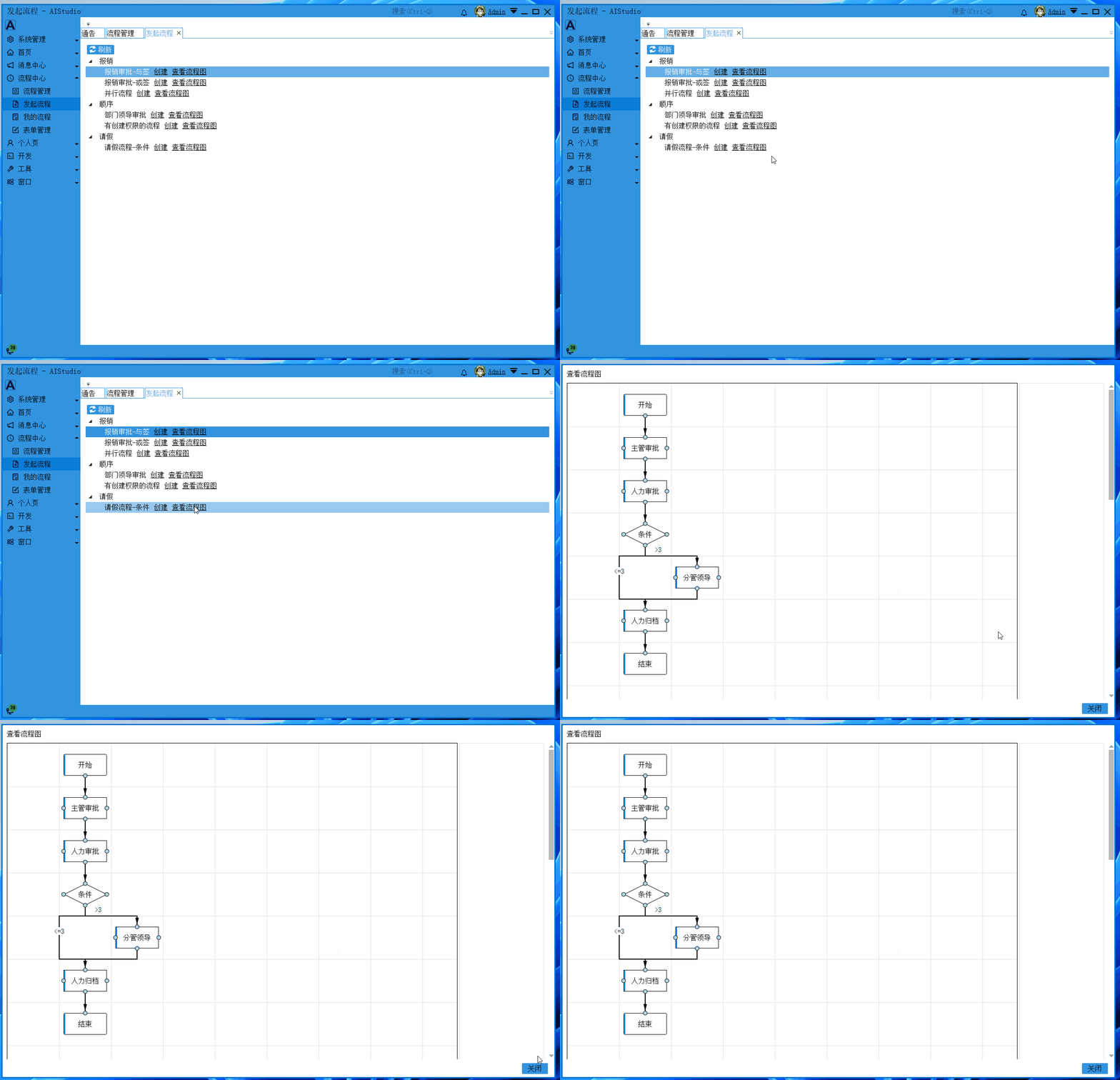
特色功能:流程管理
- 流程管理

- 发起流程
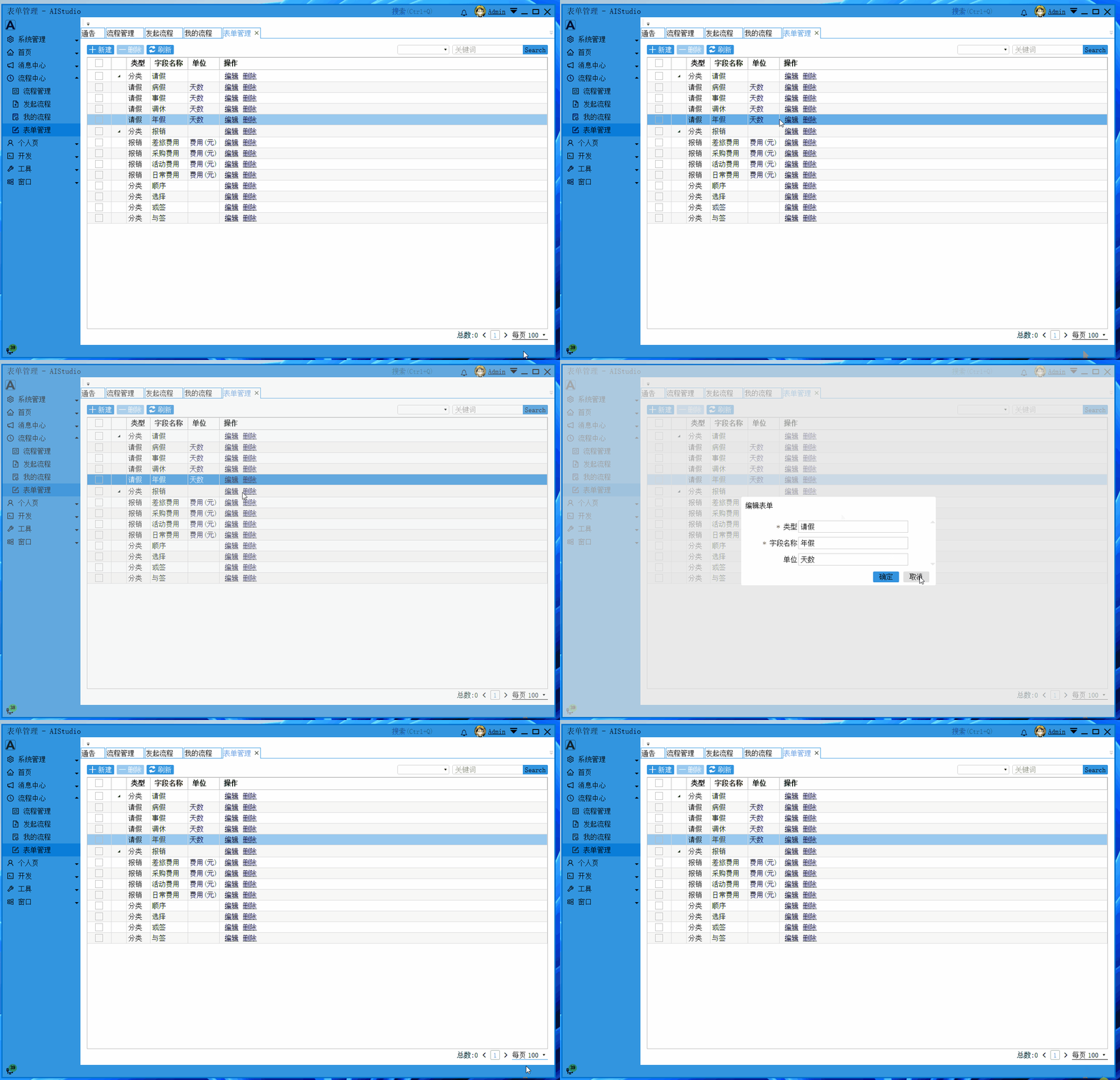
- 表单管理
与作者技术交流
作者微信:akwkevin
作者 QQ:80267720
QQ 技术交流群:51286643(进群提供服务端的开源代码地址)
个人博客:https://www.cnblogs.com/akwkevin/
文中项目仓库地址:https://gitee.com/akwkevin/aistudio.-wpf.-aclient
大家可关注作者 gitee 账号,还有其他项目,比如:WPF 开源项目:流程画板:
https://gitee.com/akwkevin/aistudio.-wpf.-diagram
上该项目几个截图结束本文:
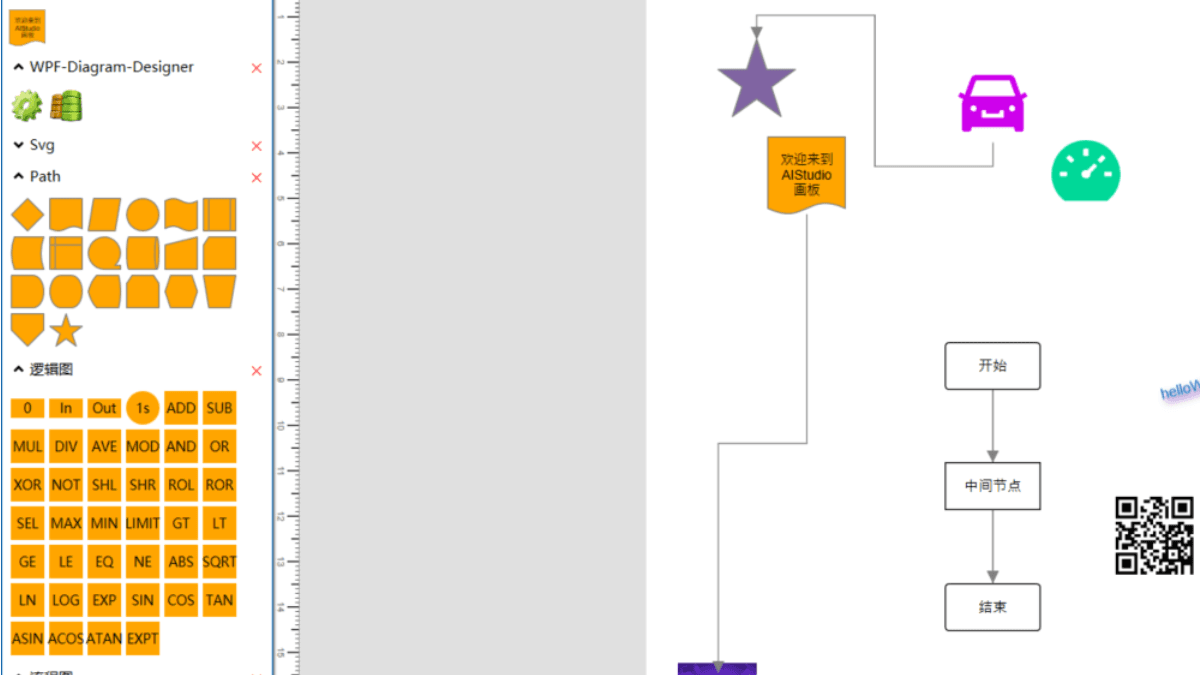
- 画板编辑
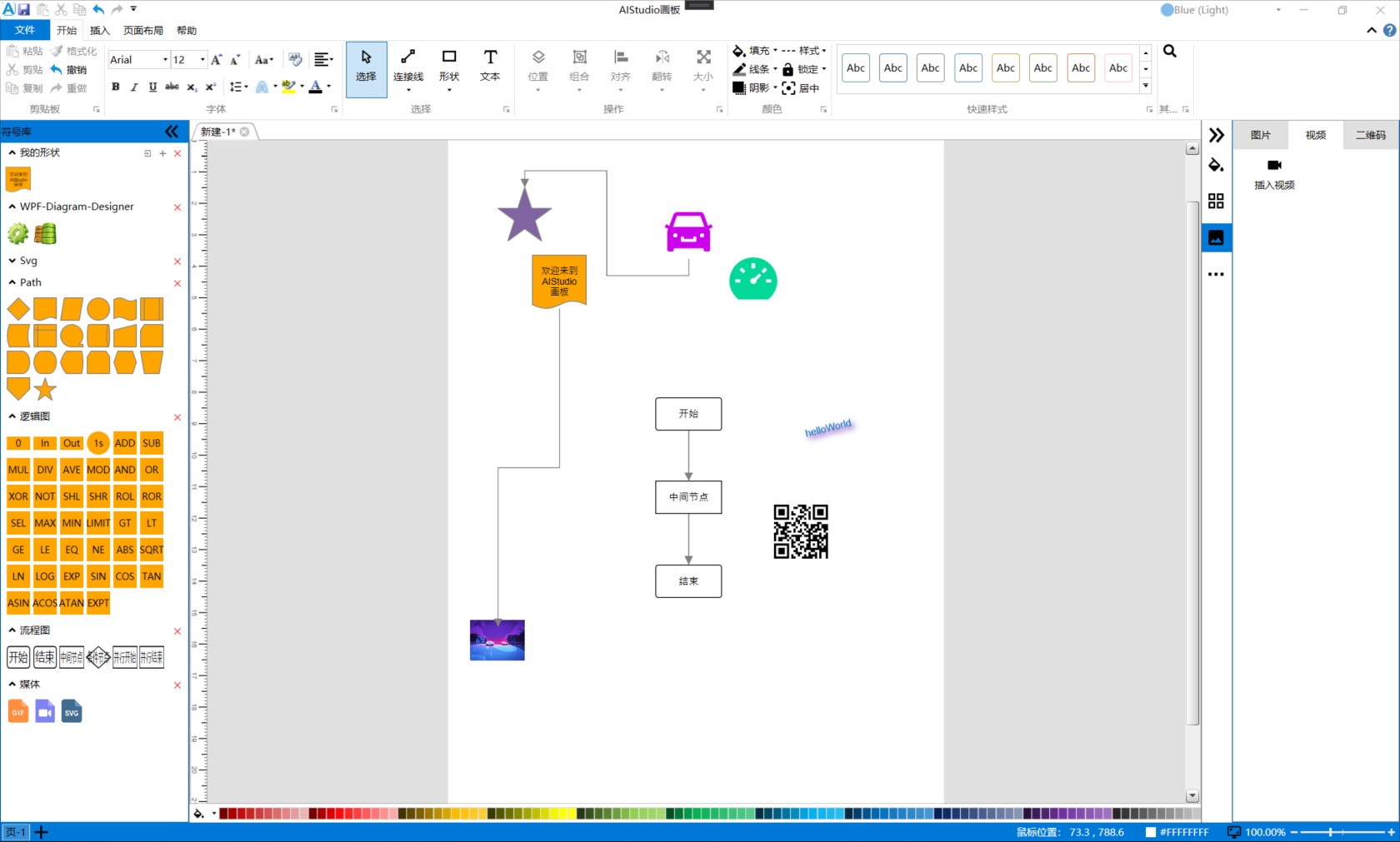
- 流程图
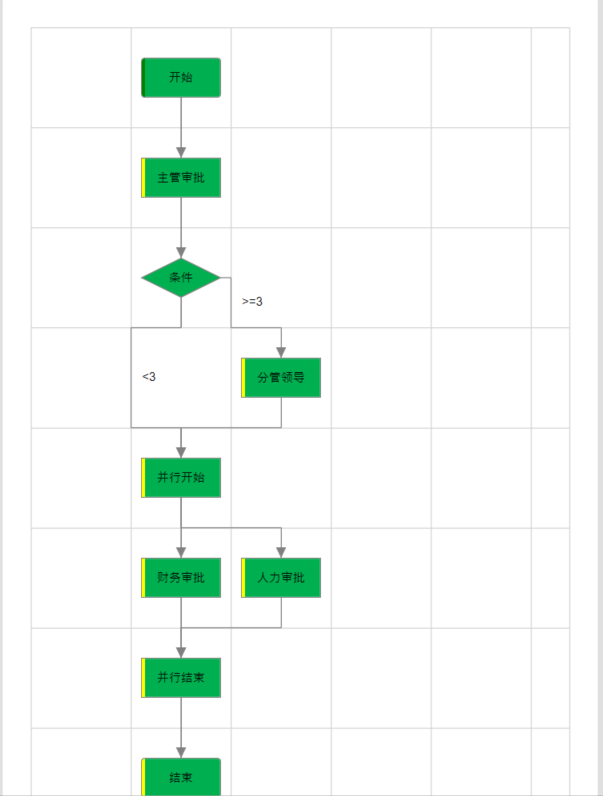
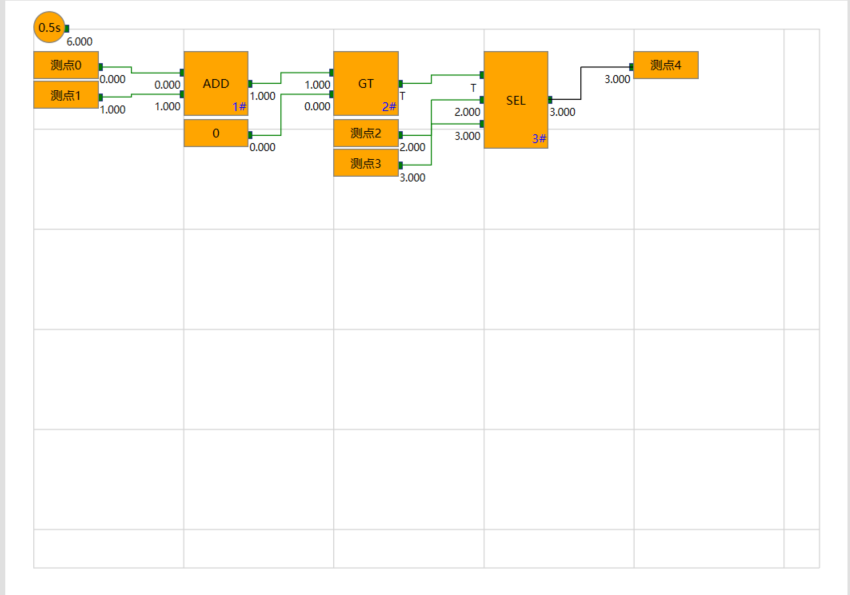
- 逻辑图