Problems with Avalonia clipboard and DataGrid
Record two problems recently solved by Avalonia desktop software development: clipboard copying crash and Tab switching DataGrid stuck, analyze the root causes and give solutions
Record two problems recently solved by Avalonia desktop software development: clipboard copying crash and Tab switching DataGrid stuck, analyze the root causes and give solutions

In the evolution of software engineering, the development of cross-platform graphical user interfaces (GUIs) has always been an area full of compromises, trade-offs, and technical games.

In the past few years, our host computer software has been mainly developed using WPF and WinForm. These technologies are really easy to use on the Windows platform, and they have also accompanied us through the stage of small-scale trial production to today's large-scale delivery. However, with the development of business and changes in customer needs, the single Windows technology stack has gradually become a hurdle that we must overcome.
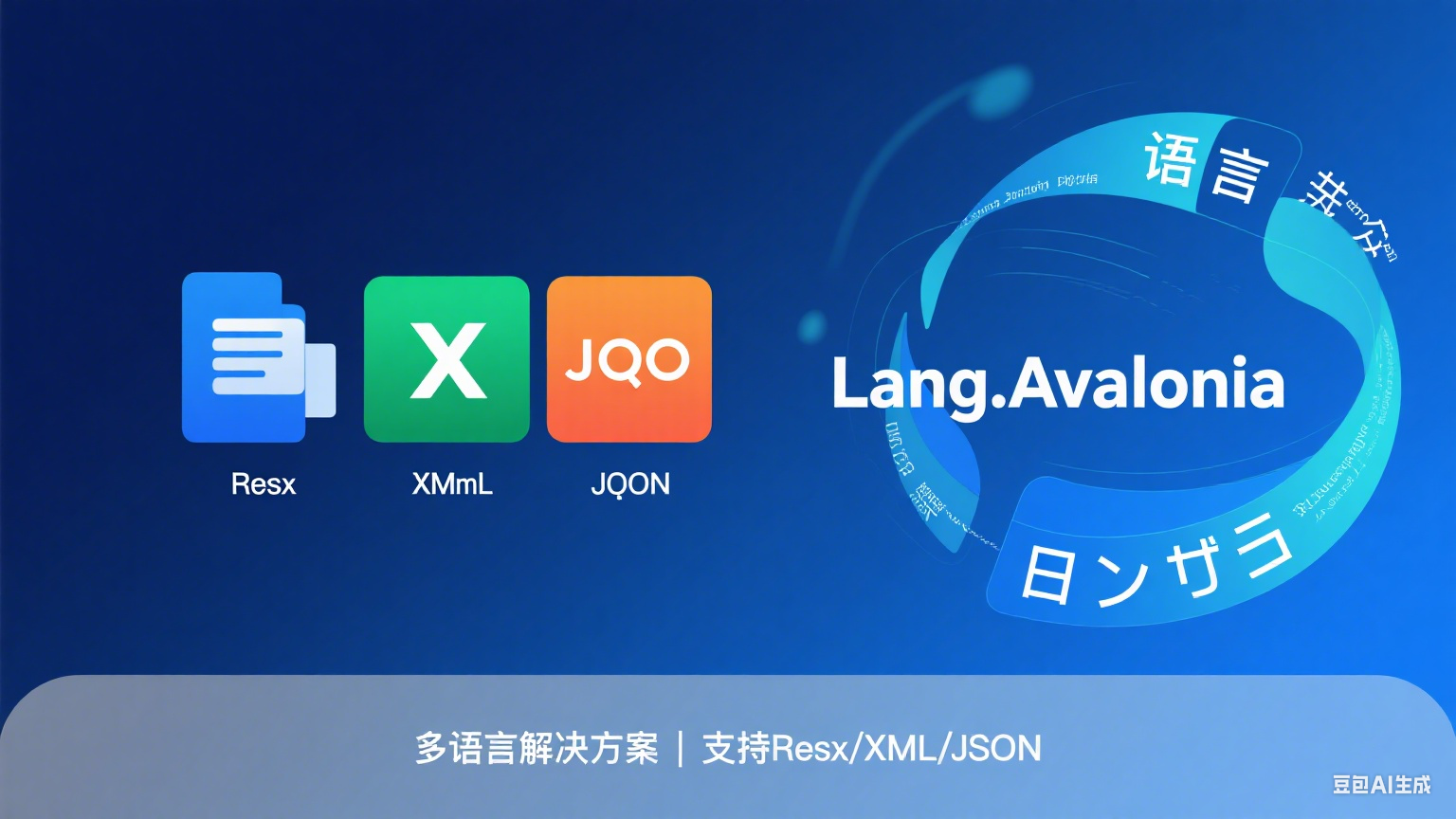
This is a multi-language management library specially designed for the Avalonia framework. It reconstructs the multi-language support logic through plug-in architecture. It is not only compatible with traditional Resx resource files, but also adds support for XML and JSON formats. It also provides type-safe resource references, dynamic language switching and other capabilities make multi-language development simpler and more efficient.
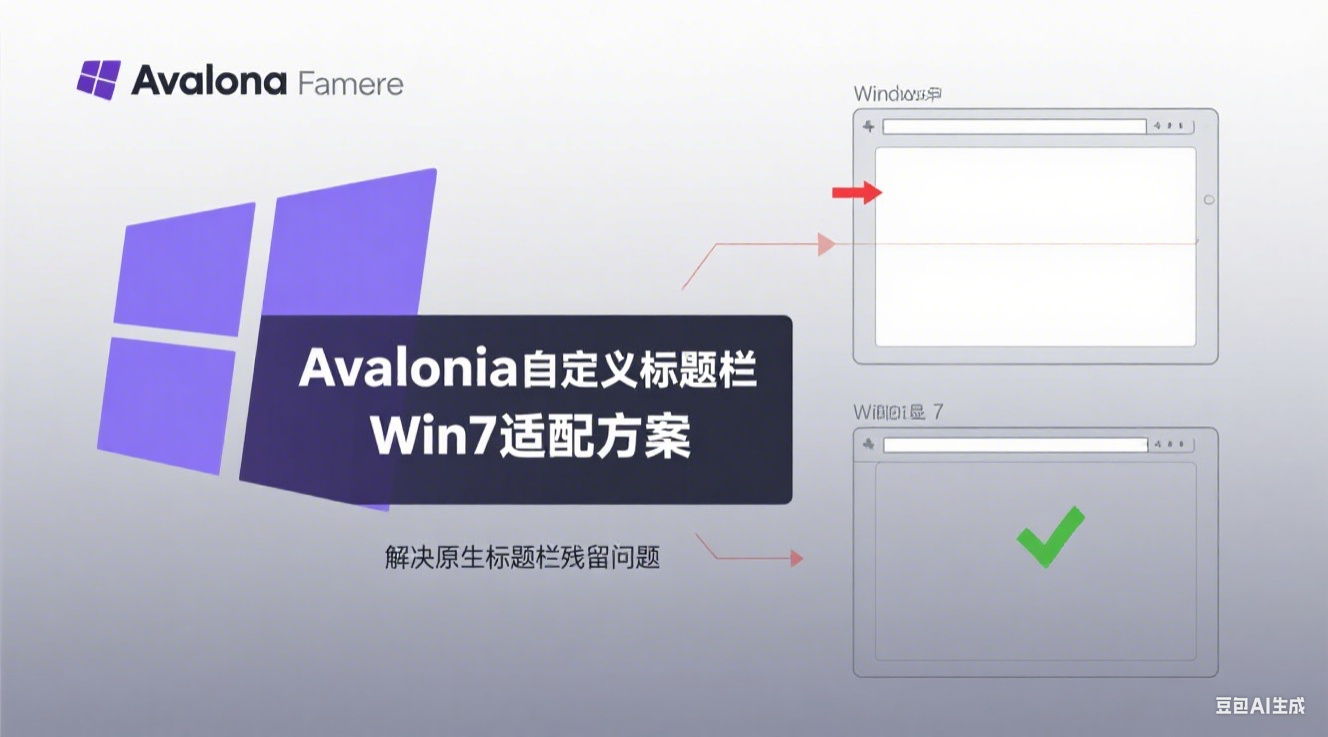
Detailed explanation of the root cause and perfect solution for the residual problem in the native title bar when Avalonia applies to customize the title bar under Windows 7, including complete code examples and version compatibility analysis

By default, clicking column headers can only be sorted in ascending and descending order, and cannot be cancelled

Can be used as a reference to implement other forms of TabItem borders

In-depth analysis of Avalonia's log component implementation scheme, discuss the dual output mechanism of interface and file, and propose optimization and improvement points
The article details how to use PowerShell scripts and batch files to automatically update program versions and one-click publishing in the. NET Avalonia UI project. First, the article explains the settings and modifications of PowerShell execution policies to ensure that scripts can execute normally. Then, it introduces ways to add scripts to Visual Studio pre-generated events to automatically update version numbers, and how to use batch files to publish applications on multiple platforms. Finally, an example of a PowerShell script is provided that can automatically update the version information of the program based on the Git tag. These methods can improve the development efficiency of. NET projects and the convenience of the release process.
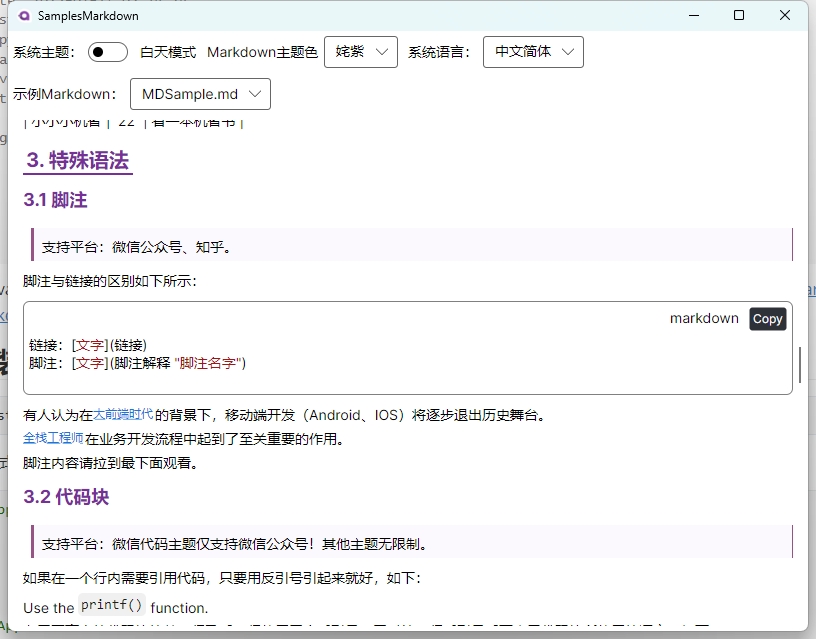
This article will introduce in detail how to use Markdown. AIRRender for Markdown rendering in the Avalonia UI, including installation, style references, example display and various features (such as support for black and white themes, theme colors, etc.). At the same time, it discussed in depth its improving international functions, aiming to help developers better integrate Markdown content into Avalonia applications, provide a better user experience, and enhance the global adaptability of applications. In addition, it also compares relevant Markdown rendering libraries to provide reference for users to choose appropriate tools.