
C#WPF: Drag the file out this time!
Drag files from the WPF form
Drag files from the WPF form
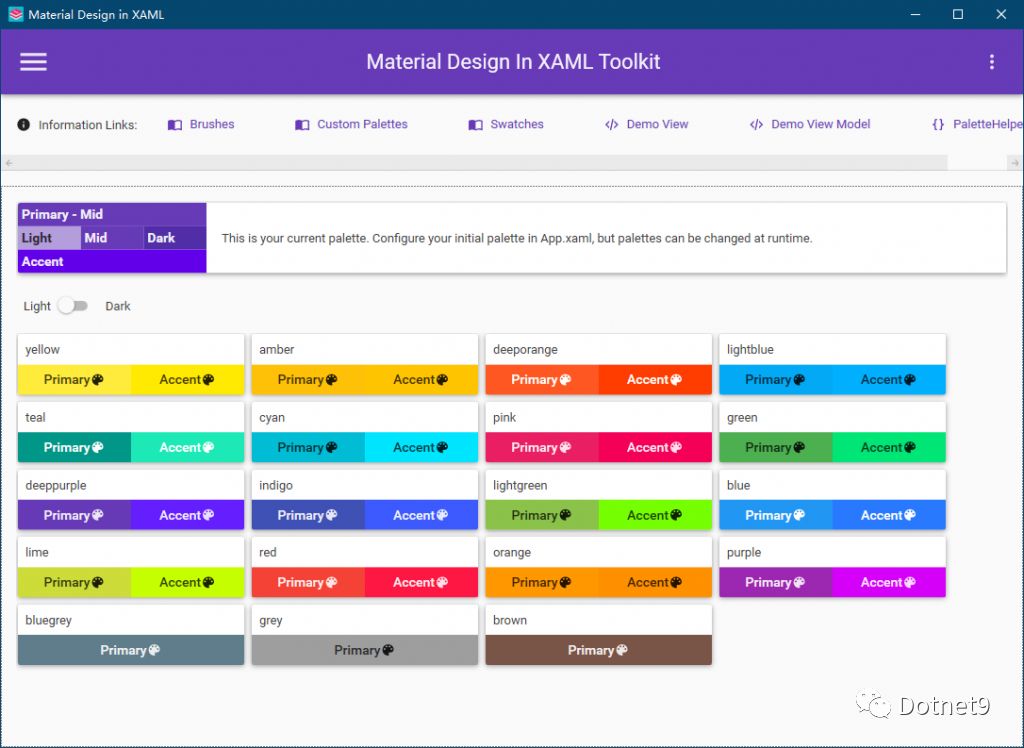
Today we introduce an open source C#WPF open source control library. It is very beautiful, with the focus on open source
This article was submitted by netizens and compiled by the Dotnet9 webmaster. The webmaster thinks this gadget is very practical, and the webmaster is also trying to use it at home and company.

In actual project development, we will encounter many scenarios that require sending emails through programs, such as exception alarms, messages, progress notifications, etc.

When uploading a file, an upload button is generally provided. Click Upload to pop up the file (or directory selection dialog box). After selecting the file (or directory), the file path is obtained from the dialog box object, and then uploaded.

It has a very beautiful interface, the whole is Win10 style, and the interface is similar to the default UWP. This library supports versions of the. NET Framework 4.5 and above, and versions of. NET Core 3.0 and above, and can be run on Windows Vista SP2 and above.

I found this open source project based on a blog post shared by netizens. This open source project has 8 interface designs, all of which work well and can be used as a reference for WPF development.

Following the introduction of the Bootstrap-style Blazor UI component library in the previous article, today I will introduce another Blazor UI component library: an enterprise-level component library based on Ant Design and Blazor.

A UI design

The effects of commonly used trays should be satisfactory, right? To achieve these effects, there is really not much code we need to code ourselves.